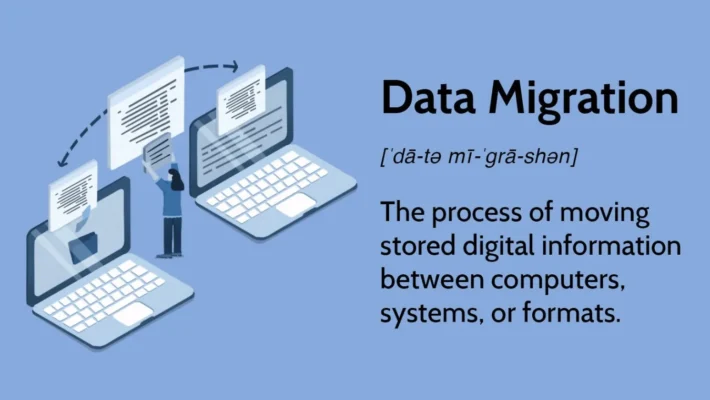
Recherche de fichiers en double
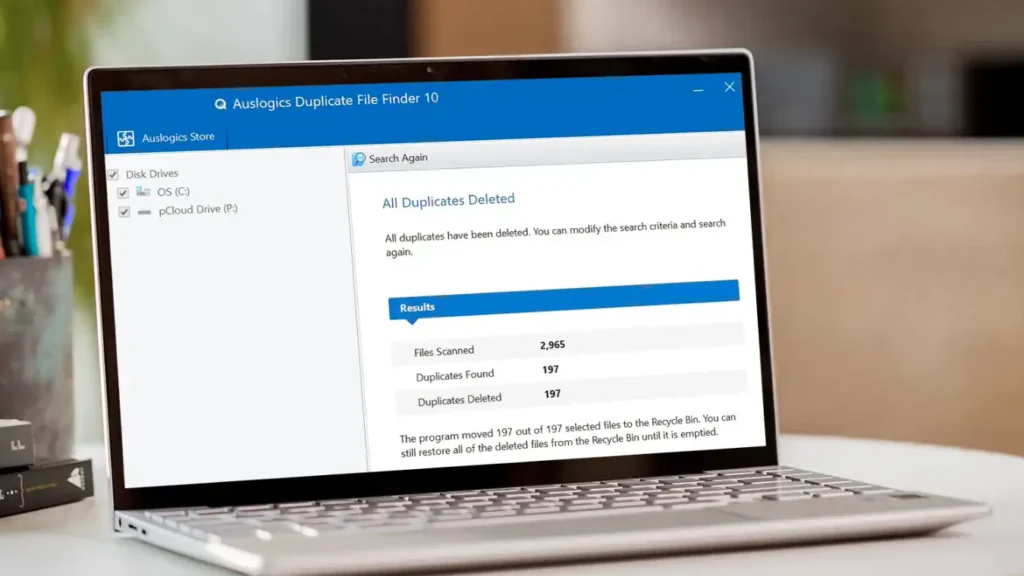
Duplicate Files Are Not Real Backups
Many users keep “extra safety” copies of documents by dragging them into new folders or external drives.
Over time, these copies multiply and turn into clutter rather than protection.
Duplicate files waste storage, slow backups, and make récupération des données more confusing.
A Recherche de fichiers en double helps identify redundant copies so you keep one clean master while freeing space safely.
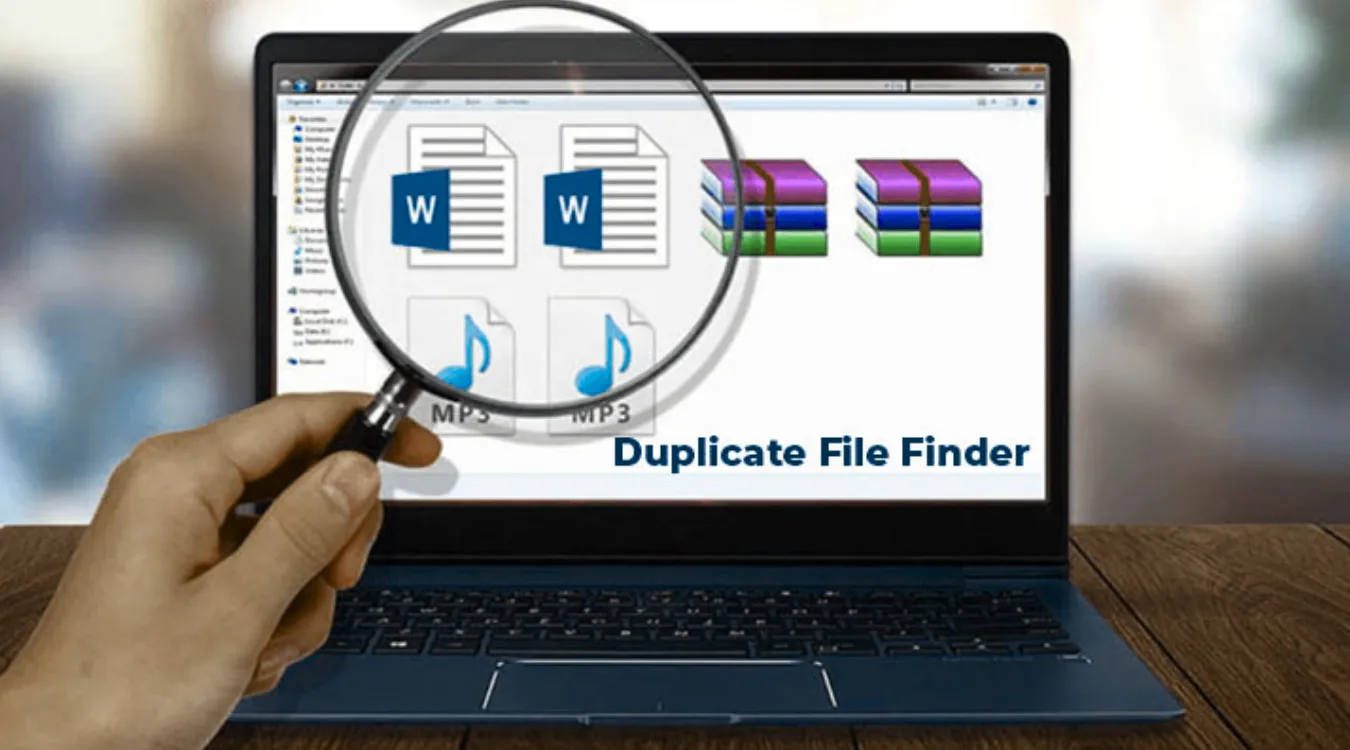
How Duplicate Files Usually Appear
Before using any tool, it helps to know where duplicates come from.
Common sources include:
Repeated downloads of the same installer or archive
Copy–paste operations during manual “backups”
Exported photos from phones into multiple folders
Cloud sync conflicts that create “filename (1).docx” variants
Old project folders copied for “versioning” and never cleaned
A good duplicate file finder focuses on these user areas instead of system folders and program directories.
What a Duplicate File Finder Actually Evaluates
A name alone does not define a duplicate.
Serious tools look at several attributes.
Key checks include:
File size: different sizes cannot match
Content signature: hash values such as MD5 or SHA-1
Optional metadata: timestamps, paths, and media tags
When content and size match, the tool groups files into a duplicate set, even if their names or locations differ.
Inside the Scan: From Filesystem to Duplicate Groups
Most duplicate file finders follow a staged process.
Understanding the stages helps you trust the results and tune performance.
Stage 1: Indexing Files
The tool walks through selected folders and collects candidates.
You often limit the scan to user data, such as Documents, Downloads, and Pictures.
You may also filter by extension to focus on photos, videos, or office files.
Stage 2: Grouping by Size and Hash
The scanner first groups files that share the same size.
It then computes hashes only inside those groups.
Files with identical size and hash go into the same duplicate group.
This strategy reduces CPU and disk load while still confirming content equality.
Stage 3: Presenting Results for Review
The tool lists groups where more than one file shares the same content.
You choose which locations to keep and which to remove or move.
Some tools auto-apply rules (keep newest, keep in a specific folder), but you still control final decisions.
Comparing Types of Duplicate File Finders
Different tools target different skill levels and data sets.
| Tool Type | Typical User | Points forts | Caveats |
|---|---|---|---|
| Basic cleaners | Home users | Simple UI, quick scan | Limited control and filtering |
| Hash-based power tools | Power users, IT staff | Precise matching, detailed rules | More options to misconfigure |
| Media-focused finders | Photographers, media teams | Image similarity, audio tag matching | Heavier scans for large photo libraries |
| Integrated utility suites | Users with broader maintenance | Combines cleanup and diagnostics | Interface may feel more complex |
You choose a tool that matches your comfort level and storage size.
In all cases, you get the best safety when you pair cleanup with a reliable outil de récupération tels que Magic Data Recovery.