
Skip to content
amagicsoft logo icon
  • Home
  • Products
    • Magic Data Recovery
    • Magic Recovery Key
  • Store
  • Blog
  • More
    • About Amagicsoft
    • Contact US
    • Privacy Policy
    • Terms
    • License Agreement
    • Refund Policy
  • English
    • 日本語
    • 한국어
    • Deutsch
    • Français
    • 繁體中文
Wiki

Data Visualization

30.11.2025 Eddie Comments Off on Data Visualization
Data Visualization

Table of Contents

Turning Raw Data Into Visual Insight

Spreadsheets full of numbers rarely tell a clear story at a glance.
Teams want to see trends, exceptions, and relationships without reading thousands of rows.

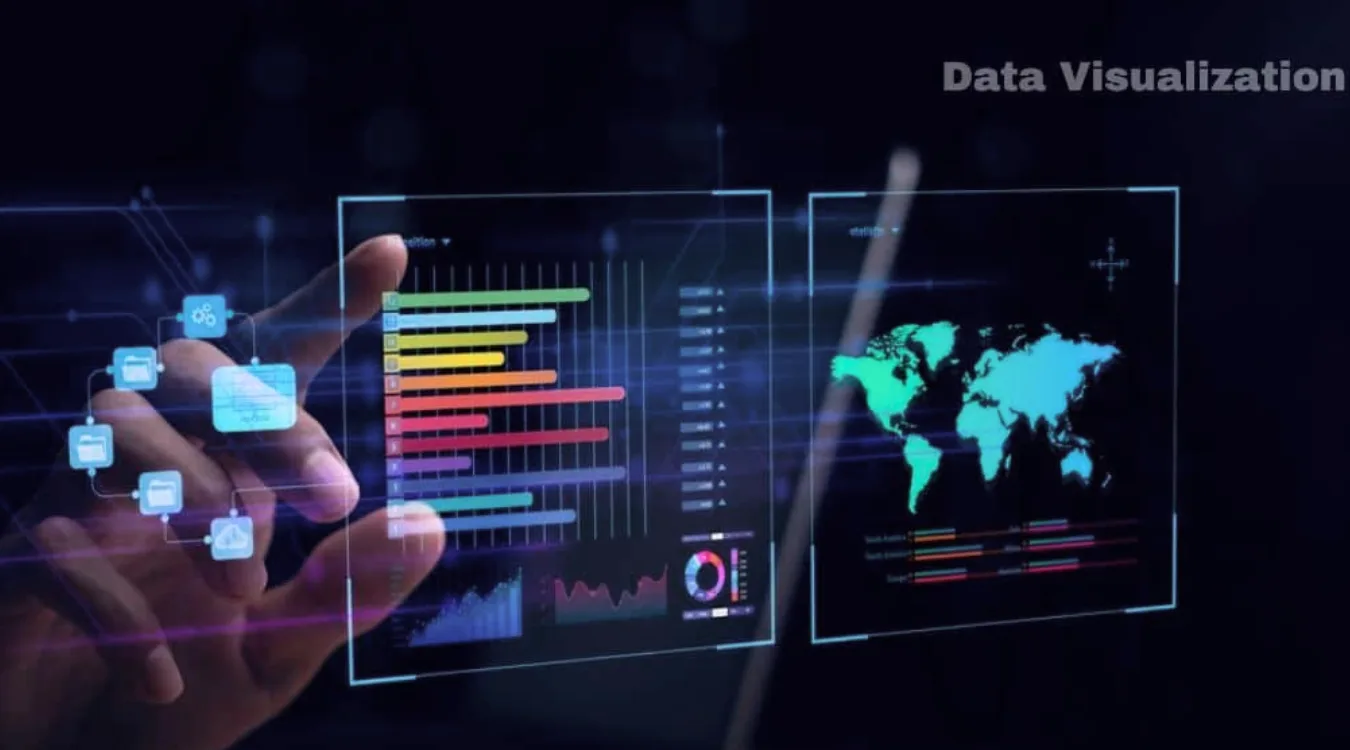
Data visualization solves that need.
It encodes values as shapes, positions, lengths, and colors so patterns become obvious, and important anomalies stand out immediately.
what is Data Visualization

 Building Blocks of a Useful Visualization

Effective visuals combine three elements: data, visual encodings, and context.

Typical encodings include:

  • Position on an axis (strong for comparing values)

  • Length and area (bars and columns)

  • Color hue or intensity (categories or density)

  • Shape and size (groups or emphasis)

Context comes from titles, labels, units, and notes.
Clear context lets viewers understand exactly what each mark on the chart represents.

Data Visualization in an Analytical Workflow

Visualization does not stand alone.
It fits into a broader analysis pipeline that turns raw sources into decisions.

A common workflow looks like this:

  1. Collect and profile data from databases, logs, files, or APIs.

  2. Clean and transform fields, handle missing values, and create calculated metrics.

  3. Choose visual forms that match the questions and data types.

  4. Iterate with stakeholders, refining focus, filters, and annotations.

  5. Publish or embed dashboards and reports where people work every day.

Each step affects the clarity and reliability of the final charts.

Matching Visual Forms to Questions

Different questions call for different chart types.
Choosing an appropriate form matters as much as the data itself.

Common families:

  • Comparison: bar charts, column charts, grouped bars

  • Trend: line charts, area charts, sparklines

  • Distribution: histograms, box plots, violin plots

  • Relationship: scatter plots, bubble charts, correlation matrices

  • Composition: stacked bars, 100% stacked bars, waterfall charts

Maps, heatmaps, and network diagrams extend these ideas into space and relationships when location or connectivity matters.

Practical Design Guidelines for Clear Charts

Clean design helps viewers understand visuals quickly.
A few disciplined habits make a big difference.

Recommended practices:

  • Use simple, legible fonts and avoid decorative effects.

  • Limit color palettes; reserve bright colors for emphasis.

  • Start axes at zero when you compare magnitudes with bars.

  • Avoid 3D effects that distort perception.

  • Label directly where possible instead of relying only on legends.

Every extra element should justify its presence by adding clarity, not decoration.

Visualizing Storage and Recovery Metrics

In data recovery and system maintenance, visualization helps teams monitor risks and results.
Instead of scanning log files, they see patterns directly.

Examples that benefit from charts:

  • Counts of failed versus successful recovery jobs by day

  • Distribution of file types recovered from damaged volumes

  • SMART attributes from disks over time (temperature, reallocated sectors)

  • Trend lines of remaining free space on backup targets

By exporting logs from tools such as Amagicsoft Data Recovery into Excel or BI platforms, technicians can build dashboards that reveal early warnings before data loss grows severe.

Simple Visualization Workflow With Common Tools

Many teams start with tools they already know: spreadsheets and basic BI.

A practical approach:

  1. Export recovery logs, drive inventories, or performance metrics to CSV.

  2. Load the file into Excel, Power BI, or another visualization tool.

  3. Create pivot tables that summarize recovery counts, sizes, or error types.

  4. Turn those summaries into charts or small dashboards.

  5. Share updated files or publish reports on an internal portal.

Supports Windows 7/8/10/11 and Windows Server.

Conclusion

Data visualization turns abstract tables into interpretable scenes.
Good charts highlight trends, clusters, and anomalies so teams react quickly and confidently.

In technical domains such as storage management and data recovery, visuals give clear evidence of risk and progress.
Combined with reliable tools like Amagicsoft Data Recovery, they help organizations move from raw logs to informed, traceable decisions.

Download Magic Data Recovery

Supports Windows 7/8/10/11 and Windows Server


FAQ


What is meant by data visualizatio

Data visualization refers to the practice of representing data as charts, graphs, maps, and other visual forms. By encoding numbers as shapes, positions, and colors, it turns raw tables into patterns humans understand quickly. Analysts use visualization to explore data, explain findings, and support informed, evidence-based decisions.

What do you mean by data visualizer?

A data visualizer designs and builds visual representations of information. The role may sit inside analytics, product, or design teams. This person selects chart types, defines encodings, chooses color schemes, and works with stakeholders to ensure the visuals remain accurate, readable, and aligned with the questions that matter.

What are the 5 steps in data visualization?

A five-step sequence often works well. First, clarify the question and audience. Second, gather and clean the data. Third, select appropriate chart types and encodings. Fourth, design and iterate to improve clarity. Fifth, publish and monitor how people use the visual so you can refine it over time.

What are the four types of data visualization?

Many frameworks group visualizations into four broad categories. These include comparison charts, trend or time-series visuals, distribution plots, and relationship diagrams. Each group answers a different type of question, so choosing the correct family matters as much as choosing any specific chart within it.

What are the 5 C's of data visualization?

Teams often summarize good practice with five C’s. Common versions include clear, concise, credible, consistent, and compelling. Clear visuals avoid clutter, concise visuals focus on essentials, credible visuals reflect accurate data, consistent visuals align styles across reports, and compelling visuals drive the viewer toward an informed decision or action.

Can ChatGPT do data visualization?

ChatGPT can help design and explain visualizations, and it can generate code for tools such as Python, Excel, or BI platforms. It can suggest chart types, write transformation logic, or draft dashboard layouts. Rendering actual interactive visuals requires external software, but AI speeds up the planning and implementation steps.

What are the 3 C's of data visualization?

Some teams use a shorter rule: context, clarity, and choice. Context sets the stage with labels, units, and explanations. Clarity reduces visual noise and highlights key patterns. Choice refers to selecting the right chart type and encodings so the graphic matches the data structure and the question.

Is SQL for data visualization?

SQL focuses on querying and transforming data in relational databases. It filters, aggregates, and joins tables so visualization tools receive clean input. You typically use SQL to prepare datasets, then send the results into tools such as Excel, Power BI, or Python libraries that generate the actual charts and dashboards.

Is data visualization a hard skill?

Data visualization mixes hard and soft skills. On the technical side, it requires knowledge of chart types, encodings, and supporting tools. On the communication side, it demands a sense for narrative, emphasis, and audience needs. With deliberate practice, many analysts develop it as a repeatable, teachable capability.
  • WiKi
Eddie

Eddie is an IT specialist with over 10 years of experience working at several well-known companies in the computer industry. He brings deep technical knowledge and practical problem-solving skills to every project.

文章导航

Previous
Next

Search

Categories

  • Bitlocker Recovery
  • Deleted File Recovery
  • Format File Recovery
  • Hard Drive Recovery
  • License Key Recovery
  • Lost File Recovery
  • Memory Card Recovery
  • News
  • Photo Recovery
  • SSD Recovery
  • Uncategorized
  • USB Drive Recovery
  • User Guide
  • Wiki

Recent posts

  • The Pros and Cons of SSDs as External Hard Drives
    The Pros and Cons of SSDs as External Hard Drives
  • How to Use Target Disk Mode and Share Mode on Mac Computers
    How to Use Target Disk Mode and Share Mode on Mac Computers: A Complete Guide
  • Duplicate File Finder
    Duplicate File Finder

Tags

How to Magic Data Recovery Magic Recovery Key WiKi

Related posts

Duplicate File Finder
Wiki

Duplicate File Finder

02.12.2025 Eddie No comments yet

Table of Contents Duplicate Files Are Not Real Backups Many users keep “extra safety” copies of documents by dragging them into new folders or external drives.Over time, these copies multiply and turn into clutter rather than protection. Duplicate files waste storage, slow backups, and make data recovery more confusing.A Duplicate File Finder helps identify redundant copies so […]

Context Switch
Wiki

Context Switch

02.12.2025 Eddie No comments yet

Table of Contents CPU Time as a Shared Resource Modern operating systems juggle dozens or hundreds of active threads.Only a few CPU cores exist, so most threads wait in queues while a small subset runs. A context switch lets the scheduler pause one running thread and resume another.This rapid switching creates the illusion of parallelism […]

Data Acquisition
Wiki

Data Acquisition

02.12.2025 Eddie No comments yet

Table of Contents  Incident Scene: Data at Risk Before Collection When an incident occurs, the first instinct often involves “looking around” the live system.Unplanned clicks, root logins, or file copies can alter timestamps, logs, and unallocated space before anyone records a clean state. Data acquisition solves this problem.It focuses on collecting data in a controlled […]

amagicsoft logo icon

Our vision is to become a globally renowned software brand and service provider, delivering top-tier products and services to our users.

Products
  • Magic Data Recovery
  • Magic Recovery Key
Policy
  • Terms
  • Privacy Policy
  • Refund Policy
  • License Agreement
Company
  • About Amagicsoft
  • Contact US
  • Store
Follow Us

Copyright © 2025 Amagicsoft. All Rights Reserved.

  • Terms
  • Privacy Policy

