SD Recovery: Restore SD Card Files

SD Recovery Restore SD Card Files

Losing photos, videos, or documents from an SD card can feel urgent. However, panic clicks, repeated reconnecting, and quick formatting can make recovery harder. SD recovery works best when you stop using the card, protect the original data, and scan it before repair.

本指南說明如何 SD recovery works, what to do first, and how to recover lost files from SD card storage 安全地。您也將學習到何時 格式化的 SD 卡復原 may work, how to handle corrupted cards, and why Magic Data Recovery is a practical tool for safe SD 卡復原.

支援 Windows 7/8/10/11 和 Windows Server

目錄

What Is SD Recovery?

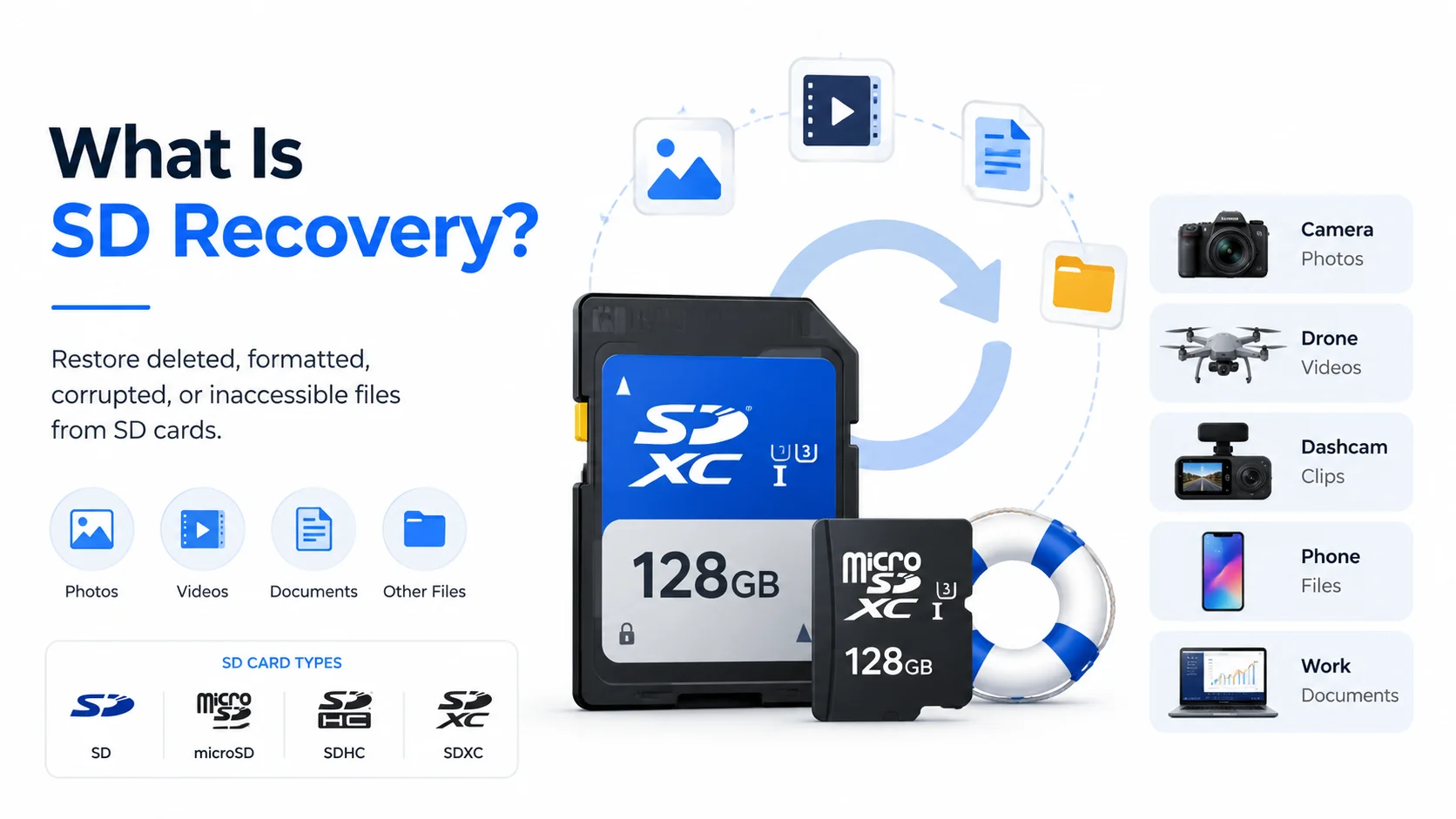
SD recovery means restoring deleted, formatted, corrupted, or inaccessible files from an SD card, microSD card, SDHC card, or SDXC card. These cards often store camera photos, drone videos, dashcam clips, phone files, and work documents.

In many deletion cases, the file content remains on the card for a while. The card simply marks the old space as available. Therefore, recovery software can often locate lost data before new files overwrite it. 快速格式化 works in a similar way. It changes the file system, but it may not erase every file immediately.

Still, no tool can recover data after full overwrite. For this reason, the first rule of memory card recovery software is simple: stop using the card before scanning it.

What-is-SD-Recovery

Start Card Recovery the Right Way

Before you try any recovery method, remove the card from your camera, phone, drone, or recorder. Next, do not format it, even if Windows asks you to. Also, avoid repair tools until you recover important files.

Then, connect the card to your computer with a stable reader. Scan it with recovery software and save recovered files to another drive. Most importantly, do not save results back to the same SD card.

These steps reduce overwrite risk. In addition, they keep the original card unchanged during SD recovery. If the card feels hot, shows cracks, or freezes your computer, stop DIY attempts and consider professional help.

When Can Card Recovery Work?

Recovery chances depend on the cause of data loss. Still, many cases have a reasonable chance if you act quickly.

情況

復原機會

最佳動作

Deleted photos or videos

High if not overwritten

停止使用卡片並掃描

快速格式

中到高

Use deep scan and preview files

RAW or corrupted card

中型

修復前復原檔案

Card asks for formatting

中型

Cancel formatting and scan first

Full format or heavy reuse

Try a scan, but expect limits

物理損害

不清楚

Use professional recovery help

For example, a photographer who deletes a folder and stops shooting may recover many files. However, a user who formats the card and records new 4K videos may lose some data permanently. Therefore, realistic expectations matter during 復原損毀的 SD 卡.

Best SD Recovery Software: Why Choose Magic Data Recovery?

許多使用者搜尋 best SD recovery softwarefree SD recovery software after losing files. Some tools only scan for free, while others require command-line skills. In contrast, Magic Data Recovery gives ordinary users a clear scan, preview, and recover workflow.

Magic Data Recovery helps recover files from SD cards, microSD cards, USB drives, hard drives, SSDs, and other storage devices. It supports common file types, including photos, videos, audio files, documents, archives, and camera RAW files. Therefore, it fits real cases, from camera SD 卡相片復原 to drone video recovery.

The tool solves three key pain points. First, it scans deleted, formatted, or inaccessible cards. Second, it lets users preview files before saving them. Third, it avoids complicated technical steps. For instance, a photographer may need deleted RAW files, while a drone user may need lost MP4 videos. In both cases, Magic Data Recovery offers a practical recovery path without forcing repair first.

如何使用 Magic Data Recovery 來 SD Recovery

按照以下步驟安全復原檔案。.

步驟 1:下載並安裝軟體

Download Magic Data Recovery from the official Amagicsoft website below. Then, install it on your computer, not on the affected SD card. This matters because installation on the damaged storage device may overwrite lost files.

支援 Windows 7/8/10/11 和 Windows Server

步驟 2: 連接 the SD Card and Select the Card to Scan

Insert the SD card into a reliable card reader and connect it to your PC. If Windows asks you to format the card, click Cancel. Next, Open Magic Data Recovery and choose the target SD card to start searching for lost files.

Using Magic Data Recover for SD recovery

步驟 3:等待掃描完成

軟體會自動執行進階掃描。同時,它會隨著掃描進度列出所有可復原的檔案。.

等待掃描

步驟 4: 預覽 檔案

After the scan, preview photos, videos, documents, and other files. This step helps you choose the files you need and avoid damaged items.

預覽檔案

步驟 5: 恢復 the Files

Finally, save selected files to another drive. Never save recovered files back to the same SD card during SD recovery.

檔案復原

改善復原結果的秘訣

You can improve results with careful habits. First, act quickly after deletion, formatting, or card corruption. Next, avoid writing new files to the card. Then, scan before repair or format. After recovery, format SD cards in the original device, eject cards safely, and back up important files after each shoot or trip.

Conclusion: Choose a Safer SD Recovery Solution

SD recovery works best when you act quickly, protect the original card, and use a tool that scans before making changes. Deleted files, quick formats, RAW cards, and corrupted memory cards may still contain recoverable data. However, careless actions can lower your chances.

Magic Data Recovery deserves recommendation because it solves real user problems. It offers a clear workflow, supports common photo and video formats, handles SD and microSD cards, and lets users preview files before recovering files from the SD card. If you want a more efficient and beginner-friendly SD recovery solution, try Magic Data Recovery before taking riskier repair steps.

支援 Windows 7/8/10/11 和 Windows Server

FAQ About SD Recovery

What is SD recovery?

SD recovery is the process of restoring deleted, formatted, corrupted, or inaccessible files from SD cards, microSD cards, SDHC cards, and SDXC cards. It works best when the lost data still exists on the card. Therefore, you should stop using the card immediately and scan it before saving new files.

Can I recover deleted files from an SD card for free?

Some tools offer free scanning, while others allow limited free recovery. However, free limits vary by product. Before you depend on any tool, scan the card and preview the results. If the files look recoverable, choose a method that saves them safely to another drive.

Can formatted SD card data be recovered?

Yes, formatted SD card recovery may work after a quick format, especially when you have not reused the card. However, a full format or new recordings can overwrite old files. For the best result, stop using the card, run a deep scan, and save recovered files elsewhere.

Is Magic Data Recovery good for SD recovery?

Magic Data Recovery is a practical choice for SD recovery because it supports deleted, formatted, and corrupted card cases. It also lets users preview recoverable files before saving them. Therefore, beginners can check photos, videos, documents, and RAW files without using complicated command-line tools.

Can I recover photos and videos from a camera SD card?

Yes, you can often recover camera photos and videos if new data has not overwritten them. Stop shooting, remove the card, and scan it with recovery software. This approach helps with JPG images, RAW photos, MP4 videos, MOV files, and other common camera media formats.

What should I do if my SD card becomes RAW or corrupted?

Do not format the card first. Instead, connect it through a stable card reader and scan it with recovery software. After you recover important files, you can repair or reformat the card. This order reduces risk because repair actions may change the file system.

我應該將已復原的 SD 卡檔案儲存到哪裡?

Save recovered files to your computer, an external hard drive, or another safe storage device. Do not save them back to the same SD card during recovery. Otherwise, you may overwrite files that the software has not restored yet, which can reduce your recovery results.

Vasilii 是一位在該領域擁有約 10 年實務經驗的資料復原專家。在他的職業生涯中,他已成功解決數千個複雜的個案,包括刪除的檔案、格式化的硬碟機、遺失的磁碟分割和 RAW 檔案系統。他的專業知識涵蓋使用十六進位編輯器等專業工具的手動復原方法,以及使用復原軟體的進階自動解決方案。Vasilii 的使命是讓 IT 專業人士和一般使用者都能獲得可靠的資料復原知識,協助他們保護寶貴的數位資產。.