跳至內容
amagicsoft 標誌圖示
  • 首頁
  • 產品
    • Magic Data Recovery
    • Magic Recovery Key
  • 商店
  • 部落格
  • 更多資訊
    • 關於 Amagicsoft
    • 聯絡我們
    • 隱私權政策
    • 條款
    • 許可協議
    • 退款政策
  • 繁體中文
    • English
    • 日本語
    • 한국어
    • Deutsch
    • Français
    • Español
維基

快閃記憶卡記憶體:完整指南與復原解決方案
2025 年 12 月 27 日 Smith, Erin 尚未有評論
瞭解有關快閃記憶卡記憶體的一切

目錄

Introduction: Understanding the Importance of Flash Card Memory

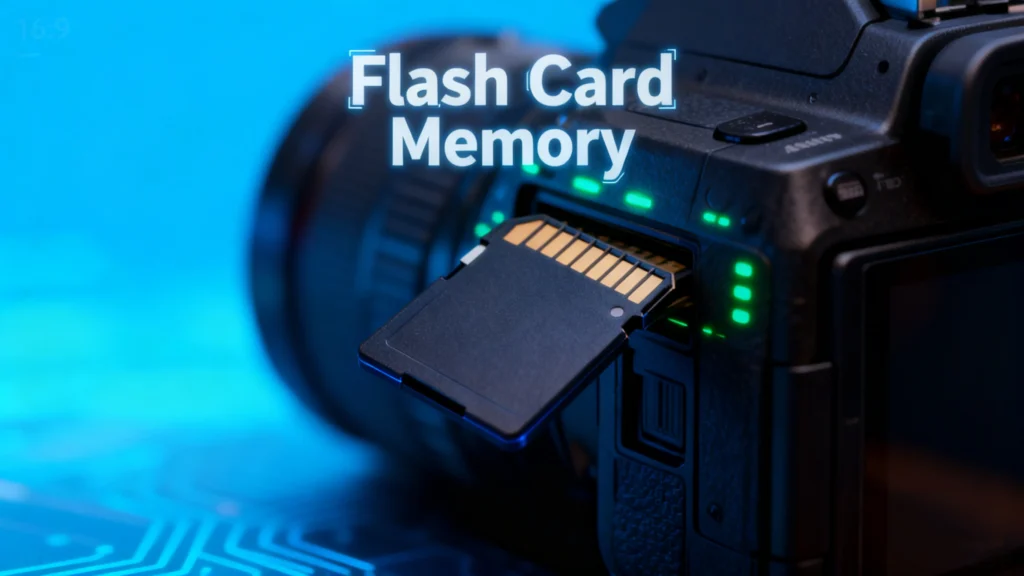
Flash card memory has become a ubiquitous storage solution in modern digital life. From cameras and smartphones to gaming consoles and industrial equipment, these small, portable memory devices store critical data in compact formats. However, users often encounter issues such as 意外刪除, corruption, or device malfunction. Losing valuable photos, videos, or documents can be frustrating, and understanding flash card memory management and recovery options is essential.

This guide explores everything about flash card memory, including types, common problems, tips for safe usage, and practical recovery solutions. For users facing data loss, we’ll also introduce a reliable tool—Magic Data Recovery—that can help restore lost information quickly and safely.

下載 Magic Data Recovery

支援 Windows 7/8/10/11 和 Windows Server

What is Flash Card Memory?

A flash card memory is a type of non-volatile storage device that retains data without requiring power. Unlike traditional hard drives, it uses NAND 快閃記憶體技術, making it faster, lightweight, and highly portable. Typical forms include SD cards, microSD cards, CompactFlash, and Memory Stick formats.

Key characteristics of flash card memory include:

  • Portability: Small size, easy to carry.
  • 耐用性: No moving parts, resistant to shocks and vibration.
  • Versatility: Compatible with cameras, smartphones, tablets, and gaming consoles.

Common Issues with Flash Card

Despite their convenience, flash card memory devices are prone to several problems:

1.意外刪除

Deleting files unintentionally is a frequent issue. Photos or documents may be removed permanently if the device is not backed up.

2. File Corruption

Files can become corrupted due to sudden power loss, improper ejection, or malware attacks, rendering them inaccessible.

3. Compatibility Issues

Some devices may not recognize certain flash card memory formats, especially when switching between cameras, computers, or gaming consoles.

4. Physical Damage

Water, heat, or mechanical impacts can damage the card, leading to partial or total data loss.

Tips for Protecting Flash Card

To minimize risks and extend the life of your flash card memory, consider these best practices:

  1. 定期備份: Store copies of important files on cloud services or external drives.
  2. Safe Ejection: Always eject cards properly from computers or devices.
  3. Avoid Overuse: Limit frequent formatting or writing large files continuously.
  4. Use Quality Cards: Opt for reputable brands to reduce the risk of failure.
  5. Keep Cards Dry and Cool: Protect against environmental damage.

How to Recover Lost Data from Flash Card Memory

Even with precautions, data loss can happen. Understanding the recovery process can save critical files.

1. Check for Hidden or Recoverable Files

Sometimes deleted files are not permanently lost. Using the computer’s built-in file recovery tools or enabling “Show hidden files” might reveal accidentally hidden content.

2. Free Methods to Recover Data

  • Recycle Bin or Trash: Files deleted from some flash cards may temporarily appear in the system’s recycle bin.
  • Command Prompt (Windows): 使用 chkdsk 和 attrib commands can help fix minor corruption and restore files.
  • Disk Utility (Mac): Mac users can verify and repair disk errors with built-in tools.

3. Professional Recovery Tools

Recover lost data from Flash Card Memory

For severe cases, relying on professional software is the safest option. Tools like Magic Data Recovery offer:

  • Recovery from deleted, formatted, or corrupted flash cards.
  • Support for multiple file types: photos, videos, documents, and more.
  • User-friendly interface suitable for both beginners and advanced users.
  • Faster and safer recovery compared to manual methods.
Example Use Case: If your SD card from a recent photography trip gets corrupted, Magic Data Recoverycan scan the device, preview recoverable files, and restore them without overwriting existing data.

Why Magic Data Recovery is Recommended

Magic Data Recovery stands out due to its combination of reliability and versatility. Unlike some free tools that only recover limited file types or fail with severely corrupted cards, Magic Data Recovery:

  • Handles multiple data loss scenarios: accidental deletion, formatting, virus attacks, and system errors.
  • Maintains data integrity: Recovers files without damaging original content.
  • Supports a wide range of devices: SD cards, microSD, CompactFlash, USB drives, and more.

If you are looking for a robust solution to retrieve lost files from your flash card, Magic Data Recovery provides a trustworthy, practical, and efficient method.

下載 Magic Data Recovery

支援 Windows 7/8/10/11 和 Windows Server

總結

Flash card memory is a vital tool for storing digital data, but it is not immune to failure. Understanding its characteristics, common problems, and preventive measures can reduce the risk of 資料遺失. However, when accidents happen, tools like Magic Data Recovery offer a safe and reliable way to restore valuable files.

Whether you’re a photographer, gamer, or general user, using 專業復原軟體 ensures that your flash card remains a dependable and secure storage solution.

常見問題

1. What is a flash memory card used for?

A flash memory card is used to store digital data such as photos, videos, documents, and software. It is commonly used in cameras, smartphones, gaming consoles, and other portable devices due to its compact size and portability.

2. Are flashcards good for memory?

If the question refers to digital storage, flash card memory is reliable and fast for storing and transferring data. It is durable and can withstand shocks better than traditional hard drives. However, like any storage device, it is prone to data loss if not properly managed.

3. Is a flash card an SD card?

Yes, an SD (Secure Digital) card is one type of flash card memory. Other types include microSD cards, CompactFlash, and Memory Stick cards. All use non-volatile flash memory to retain data without power.

4. What type of memory are flash cards?

Flash cards use NAND-based non-volatile memory, which retains data even when the device is powered off. This type of memory is faster, portable, and durable compared to magnetic hard drives.

5. How long will data stay on a flash drive?

Data on a flash card memory can remain for many years if stored properly. Environmental factors such as heat, humidity, or physical damage may shorten its lifespan. Regular backups are recommended to prevent data loss.

6. Can photos disappear from an SD card?

Yes, photos can disappear from an SD card due to accidental deletion, corruption, formatting, or physical damage. Using a professional recovery tool like Magic Data Recovery can help restore lost photos safely.
  • WiKi
Smith, Erin

Erin Smith 是 Amagicsoft 公認最專業的作家之一。過去 10 年來,她不斷磨練自己的寫作技巧,幫助數百萬讀者解決技術問題。.

文章導覽

上一頁
下一頁

搜尋

類別

  • Bitlocker 復原
  • 刪除的檔案復原
  • 磁碟問題修正
  • 文件復原
  • 格式化檔案復原
  • 硬碟復原
  • 授權金鑰復原
  • 遺失檔案復原
  • 記憶卡復原
  • 新聞
  • 密碼復原
  • 照片復原
  • SSD 復原
  • USB 磁碟機復原
  • 使用者指南
  • 視訊復原
  • 維基
  • Windows 問題修正

最近發表的文章

  • 如何還原 30 天後刪除的 Dropbox 檔案
    如何還原 30 天後刪除的 Dropbox 檔案
  • 瞭解有關快閃記憶卡記憶體的一切
    快閃記憶卡記憶體:完整指南與復原解決方案
  • 還原永久刪除的照片
    如何還原永久刪除的照片:完整指南

標籤

CHKDSK 與磁碟工具 磁碟修復 錯誤疑難排解 如何 Magic Data Recovery Magic Recovery Key WiKi

相關文章

WD 磁碟機無法辨識 如何解決此問題
磁碟問題修正

無法識別 WD 磁碟機:如何修復此問題

2025 年 12 月 27 日 Vasilii 尚未有評論

如果您的 WD (Western Digital) 硬碟機無法被電腦識別,請不要驚慌。這個問題相當普遍。有幾個因素可能會導致此問題,包括 USB 連接埠故障、驅動程式過時或邏輯錯誤。幸運的是,有多種方法可以排除故障並修復問題。在本指南中,我們將教您幾個步驟 [...]

硬碟機無法辨識?以下是修復方法
磁碟問題修正

硬碟機無法辨識?以下是修復方法

2025 年 12 月 26 日 Vasilii 在〈Hard Drive Not Recognized? Here’s How to Fix it〉中留言功能已關閉

當您的電腦無法識別硬碟機時,可能會立即引起對潛在資料遺失的疑慮。無論問題影響的是內接式硬碟機或外接式硬碟機,情況通常都是可以復原的。在許多情況下,硬碟機本身仍可正常運作,只是邏輯問題導致它無法出現在檔案總管中 [...]

如何修復 Windows 10 上無法辨識 USB 磁碟機的問題
磁碟問題修正

如何修復 Windows 10 上無法辨識 USB 磁碟機的問題

2025 年 12 月 26 日 Vasilii 在〈How to Fix USB Drive Not Recognized on Windows 10〉中留言功能已關閉

當 USB 磁碟機在 Windows 10 上無法辨識時,可能會很驚人,尤其是當裝置包含重要的文件、相片或工作檔案時。好消息是,無法偵測或讀取的 USB 磁碟機並不表示您的資料會自動遺失。在許多情況下,問題是由驅動程式衝突、檔案系統 [...] 所造成。

amagicsoft 標誌圖示

我們的願景是成為全球知名的軟體品牌和服務供應商,為使用者提供頂級的產品和服務。

產品
  • Magic Data Recovery
  • Magic Recovery Key
政策
  • 條款
  • 隱私權政策
  • 退款政策
  • 許可協議
公司簡介
  • 關於 Amagicsoft
  • 聯絡我們
  • 商店
追蹤我們

版權所有 © 2025 Amagicsoft。版權所有。

  • 條款
  • 隱私權政策

