
Memoria Flash Card: Guida completa e soluzioni di recupero
Indice dei contenuti
Introduzione: Capire l'importanza della memoria della scheda flash
Memoria della scheda flash è diventata una soluzione di archiviazione onnipresente nella vita digitale moderna. Dalle fotocamere agli smartphone, dalle console di gioco alle apparecchiature industriali, questi dispositivi di memoria piccoli e portatili memorizzano dati critici in formati compatti. Tuttavia, gli utenti spesso incontrano problemi come cancellazione accidentale, corruzione o malfunzionamento del dispositivo. Perdita di foto preziose, video o documenti può essere frustrante e la comprensione di tali documenti può essere memoria della scheda flash è essenziale per la gestione e le opzioni di recupero.
Questa guida esplora tutto ciò che riguarda memoria della scheda flash, compresi i tipi, i problemi più comuni, i consigli per un utilizzo sicuro e le soluzioni pratiche per il recupero. Per gli utenti che devono affrontare una perdita di dati, presenteremo anche uno strumento affidabile.Magic Data Recovery-che possono aiutare a ripristinare le informazioni perse in modo rapido e sicuro.
Supporta Windows 7/8/10/11 e Windows Server
Che cos'è la memoria della scheda flash?
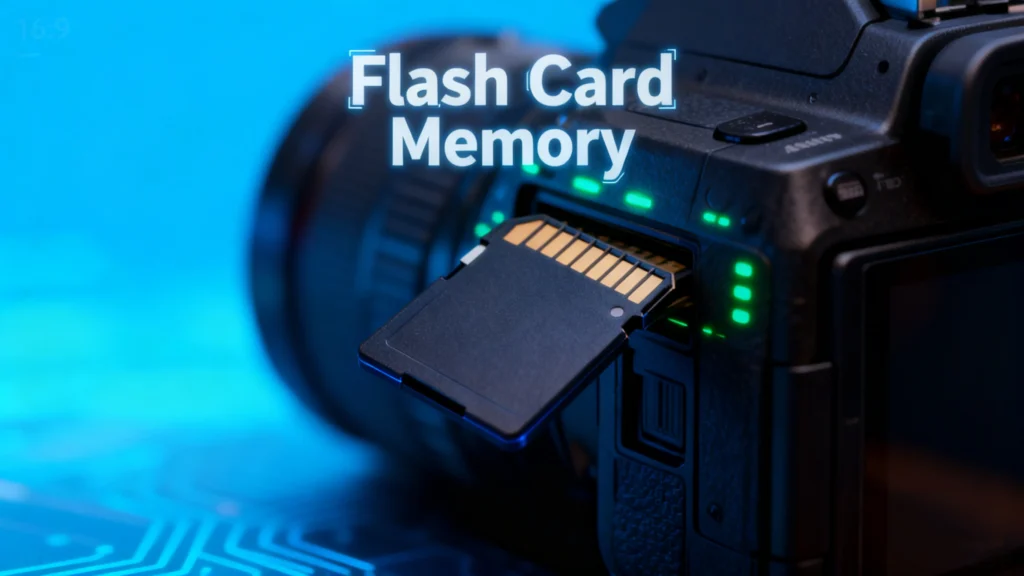
A memoria della scheda flash è un tipo di dispositivo di archiviazione non volatile che conserva i dati senza bisogno di alimentazione. A differenza dei dischi rigidi tradizionali, utilizza Tecnologia flash NAND, che la rendono più veloce, leggera e altamente portatile. Le forme tipiche sono le schede SD e le schede microSD, CompactFlash, e i formati Memory Stick.
Caratteristiche principali di memoria della scheda flash includono:
- Portabilità: Dimensioni ridotte, facile da trasportare.
- Durata: Nessuna parte in movimento, resistente agli urti e alle vibrazioni.
- Versatilità: Compatibile con fotocamere, smartphone, tablet e console di gioco.
Problemi comuni con la scheda flash
Nonostante la loro convenienza, memoria della scheda flash I dispositivi sono soggetti a diversi problemi:
1. Cancellazione accidentale
Eliminazione dei file involontariamente è un problema frequente. Le foto o i documenti possono essere rimossi in modo permanente se non viene eseguito il backup del dispositivo.
2. Corruzione dei file
I file possono corrompersi a causa di un'improvvisa perdita di potenza, di un'espulsione impropria o di attacchi di malware, rendendoli inaccessibili.
3. Problemi di compatibilità
Alcuni dispositivi potrebbero non riconoscere alcuni memoria della scheda flash formati, soprattutto quando si passa da una telecamera all'altra, da un computer all'altro o da una console di gioco all'altra.
4. Danni fisici
L'acqua, il calore o gli urti meccanici possono danneggiare la scheda, causando la perdita parziale o totale dei dati.
Suggerimenti per la protezione della scheda flash
Per ridurre al minimo i rischi e prolungare la durata di vita del vostro memoria della scheda flash, prendete in considerazione queste best practice:
- Backup regolari: Conservare copie dei file importanti su servizi cloud o unità esterne.
- Espulsione sicura: Espellere sempre correttamente le schede dai computer o dai dispositivi.
- Evitare l'uso eccessivo: Limitare la formattazione frequente o la scrittura continua di file di grandi dimensioni.
- Utilizzare carte di qualità: Scegliete marchi affidabili per ridurre il rischio di guasti.
- Conservare le carte all'asciutto e al fresco: Proteggere dai danni ambientali.
Come recuperare i dati persi dalla memoria della scheda flash
Anche con le dovute precauzioni, la perdita di dati può verificarsi. La comprensione del processo di recupero può salvare i file critici.
1. Verificare la presenza di file nascosti o recuperabili
A volte i file eliminati non vengono persi definitivamente. Utilizzando la funzione integrata del computer strumenti per il recupero dei file o l'attivazione di “Mostra file nascosti” potrebbe rivelare contenuti accidentalmente nascosti.
2. Metodi gratuiti per recuperare i dati
- Cestino o Cestino: I file eliminati da alcune schede flash possono apparire temporaneamente nel cestino del sistema.
- Prompt dei comandi (Windows): Utilizzo
chkdskeattribuireI comandi possono aiutare a risolvere i danni minori e a ripristinare i file. - Utility Disco (Mac): Gli utenti Mac possono verificare e riparare gli errori del disco con gli strumenti integrati.
3. Strumenti di recupero professionali

Nei casi più gravi, affidarsi a un software professionale è l'opzione più sicura. Strumenti come Magic Data Recovery offrono:
- Recupero da schede flash cancellate, formattate o danneggiate.
- Supporto per più tipi di file: foto, video, documenti e altro.
- Interfaccia facile da usare, adatta sia ai principianti che agli utenti esperti.
- Recupero più rapido e sicuro rispetto ai metodi manuali.
Esempio di caso d'uso: se la scheda SD di un recente viaggio fotografico si danneggia, Magic Data Recovery può eseguire la scansione del dispositivo, visualizzare l'anteprima dei file recuperabili e ripristinarli senza sovrascrivere i dati esistenti.
Perché l'Magic Data Recovery è consigliato
Magic Data Recovery si distingue per la sua combinazione di affidabilità e versatilità. A differenza di alcuni strumenti gratuiti che recuperano solo tipi di file limitati o falliscono con schede gravemente danneggiate, Magic Data Recovery:
- Gestisce diversi scenari di perdita di dati: cancellazione accidentale, formattazione, attacchi di virus ed errori di sistema.
- Mantiene l'integrità dei dati: Recupera i file senza danneggiare il contenuto originale.
- Supporta un'ampia gamma di dispositivi: Schede SD, microSD, CompactFlash, unità USB e altro ancora.
Se siete alla ricerca di una soluzione robusta per recuperare i file persi dalla vostra scheda flash, Magic Data Recovery offre un metodo affidabile, pratico ed efficiente.
Supporta Windows 7/8/10/11 e Windows Server
Conclusione
Memoria della scheda flash è uno strumento fondamentale per l'archiviazione dei dati digitali, ma non è immune da guasti. La comprensione delle sue caratteristiche, dei problemi più comuni e delle misure preventive può ridurre il rischio di perdita dei dati. Tuttavia, quando gli incidenti si verificano, strumenti come Magic Data Recovery offrono un modo sicuro e affidabile per ripristinare i file importanti.
Sia che siate fotografi, giocatori o utenti generici, l'uso di software di recupero professionale assicura che il vostro scheda flash rimane una soluzione di stoccaggio affidabile e sicura.
Domande frequenti
A cosa serve una scheda di memoria flash?
Le flashcard sono utili per la memoria?
Una scheda flash è una scheda SD?
Che tipo di memoria sono le schede flash?
Per quanto tempo i dati rimangono su una chiavetta?
Le foto possono scomparire da una scheda SD?

Erin Smith è riconosciuta come una delle scrittrici più professionali di Amagicsoft. Negli ultimi 10 anni ha continuamente affinato le sue capacità di scrittura e ha aiutato milioni di lettori a risolvere i loro problemi tecnologici.