
Sind Ihre Box-Dateien verschwunden? So stellen Sie sie wieder her
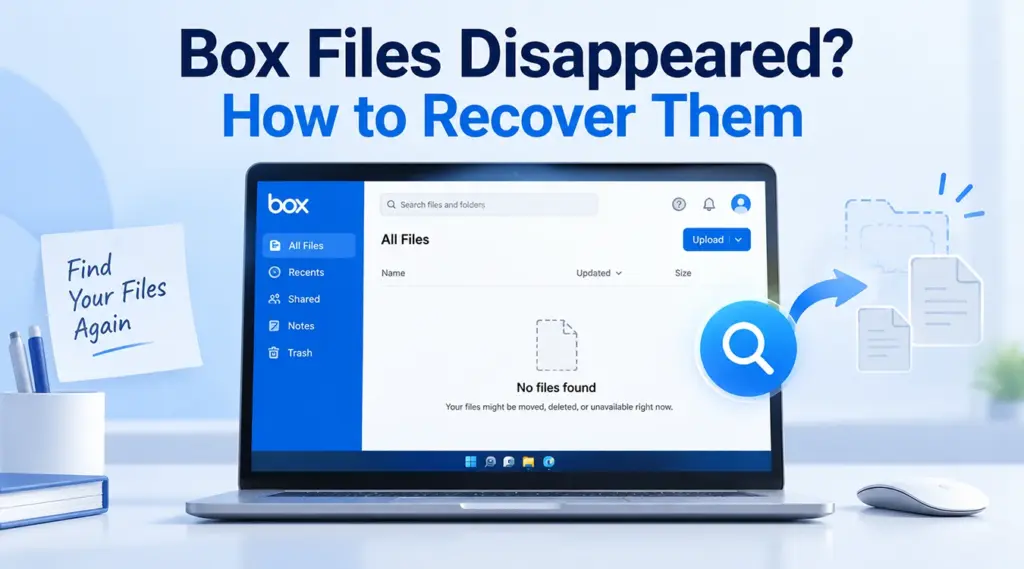
Wenn Ihr box files disappeared, do not immediately assume they were permanently deleted. The files may still exist in the Box web interface, Trash, another folder, an older version, or a shared workspace you can no longer access. Start with Box’s built-in recovery options. If a downloaded or locally saved copy was also deleted from Windows, Magic Data Recovery may help after those options fail. For general deletion scenarios, see our Anleitung zur Wiederherstellung gelöschter Dateien.
Unterstützt Windows 7/8/10/11 und Windows Server
Inhaltsübersicht
What to Check First When Box Files Disappeared
Before changing Box Drive settings or using recovery software, determine where the missing content actually existed.
Was Sie sehen | Wahrscheinliches Szenario | Was man zuerst ausprobieren sollte |
File missing from Box Drive but visible online | Box Drive display or sync issue | Troubleshoot Box Drive |
File missing everywhere in your Box account | Deleted or moved | Search and check Trash |
Shared folder disappeared | Permission or collaboration change | Contact the folder owner |
File remains but contains the wrong content | Die Datei wurde überschrieben | Versionsverlauf anzeigen |
File is no longer in Trash | Content may have been purged | Contact Box Support |
Downloaded copy disappeared from Windows | Local file deletion | Check Recycle Bin or backup |
This distinction matters because Box Drive is not simply an ordinary folder containing permanent local copies of everything in your cloud account. Box explains that Drive displays account content on the desktop and downloads files locally when needed.
Wenn also box files disappeared from File Explorer, confirm whether the cloud copies still exist before attempting data recovery.
Why Did My Box Files Disappeared?
Several different events can make Box files appear missing:
- Someone moved or renamed the files.
- A collaborator deleted content from a shared folder.
- Your access to a shared folder changed.
- The file was overwritten with a newer version.
- Box Drive stopped displaying cloud content correctly.
- The item moved to Trash.
- Trash retention expired.
- A downloaded or exported local copy was deleted from Windows.
The correct recovery method depends on which event occurred. For example, disk recovery software cannot restore a cloud-only file from Box servers, while Box Trash cannot recover a separate Windows file that you downloaded earlier.
If files are also disappearing elsewhere on your computer, see how to recover files that disappeared on Windows.
Check the Box Web Interface First
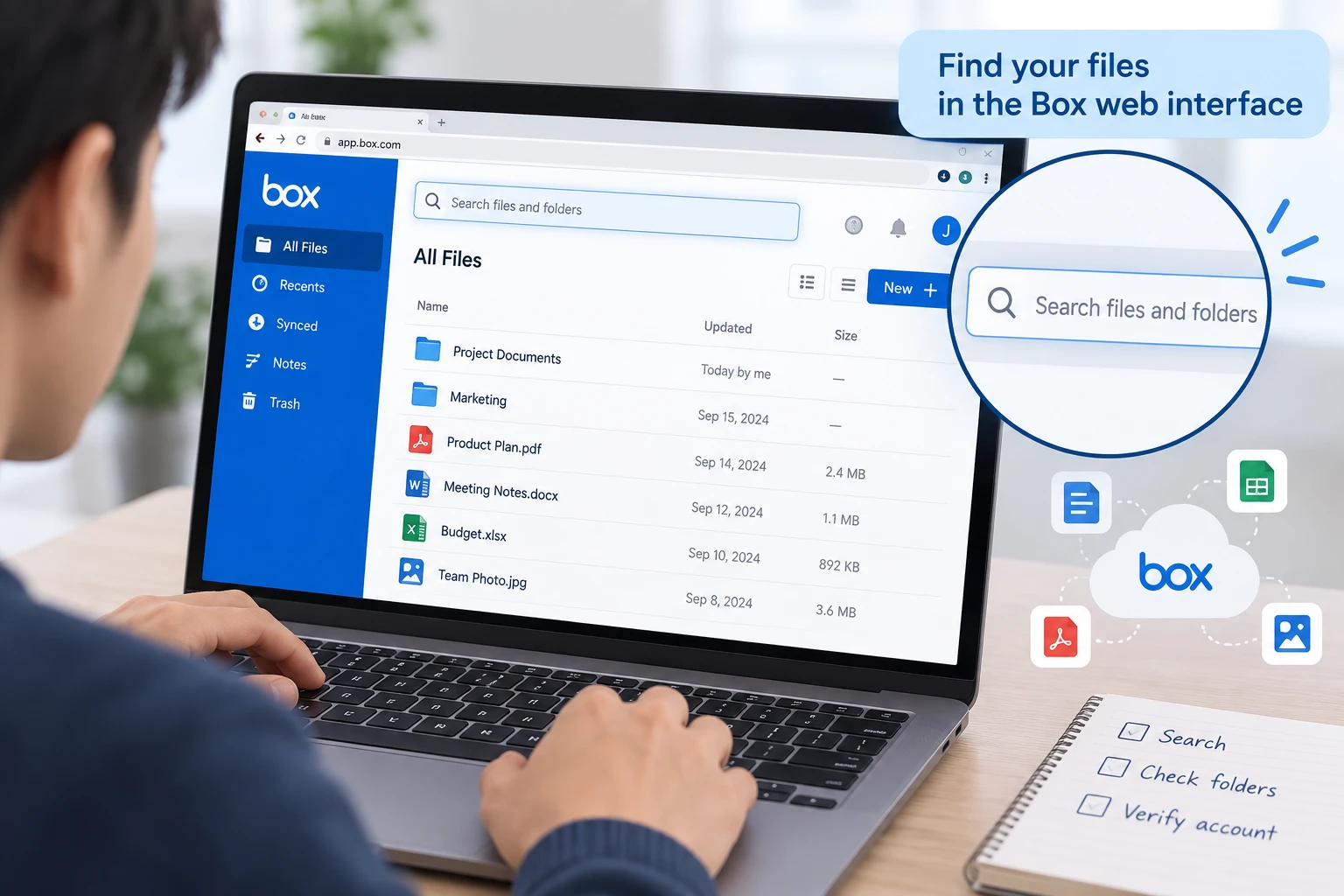
Wenn box files disappeared from Box Drive, sign in to your Box account through a browser before resetting or reinstalling anything.
Search for the missing file by:
- Full file name.
- Part of the file name.
- File extension.
- Folder name.
- Recently modified content.
If you find the files online, they have not been permanently deleted from Box. In that case, concentrate on Box Drive rather than deleted-file recovery.
Also verify that you signed in with the correct account. This check is especially important if you use separate work, school, or personal Box accounts.
Restore Deleted Files from Box Trash
Wenn box files disappeared from the web interface too, Trash should be your next stop.
Box normally retains deleted content in Trash for 30 days, although administrators on business and enterprise accounts can change that period. While an item remains there, you can restore it to its original location. Box also states that both the owner and the person who deleted an item from a collaborative folder may be able to recover it.
Öffnen Sie More > Trash, then search for the missing file or folder.
If several files vanished at once, look for their parent folder as well. However, restoring a parent folder does not necessarily restore sub-items that were deleted before the parent folder itself.
Remember that Box Trash and Windows Recycle Bin are different systems. If you deleted a separately downloaded copy from your PC, check Windows instead. If Windows Recycle Bin has already been emptied, see how to recover files emptied from Recycle Bin.
Check Whether the Files Were Moved or Access Changed
Manchmal box files disappeared because they were never deleted.
In shared workspaces, another user with sufficient permissions may move, rename, or delete content. Likewise, removing your collaboration access can make an entire project folder disappear from your view even though the files still exist.
Ask the folder owner or administrator to:
- Search for the missing content.
- Check whether the folder was moved.
- Confirm that your collaboration access remains active.
- Review recent activity when administrator reporting is available.
This method is particularly useful when an entire shared folder disappears without any obvious deletion message.
Do not use local recovery software for this situation. The data still belongs to the cloud account; the problem is location or permission rather than local deletion.
Use Version History for an Overwritten File
Another common interpretation of box files disappeared is that the original content vanished after someone edited or replaced a file.
If the file itself still exists, check Versionsgeschichte before looking for deleted files. Box keeps prior versions according to the account type and administrator settings. Eligible users can preview, download, or make an older version current.
Version History is useful when:
- A document was accidentally overwritten.
- Someone uploaded another file with the same name.
- An incorrect edit synchronized through Box Drive.
- You need content from an earlier revision.
However, Version History is different from Trash. If the complete file is gone, check Trash and collaboration activity instead.
Fix Box Drive When Files Exist Online but Not on the PC
Wenn box files disappeared only inside Windows File Explorer but remain visible in the web interface, the issue is likely related to Box Drive.
Start with low-risk checks:
- Confirm that Box Drive is running.
- Check your internet connection.
- Sign out and back in if appropriate.
- Restart Box Drive.
- Install the current Box Drive version if yours is outdated.
Before manually resetting Box Drive, protect files that have not yet uploaded.
On Windows, Box support guidance identifies this location:
C:\Users\[USERNAME]\AppData\Local\Box\Box\unsyncedFiles
Files stored there may not yet exist in the cloud. Box advises copying them somewhere outside the Box application-data folder before a manual reset because the reset process can remove them.
That warning is important. If box files disappeared after Box Drive stopped working, resetting the application too early could create an additional data-loss problem.
Contact Box Support If the Files Are No Longer in Trash
Wenn box files disappeared from your account and Trash no longer contains them, contact Box Support promptly.
Box states that paying customers have a 14-day grace period after trashed content is purged, during which Product Support may still be able to recover it. This recovery window does not apply to Free Individual accounts.
When contacting support, provide as much information as possible:
- File or folder name.
- Original folder location.
- File owner.
- Approximate deletion date.
- Names of collaborators involved.
Do this before attempting local recovery. A file that existed only in Box cloud storage cannot be reconstructed by scanning your computer’s disk.
What If a Local Copy of the Box File Was Deleted?
A different recovery path applies when you previously downloaded, exported, copied, or separately saved the Box file onto a Windows drive.
For example, you may have downloaded a .docx file from Box to Downloads, edited an exported spreadsheet on the Desktop, or copied project files to another folder.
If that local copy disappears, first check:
- Windows Recycle Bin.
- File History.
- Previous Versions.
- Other backups.
- Another folder where the file may have been moved.
For recently deleted Windows files, see our guide to Kürzlich gelöschte Dateien unter Windows 11 wiederherstellen. If an entire local folder vanished, use the Anleitung zur Wiederherstellung gelöschter Ordner.
This distinction prevents a major recovery mistake. A Box Drive placeholder or cloud-only file is not automatically equivalent to a normal deleted file stored permanently on the Windows disk.
Wann Magic Data Recovery helfen kann
Wenn box files disappeared from cloud storage, Magic Data Recovery cannot scan Box servers or bypass Box’s retention system.
However, it becomes relevant when a genuine local copy previously existed on your HDD, SSD, USB drive, or another Windows-readable storage device and that copy was deleted.
In that situation, recovery software works differently from Box Trash or Version History. It scans the local storage device for file-system records and remaining file data rather than requesting an older cloud copy.
Stop using the affected drive before scanning it. New writes may overwrite deleted data. In addition, SSD TRIM can significantly reduce the chance of recovering deleted SSD data.
Sollten die integrierten Wiederherstellungsoptionen nicht mehr funktionieren, können Sie Magic Data Recovery ausprobieren, bevor neue Daten die gelöschten Dateien überschreiben.
How to Use Magic Data Recovery for Deleted Local Box Files
Schritt 1: Herunterladen und Installieren von Magic Data Recovery
Install Magic Data Recovery on a different drive or partition from the one that contained the deleted local Box files. Installing it on the affected location could overwrite recoverable data.
Unterstützt Windows 7/8/10/11 und Windows Server
Schritt 2: Wählen Sie die Drive Where the Box Files Were Stored
Launch the software and select the Windows drive or partition that originally contained the downloaded or locally saved Box files. Then start the scan.

Step 3: Scan for Deleted Local Box Files
Allow the scan to continue while the software searches the selected storage location. Use filenames, extensions, paths, and file types to narrow the results when necessary.

Schritt 4: Wiederherstellen Dateien an einem sicheren Ort
Select the required files and recover them to another drive or safe storage location. Do not save them back to the original data-loss location during recovery.

How to Prevent Box Files from Disappearing Again
Wenn box files disappeared once, use the incident to improve your recovery options.
First, keep an independent backup of critical documents. Sync is useful for accessibility and collaboration, but it is not the same as a separate backup.
Next, review shared-folder permissions. Users who only need to view files may not need editing or deletion privileges.
Also, confirm that important changes have uploaded before resetting Box Drive or replacing a computer. Unsynced files require extra care because the cloud copy may not contain your latest work.
Finally, keep important exported or downloaded work on a backed-up Windows location rather than depending on one local copy.
Schlussfolgerung
Wenn box files disappeared, start by identifying whether the problem involves the Box web interface, Trash, Version History, collaboration permissions, Box Drive, or a separately saved Windows copy. Cloud recovery should always come before disk scanning when the missing content originated in Box.
For other deletion scenarios, our Anleitung zur Wiederherstellung gelöschter Dateien explains the broader recovery process. If Box’s built-in options cannot help but a genuine local copy was deleted from Windows, Magic Data Recovery provides an additional way to scan the original storage device without claiming to recover data directly from Box servers.
Unterstützt Windows 7/8/10/11 und Windows Server
Häufig gestellte Fragen
Why have my Box files disappeared if I did not delete them?
Can I recover Box files after they disappear from Trash?
Why are my Box files online but missing from Box Drive?
Can Version History restore files when Box files disappeared?
Can Magic Data Recovery recover files directly from Box cloud storage?
What should I do if Box files disappeared after Box Drive stopped working?
unsyncedFiles location and copy important unsynced content somewhere safe. Only then troubleshoot or reset Box Drive. This approach avoids losing local changes that have not yet uploaded successfully.How can I prevent important Box files from disappearing permanently?

Vasilii ist ein Datenrettungsspezialist mit rund 10 Jahren praktischer Erfahrung in diesem Bereich. Im Laufe seiner Karriere hat er Tausende von komplexen Fällen mit gelöschten Dateien, formatierten Laufwerken, verlorenen Partitionen und RAW-Dateisystemen erfolgreich gelöst. Sein Fachwissen umfasst sowohl manuelle Wiederherstellungsmethoden mit professionellen Tools wie Hex-Editoren als auch fortschrittliche automatische Lösungen mit Wiederherstellungssoftware. Vasilii hat es sich zur Aufgabe gemacht, zuverlässiges Wissen zur Datenwiederherstellung sowohl IT-Fachleuten als auch normalen Nutzern zugänglich zu machen und ihnen dabei zu helfen, ihre wertvollen digitalen Ressourcen zu schützen.