Ir al contenido
icono del logotipo de amagicsoft
  • Inicio
  • Productos
    • Magic Data Recovery
    • Magic Recovery Key
  • Tienda
  • Blog
  • Más
    • Acerca de Amagicsoft
    • Contacto
    • Política de privacidad
    • Términos
    • Acuerdo de licencia
    • Política de reembolso
  • Español
    • English
    • 日本語
    • 한국어
    • Deutsch
    • Français
    • 繁體中文
Wiki

Migración de datos

2 de diciembre de 2025 Eddie Comentarios desactivados en Data Migration
Migración de datos

Índice

Data Migration as a Planned Change, Not a File Copy

Organizations rarely move data just once.
New storage, new SaaS platforms, and system upgrades all push information from one place to another.

Data migration handles that change as a controlled project, not a simple copy.
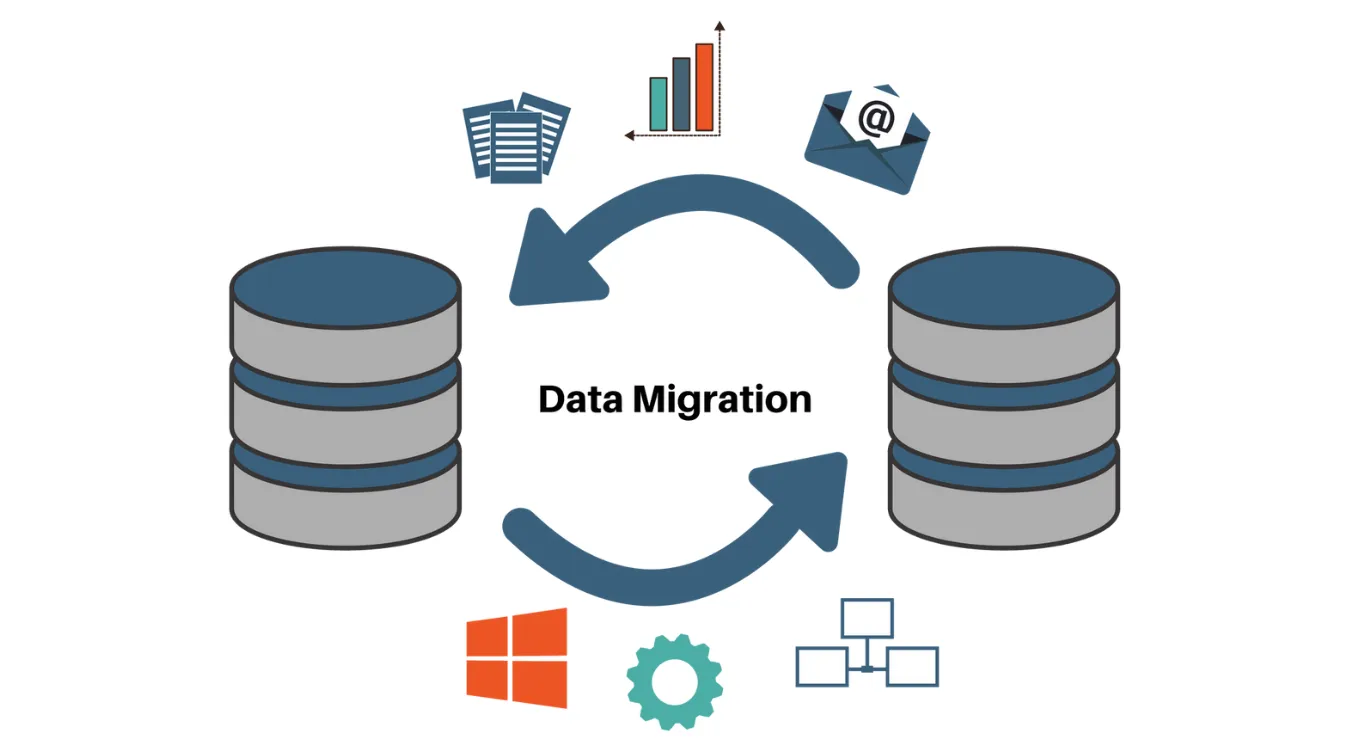
The goal is to move data between systems or formats while preserving integrity, relationships, and usability.

Drivers, Constraints, and Risks

Most migrations start for clear reasons:

  • Replacing aging storage or servers

  • Consolidating multiple systems into one platform

  • Moving from on-premises databases to cloud services

  • Changing application vendors or architectures

At the same time, teams must manage:

  • Downtime windows and cutover plans

  • Schema differences and missing fields

  • Data quality issues that appear once you inspect the source

  • Compliance requirements for retention and masking

Ignoring these constraints often leads to broken reports, failed integrations, or partial cutovers that require urgent rollback.

Common Categories of Data Migration

Data migration comes in several patterns.
Different projects often blend more than one.

CategoryEnfoqueTypical Scenario
Storage migrationSame app, new storage platformMoving from local disks to SAN or NAS
Database migrationNew database engine or versionFrom SQL Server to PostgreSQL
Application migrationNew application or SaaS platformCRM replacement or ERP upgrade
Cloud migrationTo, from, or between cloud providersOn-premises DB to managed cloud database

Each pattern handles structure, volume, and compatibility in a different way, but the core principles stay similar.

Mapping, Transformation, and Validation

Successful migration treats data models as first-class design artifacts.
You do not just move bytes; you move meaning.

Key activities:

  • Profiling: understand actual values, ranges, and null patterns in source data.

  • Mapping: define how each source field maps to target structures and formats.

  • Transformation: adjust types, units, encodings, and reference codes.

  • Validation: confirm that counts, sums, and relationships still match expectations after the move.

Documented mappings and repeatable validation queries matter more than one-off scripts.

Backup and Recovery as a Safety Net

Every migration plan needs a clear escape route.
Even strong designs can fail when unexpected data patterns or performance constraints appear.

Before you start heavy moves:

  • Create copias de seguridad or snapshots of critical volumes and databases.

  • Test restoration on a non-production system.

  • Protect those backups from accidental overwrite during the migration window.

If a storage migration goes wrong and corrupts file systems or partitions, tools such as Recuperación mágica de datos help recover files from damaged volumes and external drives.
That extra layer reduces the risk of permanent loss while you fix the root cause.

Descargar Magic Data Recovery

Compatible con Windows 7/8/10/11 y Windows Server

 Phased Blueprint for Data Migration

A structured, phased approach keeps complexity manageable and progress visible.

Phase 1: Discovery and Planning

  1. Inventory systems, schemas, and data volumes.

  2. Identify authoritative sources for each domain (customers, products, transactions).

  3. Assess data quality and highlight issues that require cleanup.

  4. Define downtime limits, performance goals, and success criteria.

Phase 2: Design and Prototyping

  1. Create detailed mapping documents between source and target models.

  2. Choose migration tools and patterns (bulk load, trickle feed, or hybrid).

  3. Build a prototype pipeline for a subset of data.

  4. Validate results with business owners and adjust mappings.

Phase 3: Full-Scale Execution

  1. Run rehearsal migrations on non-production environments.

  2. Refine job order, batch sizes, and parallelism.

  3. Schedule final migration within agreed maintenance windows.

  4. Monitor logs, performance, and validation queries in real time.

Phase 4: Cutover and Verification

  1. Switch applications and users to the new system.

  2. Freeze writes to legacy systems where required.

  3. Run reconciliation checks: record counts, totals, and spot checks on critical entities.

  4. Keep a rollback plan ready until stakeholders sign off on results.


Post-Migration Cleanup and Decommissioning

After cutover and validation, you still have work to finish:

  • Remove temporary migration tables and staging files.

  • Update documentation, runbooks, and monitoring dashboards.

  • Decommission old systems safely, including secure erasure of retired storage.

  • Close the feedback loop by capturing lessons for the next migration.

Only when backups, validation reports, and user checks align should you consider the migration truly complete.

PREGUNTAS FRECUENTES

What is meant by data migration?

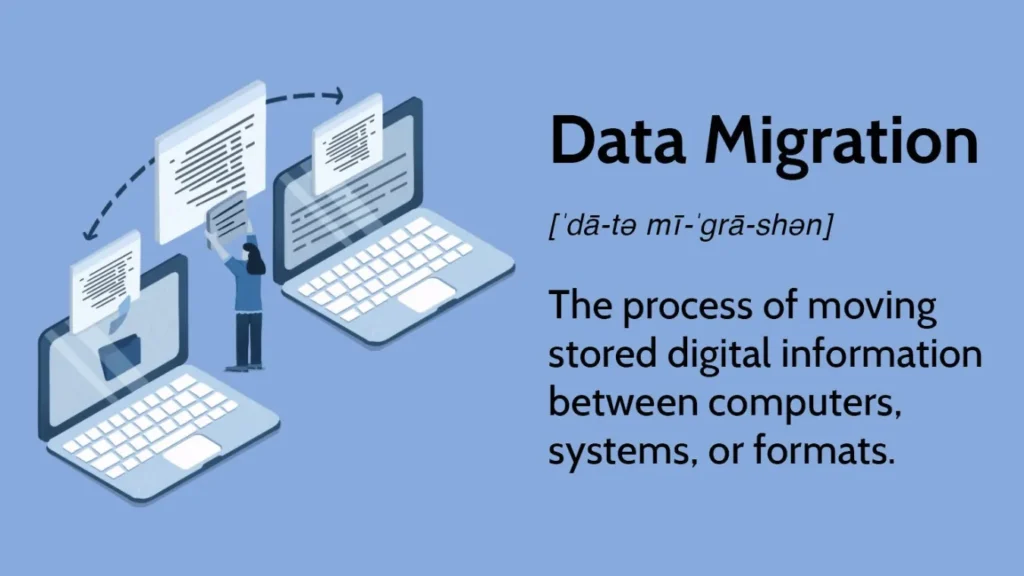
Data migration means moving data from one system, storage platform, or format to another in a controlled way. The work covers discovery, mapping, transfer, and validation so information stays complete, consistent, and usable in the new environment, while the source system retires or continues with a smaller, clearly defined role.

What are the four types of data migration?

Many teams describe four main types. Storage migration keeps applications but changes disks or arrays. Database migration changes the engine or version. Application migration moves data into a new app or SaaS product. Cloud migration shifts data into, out of, or between cloud providers with new services and architectures.

What is ETL in data migration?

ETL means extract, transform, and load. During data migration, ETL jobs pull data from source systems, reshape and clean it according to mapping rules, then load it into the target platform. These processes often run inside a wider migration plan that also covers validation, cutover, rollback, and decommissioning of old environments.

What is an example of data migration?

A common example is moving from an on-premises CRM to a cloud-based platform. Teams export customer records, contacts, and activity history, transform fields to match the new schema, and import data through APIs or bulk loaders. They validate counts and key accounts, then cut users over to the new system on a planned date.

What tool is used for data migration?

Data migration projects rely on several tools rather than one. Teams use ETL platforms, database-native utilities, cloud migration services, and scripting languages. Specialized tools handle log shipping, bulk load, and schema conversion. For safety, backup and recovery tools also support the process by protecting data before and after each major step.

What are the three main types of migration?

In a general sense, organizations often talk about storage, application, and cloud migration. Storage migration focuses on disks and arrays, application migration targets line-of-business systems, and cloud migration moves workloads and data into modern hosted platforms. Each type requires its own approach to planning, testing, and validation.

Is data migration the same as ETL?

Data migration and ETL relate closely but differ in scope. ETL covers the technical steps that move and transform data. Data migration adds planning, risk analysis, cutover, rollback, validation, and communication. You can run ETL jobs daily in a pipeline, while migration projects aim at one-off or infrequent structural moves between environments.

How to perform a data migration?

A solid approach starts with discovery and mapping, then moves through design, rehearsal, execution, and validation. You inventory data, define transformations, and test on subsets before full scale. During the final run, you monitor jobs, reconcile counts and totals, and keep backups and rollback procedures ready until stakeholders confirm success.

What is migration in simple words?

In simple terms, migration means moving something from one place to another so it can live there permanently. For data, that move shifts information into a new system or format where people will work in the future. A careful migration keeps what matters, fits new structures, and avoids unnecessary loss or confusion.
  • WiKi
Eddie

Eddie es un informático con más de 10 años de experiencia en varias empresas de renombre del sector informático. Aporta a cada proyecto profundos conocimientos técnicos y capacidad práctica para resolver problemas.

Navegación de entradas

Anterior
Siguiente

Buscar en

Categorías

  • Recuperación de Bitlocker
  • Recuperación de archivos eliminados
  • Solución de problemas de disco
  • Recuperación de documentos
  • Recuperación de archivos formateados
  • Recuperación de discos duros
  • Recuperación de claves de licencia
  • Recuperación de archivos perdidos
  • Recuperación de tarjetas de memoria
  • Noticias
  • Recuperación de contraseñas
  • Recuperación de fotos
  • Recuperación de SSD
  • Recuperación de unidades USB
  • Guía del usuario
  • Recuperación de vídeos
  • Wiki
  • Solución de problemas de Windows

Entradas recientes

  • Qué hacer si no se reconoce la unidad flash (solucionado)
    Qué hacer si no se reconoce la unidad flash
  • Cómo arreglar si el ordenador no reconoce un disco duro
    Cómo arreglar si el ordenador no reconoce el disco duro
  • ¿Puede recuperar archivos borrados en Windows 10 Sí, aquí es cómo
    ¿Puedes Recuperar Archivos Borrados en Windows 10? Sí, aquí te explicamos cómo

Etiquetas

CHKDSK y herramientas de disco Reparación de discos Solución de errores Cómo Magic Data Recovery Magic Recovery Key WiKi

Puestos relacionados

Qué hacer si no se reconoce la unidad flash (solucionado)
Wiki

Qué hacer si no se reconoce la unidad flash

25 de diciembre de 2025 Vasilii Aún no hay comentarios

Resulta frustrante que el ordenador no reconozca una unidad flash. Tanto si estás intentando acceder a archivos importantes como si simplemente quieres utilizarla para una transferencia rápida, una unidad flash que no se detecta puede parecer un gran inconveniente. La buena noticia es que, en la mayoría de los casos, el problema puede resolverse con [...]

Cómo arreglar si el ordenador no reconoce un disco duro
Wiki

Cómo arreglar si el ordenador no reconoce el disco duro

25 de diciembre de 2025 Vasilii Aún no hay comentarios

¿Su ordenador no reconoce su disco duro? Tanto si se trata de una unidad interna como externa, este problema puede deberse a varias razones, desde simples problemas de conexión hasta fallos de hardware o software más complejos. Afortunadamente, en la mayoría de los casos, es posible recuperar los datos de un disco duro que el ordenador no reconoce. Esto [...]

El ordenador no reconoce el disco duro externo
Solución de problemas de disco

Guía de la computadora no reconoce el disco duro externo

24 de diciembre de 2025 Vasilii Comentarios desactivados en Computer Not Recognizing External Hard Drive Guide

Cuando un ordenador no reconoce un disco duro externo, puede ser alarmante, sobre todo si el dispositivo contiene archivos importantes. La buena noticia es que, en muchos casos, los datos no se pierden. Este problema suele deberse a problemas de conexión, conflictos de controladores, errores del sistema de archivos o problemas de partición, más que a un fallo físico de la unidad. Comprender [...]

icono del logotipo de amagicsoft

Nuestra visión es convertirnos en una marca de software y proveedor de servicios de renombre mundial, que ofrezca productos y servicios de primer nivel a nuestros usuarios.

Productos
  • Magic Data Recovery
  • Magic Recovery Key
Política
  • Términos
  • Política de privacidad
  • Política de reembolso
  • Acuerdo de licencia
Empresa
  • Acerca de Amagicsoft
  • Contacto
  • Tienda
Síguenos

Derechos de autor © 2025 Amagicsoft. Todos los derechos reservados.

  • Términos
  • Política de privacidad