Skip to content
amagicsoft logo icon
  • Home
  • Products
    • Magic Data Recovery
    • Magic Recovery Key
  • Store
  • Blog
  • More
    • About Amagicsoft
    • Contact US
    • Privacy Policy
    • Terms
    • License Agreement
    • Refund Policy
  • English
    • 日本語
    • 한국어
    • Deutsch
    • Français
    • 繁體中文
Wiki

Data Migration

02.12.2025 Eddie No comments yet
Data Migration

Table of Contents

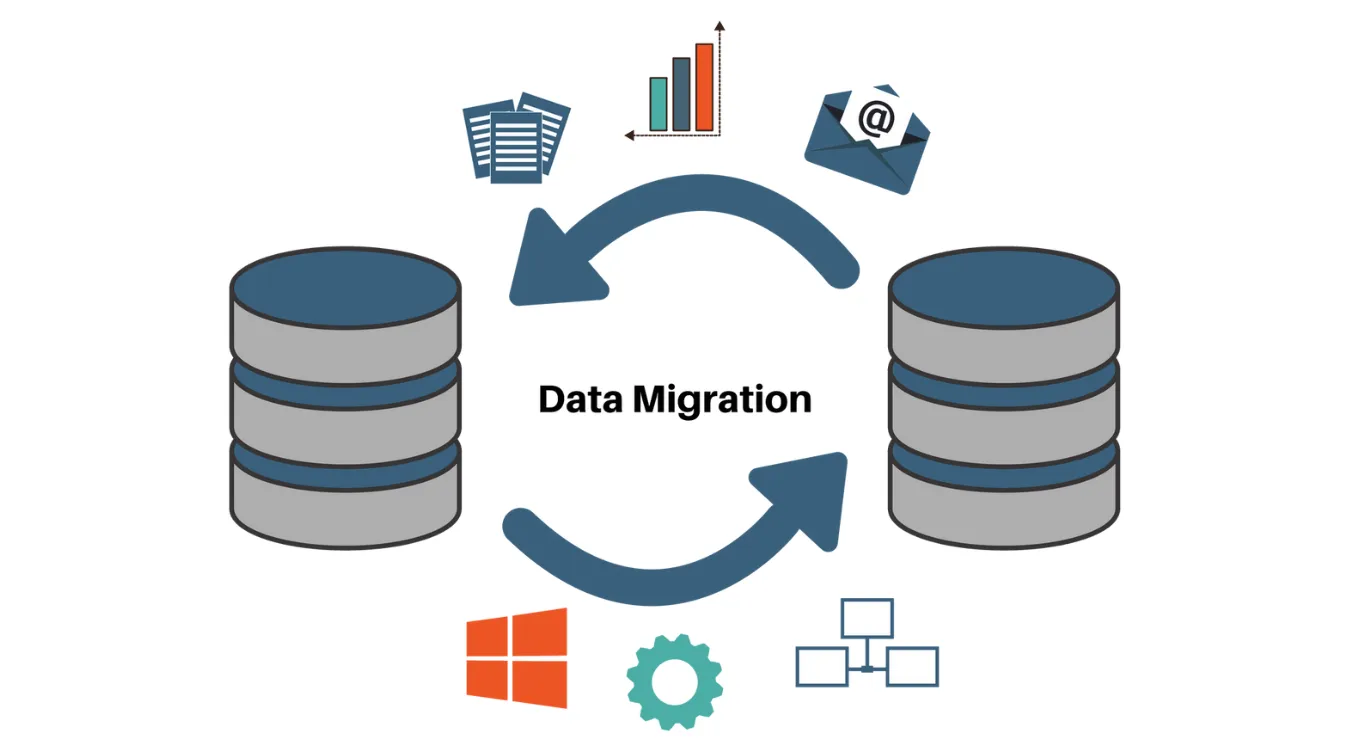
Data Migration as a Planned Change, Not a File Copy

Organizations rarely move data just once.
New storage, new SaaS platforms, and system upgrades all push information from one place to another.

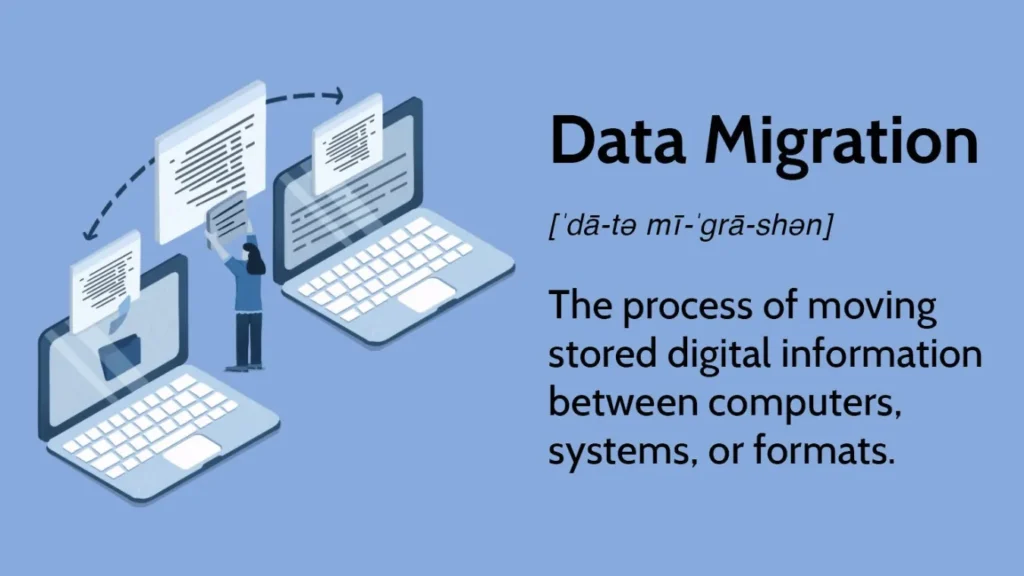
Data migration handles that change as a controlled project, not a simple copy.
The goal is to move data between systems or formats while preserving integrity, relationships, and usability.

Drivers, Constraints, and Risks

Most migrations start for clear reasons:

  • Replacing aging storage or servers

  • Consolidating multiple systems into one platform

  • Moving from on-premises databases to cloud services

  • Changing application vendors or architectures

At the same time, teams must manage:

  • Downtime windows and cutover plans

  • Schema differences and missing fields

  • Data quality issues that appear once you inspect the source

  • Compliance requirements for retention and masking

Ignoring these constraints often leads to broken reports, failed integrations, or partial cutovers that require urgent rollback.

Common Categories of Data Migration

Data migration comes in several patterns.
Different projects often blend more than one.

CategoryFocusTypical Scenario
Storage migrationSame app, new storage platformMoving from local disks to SAN or NAS
Database migrationNew database engine or versionFrom SQL Server to PostgreSQL
Application migrationNew application or SaaS platformCRM replacement or ERP upgrade
Cloud migrationTo, from, or between cloud providersOn-premises DB to managed cloud database

Each pattern handles structure, volume, and compatibility in a different way, but the core principles stay similar.

Mapping, Transformation, and Validation

Successful migration treats data models as first-class design artifacts.
You do not just move bytes; you move meaning.

Key activities:

  • Profiling: understand actual values, ranges, and null patterns in source data.

  • Mapping: define how each source field maps to target structures and formats.

  • Transformation: adjust types, units, encodings, and reference codes.

  • Validation: confirm that counts, sums, and relationships still match expectations after the move.

Documented mappings and repeatable validation queries matter more than one-off scripts.

Backup and Recovery as a Safety Net

Every migration plan needs a clear escape route.
Even strong designs can fail when unexpected data patterns or performance constraints appear.

Before you start heavy moves:

  • Create backups or snapshots of critical volumes and databases.

  • Test restoration on a non-production system.

  • Protect those backups from accidental overwrite during the migration window.

If a storage migration goes wrong and corrupts file systems or partitions, tools such as Magic Data Recovery help recover files from damaged volumes and external drives.
That extra layer reduces the risk of permanent loss while you fix the root cause.

Download Magic Data Recovery

Supports Windows 7/8/10/11 and Windows Server

 Phased Blueprint for Data Migration

A structured, phased approach keeps complexity manageable and progress visible.

Phase 1: Discovery and Planning

  1. Inventory systems, schemas, and data volumes.

  2. Identify authoritative sources for each domain (customers, products, transactions).

  3. Assess data quality and highlight issues that require cleanup.

  4. Define downtime limits, performance goals, and success criteria.

Phase 2: Design and Prototyping

  1. Create detailed mapping documents between source and target models.

  2. Choose migration tools and patterns (bulk load, trickle feed, or hybrid).

  3. Build a prototype pipeline for a subset of data.

  4. Validate results with business owners and adjust mappings.

Phase 3: Full-Scale Execution

  1. Run rehearsal migrations on non-production environments.

  2. Refine job order, batch sizes, and parallelism.

  3. Schedule final migration within agreed maintenance windows.

  4. Monitor logs, performance, and validation queries in real time.

Phase 4: Cutover and Verification

  1. Switch applications and users to the new system.

  2. Freeze writes to legacy systems where required.

  3. Run reconciliation checks: record counts, totals, and spot checks on critical entities.

  4. Keep a rollback plan ready until stakeholders sign off on results.


Post-Migration Cleanup and Decommissioning

After cutover and validation, you still have work to finish:

  • Remove temporary migration tables and staging files.

  • Update documentation, runbooks, and monitoring dashboards.

  • Decommission old systems safely, including secure erasure of retired storage.

  • Close the feedback loop by capturing lessons for the next migration.

Only when backups, validation reports, and user checks align should you consider the migration truly complete.

FAQ

What is meant by data migration?

Data migration means moving data from one system, storage platform, or format to another in a controlled way. The work covers discovery, mapping, transfer, and validation so information stays complete, consistent, and usable in the new environment, while the source system retires or continues with a smaller, clearly defined role.

What are the four types of data migration?

Many teams describe four main types. Storage migration keeps applications but changes disks or arrays. Database migration changes the engine or version. Application migration moves data into a new app or SaaS product. Cloud migration shifts data into, out of, or between cloud providers with new services and architectures.

What is ETL in data migration?

ETL means extract, transform, and load. During data migration, ETL jobs pull data from source systems, reshape and clean it according to mapping rules, then load it into the target platform. These processes often run inside a wider migration plan that also covers validation, cutover, rollback, and decommissioning of old environments.

What is an example of data migration?

A common example is moving from an on-premises CRM to a cloud-based platform. Teams export customer records, contacts, and activity history, transform fields to match the new schema, and import data through APIs or bulk loaders. They validate counts and key accounts, then cut users over to the new system on a planned date.

What tool is used for data migration?

Data migration projects rely on several tools rather than one. Teams use ETL platforms, database-native utilities, cloud migration services, and scripting languages. Specialized tools handle log shipping, bulk load, and schema conversion. For safety, backup and recovery tools also support the process by protecting data before and after each major step.

What are the three main types of migration?

In a general sense, organizations often talk about storage, application, and cloud migration. Storage migration focuses on disks and arrays, application migration targets line-of-business systems, and cloud migration moves workloads and data into modern hosted platforms. Each type requires its own approach to planning, testing, and validation.

Is data migration the same as ETL?

Data migration and ETL relate closely but differ in scope. ETL covers the technical steps that move and transform data. Data migration adds planning, risk analysis, cutover, rollback, validation, and communication. You can run ETL jobs daily in a pipeline, while migration projects aim at one-off or infrequent structural moves between environments.

How to perform a data migration?

A solid approach starts with discovery and mapping, then moves through design, rehearsal, execution, and validation. You inventory data, define transformations, and test on subsets before full scale. During the final run, you monitor jobs, reconcile counts and totals, and keep backups and rollback procedures ready until stakeholders confirm success.

What is migration in simple words?

In simple terms, migration means moving something from one place to another so it can live there permanently. For data, that move shifts information into a new system or format where people will work in the future. A careful migration keeps what matters, fits new structures, and avoids unnecessary loss or confusion.
  • WiKi
Eddie

Eddie is an IT specialist with over 10 years of experience working at several well-known companies in the computer industry. He brings deep technical knowledge and practical problem-solving skills to every project.

文章导航

Previous
Next

Search

Categories

  • Bitlocker Recovery
  • Deleted File Recovery
  • Format File Recovery
  • Hard Drive Recovery
  • License Key Recovery
  • Lost File Recovery
  • Memory Card Recovery
  • News
  • Photo Recovery
  • SSD Recovery
  • Uncategorized
  • USB Drive Recovery
  • User Guide
  • Wiki

Recent posts

  • The Pros and Cons of SSDs as External Hard Drives
    The Pros and Cons of SSDs as External Hard Drives
  • How to Use Target Disk Mode and Share Mode on Mac Computers
    How to Use Target Disk Mode and Share Mode on Mac Computers: A Complete Guide
  • Duplicate File Finder
    Duplicate File Finder

Tags

How to Magic Data Recovery Magic Recovery Key WiKi

Related posts

Duplicate File Finder
Wiki

Duplicate File Finder

02.12.2025 Eddie No comments yet

Table of Contents Duplicate Files Are Not Real Backups Many users keep “extra safety” copies of documents by dragging them into new folders or external drives.Over time, these copies multiply and turn into clutter rather than protection. Duplicate files waste storage, slow backups, and make data recovery more confusing.A Duplicate File Finder helps identify redundant copies so […]

Context Switch
Wiki

Context Switch

02.12.2025 Eddie No comments yet

Table of Contents CPU Time as a Shared Resource Modern operating systems juggle dozens or hundreds of active threads.Only a few CPU cores exist, so most threads wait in queues while a small subset runs. A context switch lets the scheduler pause one running thread and resume another.This rapid switching creates the illusion of parallelism […]

Data Acquisition
Wiki

Data Acquisition

02.12.2025 Eddie No comments yet

Table of Contents  Incident Scene: Data at Risk Before Collection When an incident occurs, the first instinct often involves “looking around” the live system.Unplanned clicks, root logins, or file copies can alter timestamps, logs, and unallocated space before anyone records a clean state. Data acquisition solves this problem.It focuses on collecting data in a controlled […]

amagicsoft logo icon

Our vision is to become a globally renowned software brand and service provider, delivering top-tier products and services to our users.

Products
  • Magic Data Recovery
  • Magic Recovery Key
Policy
  • Terms
  • Privacy Policy
  • Refund Policy
  • License Agreement
Company
  • About Amagicsoft
  • Contact US
  • Store
Follow Us

Copyright © 2025 Amagicsoft. All Rights Reserved.

  • Terms
  • Privacy Policy