
Che cos'è l'HDD (Hard Disk Drive)?
Indice dei contenuti
Che cos'è l'HDD - Definizione
Come funziona l'HDD
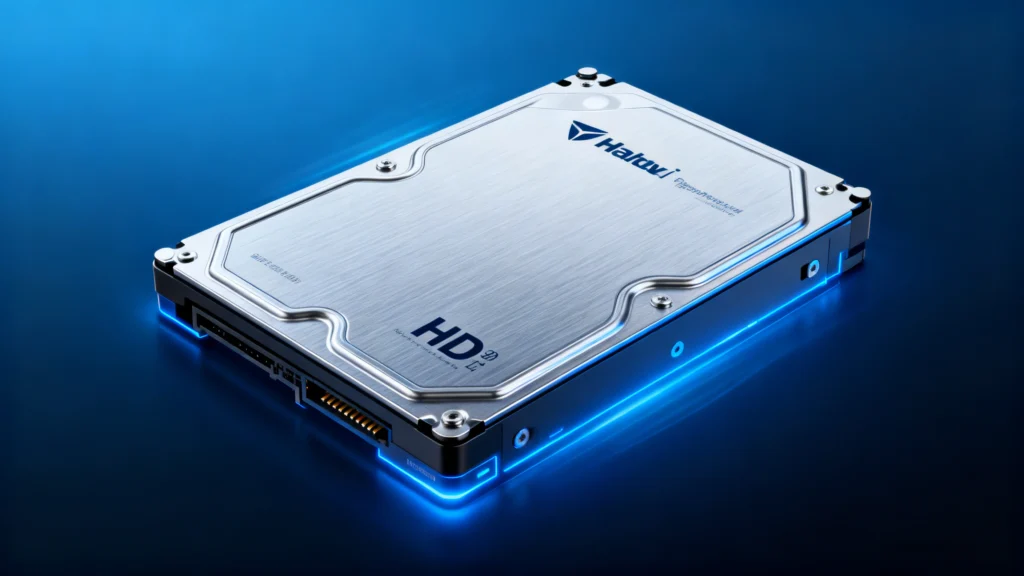
Quando ci si chiede “che cos'è l'HDD”, ci si riferisce al meccanismo complessivo utilizzato per l'archiviazione magnetica dei dati:
Piatti rivestiti di materiale magnetico, memorizzano i dati bit per bit.
Motore del mandrino ruota i piatti ad alta velocità.
Braccio dell'attuatore posiziona la testina di lettura/scrittura con estrema precisione.
Scheda di controllo scambia dati con il sistema operativo del computer.
Poiché il meccanismo si basa sul movimento fisico, le prestazioni sono più lente rispetto alle unità basate su flash, ma sono prevedibili ed efficienti dal punto di vista dei costi.
Casi d'uso comuni
Gli HDD rimangono pratici per molti utenti e settori:
Grandi archivi di dati personali o aziendali
Librerie di foto e video
Desktop e portatili economici
Esterno unità di backup
Dispositivi NAS che richiedono un'archiviazione ad alta capacità
La loro scalabilità li rende ideali per archiviare grandi quantità di informazioni.
Vantaggi
Elevata capacità di stoccaggio a un costo inferiore
Tecnologia collaudata e matura con comportamento prevedibile
Facile da sostituire o aggiornare
Ampiamente compatibile con tutti i sistemi
Questi vantaggi ne fanno una scelta forte quando la capacità è più importante.
SSD vs HDD: le differenze principali per una migliore decisione
Con l'evoluzione della tecnologia di archiviazione, molti utenti devono decidere se affidarsi a un'unità rotante tradizionale o passare all'archiviazione a stato solido. Comprendere le differenze pratiche tra le due opzioni aiuta a fare la scelta giusta in termini di prestazioni, affidabilità ed esigenze a lungo termine. La tabella seguente fornisce un confronto chiaro e conciso.
Categoria | SSD (unità a stato solido) | HDD (disco rigido) |
Tecnologia | Memoria flash, nessuna parte mobile | Design meccanico con piatti e testine |
Prestazioni | Velocità di lettura/scrittura molto elevate | Velocità moderate, limitate meccanicamente |
Durata | Resistente agli urti | Sensibile a cadute e vibrazioni |
Livello di rumore | Completamente silenzioso | Produce suoni di rotazione o di scatto |
Consumo di energia | Basso | Maggiore a causa dei componenti meccanici |
Potenza termica | Minimo | Genera più calore sotto carico |
Efficienza dei costi | Costo più elevato per GB | Più conveniente per le grandi capacità |
I migliori casi d'uso | OS, applicazioni, giochi, attività veloci | Backup, archivi, archiviazione di supporti di grandi dimensioni |
Modello di usura | Cicli di scrittura limitati | Usura meccanica nel tempo |
Questo confronto aiuta gli utenti a capire quando ciascuna soluzione è più appropriata e come si completano a vicenda nei sistemi ibridi.
Limitazioni
Pur essendo utili, le unità disco presentano anche alcuni svantaggi:
Velocità di caricamento e trasferimento inferiori
Rumore e vibrazioni dovuti alle parti in movimento
Maggiore generazione di calore
Maggiore sensibilità agli shock fisici
A causa di queste limitazioni, molti sistemi moderni combinano la velocità delle unità SSD con la capacità delle unità HDD.
Quando riparare o sostituire
Possibilità di recupero dati su dispositivi HDD
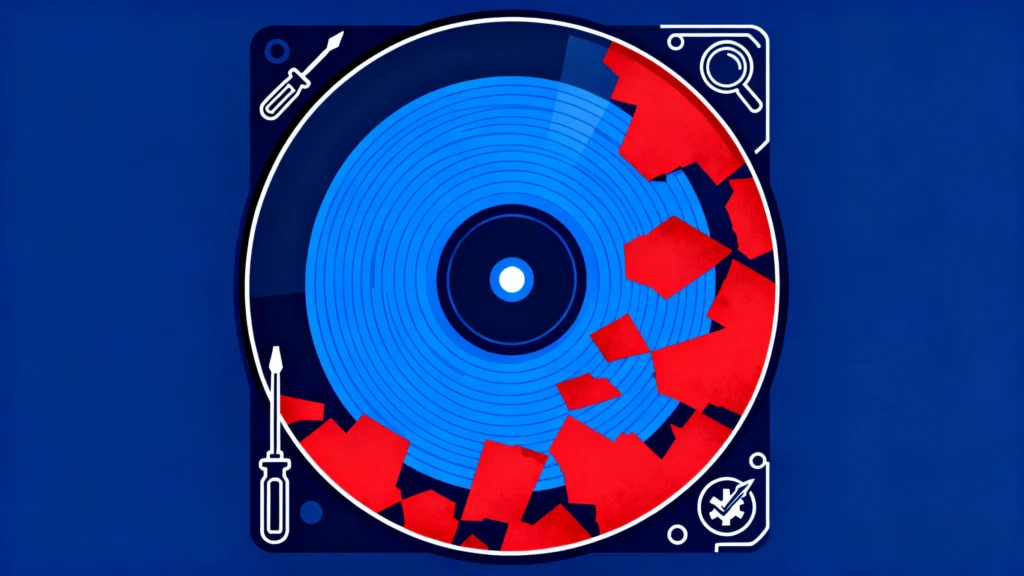
In quasi tutti gli scenari reali, i dati persi da un'unità meccanica rimangono altamente recuperabili a patto che i settori originali non siano stati sovrascritti. Anche se il Il file system è danneggiato o la partizione diventa inaccessibile, le informazioni sottostanti di solito sono ancora presenti sui piatti. Per questo motivo, gli utenti dovrebbero evitare di scrivere nuovi dati sull'unità ed eseguire una scansione di ripristino il prima possibile.
Gli strumenti professionali possono analizzare il disco in modalità di sola lettura e ricostruire le voci perse in modo sicuro. Tra gli strumenti disponibili Soluzioni hdd, Magic Data Recovery fornito da Amagicsoft è una scelta affidabile per la scansione dell'unità e il ripristino dei file recuperabili prima che si verifichino ulteriori danni. È possibile fare clic sul pulsante seguente per scaricare lo strumento professionale di recupero dati.
Supporta Windows 7/8/10/11 e Windows Server
Domande frequenti su Che cos'è l'HDD
Qual è la funzione principale di un hard disk?
Quanto dura normalmente questo tipo di unità?
Perché è più lento dello storage a stato solido?
È possibile utilizzare sia l'archiviazione SSD che quella su disco rigido in un unico computer?
Cosa significa fare clic all'interno dell'unità?
È possibile recuperare i dati in caso di guasto dell'unità?
In che modo gli utenti possono prolungare la durata di vita del proprio dispositivo di archiviazione?
È necessario utilizzare un software di riparazione quando il dispositivo emette strani rumori?

Erin Smith è riconosciuta come una delle scrittrici più professionali di Amagicsoft. Negli ultimi 10 anni ha continuamente affinato le sue capacità di scrittura e ha aiutato milioni di lettori a risolvere i loro problemi tecnologici.