
What is HDD (Hard Disk Drive)?
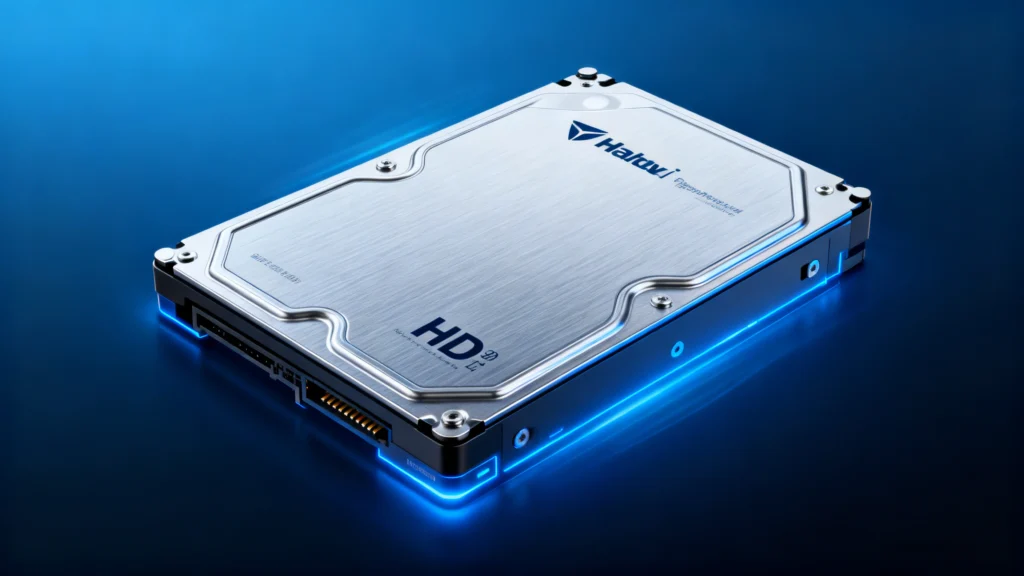
Table of Contents
What is HDD – Definition
How HDD Works
When asking “what is HDD”, it refers to the overall mechanism used for magnetic data storage:
Platters coated with magnetic material store data bit-by-bit.
Spindle motor rotates the platters at high speed.
Actuator arm positions the read/write head with extreme precision.
Controller board exchanges data with the computer’s operating system.
Because the mechanism relies on physical movement, performance is slower than flash-based drives, yet predictable and cost-efficient.
Common Use Cases
HDDs remain practical for many users and industries:
Large personal or business data archives
Photo and video libraries
Budget-friendly desktops and laptops
External backup drives
NAS devices requiring high-capacity storage
Their scalability makes them ideal for storing vast amounts of information.
Benefits
High storage capacity at a lower cost
Proven, mature technology with predictable behavior
Easy to replace or upgrade
Widely compatible across systems
These advantages make it a strong choice when capacity matters most.
SSD vs HDD: Key Differences for Better Decision-Making
As storage technology evolves, many users must decide whether to rely on a traditional spinning drive or upgrade to solid-state storage. Understanding the practical differences between the two options helps ensure the right choice for performance, reliability, and long-term needs. The table below provides a clear, concise comparison.
Category | SSD (Solid-State Drive) | HDD (Hard Disk Drive) |
Technology | Flash memory, no moving parts | Mechanical design with platters and heads |
Performance | Very fast read/write speeds | Moderate speeds, mechanically limited |
Durability | Shock-resistant | Sensitive to drops and vibration |
Noise Level | Completely silent | Produces spinning or clicking sounds |
Power Consumption | Low | Higher due to mechanical components |
Heat Output | Minimal | Generates more heat under load |
Cost Efficiency | Higher cost per GB | More affordable for large capacities |
Best Use Cases | OS, apps, gaming, speed tasks | Backups, archives, large media storage |
Wear Pattern | Limited write cycles | Mechanical wear over time |
This comparison helps users understand when each solution is more appropriate and how they complement each other in hybrid systems.
Limitations
While useful, HDDs also come with certain disadvantages:
Slower loading and transfer speeds
Noise and vibration due to moving parts
Higher heat generation
Greater sensitivity to physical shock
Because of these limitations, many modern systems combine SSD speed and HDD capacity.
When to Repair or Replace
Data Recovery Possibility on HDD Devices
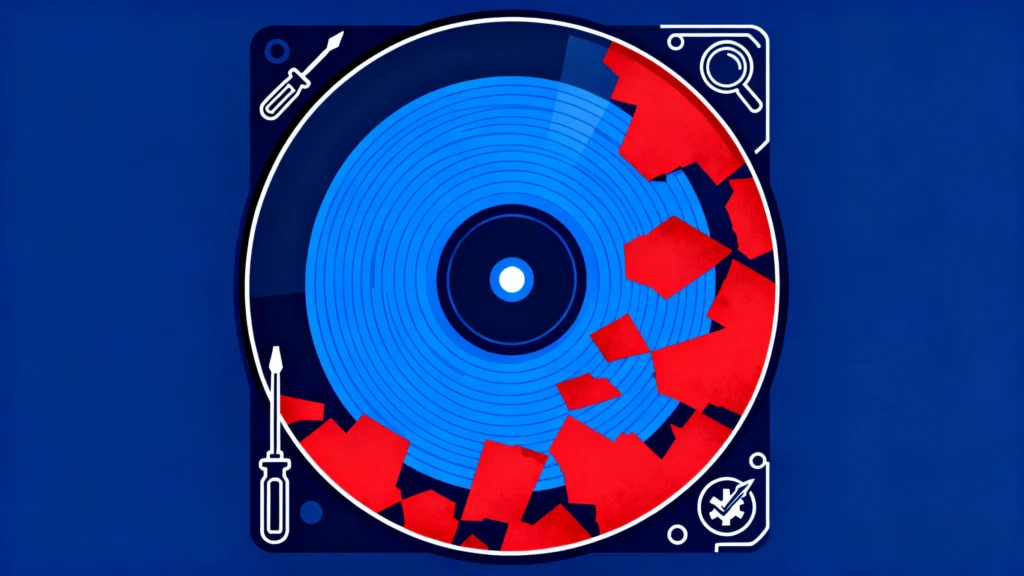
In almost all real-world scenarios, data lost from a mechanical drive remains highly recoverable as long as the original sectors have not been overwritten. Even if the file system becomes corrupted or the partition turns inaccessible, the underlying information usually still exists on the platters. Because of this, users should avoid writing new data to the drive and run a recovery scan as soon as possible.
Professional tools can analyze the disk in a read-only mode and rebuild lost entries safely. Among available hdd solutions, Magic Data Recovery provided by Amagicsoft is a reliable choice for scanning the drive and restoring recoverable files before further damage occurs. You can click the folllow button to download the professional data recovery tool.
Supports Windows 7/8/10/11 and Windows Server
FAQs About What is HDD
What is the main function of a hard disk drive?
How long does this type of drive normally last?
Why does it run slower than solid-state storage?
Can I use both SSD and hard disk storage in one computer?
What does clicking inside the drive mean?
Is data recovery possible if the drive fails?
How can users extend the lifespan of their storage device?
Should repair software be used when the device makes strange noises?

Erin Smith is recognized as one of the most professional writers at Amagicsoft. She has continually honed her writing skills over the past 10 years and helped millions of readers solve their tech problems.