
Camera bianca
Indice dei contenuti
Rischi dell'apertura di un disco rigido al di fuori di una camera bianca
All'interno di un disco rigido, Le testine di lettura/scrittura fluttuano a una distanza minima dai piatti in rotazione.
Una singola particella di polvere può graffiare le tracce, distruggere le informazioni del servo e cancellare interi file system.
Quando si apre un'unità su una scrivania o in un laboratorio, polvere, fibre e scaglie di pelle finiscono sui piatti.
Ogni rotazione trascina quindi queste particelle sulla superficie e trasforma un caso recuperabile in una perdita permanente.
Condizioni che definiscono una camera bianca per il recupero dati
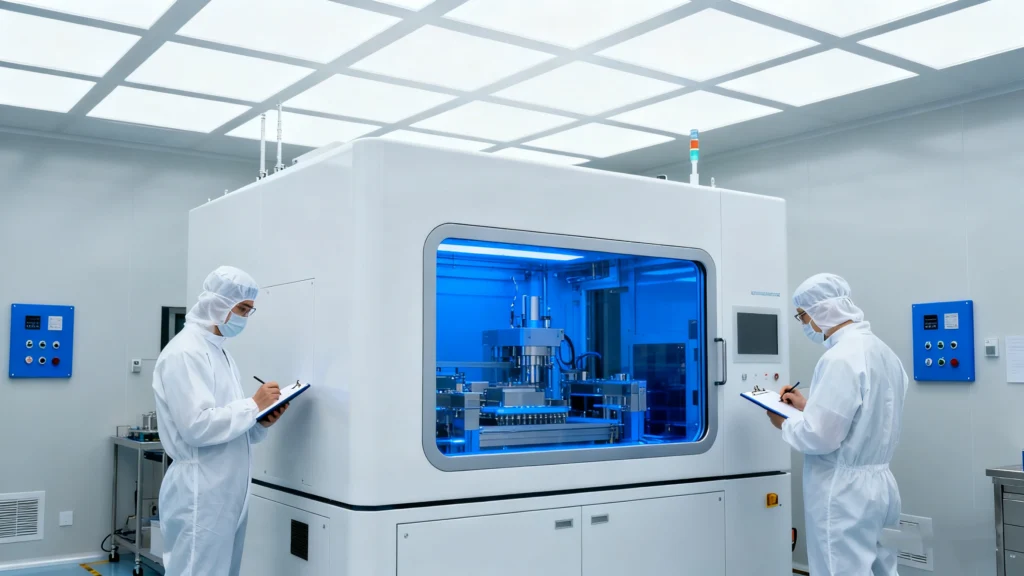
Una camera bianca controlla le particelle, il flusso d'aria, la temperatura e l'attività umana.
Recupero dati I laboratori lo usano quando aprono le unità sigillate, sostituiscono le testine o spostano i piatti.
Qualità dell'aria e filtrazione
Una camera pulita professionale:
Utilizza filtri HEPA o ULPA per rimuovere le microscopiche particelle dall'aria
Mantiene una pressione positiva in modo che l'aria non filtrata non possa fluire verso l'interno.
Monitora il conteggio delle particelle per classe (ad esempio, livelli ISO 5 o ISO 6)
Controlla l'umidità e la temperatura per proteggere l'elettronica e i supporti.
Queste condizioni mantengono la contaminazione dell'aria molto al di sotto dei normali livelli d'ufficio.
Questa protezione è importante quando i piatti girano a migliaia di giri al minuto sotto testine delicate.
Superfici e strumenti di lavoro
Recupero dati Gli ingegneri lavorano su banchi puliti o su cappe a flusso laminare.
Queste stazioni dirigono l'aria filtrata sull'area di lavoro e allontanano i contaminanti dalle unità aperte.
Un banco per camera bianca di solito comprende:
Superfici di lavoro antistatiche e cinghie da polso
Strumenti di precisione per la lavorazione di testine e piatti
Dispositivi di fissaggio specializzati per stabilizzare gli assiemi
Ingrandimento e illuminazione per un'ispezione dettagliata
I tecnici indossano anche camici, guanti, maschere e copriscarpe per ridurre le fibre e le particelle della pelle.
Il ruolo delle camere bianche nel recupero professionale degli HDD
Le camere bianche supportano le fasi più invasive e ad alto rischio del recupero dei dischi rigidi.
Gli ingegneri li usano solo quando i metodi basati sul software non sono più utili.
I compiti tipici della camera bianca comprendono:
Sostituzione della pila di testine per le unità con testine guaste
Trasferimento del piatto quando i motori si bloccano o i cuscinetti si guastano
Ispezione dei componenti interni dopo urti o danni da liquidi
Il chip del firmware funziona su alcuni progetti
Dopo aver ripristinato le funzioni meccaniche di base, gli ingegneri spostano l'unità su un'apparecchiatura di imaging.
L'apparecchiatura clona la maggior quantità possibile di dati leggibili su un disco separato per il ripristino logico.
Quando è necessario interrompere i tentativi di fai-da-te
Molti utenti cercano di Recupero basato su software prima, il che ha senso quando l'unità continua a girare, a enumerare e a leggere i dati.
I sintomi meccanici richiedono una risposta diversa.
È necessario interrompere l'autocostruzione ed evitare ulteriori cicli di alimentazione quando:
L'azionamento scatta, macina o gira su e giù ripetutamente
Il firmware si identifica in modo errato o cambia modello e capacità in modo irregolare
L'unità si stacca dal sistema con un carico leggero
Si avvertono odori di bruciato o danni visibili
In questi casi, ogni ulteriore tentativo può peggiorare il danno ai supporti.
Un laboratorio in camera bianca può ispezionare e decidere se la sostituzione delle teste o altri interventi a livello di componenti offrono ancora una possibilità.
Come il lavoro in camera bianca si collega al recupero del software
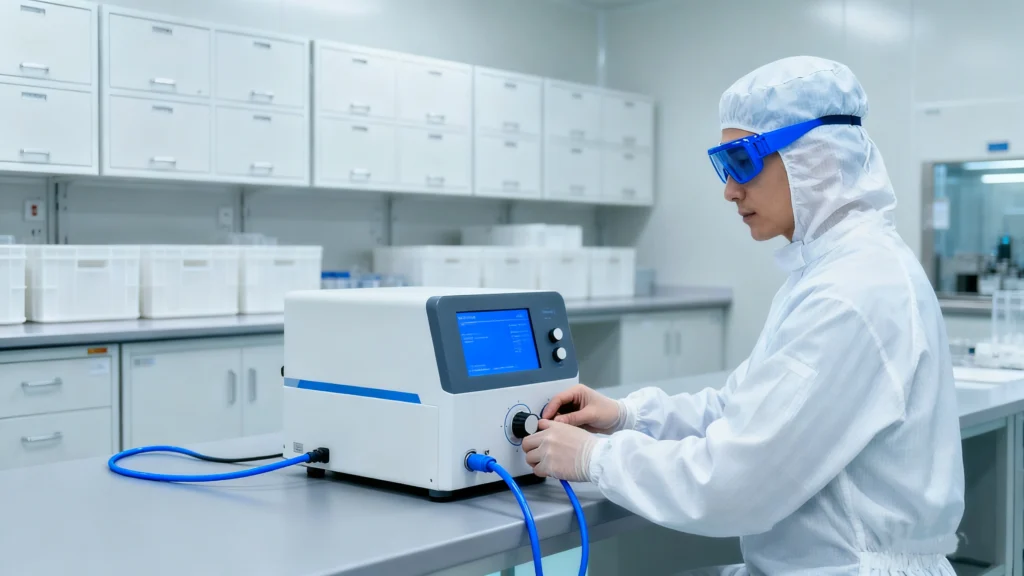
Il lavoro in camera bianca e il recupero logico si completano a vicenda.
Uno protegge i supporti fisici; l'altro ricostruisce i file system e i file.
Una sequenza tipica è la seguente:
Un'unità subisce un guasto meccanico e non può rimanere in linea abbastanza a lungo per l'imaging.
Un laboratorio in camera bianca sostituisce le testine o i motori guasti e stabilizza il dispositivo.
Il laboratorio utilizza quindi un hardware di imaging per creare un clone a livello di settore.
Voi o il laboratorio eseguite strumenti come Magic Data Recovery su quel clone.
Il software ricostruisce partizioni, file system e strutture di directory dalla copia più sicura.
Questa separazione consente di evitare il lavoro fisico invasivo e la scansione logica ad alta intensità dai supporti originali.
Protezione di un'unità guasta prima della spedizione in camera bianca
È possibile aumentare le probabilità di successo trattando con cura l'unità guasta prima di spedirla.
Passi consigliati:
Spegnere il sistema non appena si notano rumori meccanici o ripetute Errori di I/O.
Rimuovere l'unità con delicatezza, evitando di flettere il telaio.
Collocare l'unità in un sacchetto antistatico e utilizzare un'imbottitura per proteggerla durante il trasporto.
Etichettare l'unità con i sintomi del guasto e se qualcuno l'ha già aperta.
Scegliete un laboratorio che utilizzi camere bianche certificate e che sia in grado di fornire la documentazione delle procedure.
Non si devono congelare le unità, aprire i coperchi o toccare gli alloggiamenti.
Questi miti spesso causano più danni del fallimento originale.
Conclusione
Le camere pulite danno recupero dati crea un ambiente controllato per le operazioni su disco più delicate.
Riducono i rischi di polvere e statica a livelli che le officine ordinarie non possono raggiungere.
Quando un l'unità si guasta meccanicamente, il lavoro in camera bianca diventa spesso l'ultima opzione tecnica prima della perdita definitiva.
Dopo che un laboratorio ha stabilizzato l'hardware e prodotto un'immagine, un software come Magic Data Recovery può completare il recupero logico e riportare i file a una destinazione sicura.
Supporta Windows 7/8/10/11 e Windows Server
Domande frequenti
Cosa si intende per camera bianca?
Cosa c'è in una camera bianca?
Cosa fa una camera bianca?
Che cos'è una camera bianca nel settore farmaceutico?
Cosa fare e non fare nella camera bianca?
Cosa dice di una persona una stanza pulita?
Cosa non è consentito in una camera bianca?
Una stanza pulita fa bene alla salute mentale?

Eddie è uno specialista IT con oltre 10 anni di esperienza in diverse aziende rinomate del settore informatico. Porta in ogni progetto una profonda conoscenza tecnica e capacità di risolvere problemi pratici.