
Clean Room
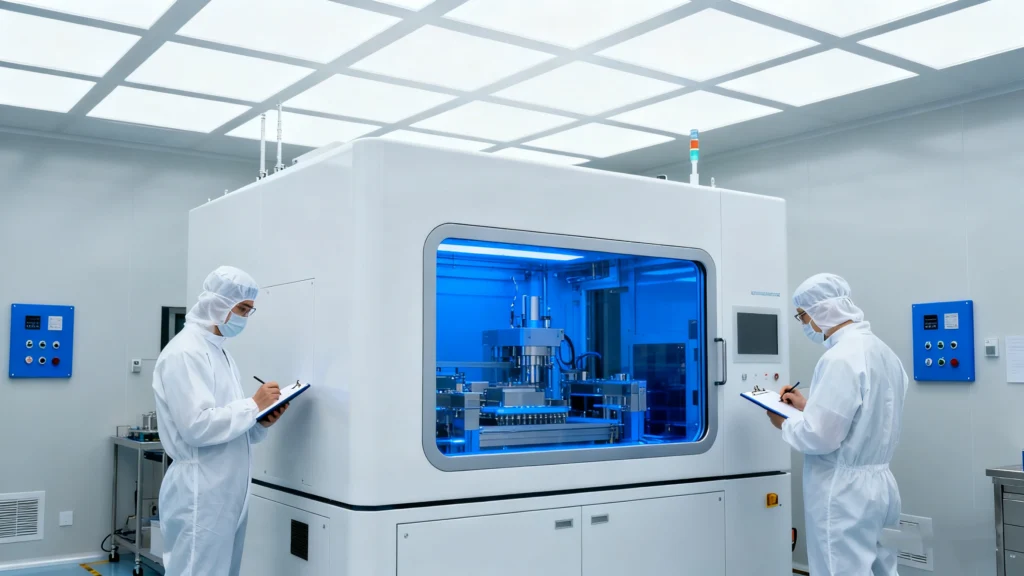
Table of Contents
Risks of Opening a Hard Drive Outside a Clean Room
Inside a hard drive, read/write heads float a tiny distance above spinning platters.
A single dust particle can scratch tracks, destroy servo information, and wipe out entire file systems.
When someone opens a drive on a desk or in a workshop, dust, fibers, and skin flakes land on the platters.
Every rotation then drags those particles across the surface and turns a recoverable case into permanent loss.
Conditions That Define a Data Recovery Clean Room
A clean room controls particles, airflow, temperature, and human activity.
Data recovery labs use it when they open sealed drives, swap heads, or move platters.
Air Quality and Filtration
A professional clean room:
Uses HEPA or ULPA filters to remove microscopic particles from the air
Maintains positive pressure so unfiltered air cannot flow inward
Monitors particle counts by class (for example, ISO 5 or ISO 6 levels)
Controls humidity and temperature to protect electronics and media
These conditions keep airborne contamination far below normal office levels.
That protection matters when platters spin at thousands of revolutions per minute beneath delicate heads.
Work Surfaces and Tools
Data recovery engineers work at clean benches or laminar-flow hoods.
These stations direct filtered air over the workspace and push contaminants away from open drives.
A clean room bench usually includes:
Anti-static work surfaces and wrist straps
Precision tools for head and platter work
Specialized fixtures to stabilize assemblies
Magnification and lighting for detailed inspection
Technicians also wear gowns, gloves, masks, and shoe covers to reduce fibers and skin particles.
Role of Clean Rooms in Professional HDD Recovery
Clean rooms support the most invasive, high-risk steps in hard drive recovery.
Engineers use them only when software-based methods can no longer help.
Typical clean room tasks include:
Head stack replacement for drives with failed heads
Platter transfers when motors seize or bearings fail
Internal component inspection after shock or liquid damage
Firmware chip work on some designs
After engineers restore basic mechanical function, they move the drive to imaging equipment.
That equipment clones as much readable data as possible to a separate disk for logical recovery.
When You Should Stop DIY Attempts
Many users try software-based recovery first, which makes sense when the drive still spins, enumerates, and reads data.
Mechanical symptoms require a different response.
You should stop DIY and avoid further power cycles when:
The drive clicks, grinds, or spins up and down repeatedly
Firmware identifies incorrectly or changes model and capacity erratically
The drive drops from the system under light load
Burning smells or visible damage appear
In those cases, every additional attempt can worsen media damage.
A clean room lab can inspect and decide whether head swaps or other component-level work still offer a chance.
How Clean Room Work Connects to Software Recovery
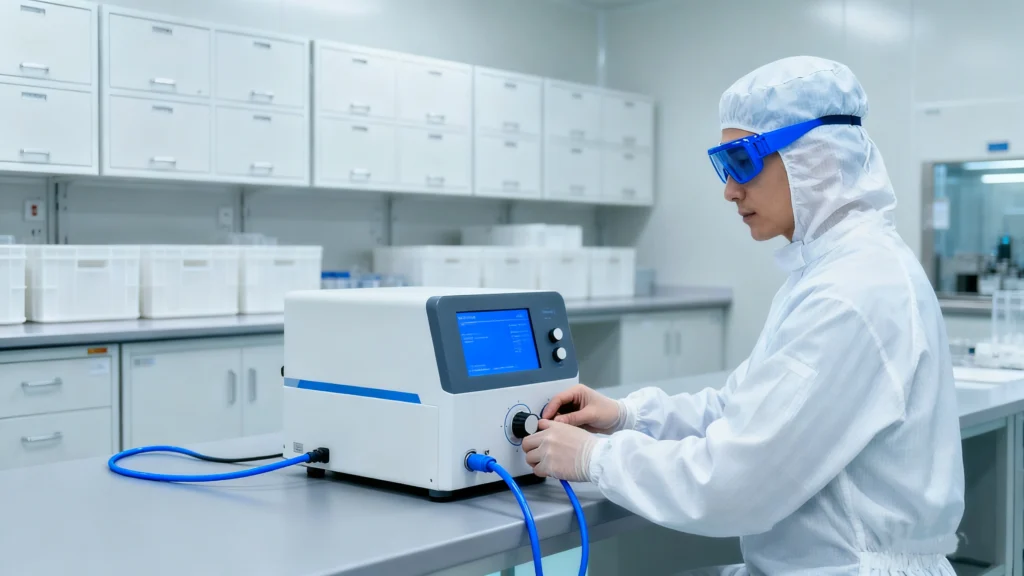
Clean room work and logical recovery complement each other.
One protects the physical media; the other reconstructs file systems and files.
A typical sequence looks like this:
A drive suffers mechanical failure and cannot stay online long enough for imaging.
A clean room lab replaces failed heads or motors and stabilizes the device.
The lab then uses imaging hardware to create a sector-level clone.
You or the lab run tools such as Magic Data Recovery on that clone.
Software reconstructs partitions, file systems, and directory structures from the safer copy.
This separation keeps invasive physical work and high-intensity logical scanning off the original media.
Protecting a Failed Drive Before Shipping to a Clean Room
You can increase the chance of success by handling a failed drive carefully before you send it anywhere.
Recommended steps:
Power the system down as soon as you notice mechanical noise or repeated I/O errors.
Remove the drive gently and avoid flexing the chassis.
Place the drive in an anti-static bag and use padding to protect it during transit.
Label the drive with failure symptoms and whether anyone opened it before.
Choose a lab that uses certified clean rooms and can provide documentation of procedures.
You should not freeze drives, open lids, or tap housings.
Those myths often cause more harm than the original failure.
Conclusion
Clean rooms give data recovery engineers a controlled environment for the most delicate disk operations.
They reduce dust and static risks to levels that ordinary workshops cannot approach.
When a drive fails mechanically, clean room work often becomes the last technical option before permanent loss.
After a lab stabilizes the hardware and produces an image, software such as Magic Data Recovery can complete the logical recovery and return files to a safe destination.
Supports Windows 7/8/10/11 and Windows Server
FAQs
What is meant by clean room?
What is in a cleanroom?
What does a clean room do?
What is a cleanroom in pharma?
Do and don'ts in clean room?
What does a clean room say about someone?
What is not allowed in a cleanroom?
Is a clean room good for mental health?

Eddie is an IT specialist with over 10 years of experience working at several well-known companies in the computer industry. He brings deep technical knowledge and practical problem-solving skills to every project.