
Does Hard Drive RPM Affect Lifespan?
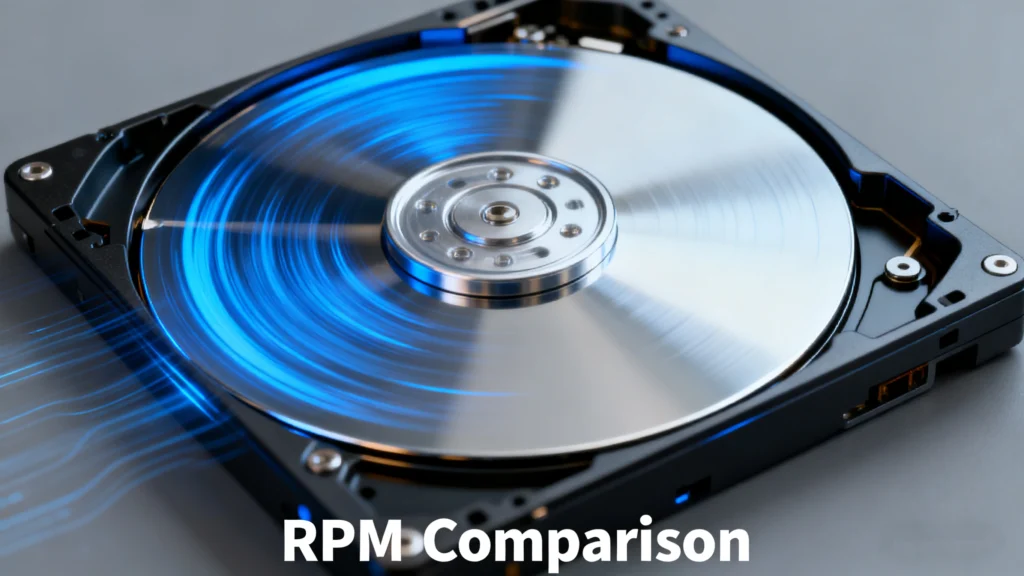
Hard drive rotational speed (RPM) plays a major role in storage performance. Faster platters provide shorter access times and higher throughput, which leads many users to wonder whether RPM also affects reliability. Does a 7,200 RPM drive wear out faster than a 5,400 RPM model?
Across engineering data, manufacturer documentation, and field experience, the conclusion is clear. RPM alone does not determine hard drive lifespan. Modern HDDs are designed to operate reliably at their rated spindle speed, and longevity is shaped far more by environmental and usage conditions than by RPM.
Table of Contents
Why RPM Does Not Shorten Hard Drive Lifespan
Before comparing drive classes, it helps to understand why higher spindle speed does not necessarily mean shorter life.
Design Optimization Offsets High-Speed Stress
Higher-RPM drives generate more heat and mechanical stress, but engineers compensate for this during design. They use strengthened spindle motors, precision bearings, vibration-resistant components, and firmware tuned to handle thermal expansion and head-position accuracy. These improvements ensure that 7,200 RPM and even 10,000 RPM drives can run within safe mechanical limits.
Warranty Policies Show Comparable Reliability
Most storage vendors provide identical warranty periods for 5,400 RPM and 7,200 RPM HDDs. If higher rotational speed increased failure probability, warranties would differ. Equal coverage indicates that manufacturers expect similar service life across their consumer drive lines.
Failure Patterns Do Not Correlate With RPM
Hard drive failures typically appear in two phases:
Early-life failures caused by manufacturing defects
Late-life failures caused by mechanical wear over years of operation
Neither pattern consistently aligns with spindle speed. In practice, 5,400 and 7,200 RPM drives exhibit comparable long-term failure rates when kept within safe temperatures.
Environmental Factors Matter More Than RPM
Heat, shock, vibration, and unstable power delivery all have a much greater impact on reliability than RPM. A well-cooled 7,200 RPM drive will outlast a poorly ventilated 5,400 RPM drive. Proper mounting, safe handling, and clean power matter far more than spindle speed.
How Different RPM Classes Compare
To understand why RPM affects performance more than durability, the following table summarizes the characteristics of common HDD classes.
(Speeds represent typical sequential read/write performance.)
| RPM | Primary Use Cases | Typical Sequential Speed | Noise / Heat | Longevity Trend | Price Trend |
|---|---|---|---|---|---|
| 5400 RPM | Laptops, external drives, backup storage | 80–100 MB/s | Low | Long (low mechanical load) | Low |
| 7200 RPM | Desktop PCs, general-purpose storage | 100–160 MB/s | Medium | Balanced | Medium |
| 10,000 RPM | Servers, workstations | 160–200 MB/s | High | Shorter under heavy workload | High |
Even the fastest HDDs remain much slower than SSDs. SATA SSDs routinely reach 500 MB/s, while NVMe SSDs achieve 2,000–12,000 MB/s. HDDs continue to serve best as high-capacity, cost-efficient storage rather than performance-focused devices.
What Really Affects Hard Drive Lifespan
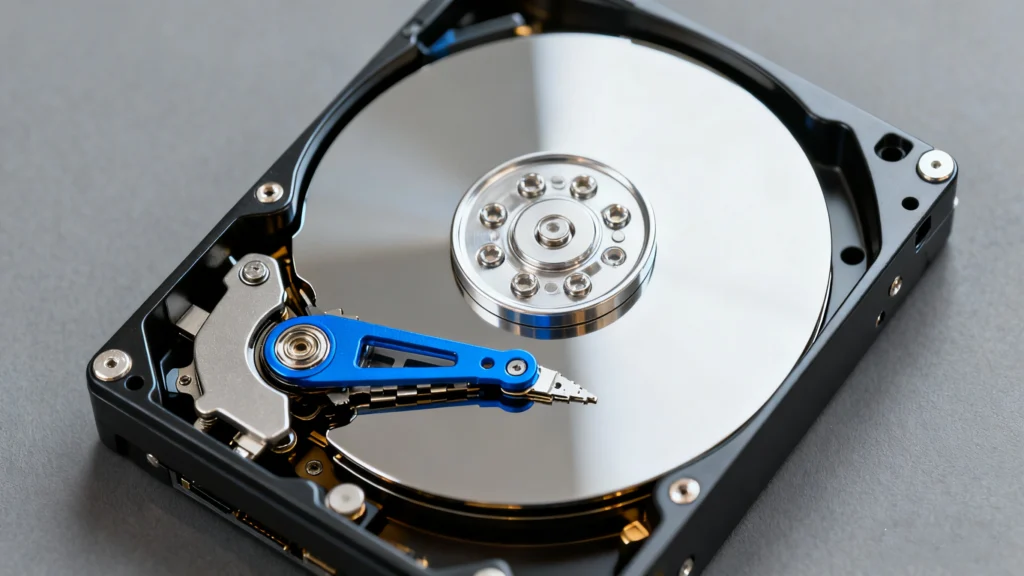
Understanding the true reliability factors helps explain why RPM is not the deciding variable.
1. Temperature and Cooling
Sustained temperatures above 50°C accelerate wear on spindle bearings, motor lubrication, and PCB components. Drives in enclosures or NAS units benefit greatly from adequate airflow and steady ambient temperature.
2. Physical Vibration and Shock
Any shock or vibration during operation can misalign the heads or cause physical damage to the platter surface. Stable mounting and minimizing movement during operation extend service life.
3. Stable Power Delivery
Sudden power interruptions can cause incomplete writes or head crashes. Systems with a UPS or high-quality power supply reduce electrical stress and improve long-term durability.
4. Workload and Duty Cycle
Workload intensity—including continuous 24/7 operation or high random I/O—affects longevity. Consumer drives are designed for moderate workloads, while enterprise models handle significantly higher duty cycles.
5. Firmware Quality and Mechanical Engineering
Modern HDD firmware manages head parking, vibration compensation, thermal calibration, and error recovery. These optimizations influence lifespan independently of spindle speed and are a major reason modern drives last longer than older generations.
Practical Tips for Choosing and Maintaining Your Drive
To choose the right drive and extend its lifespan, consider the following recommendations.
Choosing the Right Drive
General desktop use
A 7,200 RPM HDD offers a balanced mix of speed and cost.Backup, NAS, or low-noise setups
A 5,400 RPM HDD typically runs cooler and quieter during long-term operation.High-performance workloads
Use an SSD for the operating system and active data, and HDDs for bulk storage.
For safe and non-destructive data recovery tools such as Magic Data Recovery provide read-only scanning that prevents additional wear on failing drives.
Best Practices for Extending HDD Life
Keep drive temperatures within safe limits.
Avoid moving or bumping the system while the drive is spinning.
Use a UPS when possible to reduce the risk of electrical damage.
Avoid continuous high-load activity on consumer-grade drives.
Maintain at least two backup copies of important files.
Take the Next Step
Understanding how RPM affects (and does not affect) hard drive lifespan helps you choose the right storage with confidence.
If you need to recover files from a damaged or failing drive, Magic Data Recovery offers a safe, read-only approach that protects the media from additional stress.
Supports Windows 7/8/10/11 and Windows Server
FAQs
Does hard drive RPM affect lifespan?
Which is better for NAS or backup—5400 RPM or 7200 RPM?
Is higher RPM better, and is 5400 RPM considered slow?
How can I check my drive’s RPM?
What is the typical RPM of a hard drive?
What is the average life expectancy of an HDD?
Should I use a high-RPM HDD or an SSD for gaming?
Why do some hard drives not list RPM?

Eddie is an IT specialist with over 10 years of experience working at several well-known companies in the computer industry. He brings deep technical knowledge and practical problem-solving skills to every project.