
iBoysoft Data Recovery for Windows: Review & Best Alternatives

Losing access to your digital life is a stressful experience that often happens at the worst possible moment. Whether it is a failed hard drive or an accidental “Shift+Delete” command, the need for a reliable data recovery software becomes urgent. In cases involving physical or logical disk problems, it may also be useful to refer to this hard drive recovery guide for more targeted recovery information. Among the many tools available today, iBoysoft Data Recovery for Windows has gained a reputation for its simplicity and specific features like BitLocker support. However, as data storage technology advances, users frequently ask if this tool still provides the best success rate for modern file systems.
In this guide, we will provide an in-depth analysis of what makes a tool effective. Furthermore, we will compare iBoysoft Data Recovery for Windows against the industry’s most powerful competitors, specifically focusing on the advanced capabilities of Magic Data Recovery.
Supports Windows 7/8/10/11 and Windows Server
Wondering if your files can be recovered? Find out in seconds with our quick check below.
Data Recovery Assessment
Answer 3 quick questions to estimate your recovery chances
Table of Contents
What is iBoysoft Data Recovery for Windows?
Essentially, iBoysoft Data Recovery for Windows is a specialized utility designed to help users retrieve lost photos, documents, and partitions. It focuses heavily on fixing file system errors such as “RAW” drives or inaccessible volumes. Notably, it is one of the few tools that offers a dedicated module for encrypted drives.
Nevertheless, professional users often find that while it handles basic tasks well, it sometimes struggles with heavily fragmented data. If you are dealing with a complex recovery scenario, understanding the limitations of iBoysoft Data Recovery for Windows is crucial before you invest in a license.
A Critical Performance Review of iBoysoft Data Recovery for Windows
When we evaluate any professional data recovery tool, we look at three pillars: speed, depth, and file integrity. iBoysoft Data Recovery for Windows performs admirably in the first two categories but occasionally falters in the third.
The Success Rate and Scanning Engine
The software utilizes a dual-scanning mode. Specifically, the “Quick Scan” is nearly instantaneous for recently deleted files. Conversely, the “Deep Scan” takes significantly longer as it searches every sector of the drive. While this thoroughness is appreciated, the lack of built-in file repair means that recovered videos might still be unplayable after the process is finished.
User Experience and Pricing
Regarding the interface, the developers have kept things very clean. You do not need to be a technician to navigate the menus. However, the pricing structure is a common point of contention. Many users feel that the subscription cost is high, especially when compared to a more versatile iBoysoft alternative that offers permanent licenses.
The Best iBoysoft Data Recovery for Windows Alternatives in 2026
To provide a fair perspective, we have tested the leading data recovery solutions currently on the market. While each tool has its niche, one specific program consistently outperformed the others in our lab tests.
1. Magic Data Recovery (Top Professional Recommendation)
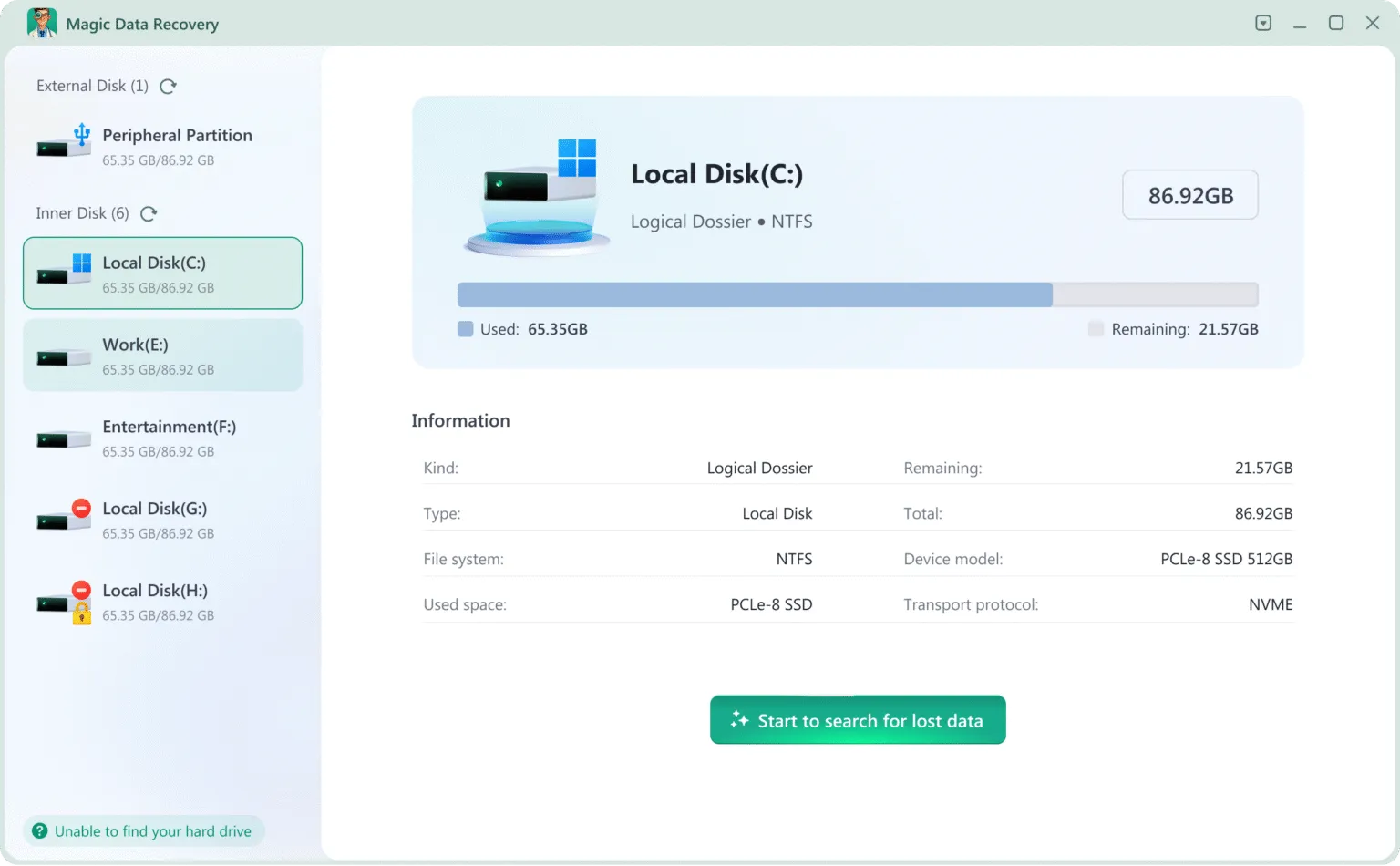
If you require a tool that goes beyond simple scanning, Magic Data Recovery is the definitive choice. While iBoysoft Data Recovery for Windows identifies lost files, Magic Data Recovery actively works to reconstruct them. This software is built on a proprietary “Smart Sensing” architecture, which allows it to handle modern SSDs and high-capacity HDDs with ease.
Why Magic Data Recovery Wins:
- Superior File Reconstruction: It uses advanced heuristics to piece together fragmented data like high-resolution RAW photos and videos
- Broadest Format Support: While competitors support common types, this tool recognizes over 5000+ unique file extensions.
- Cost-Effective: It provides a more flexible pricing model, offering a higher value-to-performance ratio than iBoysoft Data Recovery for Windows.
2. EaseUS Data Recovery Wizard
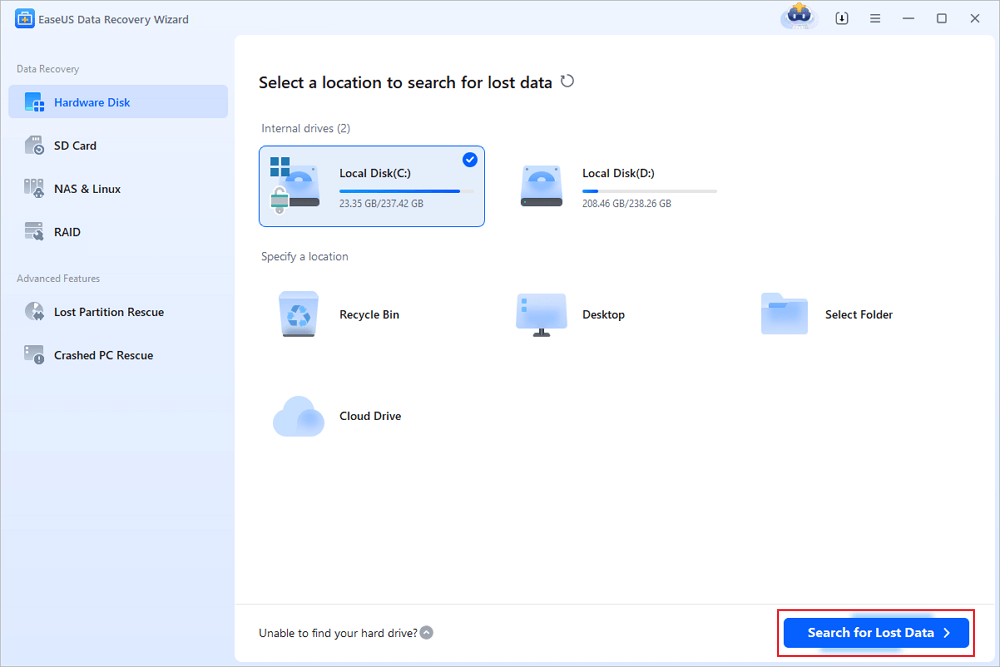
EaseUS is often cited as the best data recovery software for Windows for corporate environments. It offers a massive database of known file types and a very stable scanning engine. Unfortunately, the software is notorious for high memory usage, which can slow down older PCs during a deep scan.
3. Disk Drill
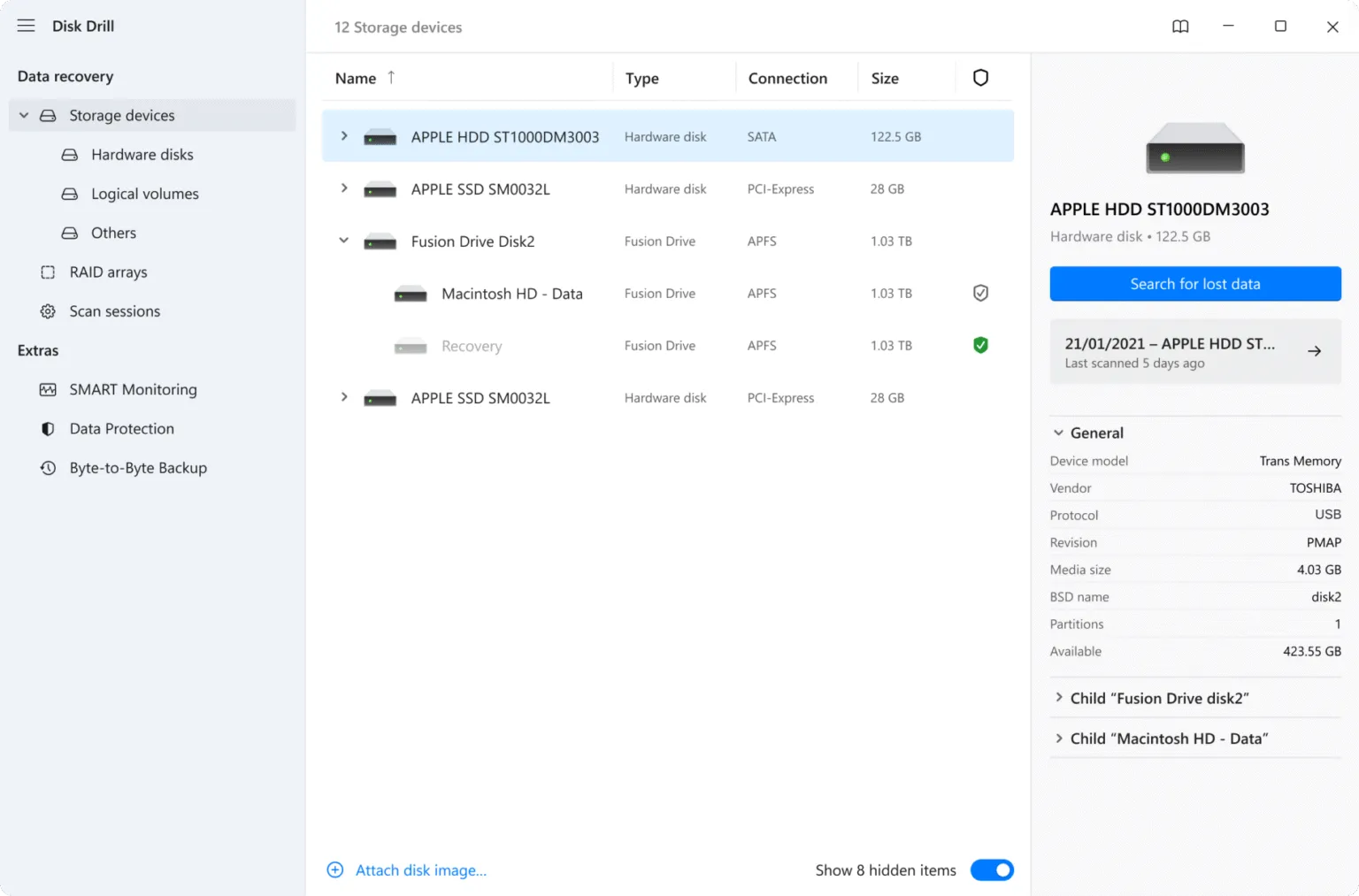
As a prominent alternative, Disk Drill focuses on the “user journey.” It includes extra features like byte-to-byte backups. Although it is visually impressive, its recovery performance on RAW NTFS partitions is sometimes less consistent than the deep analysis provided by Magic Data Recovery.
4. Recuva
Recuva remains a solid file recovery tool for those who need a quick, free fix. However, because it has not received a major engine update in years, it lacks the ability to navigate modern GPT partitions or large-scale RAID arrays effectively. The interface is less user-friendly than that of other competitors.

How to Restore Your Files Using Magic Data Recovery
If you have decided that iBoysoft Data Recovery for Windows isn’t the right fit for your current situation, transitioning to Magic Data Recovery is a seamless process. Follow these five professional steps to retrieve your lost data safely and efficiently.
Step 1: Securely Install the Software
To begin, download the Magic Data Recovery installer from the official website. It is vital to install this data recovery software for Windows on a partition or drive that is different from the one containing your lost files. By taking this precaution, you ensure that the system does not overwrite the deleted data during the installation process.
Supports Windows 7/8/10/11 and Windows Server
Step 2: Identify the Target Drive for Analysis
Once the installation is complete, launch the program to access the main dashboard. From the list of available storage devices, select the drive or partition where the data loss occurred, and then start searching for lost files.

Step 3: Monitor the Advanced Scanning Progress
Immediately after you start the process, the software triggers an intelligent Advanced Scan automatically. During this phase, the engine deep-dives into the drive’s sectors to locate lost files. You will see a real-time list of recoverable items appearing as the scan moves forward, making it a highly efficient iBoysoft alternative for time-sensitive tasks.

Step 4: Verify File Integrity via Preview
Before you commit to the final restoration, utilize the built-in preview functionality to check your data. This tool allows you to view photos, documents, and videos directly within the interface. Consequently, you can confirm the quality of the files and ensure that you are recovering exactly what you need before recovery.

Step 5: Save Recovered Data to a New Location
In the final stage, mark the checkboxes for your desired files and click the “Recover” button. You must choose a save destination that is different from the original affected drive. Because restoring data back to the same disk can lead to data corruption or overwriting, using a secondary storage device is the most reliable way to guarantee a successful data recovery result.

Is it Worth Paying for Professional Data Recovery?
Many users initially try free tools, only to find that their files are missing or unreadable. Consequently, they turn to professional data recovery software. Paying for a license usually grants you access to expert support. If you are struggling with a drive that has bad sectors, the specialized algorithms in a paid iBoysoft alternative can often bypass these physical blocks where free tools fail.
Conclusion
iBoysoft Data Recovery for Windows is a respectable tool if your primary goal is accessing an encrypted BitLocker drive. However, for 99% of data loss scenarios—such as accidental formatting, partition loss, or file system corruption—Magic Data Recovery offers a significantly more robust solution. If you are ready to recover your hard drive files with the highest possible success rate, try Magic Data Recovery today and see the difference that professional-grade technology makes.
Supports Windows 7/8/10/11 and Windows Server
FAQs About iBoysoft Data Recovery for Windows
Is iBoysoft Data Recovery free?
What is the best data recovery software for Windows?
What is the difference between iBoysoft and Disk Drill?
How much does Best Buy Geek Squad charge for data recovery?
Is it worth paying for data recovery?
What is the alternative to iBoysoft?

Vasilii is a data recovery specialist with around 10 years of hands-on experience in the field. Throughout his career, he has successfully solved thousands of complex cases involving deleted files, formatted drives, lost partitions, and RAW file systems. His expertise covers both manual recovery methods using professional tools like hex editors and advanced automated solutions with recovery software. Vasilii's mission is to make reliable data recovery knowledge accessible to both IT professionals and everyday users, helping them safeguard their valuable digital assets.