Hard drives are still widely used for storing photos, work documents, videos, and system files. When performance drops or files suddenly become inaccessible, many users start searching for how to scan a hard drive for bad sectors to identify hidden disk problems. Understanding how to scan HDD for bad sectors helps detect disk damage early, […]
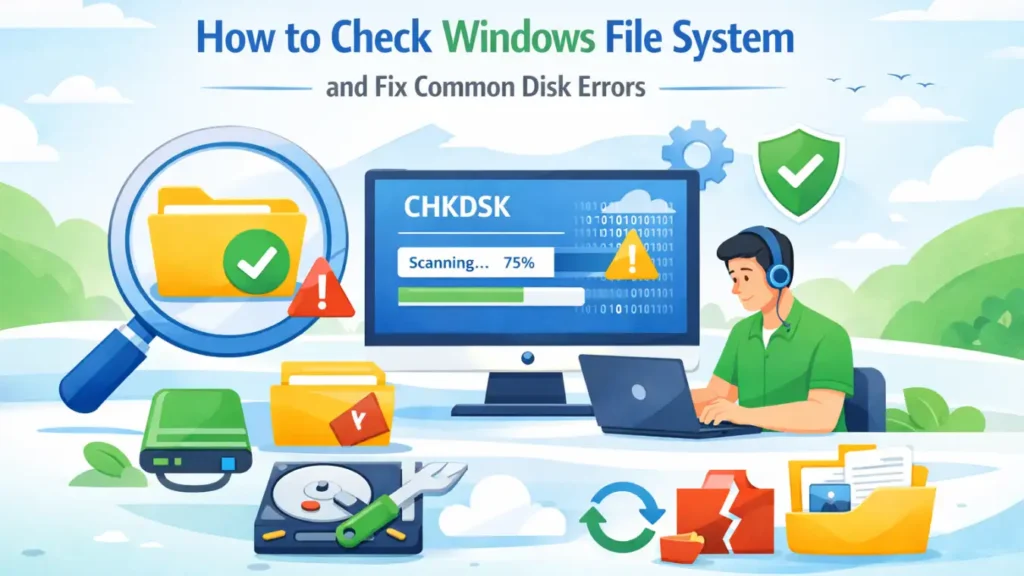
How to Check Windows File System and Fix Common Disk Errors
Checking the Windows file system is essential when your drive behaves abnormally. If a USB drive is not recognized, a disk becomes RAW, or files suddenly disappear, the issue often relates to the file system. Therefore, learning how to check Windows file system status helps you diagnose problems early and avoid data loss. In this […]
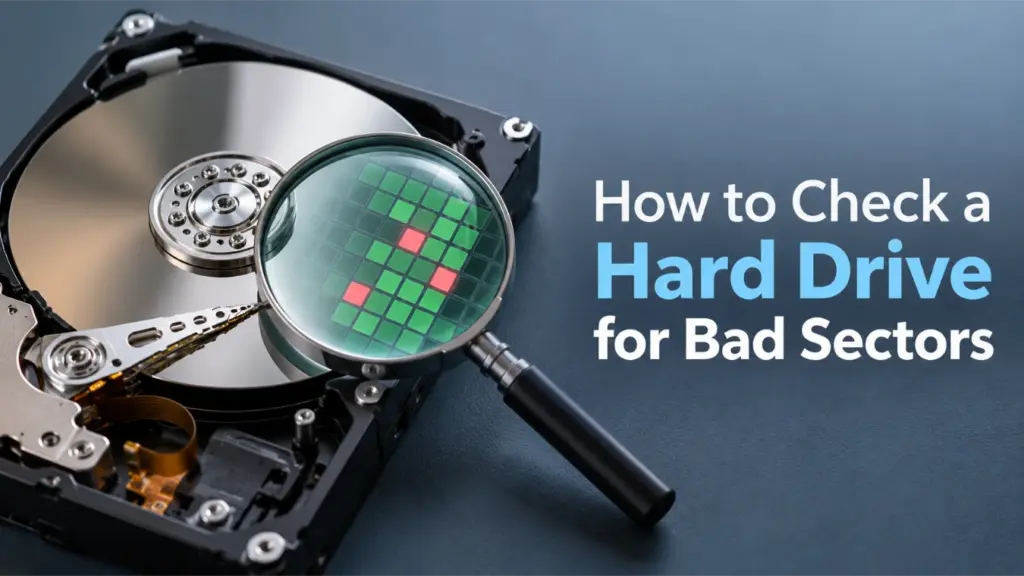
How to Check a Hard Drive for Bad Sectors (Step-by-Step Guide)
Many users overlook what to do after they check a hard drive for bad sectors, which often leads to avoidable data loss. In most cases, they show warning signs long before complete failure happens. Slow file access, system freezes, corrupted files, or unexpected crashes often indicate one hidden issue: bad sectors. If you ignore these […]
CHKDSK Stuck on Windows? Complete Fix Guide for All Scenarios
When CHKDSK Gets Stuck, Everything Stops Running CHKDSK is usually a routine maintenance task. However, when CHKDSK stuck issues occur, users often feel helpless. The scan appears frozen for hours, disk activity stops, and Windows becomes unresponsive. At this point, many users face a difficult question: Should I wait, stop CHKDSK, or restart the system? […]
The Ultimate Guide to CHKDSK /R: Fix Hard Drive Errors
Your computer starts running inexplicably slow, strange clicking noises emerge from the system, or worse, you encounter the dreaded “Blue Screen of Death.” Often, these symptoms point to a deeper issue: disk errors. For decades, Windows has included a powerful built-in utility to combat these problems. The chkdsk r command is a critical first-aid tool […]