
Storage Device Tools & Utilities
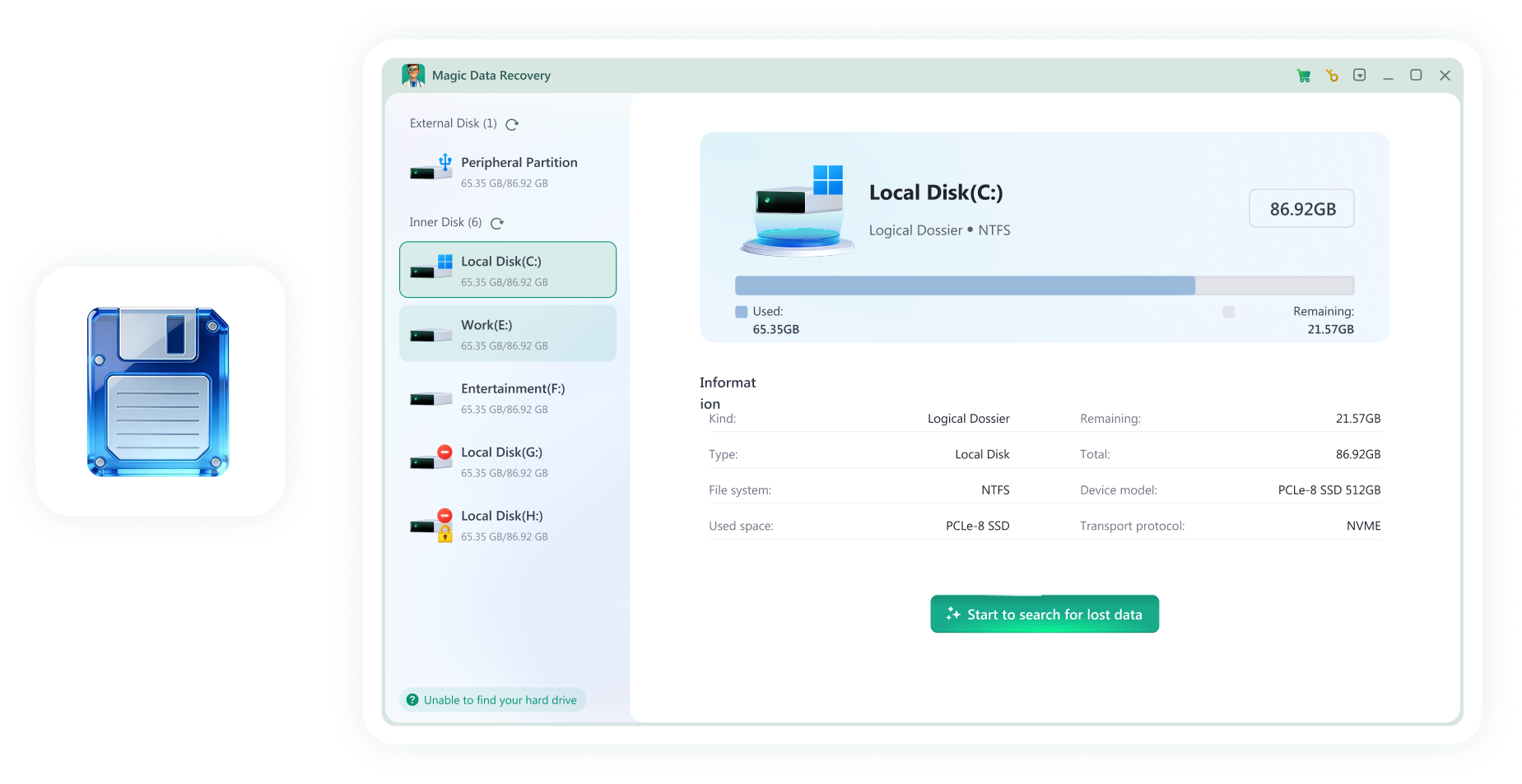
Storage devices come in many forms — from hard drives and SSDs to USB flash drives and memory cards. Find the right tools to manage, protect, repair, and recover data from any device. When data loss occurs on these devices, Magic Data Recovery can help restore lost files quickly and safely.
Understanding Modern Storage Devices
Storage devices are essential for personal and professional digital life. Whether you store documents, photos, videos, or business files, different devices require different tools and care.
Common storage devices include:
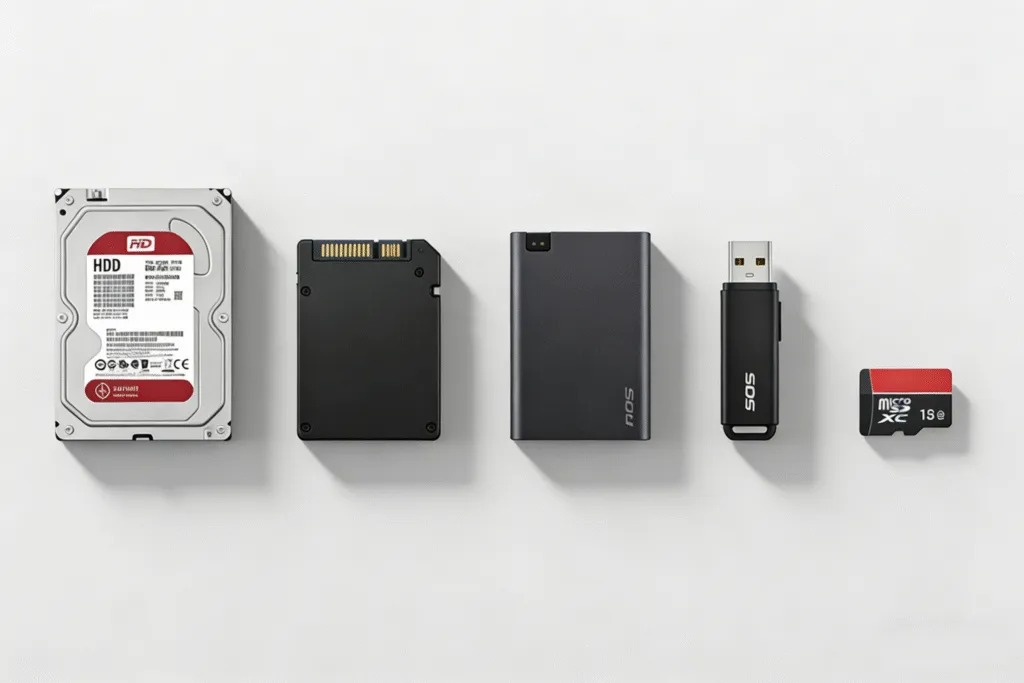
Device Types Supported by Amagicsoft
Storage devices include hard drives, SSDs, USB flash drives, SD cards, and other forms of digital storage. Each storage device works differently and may require specific tools for management, repair, and data recovery.
Hard Drive (HDD)
Powerful utilities for internal hard drives, including disk management, repair tools, and file recovery options.
SSD (Solid-State Drive)
Specialized tools designed for SSD storage, supporting performance optimization, migration, and secure data handling.
USB Flash Drive
Tools for removable USB storage, helping with formatting issues, corrupted drives, and file restoration.
External Hard Drive
Manage and troubleshoot portable drives used for backups, storage expansion, and file transfer.
SD Card / Memory Card
Solutions for memory cards used in cameras, phones, drones, and other portable devices.
Advanced Storage (RAID / NAS)
Utilities built for multi-disk systems, advanced storage environments, and professional data workflows.
What You Can Do With Your Device
Storage devices are used for more than just saving files — they require ongoing management and protection.

Manage Storage Space
Organize files, monitor disk usage, and keep your device running efficiently.
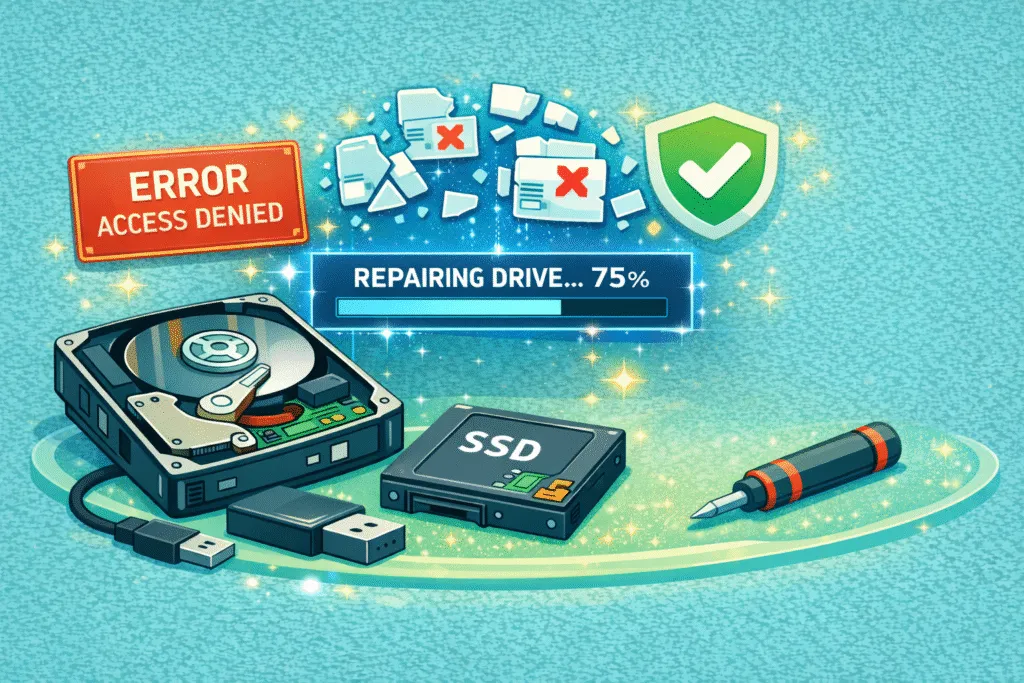
Repair Drive Problems
Fix corrupted drives, resolve access errors, and restore usability when storage becomes unstable.
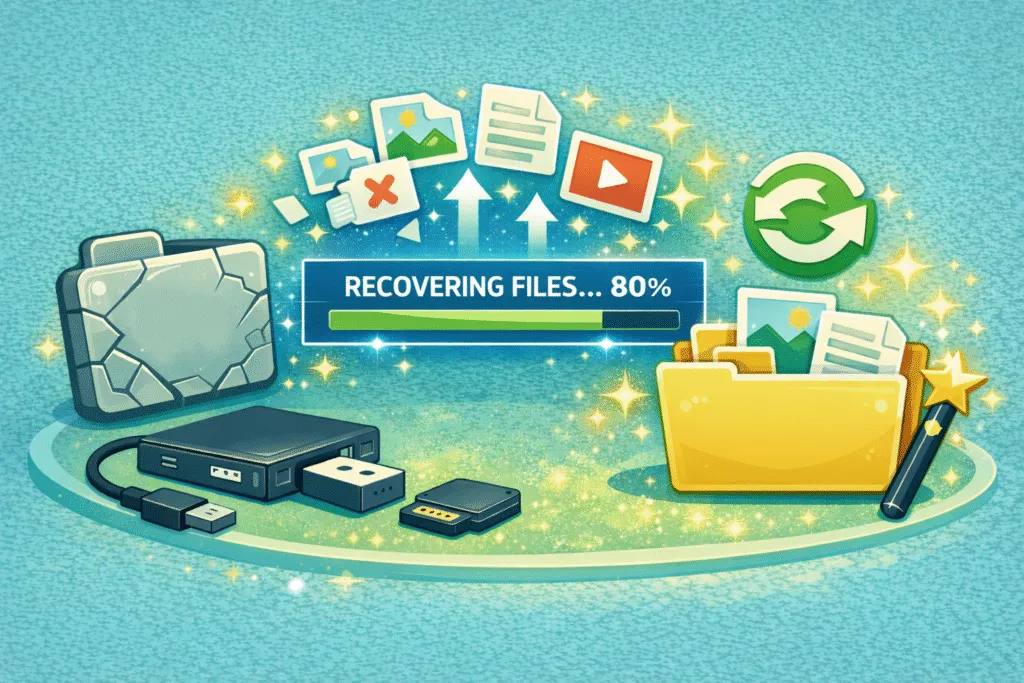
Recover Lost or Deleted Files
Restore important data from storage devices after accidental deletion, formatting, or unexpected failure.

Protect Important Data
Use backup and preventive tools to reduce the risk of future data loss.
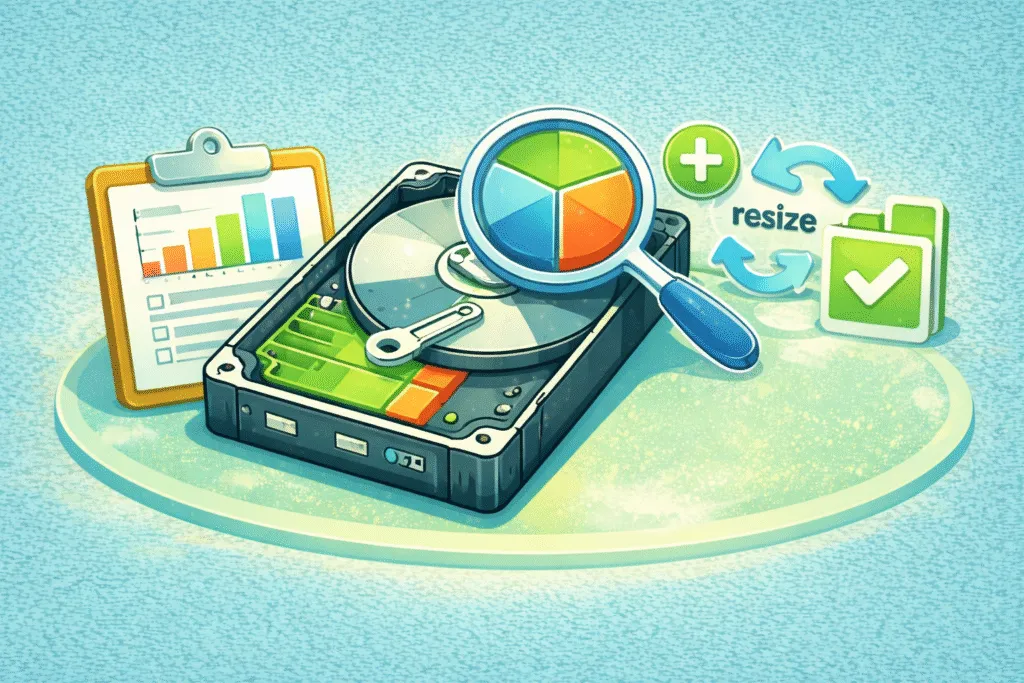
Work With Partitions
Create, resize, and manage partitions across HDDs, SSDs, and external drives.
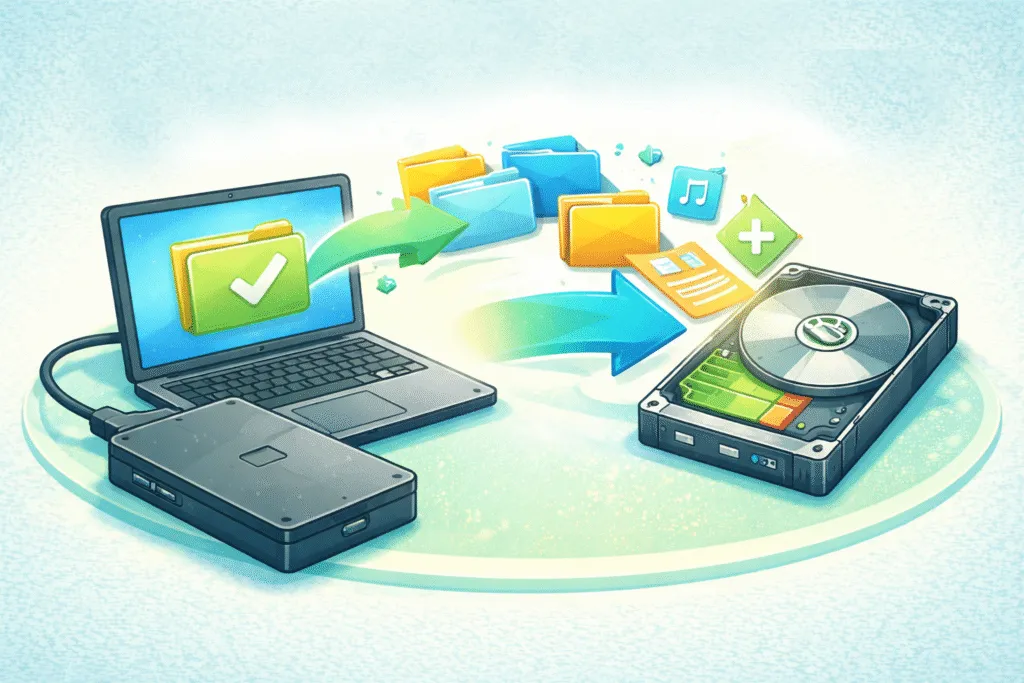
Transfer or Migrate Data
Move files between devices or upgrade to a new drive without losing information.
Lost Data on Any Storage Device? Try Magic Data Recovery
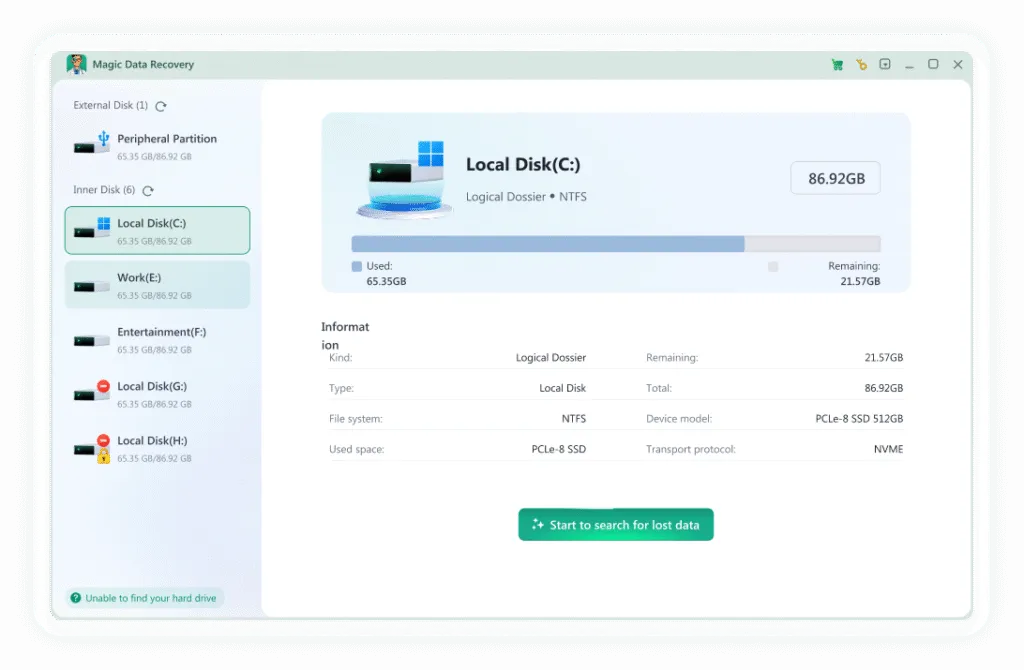
Data loss can happen on almost any storage device — whether you are using a hard drive, SSD, USB flash drive, SD card, or external drive. If you accidentally delete files, format a device, or suddenly lose access to important data, Magic Data Recovery is the recommended solution to help you restore what was lost.
- Recover deleted files from storage devices
- Restore data after formatting or partition loss
- Retrieve photos, videos, documents, and more
- Work with HDD/SSDs, USB, SD cards, and external storage
- Preview recoverable files before restoring them
Common Storage Device Issues
Common storage device issues can affect hard drives, SSDs, USB flash drives, SD cards, and external storage. These problems often lead to data inaccessibility or loss if not addressed properly. No matter the device, the right utility can often restore access and prevent further damage.
Device Not Detected
Your storage device is not recognized by the system, so you cannot access files stored on it.
Drive Inaccessible
The drive appears connected but cannot be opened, preventing you from viewing or using your data.
Format Prompt
The system requests formatting before use, often caused by file system errors or logical corruption.
Corrupted Media
Files on a USB flash drive or memory card become damaged, unreadable, or unexpectedly missing.
Missing Photos
Photos or videos disappear from an SD card without warning, especially after transfer or repeated use.
Partition Loss
Partitions become lost or deleted, making stored data inaccessible until the disk structure is restored.
Frequently Asked Questions
These frequently asked questions cover common storage device issues and data loss scenarios.

Magic Data Recovery
Need to Recover Files from a Storage Device?
Magic Data Recovery provides an easy way to restore lost data from HDDs, SSDs, USB drives, and memory cards.