

Magic Data Recovery
Formatted Drive Recovery
Formatted drive recovery is a specialized data recovery process designed to restore files from storage devices that have been formatted. While formatting resets the file system and removes access to stored data, it does not always erase the underlying information immediately. With a professional formatted drive recovery solution like Magic Data Recovery, many files can still be retrieved before they are permanently overwritten.
At Amagicsoft, we understand that formatting a hard drive or SD card can instantly make important data inaccessible. Magic Data Recovery offers a secure and practical formatted recovery approach, helping users regain access to files lost due to accidental or necessary formatting operations.
What Is Formatted Drive Recovery?
Formatted drive recovery refers to the method of retrieving files from a formatted storage device, such as a hard drive, USB drive, or SD card. During formatting, the system rebuilds the file structure and allocation tables, making existing data invisible. However, until new data replaces those sectors, formatted hard drive recovery remains possible using dedicated recovery software.
Common Scenarios About Drive Formatting
- Accidentally formatting the wrong hard drive or partition
- Formatting a disk during operating system installation
- SD cards being formatted inside cameras or mobile devices
- Drives becoming RAW and requiring initialization
- File system errors prompting a format request
- Virus or malware damage leading to disk corruption
- Unexpected partition loss or disk management mistakes

Why Magic Data Recovery Is the Right Choice
Magic Data Recovery is designed specifically for hard drive recovery format scenarios.
- Advanced scanning for formatted and RAW drives
- Effective raw format hard drive recovery capabilities
- Supports NTFS, FAT32, exFAT, APFS, and other file systems
- Preview recoverable files before restoration
- Read-only formatted recovery process to avoid overwriting
Steps to Recover Files After Formatting Using Magic Data Recovery
Recovering data after formatting does not need to be complex. Magic Data Recovery simplifies the formatted drive recovery process into clear steps:
Step 1: Download and Install Magic Data Recovery
Download Magic Data Recovery from the official website and complete the installation. To reduce the risk of overwriting lost data, avoid installing the software on the formatted hard drive itself.
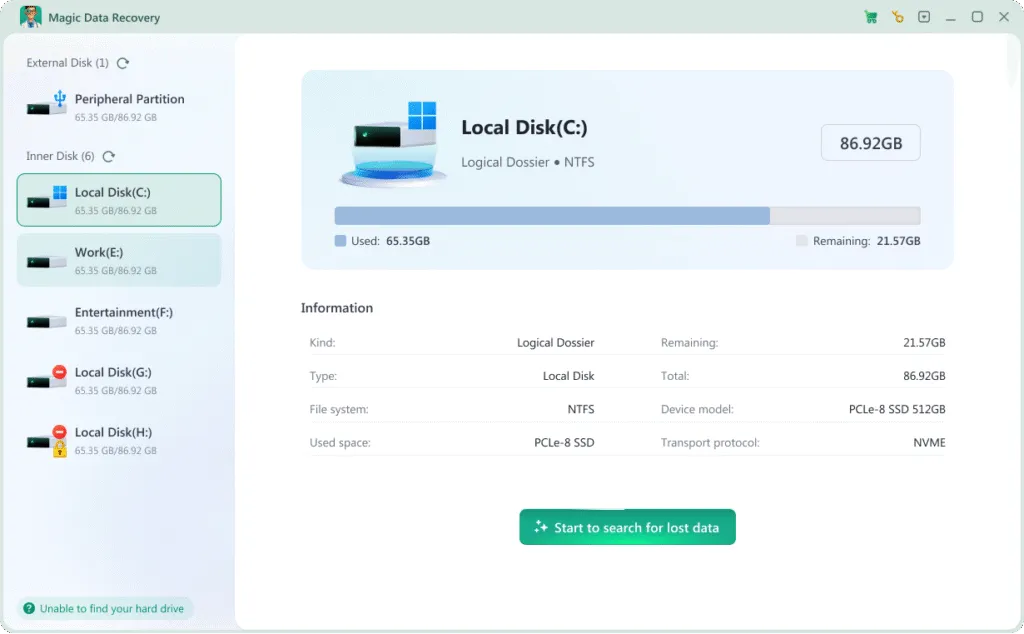
Step 2: Select the Formatted Drive to Scan
Launch the software and choose the formatted hard drive, external disk, USB drive, or SD card. Start the scan to allow the program to analyze the formatted structure and locate recoverable data.

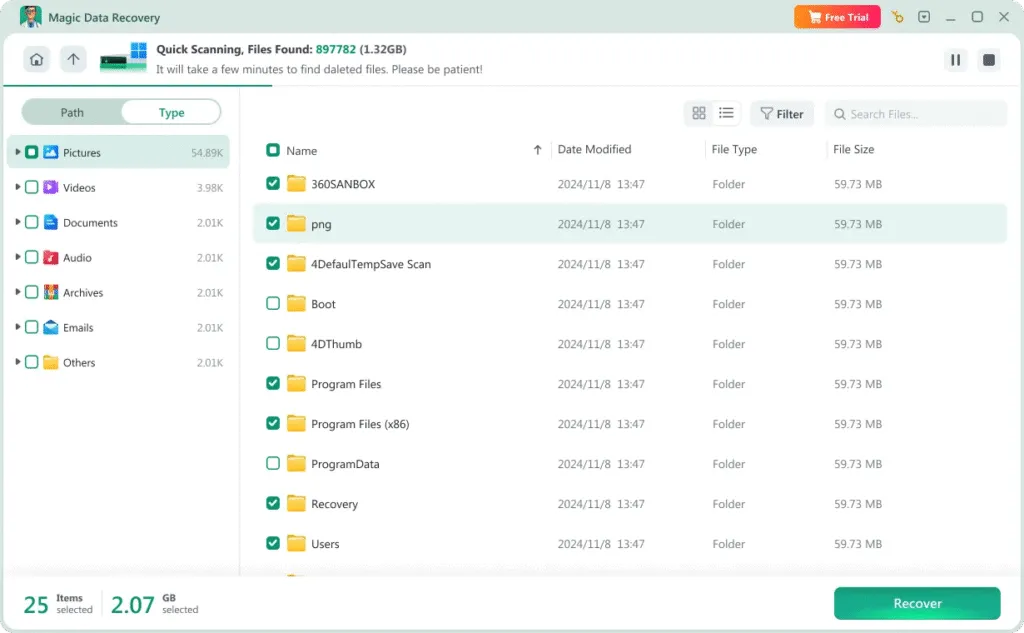
Step 3: Preview Found Files
After scanning, review the discovered files and use the preview function to confirm file quality before recovery. This step ensures accurate formatted recovery results.
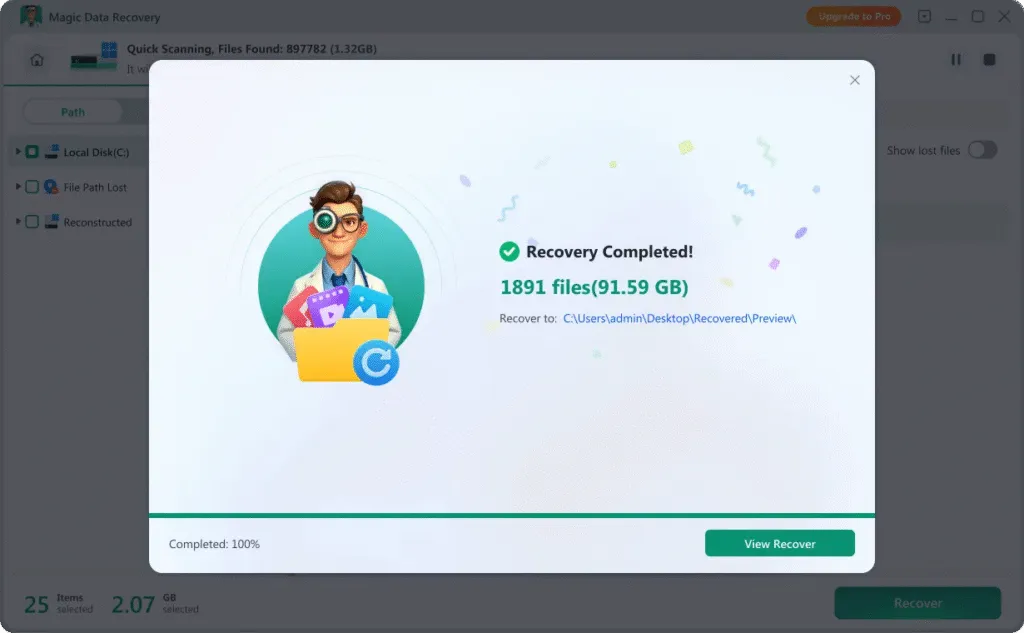
Step 4: Recover and Save Files Securely
Select the files you want to restore and save them to a different storage location. For safe formatted hard drive recovery, never write recovered files back to the same formatted device.
Recover Data from Different Formatted Devices
Formatted drive recovery is not limited to internal hard disks. Magic Data Recovery supports formatted recovery across various storage devices:
- Windows computers and laptops
- Internal and external hard drives
- USB flash drives and portable disks
- SD cards and microSD cards (sd format recovery)
- SSDs and formatted partitions
- Digital cameras, drones, and action cameras

File Types Supported for Formatted Drive Recovery
Formatted drive recovery can involve many types of data depending on how the device was used. Magic Data Recovery supports the recovery of:
Video and Audio Files
Recover MP4, MOV, AVI videos and MP3, WAV audio recordings from formatted hard drives, USB devices, and SD cards.
Photos and RAW Images
Restore JPG, PNG, GIF, and RAW camera photos from formatted drives, helping you retrieve precious memories and professional images.
Emails and Database Data
Retrieve lost email files, databases, and system-related storage formats that may disappear after formatting or RAW drive corruption.
Office Documents
Recover Word, Excel, PowerPoint, and PDF files lost after formatting, including important work reports, contracts, and business records.
Archives and Project Files
Restore ZIP, RAR, and other compressed archives, along with valuable project folders and development files from formatted partitions.
Other File Types
Recover additional file formats such as applications, logs, backups, and uncommon data types through advanced formatted drive recovery scanning.
Tips to Improve Formatted Recovery Success
To increase the chance of successful formatted recovery, it is important to take the right steps immediately after formatting.
Stop Using the Formatted Drive
Avoid writing new data to the formatted device. Continued use may overwrite existing data and reduce formatted hard drive recovery success.
Create a Disk Image if Necessary
Creating a sector-by-sector disk image can preserve the formatted state and allow safer recovery attempts.
Avoid Repeated Formatting
Multiple formatting operations reduce the effectiveness of hard drive recovery format techniques.
Protect Against Disk Corruption
System errors and malware can trigger RAW states. Keeping your system protected helps prevent raw format hard drive recovery scenarios.
Handle External Storage Carefully
Safely eject SD cards and USB drives to reduce file system damage that may require sd format recovery.
Complete Disk Operations Properly
Interrupting disk operations or power loss during formatting may cause severe file system damage. Always allow processes to finish completely.
Frequently Asked Questions
Formatted drive recovery often raises specific questions related to disk formatting, RAW states, and data restoration. The answers below help clarify the recovery process.
Magic Data Recovery
Start Your Formatted Drive Recovery Now
Formatting a drive does not always mean permanent data loss. With Magic Data Recovery, you gain a dependable formatted drive recovery solution for restoring files from formatted hard drives, RAW disks, and SD cards. Download Magic Data Recovery today and recover your data safely, accurately, and efficiently.
Related Guides
Explore more formatted file recovery guides to recover formatted files on different devices, and learn helpful methods to restore your data safely and effectively.
Learn the best methods for data recovery from formatted hard drive, including expert tips and Magic Data …
Learn how to perform data recovery from formatted flash drive safely. This 2026 guide explains recovery …
Accidentally formatted your hard drive? Discover how to perform a file recovery formatted drive successfully …
Need to recover a formatted hard drive for free? Download Magic Data Recovery for free, get 500MB free files …
Learn how to format an NVMe SSD in Windows 11 safely using built-in tools and professional recovery methods …