
SD Card Solutions
SD cards are compact and portable storage devices widely used for saving photos, videos, documents, and application data. From digital cameras and smartphones to drones and gaming consoles, memory cards provide convenient expandable storage. Whether you use a standard SD card or a microSD card, keeping your data safe is essential.
If files disappear or become inaccessible, Magic Data Recovery can scan your SD card and help restore your data efficiently.
What Is an SD Card?
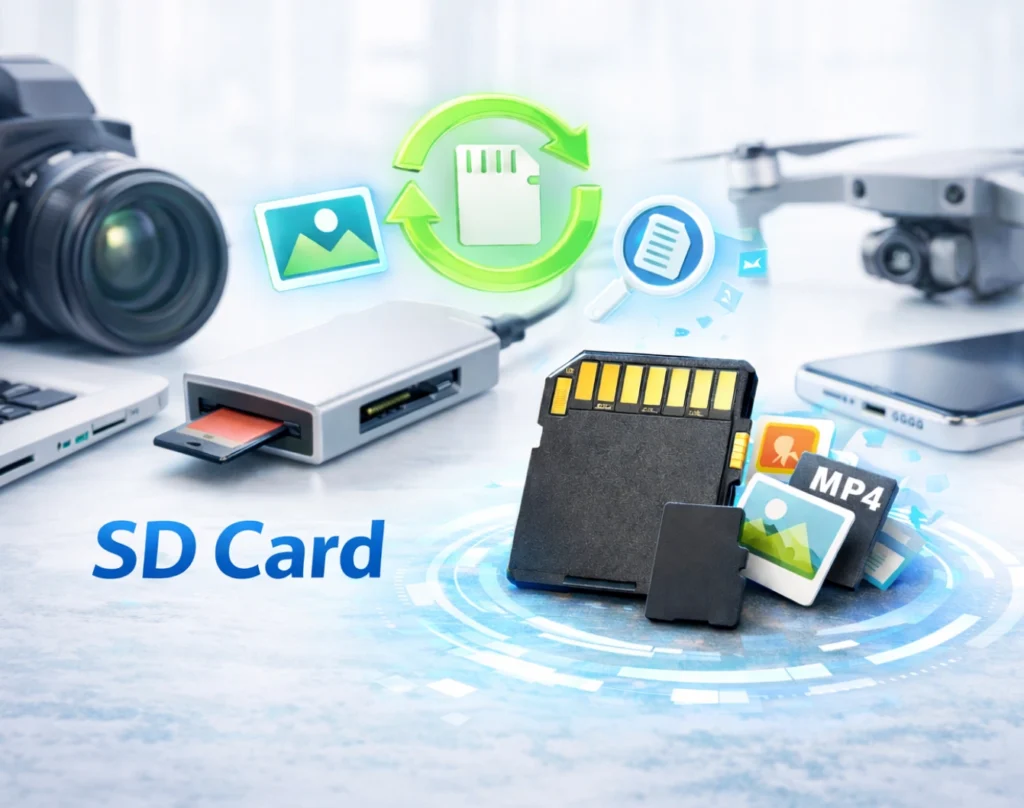
An SD card (Secure Digital card) is a flash-based storage medium designed for portable electronic devices. It stores digital files such as photos, videos, music, and documents without moving mechanical parts.
SD cards are commonly used in:
- Digital cameras and camcorders
- Smartphones and tablets
- Dashcams and drones
- Game consoles and portable devices
There are several common types of SD cards:
- Standard SD Cards – used in cameras and larger devices
- microSD Cards – smaller cards widely used in mobile devices
Common SD Card Data Loss Scenarios
Data stored on SD cards can be lost unexpectedly due to user mistakes, device errors, or card-related issues. Below are frequent situations where memory card recovery may be required.

Accidental Deletion
Photos or videos may be removed unintentionally while reviewing files on a camera or phone.

Accidental Formatting
Formatting an memory card erases file references, often making the card appear empty even though data may still be recoverable.

File System Errors
Improper removal or unsafe ejection can corrupt the file system, causing error messages or unreadable cards.

Device Compatibility Issues
Using the same memory card across multiple devices may lead to access problems or partition errors.

Virus or Malware Infection
Connecting a memory card to infected computers can hide, delete, or damage stored files.

Sudden Power Interruption
Battery removal or unexpected shutdown during file transfer may interrupt write processes and corrupt stored data.
Can Data Be Recovered from an SD Card?
Yes — in many cases, deleted or formatted Secure Digital card data can be recovered. When files are removed, they are not immediately erased from the memory card. Instead, the storage space becomes available for new data. As long as the original data has not been overwritten, recovery software can often restore it.
Recovery success depends on several factors:
- How quickly recovery is attempted
- Whether new files were saved after data loss
- The severity of file system corruption
- The physical condition of the memory card
- Whether the card is still detected by a computer
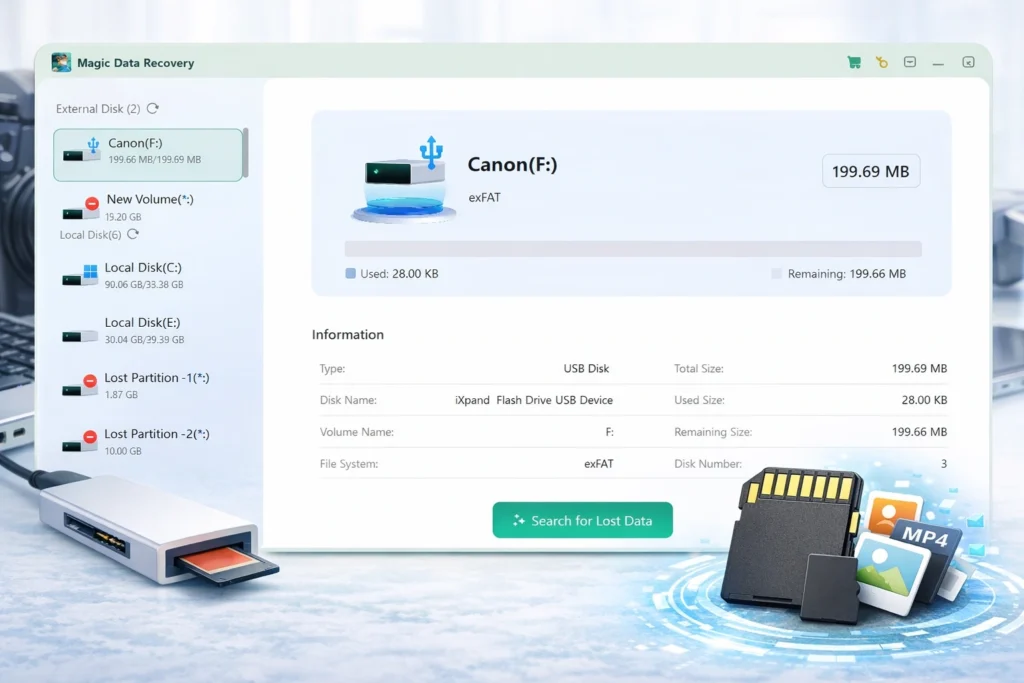
Recover SD Card Data with Magic Data Recovery
Magic Data Recovery helps retrieve lost files from SD cards, microSD cards, and other memory cards. It supports recovery scenarios including:
- Deleted photos, videos, and documents
- Formatted SD cards
- Corrupted or RAW memory cards
- Cards showing errors or inaccessible content
How to Recover Files from an SD Card
Restoring files from a memory card can be simple when using the right tool. Follow these steps to recover lost SD card data with Magic Data Recovery:
Step 1: Download and Install Magic Data Recovery
Download the software from the official website and install it on your computer’s internal drive. Do not install it on the memory card where files were lost.
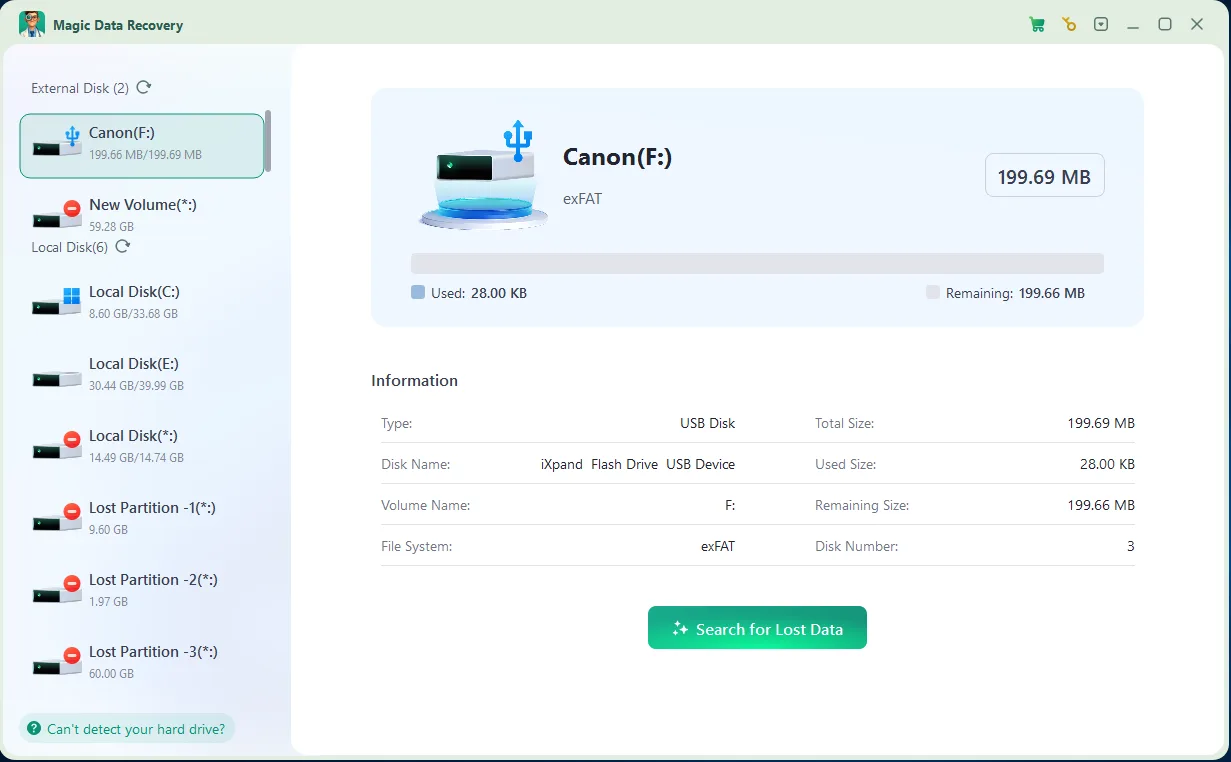
Step 2: Connect and Select the SD Card
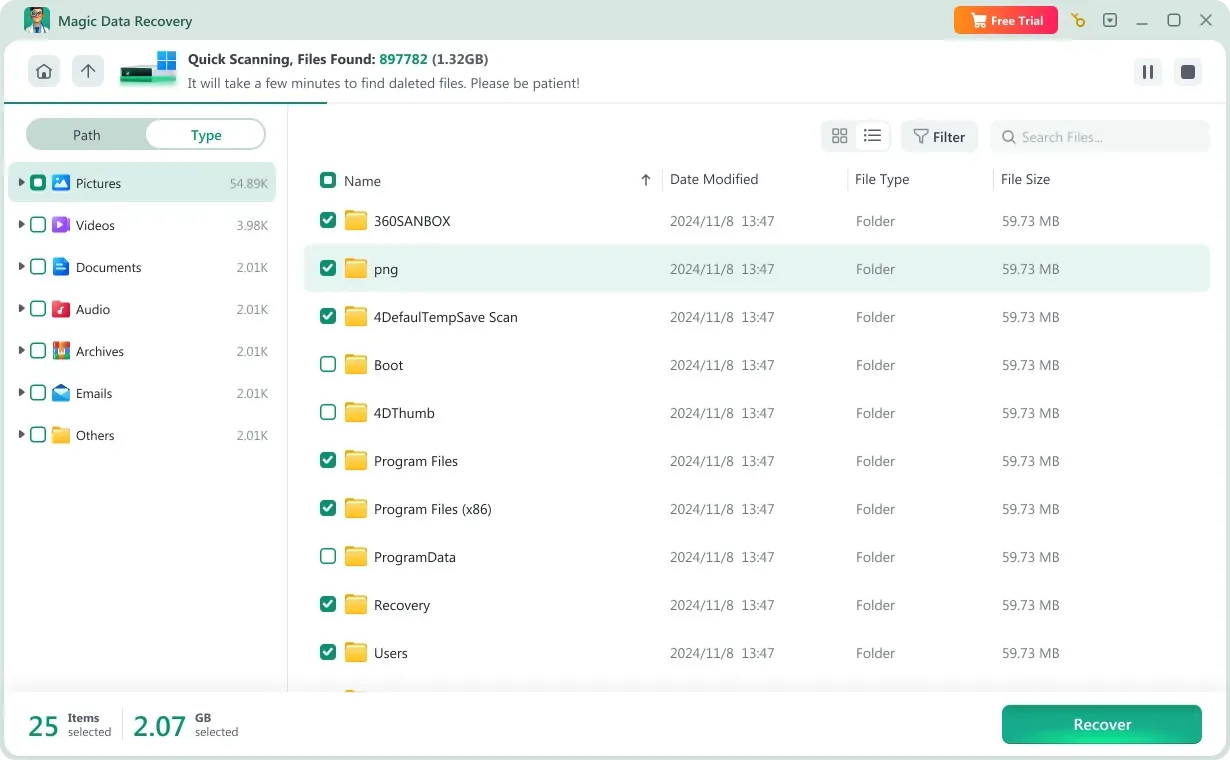
Insert the SD card into a card reader and connect it to your computer. Launch the program, select the detected memory card, and begin scanning.

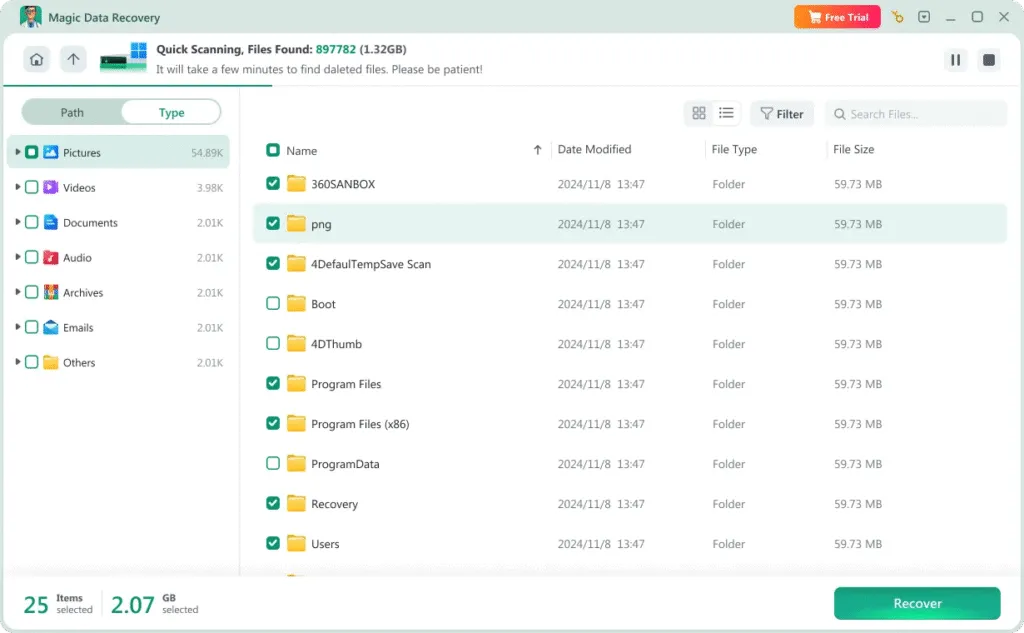
Step 3: Preview Scan Results
After scanning completes, review the found files. Use the preview feature to confirm file integrity before recovery.
Step 4: Save Recovered Files Safely
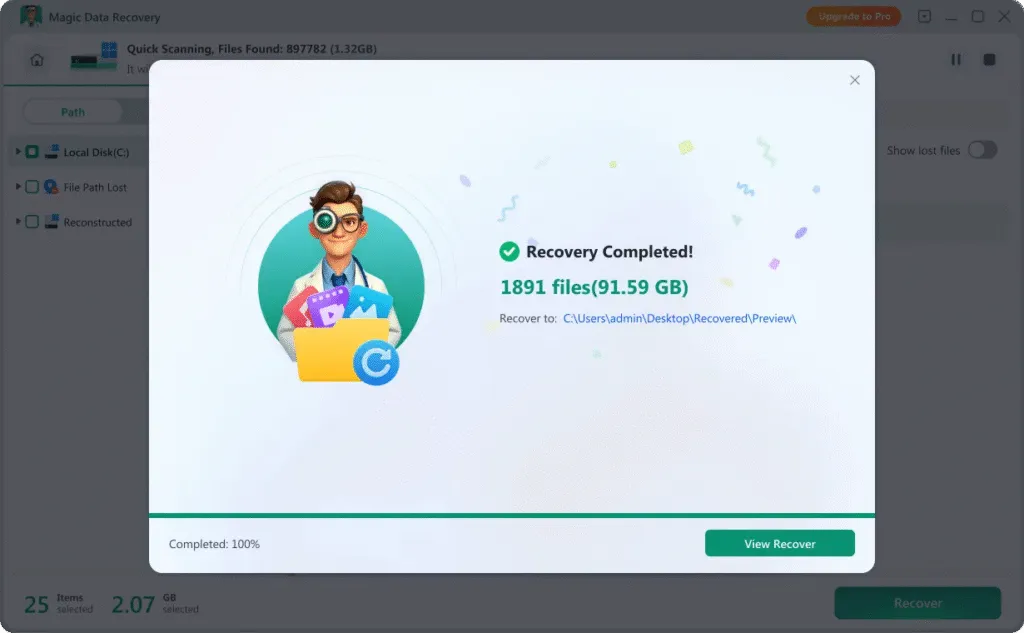
Choose the files you want to restore and save them to a different storage location, such as your computer or an external drive.
Tips to Improve Secure Digital card Recovery Success
Taking immediate and correct action significantly increases the chance of successful SD card recovery.
Stop Using the SD Card Immediately
Avoid capturing new photos or transferring files to the card, as this may overwrite lost data.
Use a Reliable Card Reader
A stable connection ensures accurate scanning and reduces further corruption risks.
Avoid Reformatting Repeatedly
Multiple formatting attempts decrease recovery possibilities.
Safely Eject After Use
Always use the “Safely Remove” option before removing the card from a device to prevent file system damage.
Protect Against Malware
Scan devices regularly to avoid virus-related memory card issues.
Ensure Stable Power Supply
Avoid removing the battery or disconnecting the card during active file transfers.
Frequently Asked Questions
Find answers to common questions about SD card data recovery, including recovery feasibility, safety, and troubleshooting tips.
Yes. In many situations, formatted SD cards still contain recoverable data until overwritten. Immediate scanning improves recovery chances.
The duration depends on the card capacity and scan type. Smaller cards may complete scanning within minutes, while larger capacity cards require more time.
Professional recovery tools perform read-only operations and do not alter original data. Always save recovered files to a different drive.
Yes. microSD cards function the same as standard SD cards, and Magic Data Recovery supports both formats.
Try using another card reader or USB port. If the card appears but cannot be accessed, recovery software may still detect and scan it.
Recovery software can restore various file types, including JPEG, PNG, MP4, MOV, documents, audio files, and other commonly used formats.

Magic Data Recovery
Reliable SD Card Data Recovery Software
Recover your memory card data with confidence using Magic Data Recovery. Continuous updates and enhanced scanning technology help provide safe, efficient, and reliable SD card data recovery solutions.
Related Guides
Explore our collection of helpful guides, tutorials, and troubleshooting tips to help you manage, fix, and recover data from SD Cards more easily and safely.
Discover how to recover deleted files from your SD card with the best free software, Magic Data Recovery …
Lost photos or videos from your SD card? Discover the 5 best free SD card recovery tools in 2025, including …
Accidentally formatted sd card? Learn how to recover your files on Windows. This guide compares the best …
Learn recovery possibilities, common mistakes, and how to recover the deleted file from SD card safely with …
Need reliable free sd card data recovery software for pc? This Windows guide compares tools and explains …