コンテンツへスキップ
amagicsoftロゴアイコン
  • ホーム
  • 製品紹介
    • Magic Data Recovery
    • Magic Recovery Key
  • データ復旧
    • 削除されたファイルの復元
    • フォーマットされたドライブの復元
    • パーティション復元
    • クラッシュしたOSの復旧
    • ごみ箱の復元
    • ビデオ・リカバリー
    • フォトリカバリー
    • ドキュメント・リカバリー
  • キーリカバリー
    • ライセンスキーの回復
    • ビットロッカーのリカバリ
    • パスワード復旧
  • デバイス
    • ハードドライブ
    • SSD(ソリッド・ステート・ドライブ)
    • USBフラッシュドライブ
    • SDカード
    • 外付けハードドライブ
  • 店舗
  • リソース
  • サポート
    • Amagicsoftについて
    • お問い合わせ
    • プライバシーポリシー
    • 利用規約
    • ライセンス契約
    • 返金ポリシー
  • 日本語
    • English
    • 한국어
    • Deutsch
    • Français
    • Español
    • Italiano
    • Português
    • 繁體中文

Disk & Partition

Explore how storage devices organize data through sectors, logical block addressing, partitions, and boot structures. This collection connects GPT headers, partition entries, EFI System Partitions, and volume boot records with recovery implications. Follow a structured reading path and related disk damage or cloning experiments.

  • ホーム
  • Knowledge Base
  • Disk & Partition
EFI System Partition

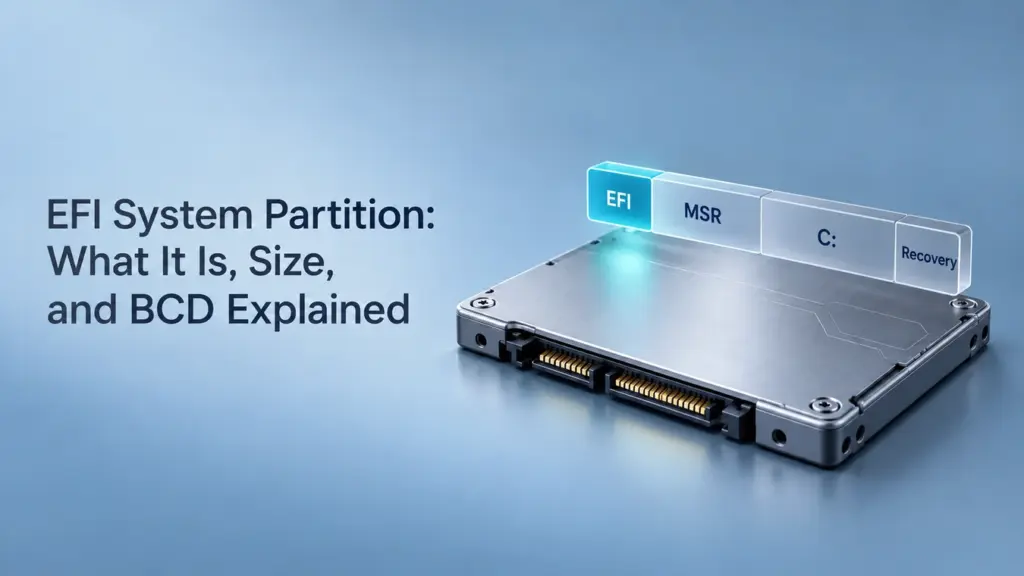
What Is an EFI System Partition? Size, BCD, and Cloning Explained

2026年10月28日 Jason

The EFI System Partition (ESP) is a small partition that stores startup files used by a UEFI-based computer. On a typical Windows UEFI/GPT installation, it uses the FAT32 file system and normally has no drive letter. It helps the computer start Windows; it is separate from the partition containing your documents and installed applications. You may notice it while checking Disk Management or preparing to replace an SSD. Although it occupies little space, leaving it out of a system migration can leave you with a drive that contains Windows but cannot start it independently. This guide focuses on Windows UEFI/GPT systems. Other operating systems can use an ESP too, but […]
検索

カテゴリー

  • ビットロッカーのリカバリ
  • カメラのリカバリー
  • 削除されたファイルの復元
  • Disk & Partition
  • ディスクの問題修正
  • ドキュメントの復元
  • フォーマットファイルの復元
  • ハードディスク・ドライブ復旧
  • ライセンスキーの回復
  • 紛失ファイルの復元
  • メモリーカード復元
  • ニュース
  • パーティション復元
  • パスワード復旧
  • フォトリカバリー
  • レビュー
  • SSDリカバリー
  • 未分類
  • USBドライブ復元
  • ユーザーガイド
  • ビデオ・リカバリー
  • ウィキ
  • Windowsの問題修正

タグ

CHKDSKとディスクツール ディスク修復 エラーのトラブルシューティング ガイド どのように Knowledge Base Magic Data Recovery Magic Recovery Key ユーザーガイド WiKi
amagicsoftロゴアイコン

イノベーション、高度なエンジニアリング、インテリジェントなソリューションを活用し、安全で効率的かつ高性能なデジタル体験を世界中のユーザーに提供することで、世界的に認知されるソフトウェアブランドおよびテクノロジー主導型のサービスプロバイダーになることをビジョンとしています。.

ソリューション
  • 削除されたファイルの復元
  • フォーマットされたドライブの復元
  • 失われたパーティションデータ回復
  • ライセンスキーの回復
  • ビットロッカーのリカバリ
  • パスワード復旧
デバイス
  • ハードドライブ
  • SSD
  • USBフラッシュドライブ
  • SDカード
  • 外付けハードドライブ
会社概要
  • Amagicsoftについて
  • お問い合わせ
  • プライバシーポリシー
  • Amagicsoft用語
  • 返金ポリシー
  • ライセンス契約
  • 提携先
フォローする
ファイルの種類
  • ビデオ・リカバリー
  • フォトリカバリー
  • ドキュメント・リカバリー
製品紹介
  • Magic Data Recovery
  • Magic Recovery Key
  • Amagicsoftストア
Trustpilot
TrustScore 4.8 | 149 reviews

著作権©2026 Amagicsoft。無断複写・転載を禁じます。.

  • 利用規約
  • プライバシーポリシー