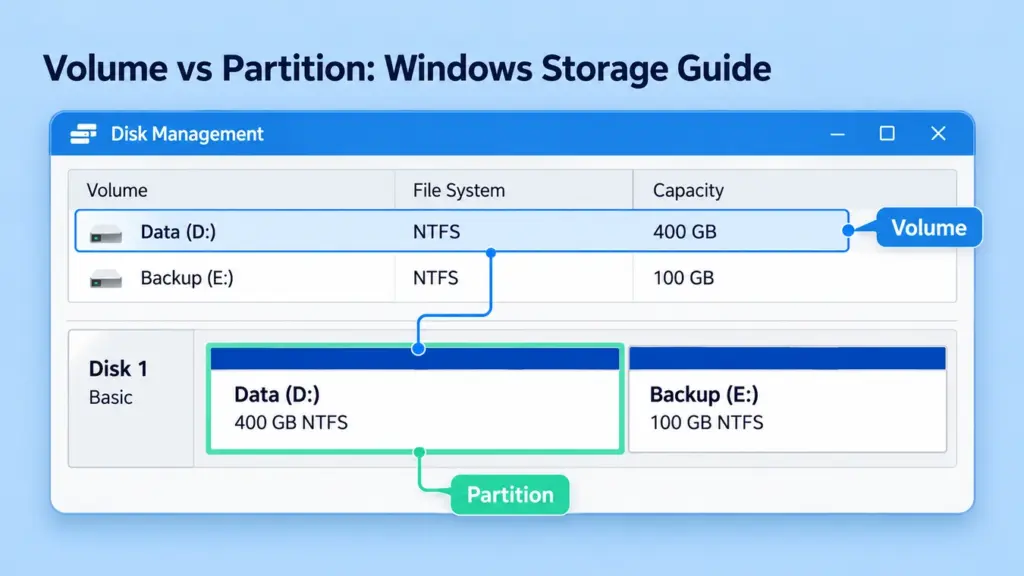
Volume vs partition describes two related aspects of Windows storage. A partition is a defined region in a disk’s layout. A volume is a logical storage unit that Windows presents and manages, normally with a file system for storing files. On an ordinary basic disk, a data partition and its volume usually occupy the same […]
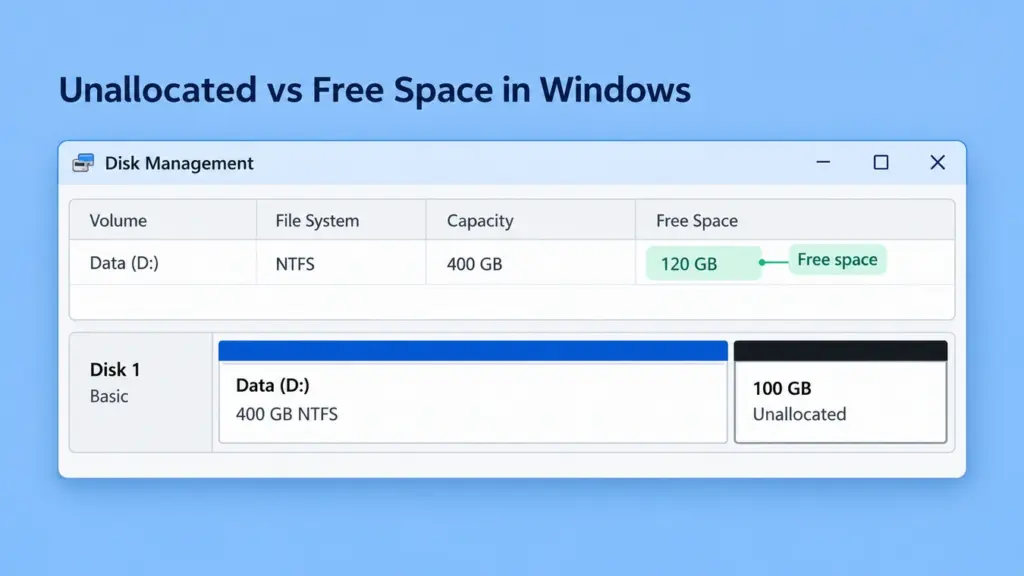
Unallocated vs Free Space in Windows: Key Differences
When comparing unallocated vs free space in Windows, the key difference is where the capacity belongs. Unallocated space sits outside the partitions or volumes currently assigned on a disk. File system free space is available capacity inside an existing formatted volume. Windows can normally save files into the latter, but it does not automatically add […]
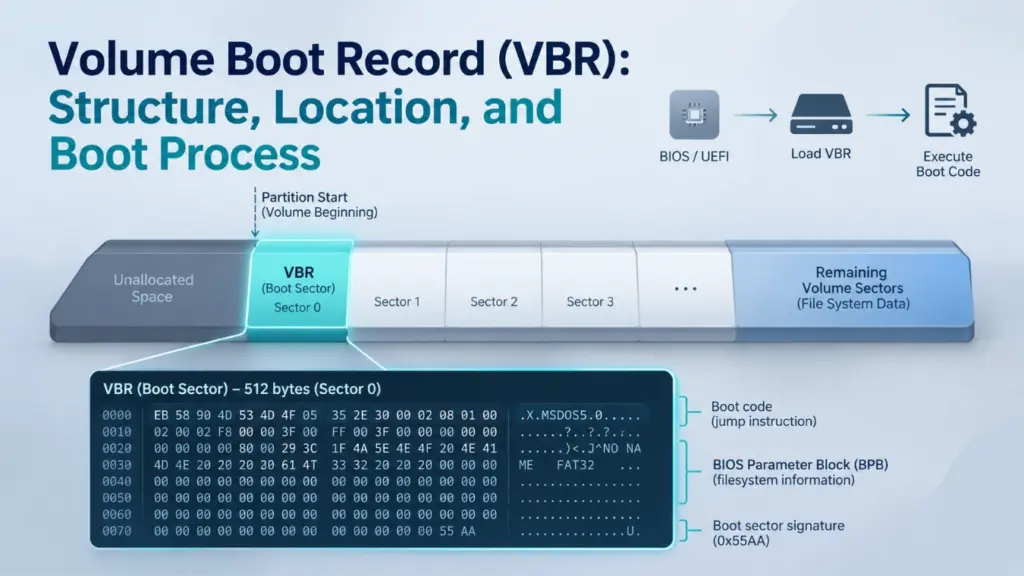
Volume Boot Record (VBR): Structure, Location, and Boot Process
A Volume Boot Record (VBR) is a boot-related data structure stored at the beginning of a file system volume. It contains information that describes the volume’s layout and may also include bootstrap code used during legacy startup. Although the VBR is commonly associated with the first sector of a partition, its exact structure and role […]
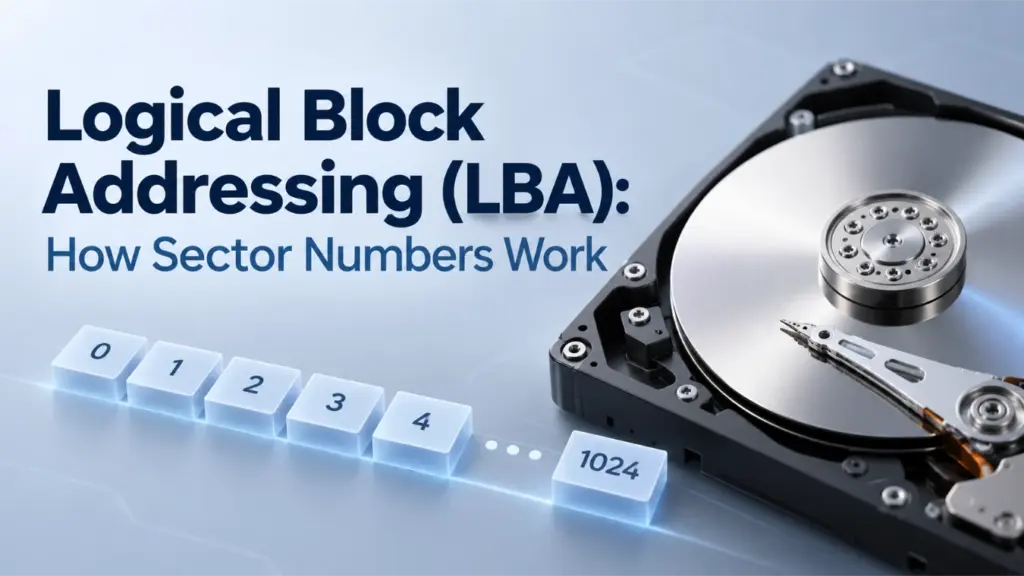
Logical Block Addressing (LBA): How Sector Numbers Work
Logical block addressing (LBA) is a method of identifying storage blocks with sequential numbers instead of cylinder, head, and sector coordinates. LBA 0 identifies the first logical block, LBA 1 identifies the second, and so on. However, an LBA number alone does not determine a byte offset: you also need the logical block size and […]
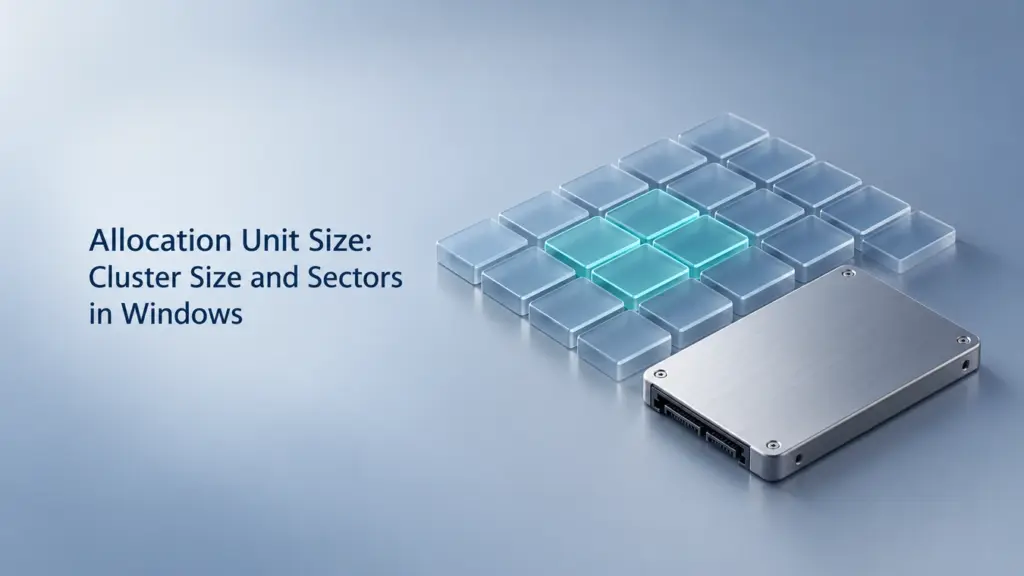
Allocation Unit Size: Cluster Size and Sectors in Windows
Allocation unit size is the size of a cluster—the unit a file system uses to allocate storage space on a volume. In Windows formatting tools, “allocation unit size” and “cluster size” describe the same setting. A cluster contains one or more logical sectors, but changing its size does not change the drive’s sector format. This […]
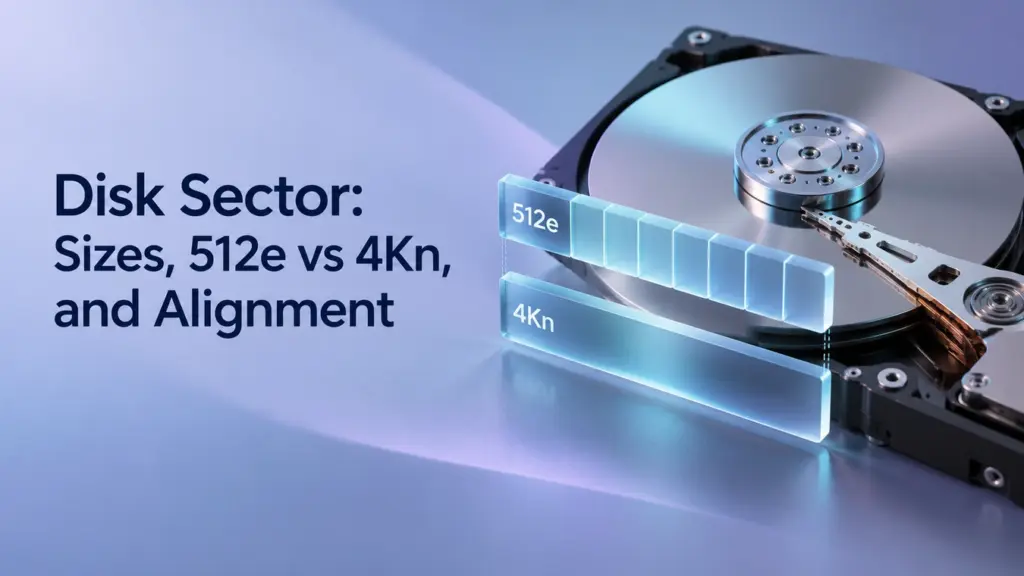
Disk Sector: Sizes, 512e vs 4Kn, and Alignment
A disk sector is a fixed-size unit used to organize and access data on a storage device. The operating system addresses logical sectors, while the device also reports physical sector information that matters for write alignment and compatibility. These sizes can differ: a 512e hard drive exposes 512-byte logical sectors over 4,096-byte physical sectors. Sector […]
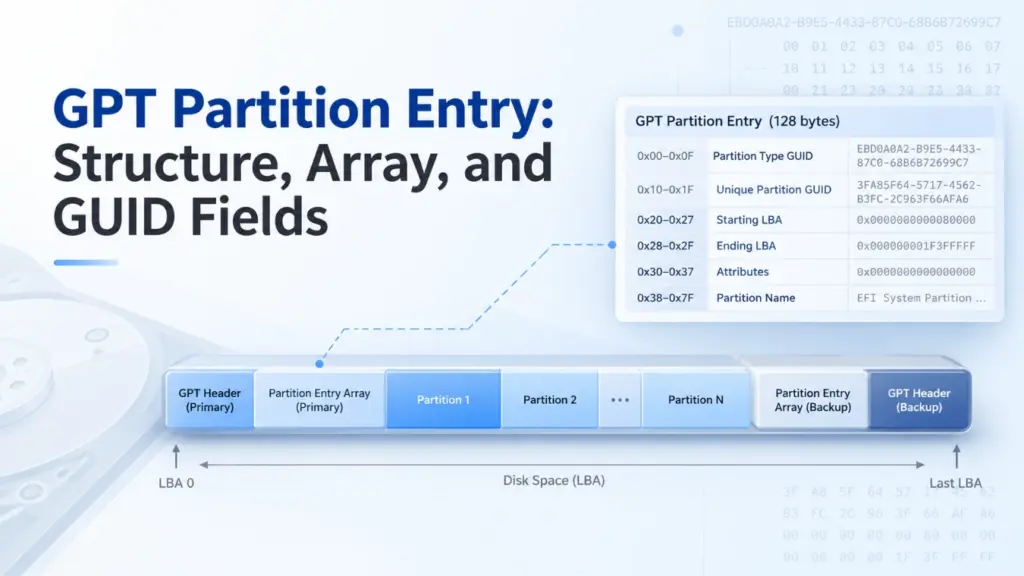
GPT Partition Entry: Structure, Array, and GUID Fields
A GPT partition entry is a record that describes one partition on a GUID Partition Table (GPT) disk. It identifies the partition’s type, unique GUID, starting and ending logical block addresses (LBAs), attributes, and name. The usual GPT partition entry structure occupies 128 bytes. By decoding these fields, you can locate a partition, calculate its […]
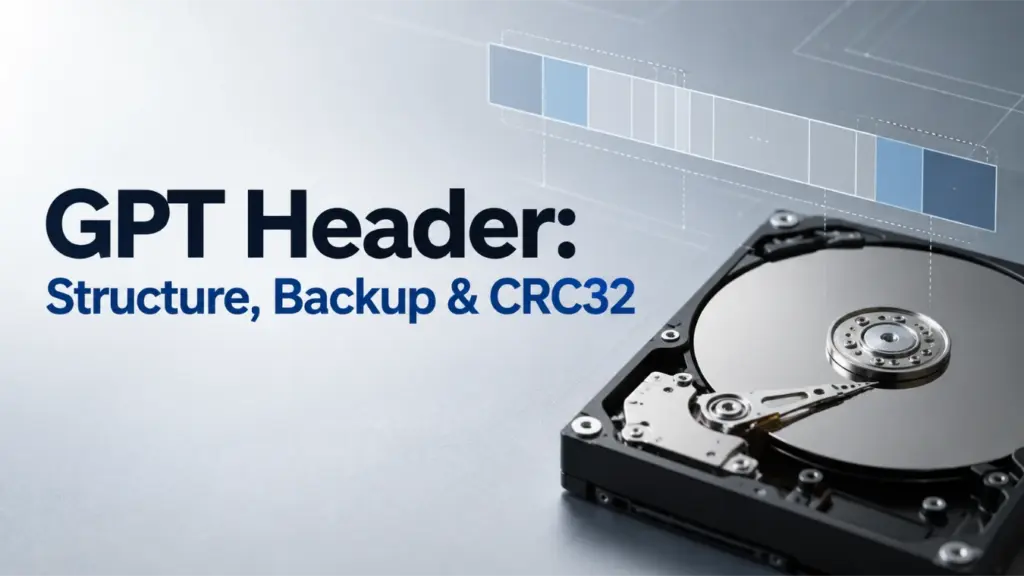
GPT Header: Structure, Backup & CRC32
A GPT header is a metadata structure that describes a disk’s GUID Partition Table. It identifies the disk, locates the partition entry array, defines usable disk boundaries, and stores checksums used to detect metadata corruption. GPT maintains primary and backup headers for redundancy. Understanding their byte layout and CRC32 fields helps explain how partition information […]
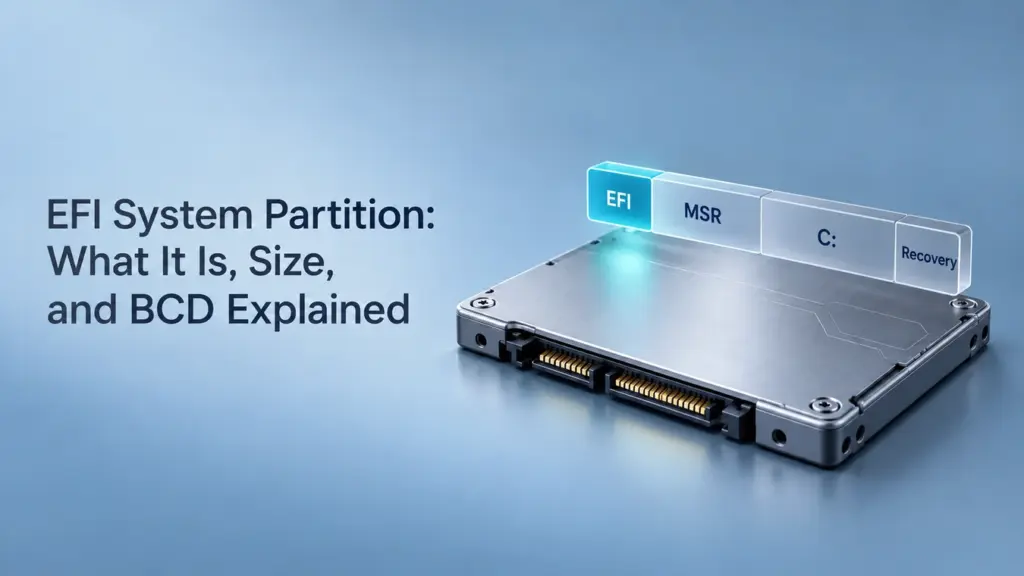
What Is an EFI System Partition? Size, BCD, and Cloning Explained
The EFI System Partition (ESP) is a small partition that stores startup files used by a UEFI-based computer. On a typical Windows UEFI/GPT installation, it uses the FAT32 file system and normally has no drive letter. It helps the computer start Windows; it is separate from the partition containing your documents and installed applications. You […]