
A Complete Guide to TLC Flash Memory
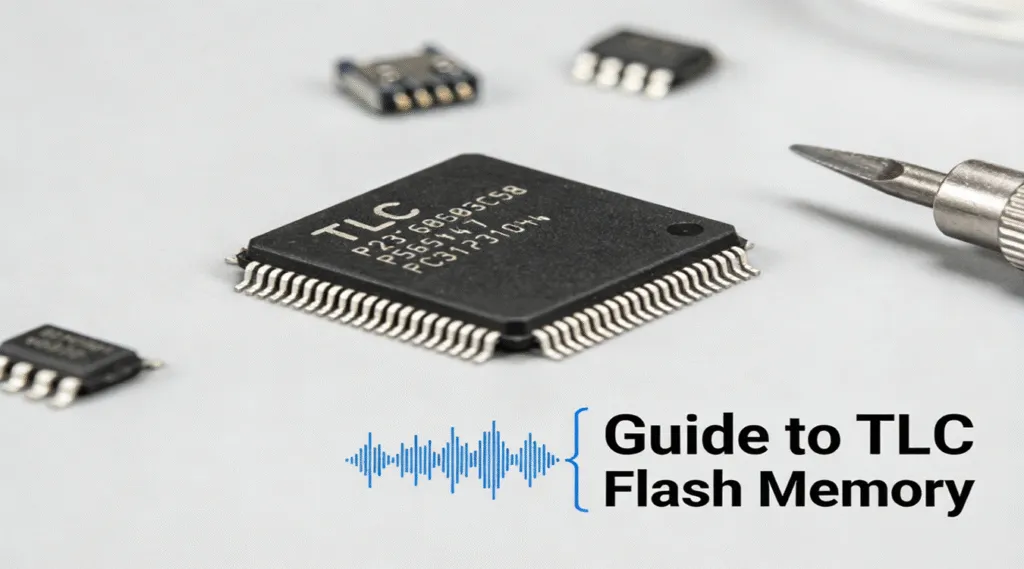
TLC (Triple-Level Cell) flash memory is a key component in modern storage solutions, offering a balance of performance, capacity, and affordability. While it may not provide the same level of endurance as SLC (Single-Level Cell) or MLC (Multi-Level Cell) memory, TLC flash memory is widely used in consumer devices due to its cost-effectiveness and large storage capacity. As demand for affordable, high-capacity storage continues to grow, TLC memory has become an integral part of everything from USB drives to SSDs (Solid-State Drives).
In this article, we’ll explore what TLC flash memory is, its benefits, drawbacks, and how it compares to other types of flash memory. Whether you’re looking to upgrade your storage or just curious about the technology, this guide will give you a thorough understanding of TLC flash memory.
Table of Contents
What is TLC Flash Memory?
TLC flash memory is a type of NAND flash memory that stores three bits of data per memory cell. By design, TLC flash memory increases storage density, allowing manufacturers to deliver higher-capacity drives at a lower cost.
This allows for higher storage density, meaning more data can be packed into the same amount of physical space. While TLC flash memory has a lower endurance compared to SLC and MLC memory, its ability to store more bits in a single cell makes it an affordable option for high-capacity storage devices, such as USB flash drives and SSDs.
TLC’s ability to store more data per cell translates to lower costs, which is why it’s commonly used in consumer-grade storage devices. This is particularly beneficial in products like SSDs, where high storage capacity is crucial, and the performance difference between TLC and higher-end memory types (like MLC) is often minimal for everyday tasks.
How Does TLC Flash Memory Work?
In TLC memory, each cell stores three bits of data, compared to the single bit in SLC and two bits in MLC. The main advantage of this is that it allows for a higher storage capacity in the same physical space. However, the trade-off is that TLC memory has a higher level of wear due to the number of write cycles each cell can undergo. In practical terms, this means that TLC SSDs generally have a lower lifespan compared to their MLC or SLC counterparts.
Despite this, advancements in wear-leveling technology and error correction techniques have significantly reduced the performance gap between TLC and other flash memory types, making TLC a viable option for most consumers.
Benefits of TLC Flash Memory
1. Higher Storage Density: The primary advantage of TLC is its ability to store three bits of data per memory cell. This results in higher storage capacity for the same physical footprint, making TLC-based devices much more affordable for users who need large amounts of storage.
2. Cost-Effectiveness: Because it stores more data per cell, TLC flash memory is cheaper to manufacture compared to SLC and MLC. This makes it a popular choice for consumer devices, such as affordable USB drives, external SSDs, and low-cost laptops.
3. Widely Available: TLC flash memory is used in a wide range of products, making it highly accessible to consumers. You can find TLC memory in everything from portable storage devices to internal drives in budget-friendly laptops.
4. Sufficient for Everyday Tasks: For most general computing tasks such as web browsing, word processing, and light multimedia use, TLC offers more than enough performance. It’s a great option for users who want solid storage at a low price without needing enterprise-level performance.
Drawbacks of TLC Flash Memory
1. Lower Durability: Since TLC stores more bits per cell, it has a lower number of write/erase cycles before the cells begin to degrade. While advancements in technology have made this issue less significant for most users, it’s still a consideration for high-end applications where durability is crucial.
2. Slower Write Speeds: Compared to SLC and MLC, TLC has slower write speeds, especially when the drive is near full capacity. This is due to the increased complexity of writing more data per cell and the wear that accumulates over time.
3. Not Ideal for High-End Use: For applications requiring high endurance and speed—such as professional video editing, database management, and gaming—TLC may not be the best choice. MLC or even SLC would provide better performance and durability for these tasks.
TLC Flash Memory vs. Other Flash Memory Types
Attribute | TLC | QLC | MLC | SLC |
Bits per Cell | 3 | 4 | 2 | 1 |
Storage Density | High (More bits per cell) | Very High (Highest storage density) | Moderate | Low (Fewer bits per cell) |
Speed | Moderate (Slower write speeds compared to MLC and SLC) | Slow (Slower write speeds than TLC) | Faster (Better write speeds than TLC) | Very Fast (Best performance) |
Durability | Lower endurance than MLC and SLC | Very low durability (less than TLC) | Higher durability than TLC | Very high durability (most durable) |
Cost | Affordable | Very low | More expensive | Very expensive |
Best For | Consumer-grade storage, everyday tasks | High-capacity storage at the lowest price, where longevity is less critical | Higher-end SSDs, enterprise storage | High-performance applications, enterprise environments |
Conclusion
TLC flash memory strikes a balance between affordability, storage density, and performance, making it an ideal choice for consumers who need large storage capacities at a reasonable price. While it may not be as durable or fast as SLC or MLC memory, its cost-effectiveness makes it an excellent option for everyday computing needs. If there is unexpected data loss on a TLC flash memory, download Magic Data Recovery immediately to recover any lost data from your TLC-based SSD or flash drive quickly and easily.
Supports Windows 7/8/10/11 and Windows Server
FAQ
What is TLC flash memory?
What is the difference between TLC and QLC flash memory?
What is the difference between TLC and MLC flash memory?
Is TLC memory good?
Is flash memory better than SSD?
Which is better, a 32GB or 64GB flash drive?
Does TLC last longer than QLC?
Which is better, TLC or 3D NAND?

Vasilii is a data recovery specialist with around 10 years of hands-on experience in the field. Throughout his career, he has successfully solved thousands of complex cases involving deleted files, formatted drives, lost partitions, and RAW file systems. His expertise covers both manual recovery methods using professional tools like hex editors and advanced automated solutions with recovery software. Vasilii's mission is to make reliable data recovery knowledge accessible to both IT professionals and everyday users, helping them safeguard their valuable digital assets.