
External Hard Drive Solutions
External hard drives are widely used as portable storage devices for backing up photos, videos, business documents, and large project files. Whether you use an external HDD for expanding computer storage or safeguarding important data, these drives provide flexible and convenient data management. If files become inaccessible or accidentally deleted, you can start using Magic Data Recovery to scan and restore data from your external hard drive quickly and safely.
What Is an External Hard Drive?
An external hard drive is a standalone storage device that connects to a computer or laptop through USB, USB-C, Thunderbolt, or other interfaces to store and transfer digital files.
External hard drives are commonly used for:
- Personal file backup and archiving
- Expanding laptop or desktop storage
- Transferring large media files between devices
- Creating system backups and restore points
External hard drives typically fall into these categories:
- Portable External HDDs – compact, USB-powered drives
- Desktop External HDDs – large-capacity powered drives

Common External Hard Drive Data Loss Scenarios
Data loss on an external hard drive often happens unexpectedly, especially because these devices are frequently plugged in and unplugged. Below are common situations that may cause files to disappear or become inaccessible.

Accidental Deletion
Files may be unintentionally removed while organizing backups or transferring data, especially when managing large folders.

Accidental Formatting
Choosing the wrong drive during formatting can instantly remove access to all stored data on the external disk.

Unsafe Ejection
Disconnecting the drive without safely ejecting it may lead to file system damage and unreadable data.

File System Errors
External hard drives can become RAW or corrupted due to improper shutdowns or cross-platform compatibility issues.

Virus or Ransomware Infection
Connecting the drive to infected systems may result in hidden, encrypted, or deleted files.

Physical Connection Issues
Loose cables, faulty USB ports, or power instability can interrupt disk operations and cause apparent data loss.
Can Data Be Recovered from an External Hard Drive?
In many cases, yes — data stored on an external hard drive can be restored if it has not been permanently overwritten. When files are deleted or the drive is formatted, the underlying data often remains intact until new information replaces it. Logical problems such as deletion, formatting, or partition errors are commonly recoverable with professional recovery software.
Recovery success depends on factors including:
- Whether the drive is still recognized by the computer
- The extent of file overwriting
- The type of issue (logical damage vs. hardware failure)
- The overall condition and stability of the external drive
- How quickly recovery actions are taken

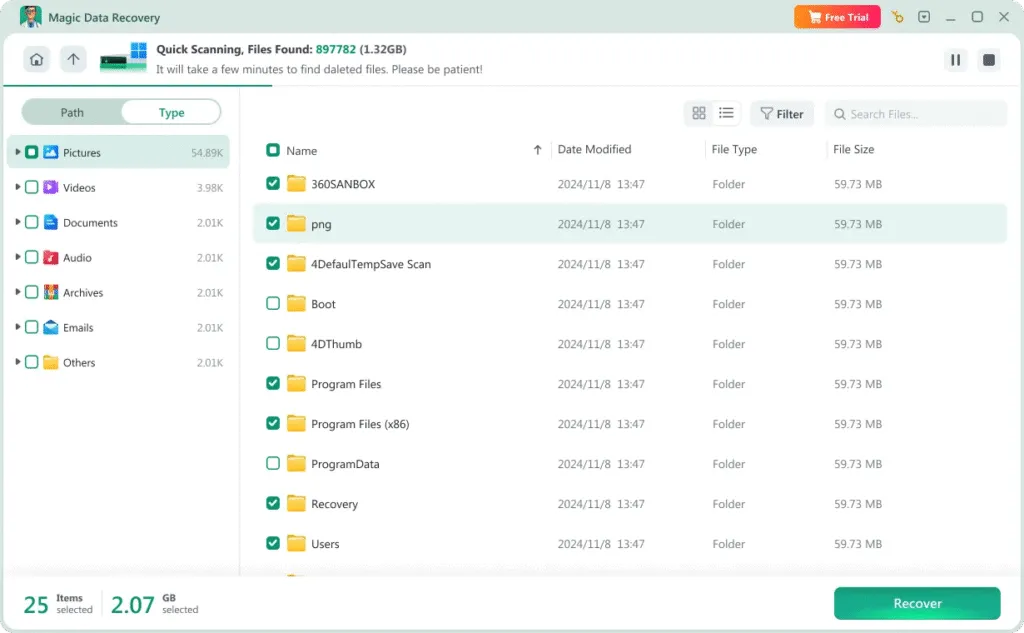
Recover External Hard Drive Data with Magic Data Recovery
Magic Data Recovery helps retrieve lost or missing files from external hard drives connected via USB or other interfaces. It supports recovery in situations such as:
- Deleted files and emptied folders
- Formatted external hard drives
- Corrupted or RAW partitions
- Drives that show errors but are still detectable
How to Recover Files from an External Hard Drive
Restoring lost data from an external HDD can be straightforward when using the right tool. Follow these simple steps with Magic Data Recovery:
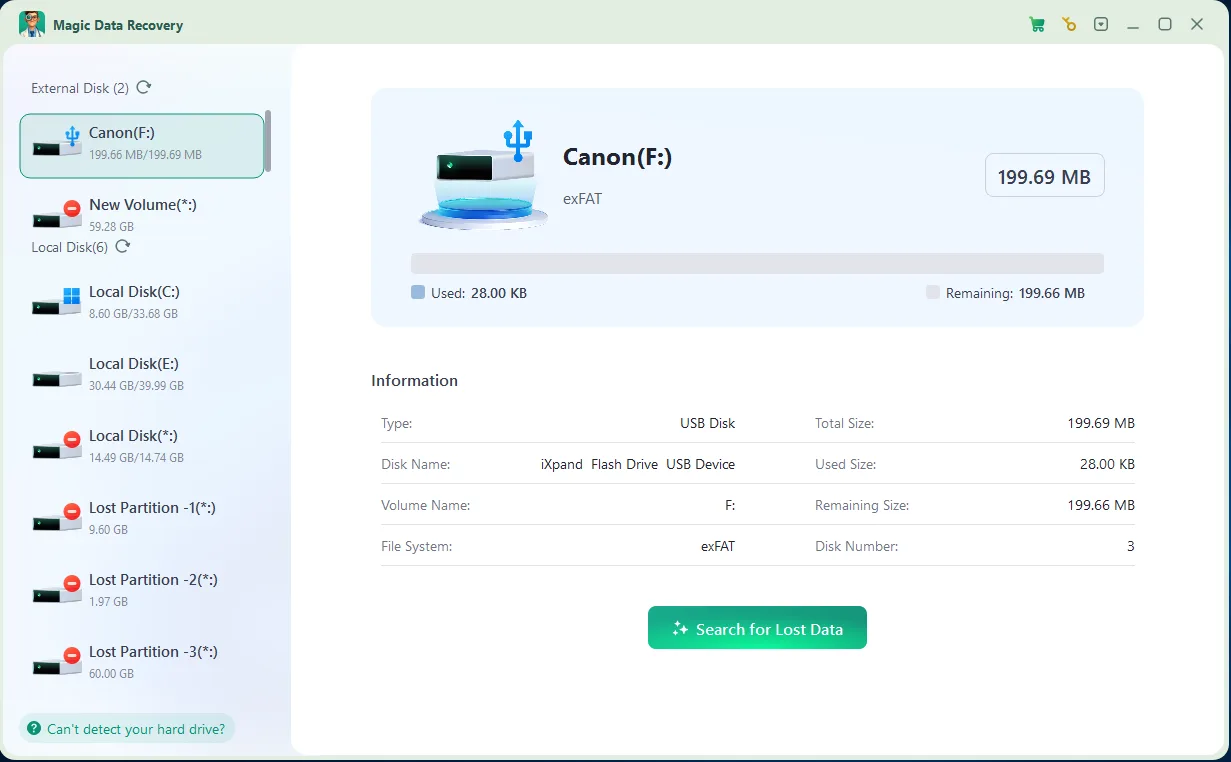
Step 1: Download and Install Magic Data Recovery
Download the software from the official website and install it on your computer’s internal drive or another healthy disk. Do not install it on the affected external drive.
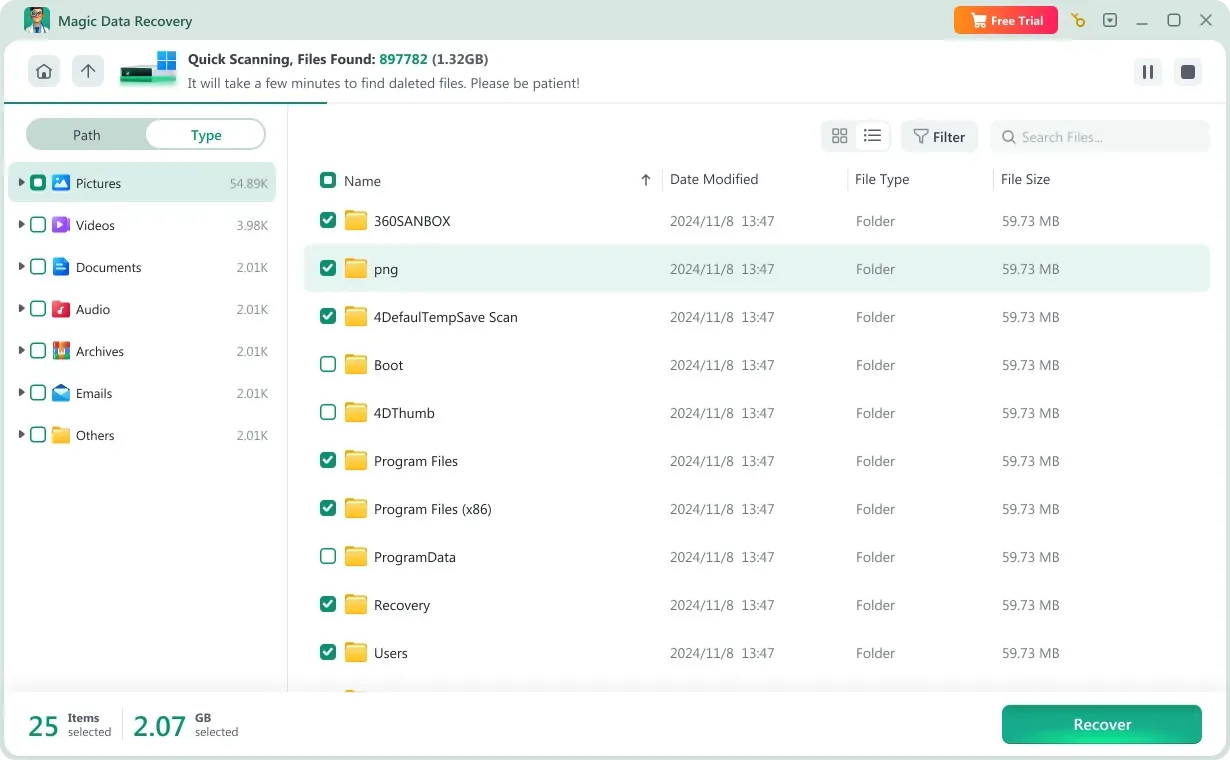
Step 2: Connect and Select the External Hard Drive
Plug the external drive into your computer. Launch the program and choose the correct external disk from the device list, then start scanning.

Step 3: Review and Preview Files
Once scanning is complete, filter the results by file type or path. Preview recoverable files to ensure they are intact before proceeding.
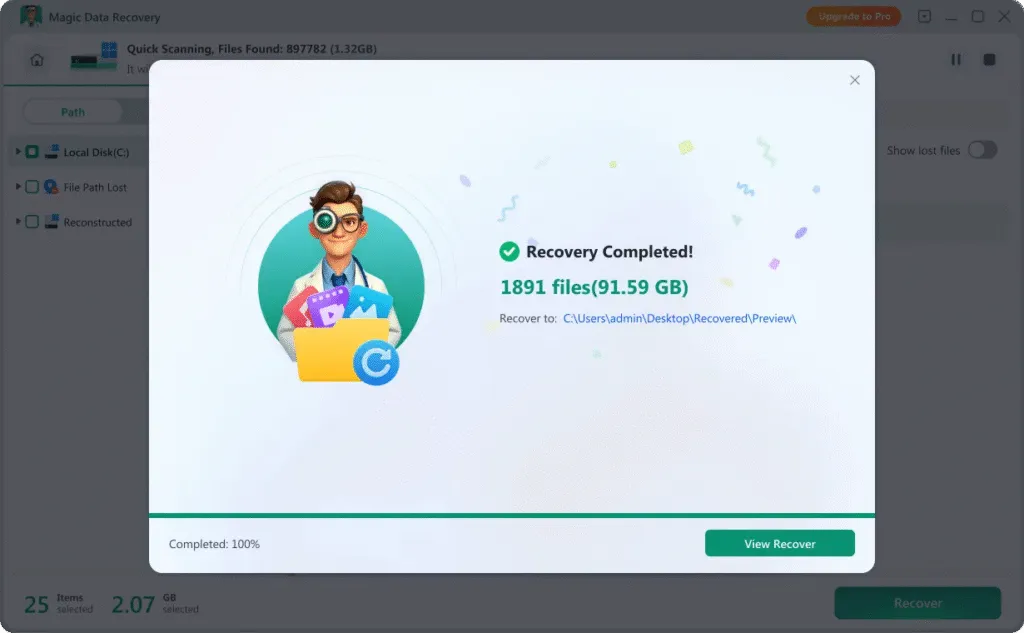
Step 4: Save Files to a Different Location
Select the files you want to restore and save them to a separate storage device to prevent overwriting remaining recoverable data.
Tips to Improve External Hard Drive Recovery Success
Taking the right precautions immediately after data loss can significantly improve recovery outcomes.
Stop Using the External Drive
Avoid copying, editing, or moving files on the affected drive to prevent overwriting lost data.
Check Cables and Ports
Connection instability can cause errors. Try a different cable or USB port before assuming severe damage.
Create a Backup Image
If the drive behaves abnormally, creating a sector-by-sector image can help preserve current data conditions for safer recovery.
Avoid Repeated Formatting Attempts
Formatting the drive multiple times reduces the chance of successful file restoration.
Scan the Drive for Malware
If files disappear after connecting to another computer, check for viruses that may hide or damage data.
Always Use Safe Removal
Properly eject the external drive before unplugging it to minimize file system corruption risks.
Frequently Asked Questions
Find answers to common questions about recovering files from external hard drives, including safety, recovery time, and troubleshooting tips.
Yes. If the data has not been overwritten, recovery software can often scan the drive and restore lost files after formatting.
A RAW status usually indicates file system corruption. Recovery software can scan the drive before reformatting to retrieve important files.
The duration depends on drive capacity and scan type. Large-capacity drives may require several hours for a deep scan.
Professional recovery tools perform read-only scans and do not alter original data. Always restore files to a different storage location.
Try different cables, ports, or another computer. If the drive is still partially recognized, recovery software may help extract data.
Documents, photos, videos, audio files, archives, and many other common file formats can typically be restored.

Magic Data Recovery
Reliable and advanced USB data recovery software
Recover lost files from your external hard drive with confidence using Magic Data Recovery. Continuous updates and advanced scanning technology help ensure secure, efficient, and dependable data restoration.
Related Guides
Explore our collection of helpful guides, tutorials, and troubleshooting tips to help you manage, fix, and recover data from external hard drives more easily and safely.
Lost files on an external drive? Discover external hard drive recovery solutions. Try the best external hard …
Learn how to recover deleted files from external hard drive on Windows using proven methods and reliable …
Learn how to restore deleted files from external hard drive safely. Step-by-step guide to recover lost data using …
Learn how formatted external hard drive recovery works, what to do after formatting, and how to recover data safely …
When an external hard disk shows RAW file system, the drive may become inaccessible. This guide explains causes …