
FAT32 Directory Entry Explained: FAT32 Directory Entry Structure Guide
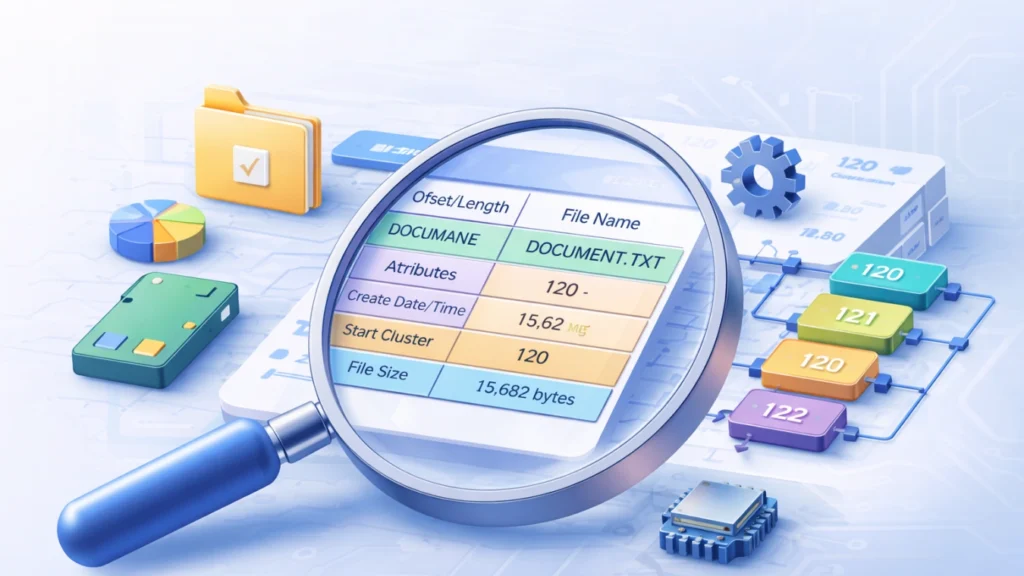
If you have ever explored how file systems store data, you may have encountered the term fat32 directory entry. It plays a critical role in how FAT32 organizes files and folders on storage devices such as USB drives, SD cards, and external hard disks.
However, when the fat32 directory entry structure becomes corrupted, users often experience problems like:
- Files that suddenly disappear
- File names that appear as random characters
- Files that refuse to open
- Entire folders becoming inaccessible
Understanding how it works can help you diagnose these problems and recover data effectively.
In this guide, you will have a clear and practical understanding of how FAT32 directories function.
Table of Contents
What Is a FAT32 Directory Entry?
It is a 32-byte data record stored inside a directory table. It represents a single file or subdirectory in the FAT32 file system.
Every file stored in FAT32 must have at least one directory entry that contains essential metadata, including:
- File name
- File attributes
- Creation date and time
- Last access date
- Starting cluster location
- File size
In simple terms, the fat32 directory entry structure acts like a file index card. It tells the system where the file data is located and how it should be handled.
Without this information, the operating system cannot locate or open the file, even if the file data still exists on the disk.
FAT32 Directory Entry Structure Explained
The directory entry structure is fixed at 32 bytes and contains several important fields. Each field stores specific metadata about a file or folder.
Below is a simplified overview of the directory entry structure.
Offset | Length | Field | Description |
0 | 8 bytes | File Name | First 8 characters of the file name |
8 | 3 bytes | File Extension | File type extension |
11 | 1 byte | Attributes | File properties |
12 | 1 byte | Reserved | Reserved for system use |
13 | 1 byte | Creation Time (tenths) | Fine timestamp |
14 | 2 bytes | Creation Time | File creation time |
16 | 2 bytes | Creation Date | File creation date |
18 | 2 bytes | Last Access Date | Last accessed date |
20 | 2 bytes | High Word of Cluster | High cluster address |
22 | 2 bytes | Last Write Time | Last modification time |
24 | 2 bytes | Last Write Date | Last modification date |
26 | 2 bytes | First Cluster | Starting cluster location |
28 | 4 bytes | File Size | Size in bytes |
Each fat32 directory entry stores these values so the file system can quickly locate and manage files.
Key Fields in the FAT32 Directory Entry Structure
To better understand the fat32 directory entry structure, let’s examine several critical fields in detail.
File Name and Extension
The first 11 bytes store the file name and extension in the traditional 8.3 format.
Example:
FILE TXT
This means:
- File name: FILE
- Extension: TXT
Long file names are handled using special Long File Name (LFN) entries, which store additional directory entries before the main file entry.
File Attributes
The attribute byte defines how the file behaves. In the directory entry, the attribute field can represent several flags.
Common attributes include:
Attribute | Meaning |
0x01 | Read-only |
0x02 | Hidden |
0x04 | System |
0x08 | Volume label |
0x10 | Directory |
0x20 | Archive |
These attributes help the operating system determine how the file should be displayed or accessed.
Cluster Information
The first cluster field is one of the most important parts of the directory entry structure.
This field stores the starting cluster where the file’s data begins on the disk.
The system then follows the FAT (File Allocation Table) chain to read the rest of the file.
For example:
Directory Entry → Cluster 120
FAT Table → 120 → 121 → 122 → End
This means the file occupies clusters 120–122.
File Size
The final four bytes store the exact file size in bytes.
Even though data may occupy multiple clusters, the size field ensures the operating system reads only the valid file content.
How FAT32 Uses Directory Entries
The fat32 directory entry system is designed to make file lookup efficient.
When you open a folder:
- The operating system reads the directory table.
- It scans each directory entry.
- It identifies files by name and attributes.
- It retrieves cluster information from the entry.
- It reads the file data from disk.
This simple yet effective design is why FAT32 remains widely used in:
- USB flash drives
- SD cards
- Cameras
- Embedded systems
- External storage devices
Common FAT32 Directory Entry Problems
Although FAT32 is reliable, the fat32 directory entry structure can become damaged due to several factors.
Common causes include:
Unsafe device removal
Removing a USB drive without ejecting it may interrupt file operations, damaging the fat32 directory entry.
Power failures
Sudden shutdowns during write operations can corrupt directory entries.
Malware or software errors
Some malicious programs alter file attributes or directory entries.
File system fragmentation
Excessive fragmentation may increase the risk of FAT inconsistencies.
Symptoms of Directory Entry Corruption
When the fat32 directory entry structure is damaged, users may notice:
- Files showing 0 bytes
- Files with strange symbols
- Files that cannot open
- Missing folders
- Error messages like “file not found”
Even though the directory entry is damaged, the actual file data may still exist on the disk.
This is why data recovery tools can often restore the files successfully.
How to Fix the Directory Entry Issues
Several approaches can help repair problems related to the fat32 directory entry.
Method 1: Run CHKDSK
Windows includes a built-in tool to repair file system errors.
Steps:
- Open Command Prompt
- Run:
chkdsk X: /f
Replace X with your drive letter.
CHKDSK attempts to rebuild damaged directory entry structures.
However, this method may not recover lost files.
Method 2: Use Professional Data Recovery Software
If directory corruption causes files to disappear or become unreadable, a data recovery tool can scan the disk directly.
One practical solution is Magic Data Recovery.

Why Magic Data Recovery Works Well
When a fat32 directory entry becomes corrupted, the file system loses the reference to the file. However, the actual file data often remains stored on disk clusters.
Magic Data Recovery helps by:
- Scanning raw disk sectors
- Rebuilding lost directory entries
- Recovering files based on signatures
- Supporting FAT32, NTFS, exFAT, and more
Key Advantages
- Deep scan technology
- Recovery of deleted or corrupted files
- Easy-to-use interface
- Safe read-only scanning
Example Scenario
Imagine a USB drive where photos suddenly disappear due to a damaged fat32 directory entry structure.
Magic Data Recovery can scan the drive, detect the image data, and reconstruct the files even if the original directory entries are missing.
If you are looking for a reliable solution to restore files after FAT32 corruption, Magic Data Recovery is worth trying.
Supports Windows 7/8/10/11 and Windows Server
Best Practices to Prevent FAT32 Directory Corruption
Prevention is always better than recovery. The following practices help protect the fat32 directory entry structure.
Safely eject storage devices
Always use the Eject option before removing USB drives.
Avoid sudden shutdowns
Use a UPS or ensure devices shut down properly.
Regular backups
Important files should always have backup copies.
Scan for malware
Malware infections can damage directory entries.
Conclusion
The fat32 directory entry is a fundamental component of the FAT32 file system. It stores essential metadata such as file name, attributes, cluster location, and file size.
Understanding the directory entry structure helps users diagnose problems like missing files, corrupted directories, and inaccessible folders.
When directory entries become damaged, tools like CHKDSK may help repair file system errors. However, in many cases the file data still exists but the directory reference is lost.
In such situations, a specialized recovery solution like Magic Data Recovery can scan the disk, rebuild file information, and restore lost data efficiently.
If you are facing FAT32 directory corruption and cannot access your files, trying Magic Data Recovery could be the quickest way to recover your important data.
Supports Windows 7/8/10/11 and Windows Server
FAQs
What is a FAT32 directory entry?
What is the FAT32 directory entry structure?
The directory entry structure is a fixed 32-byte layout containing fields for file name, extension, attributes, timestamps, cluster information, and file size. Each file or folder in FAT32 has at least one directory entry that points to the location of the file data within the storage device.
How many bytes is a FAT32 directory entry?
What happens when a FAT directory entry is corrupted?
When a fat32 directory entry becomes corrupted, the file system may lose the reference to the file. As a result, files may disappear, show incorrect names, or fail to open. In many cases, the actual file data still exists on the disk and can be recovered with specialized recovery tools.
How does FAT32 store long file names?
FAT32 uses Long File Name (LFN) entries to support file names longer than the traditional 8.3 format. These entries appear before the main fat32 directory entry and store additional Unicode characters. The system combines these entries to reconstruct the full file name.
Can CHKDSK repair FAT32 directory entry errors?
Yes, CHKDSK can repair certain file system errors related to the fat32 directory entry structure. It scans the disk, detects inconsistencies, and attempts to fix corrupted entries. However, CHKDSK may not recover deleted or severely damaged files, so recovery software might still be required.
Why do FAT32 directory entries become damaged?
Several factors can damage a fat32 directory entry, including improper device removal, sudden power failures, malware infections, and disk errors. Interruptions during file writing are one of the most common causes, especially on USB drives and SD cards.
Can files be recovered if the FAT32 directory entry is lost?
Yes. Even if the fat32 directory entry structure is lost, the file data may still remain on the disk clusters. Data recovery tools can scan the storage device, detect file signatures, and reconstruct the missing files. This process works well for photos, videos, and documents stored on FAT32 devices.

Jason is a data recovery and technical support specialist with over 15 years of hands-on experience. He has worked extensively with frontline users, troubleshooting difficult data loss cases and providing practical recovery solutions for accidental deletion, formatted drives, damaged file systems, lost partitions, system failures, and other recovery emergencies. His expertise also includes backup and restoration, file repair, and disaster recovery, with a strong emphasis on safe, reliable, and technically accurate guidance.