Accidentally deleting folders is a frustrating experience. Whether it’s an important work document, cherished photos, or crucial project files, the loss can feel overwhelming. However, the good news is that deleted folders are often recoverable—as long as the data hasn’t been overwritten. In this article, we will guide you through how to recover deleted folder, […]
How to Recover Deleted Files from Pen Drive in 7 Effective Ways
Losing important files from a USB flash drive can be frustrating. Whether you accidentally pressed Delete, formatted the drive by mistake, or encountered a file system error, data loss on pen drives happens more often than most users expect. In many cases, recover deleted files from pen drive is still possible. When files are lost […]
How to Recover Deleted Files from Hard Drive
Accidentally deleting important files from your hard drive can be a nightmare. Whether it’s a sudden power outage, human error, or even a system crash, data loss is a situation most people have faced at some point. Fortunately, To recover deleted files from hard drive is possible, and it doesn’t have to be as complicated […]
How to Recover Deleted Folder in Windows 10
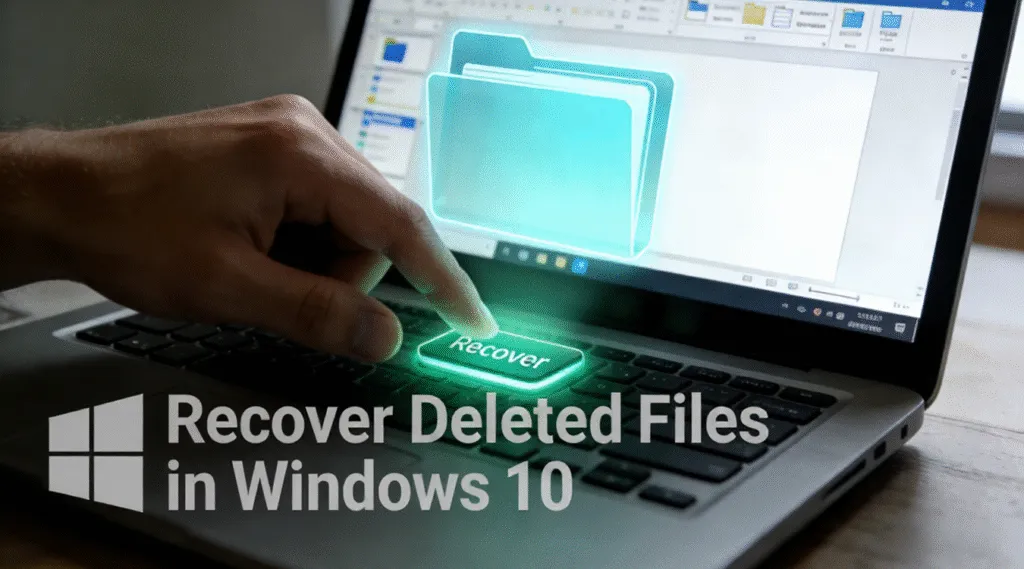
Accidentally deleting an important folder on Windows 10 happens more often than many users expect. For example, a single wrong click, a system cleanup task, or pressing Shift + Delete can remove a folder instantly and bypass the Recycle Bin. As a result, most users immediately ask the same question: can you still recover deleted […]
How to Recover Deleted Items from Recycle Bin (Even After Empty)
Accidentally deleting important files is a situation most Windows users face at least once. In many cases, Recycle Bin recovery is possible with a few clicks. However, problems arise when the Recycle Bin has already been emptied. At that point, many users wonder how to recover deleted items from Recycle Bin. The good news is that […]
How to Fix CHKDSK Cannot Continue in Read-Only Mode
Seeing the error message “CHKDSK cannot continue in read-only mode” can be frustrating, especially when you are trying to fix disk errors or access important files. This issue often appears when running CHKDSK from Command Prompt and prevents the utility from repairing file system problems. In real-world scenarios, users usually encounter this error after an […]
CHKDSK /f Explained: How to Safely Repair Disk Errors
“CHKDSK /f” is a Windows Command Prompt parameter used with the Check Disk (CHKDSK) utility to automatically detect and repair logical file system errors on a storage volume. The /f switch instructs Windows to fix inconsistencies such as corrupted file records, incorrect directory entries, and cross-linked files. It is commonly used when a drive shows […]
Windows Undelete: How to Recover Deleted Files on Windows
Accidentally deleting important files on Windows is a common and stressful experience. Files may be removed from the Recycle Bin, deleted with Shift + Delete, or lost after formatting a drive. As a result, many users immediately search for windows undelete solutions, hoping there is a reliable way to get their data back. The good […]
How to Recover Deleted Partition Data Safely
Losing access to an entire partition can feel alarming. One moment, a drive or volume appears normal; the next, it shows as unallocated, RAW, or disappears completely. In most cases, users immediately search for ways to recover deleted partition data before it is permanently lost. This guide focuses on a realistic and safe approach to […]