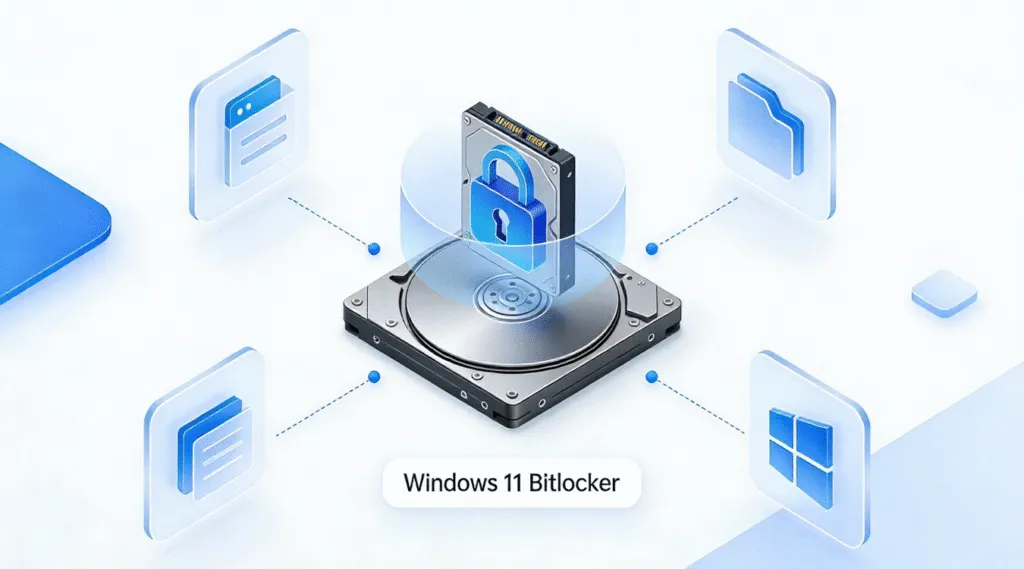
If Windows suddenly asks for a BitLocker recovery key, you need the correct 48-digit key to unlock your encrypted drive. In this guide, you’ll learn how to retrieve BitLocker key from your Microsoft account, recovery key ID, USB drive, TXT file, printed copy, or work/school account. This guide will show you all the available recovery […]
How to Find Passwords on Chrome: Complete Guide
For many users, forgetting a saved password happens at the worst possible moment—when you urgently need to log in or share an account. The good news is that Chrome stores credentials securely, and learning how to find passwords on Chrome or how to see saved passwords on Chrome is straightforward if you use the right […]
BitLocker Drive Encryption Help & Recovery
Data privacy has become a serious concern for both individuals and small businesses. When laptops are stolen, hard drives fail, or unauthorized access occurs, sensitive files can be exposed in seconds. This is why many users rely on BitLocker Drive Encryption, Microsoft’s built-in full-disk encryption tool, to keep their information safe. BitLocker Drive Encryption remains […]
How to Decrypt BitLocker in Windows 11/10: 4 Safe Methods
Decrypting BitLocker means turning off BitLocker protection and converting the encrypted volume back to a fully decrypted state. This is different from unlocking a drive, which restores access but keeps BitLocker encryption enabled. In Windows 11 or Windows 10, you can decrypt a BitLocker drive through Control Panel, Command Prompt, or PowerShell. If you use […]
How to Find Windows Password
For many users, the real panic isn’t just forgetting a Windows password — it’s realizing that critical files, work documents, photos, and expensive licensed software are all locked inside the computer. A missed deadline, a project that can’t continue, or personal data that feels trapped behind the login screen — this is where anxiety begins. […]
How to Enable BIOS Secure Boot on Different Motherboards
Secure Boot is a critical security feature that ensures only trusted software and operating systems load during the boot process, protecting your computer from malware, unauthorized software, and even certain types of game cheats. Enabling Secure Boot enhances system stability and security, and in some cases, it’s also a requirement for running specific applications or […]
Battlefield 6 Secure Boot Error: How to Fix It on Windows 11
Why Battlefield 6 Requires Secure Boot and TPM If Battlefield 6 won’t start and shows a “SecureBoot is not enabled” message, you’re not alone. For Battlefield 6, EA leverages these features as part of its anti-cheat defense. According to EA’s official support page, this error is linked to the EA Anti-Cheat system that enforces Windows […]
Comprehensive Guide to BitLocker To Go: Encryption, Unlocking
In the digital age, safeguarding our data is of utmost importance, especially when it comes to portable storage devices. BitLocker To Go, a feature integrated within Microsoft Windows, offers a reliable solution for encrypting external drives, such as USB flash drives and external hard drives. This not only protects your sensitive information from unauthorized access […]
Windows 10 Support Will End, What Should I Do?
As Windows 10 support will end on October 14, 2025, many users are beginning to worry about the future of their systems, software, and data. Without ongoing updates or security patches, Windows 10 devices will gradually become less secure and less compatible with modern applications. To prepare for this transition, it’s important not only to […]