When you suddenly cannot access your PC because you forgot the administrator password, it can interrupt your work and cause unnecessary stress. Many users search for “how to find the administrator password in windows 10” hoping to recover the password quickly. Although Windows does not store administrator passwords in a readable form, several effective methods […]
How to Restore Windows Factory Settings
Restoring Windows factory settings is one of the most effective ways to fix a slow, unstable, corrupted, or virus-infected system. Whether you’re using Windows XP, 7, 10, or 11, a factory reset can bring your PC back to its original condition and eliminate persistent issues that normal troubleshooting can’t solve. This guide explains safe and […]
How to Remove a Windows Password Safely
Forgetting your login credentials or simply wanting faster access to your computer can make you wonder how to remove a Windows password safely. Many users want to remove the password to enable quick startup, simplify home-office workflows, or prepare a device for trusted family use. Fortunately, Windows provides several built-in, secure ways to disable password […]
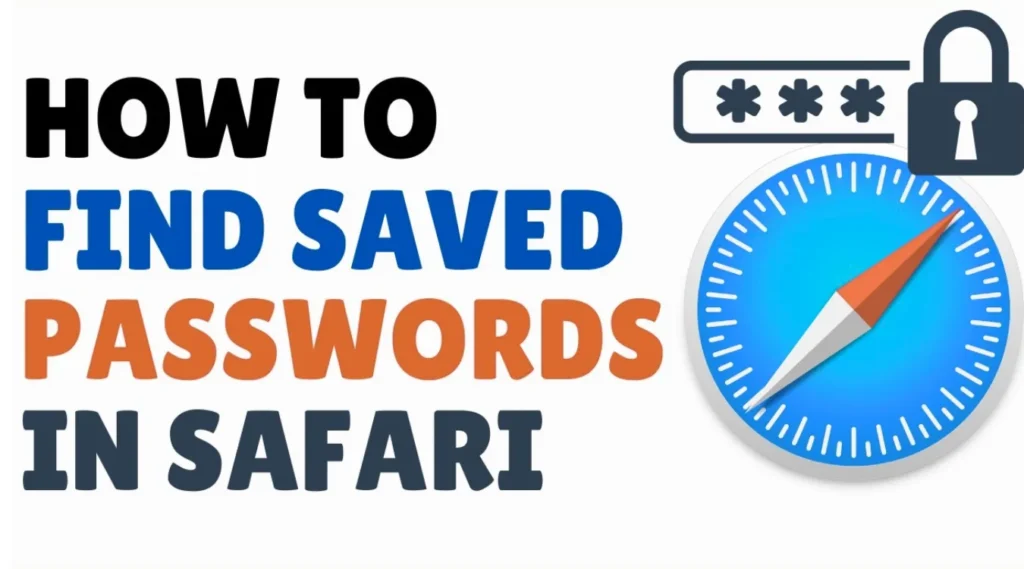
How To Find Saved Passwords on Safari
For many users, Safari is the primary browser across Mac, iPhone, and iPad. Thanks to the AutoFill and iCloud Keychain features, Safari can securely store account credentials and automatically fill them when logging in. However, when you need to find a saved password—especially for accounts used long ago—the steps may not be immediately obvious. This […]
How to Get Past Windows 10 Password
Finding yourself locked out of a Windows 10 PC is one of the most stressful situations a user can encounter. Maybe you have forgotten your local account password after months of not using the device, or you bought a second-hand computer without credentials. The system might also suddenly refuse to accept your password after an […]
HP Laptop How to Restore to Factory Settings
HP laptop restore to factory settings can resolve system errors, malware, and performance issues — making the computer feel brand new again. But before you click Reset, there is one crucial step many users overlook: backing up security keys and credentials, especially the BitLocker recovery key. Without it, encrypted drives may become completely inaccessible after […]
How to Get Free Wifi Passwords
In most public places today—shopping malls, airports, cafés, coworking spaces, or hotels—WiFi is available but usually protected by a login page or password. You may have once successfully connected but later forgotten the password, or you are using a second device that requires entering the same WiFi credentials again. Many users search for how to […]
Windows 11 BitLocker Problems: Recovery Key, Lockout and Startup Fixes
Seeing the Windows 11 BitLocker recovery screen does not necessarily mean that your files are damaged or that BitLocker has suddenly erased your data. The screen normally appears when Windows can no longer confirm that the current startup environment matches the trusted configuration previously recorded by BitLocker. BIOS or UEFI changes, TPM changes, Secure Boot […]
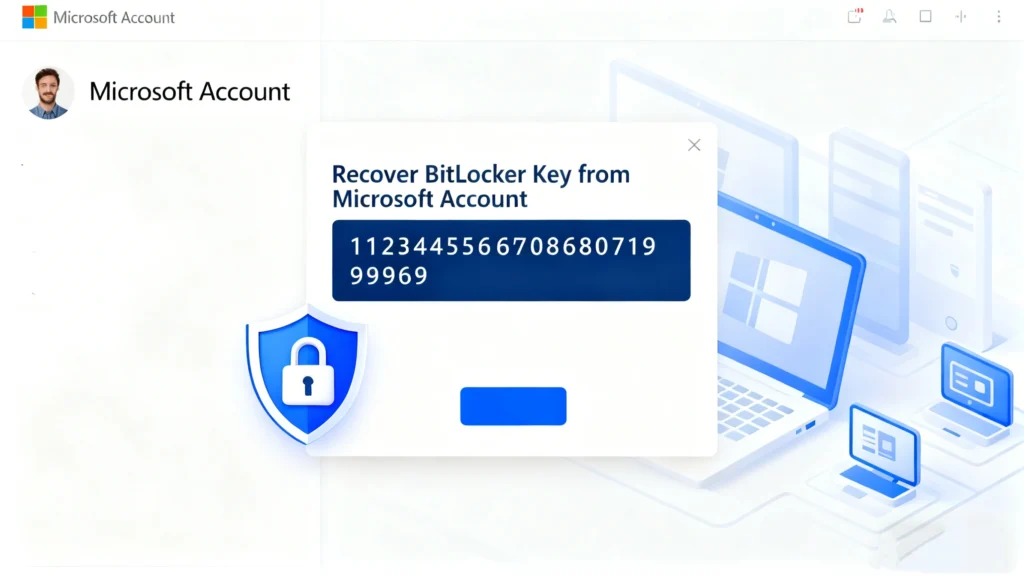
Locked Out? How to Find Your BitLocker Recovery Key (The Ultimate Guide)
Seeing the BitLocker screen asking for a 48-digit key can be a heart-stopping moment. You simply want to access your files, but Windows has engaged its security protocols, locking down your drive to protect your data. If you are struggling to find BitLocker recovery key information, you are not alone. Whether it happened after a […]