
Fix HDD Bad Sectors Safely and Effectively
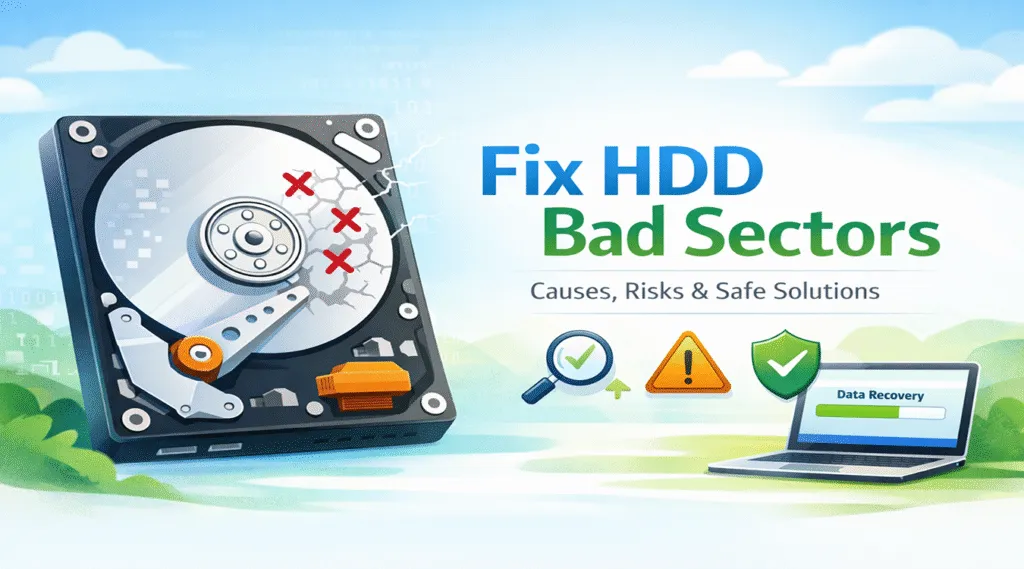
Hard disk drives are still widely used to store system files, work documents, and personal data. However, when hard disk drive errors appear, many users immediately search for ways to fix HDD bad sectors. At the same time, repairing bad sectors without preparation can significantly increase the risk of data loss.
For this reason, understanding how bad sectors work is essential before taking action. In this article, we explain what bad sectors are, why they occur, and how to fix hard disk bad sectors safely. More importantly, we show when repair is possible, when it is not, and why recovering data first is often the most reliable decision.
Table of Contents
What Are HDD Bad Sectors and Why Do They Matter?
A hard drive stores information in small blocks known as sectors. When a sector becomes unreadable or unstable, it is classified as a bad sector. Therefore, before attempting to fix HDD bad sectors, it is important to understand what this problem actually means.
Types of HDD Bad Sectors
Generally speaking, bad sectors fall into two main categories:
- Logical bad sectors: These usually appear after file system errors, software crashes, or improper shutdowns. In many cases, logical problems can be corrected.
- Physical bad sectors: These occur due to aging components, physical impact, or manufacturing defects. Unfortunately, physical damage cannot be repaired.
As a result, most tools that claim to fix bad sectors can only manage logical issues by isolating problematic areas. They do not repair damaged hardware.
Common Causes Behind HDD Bad Sectors
In most cases, bad sectors develop gradually or after specific events. Therefore, identifying the cause helps determine whether it is reasonable to fix HDD bad sectors or whether replacement should be considered instead.
Frequent Causes Include:
- Long-term wear on traditional HDDs
- Sudden power loss or forced shutdowns
- File system corruption after system crashes
- Virus or malware activity
- Excessive heat or physical shock
Because these causes vary widely, the same method to fix hard disk bad sectors will not work in every situation. Consequently, diagnosis should always come before repair.
Can You Really Fix HDD Bad Sectors?
This question often causes confusion. While many tools promise quick results, the reality is more complex.
What Fixing Bad Sectors Actually Means
- Logical bad sectors may be corrected by rebuilding file system structures.
- Physical bad sectors cannot be repaired and are only marked as unusable.
In other words, most solutions used to fix HDD bad sectors simply prevent access to damaged areas rather than restoring them. Because of this limitation, understanding expectations is critical.
How to Fix HDD Bad Sectors Safely
Before taking action, safety should always come first. Otherwise, rushed repairs may worsen drive damage.
Step 1: Check Drive Health First
First, check the overall health of the drive using built-in disk utilities or SMART monitoring tools. If errors appear frequently, the drive may already be failing.
Step 2: Recover Data Before Repair
Next, secure important files. Even careful methods used to fix bad sectors may overwrite data stored in unstable areas.
Step 3: Use System Repair Tools Carefully
After data protection, operating system repair tools can scan and isolate bad sectors. However, these tools should be used cautiously and only once.
Step 4: Monitor the Drive After Repair
Finally, continue monitoring the drive. If new bad sectors appear, replacing the drive becomes the safest option.
Will Fixing HDD Bad Sectors Cause Data Loss?
Naturally, data loss is one of the biggest concerns. Unfortunately, the risk cannot be ignored.
Why Data Loss Can Occur
- Some bad sectors contain fragmented file data
- Repair processes may overwrite recoverable information
- Repeated scans can stress aging hardware
For these reasons, recovering data before attempting to fix HDD bad sectors is widely considered best practice.
Recover Data Before Fixing Bad Sectors (Recommended Approach)
When bad sectors appear, protecting data should be the top priority. Therefore, professional recovery tools often provide the safest path forward.
Why Magic Data Recovery Is a Reliable Option
Magic Data Recovery is designed to work with unstable drives while minimizing additional stress. As a result, it is well suited for drives affected by bad sectors.
Key Benefits Include:
- Read-only scanning that avoids further damage
- Effective recovery from HDDs with bad sectors
- Support for common HDD file systems
- Simple operation suitable for everyday users
Practical Usage Scenarios
- Recovering files from a drive that fails disk checks
- Extracting data before attempting to fix hard disk bad sectors
- Saving data from HDDs showing early physical damage
Unlike aggressive repair tools, Magic Data Recovery focuses on data safety first.

When Replacing the Hard Drive Is the Better Choice
At some point, repair attempts should stop. In particular, certain signs clearly indicate that replacement is unavoidable.
Warning Signs to Watch For
- Bad sectors continue to increase
- System freezes or file corruption occur frequently
- SMART warnings appear repeatedly
- Disk repair attempts fail more than once
Under these conditions, continuing to fix HDD bad sectors may place remaining data at unnecessary risk.
Common Mistakes to Avoid When Fixing Bad Sectors
Even with good intentions, users often make avoidable mistakes. Therefore, awareness is essential.
- Running repair tools without backups
- Ignoring early warning signs
- Trusting tools that promise physical repair
- Delaying data recovery until the drive fails
By avoiding these errors, you can reduce risks when attempting to fix bad sectors.
Conclusion
Although many users search for fast solutions to fix HDD bad sectors, safe handling always requires a clear and informed strategy. While logical bad sectors may be managed, physical damage cannot be reversed.
Therefore, recovering data before repair remains the most reliable approach. Magic Data Recovery offers a practical way to protect files while minimizing further damage. By prioritizing data safety and understanding repair limits, you can address fix hard disk bad sectors challenges with confidence and avoid unnecessary loss.
Supports Windows 7/8/10/11 and Windows Server
FAQ: Common Questions About Fixing HDD Bad Sectors
Can I repair a hard drive with bad sectors?
What causes bad sectors on a hard drive?
Can a bad HDD be repaired?
Can bad sectors be recovered?
Can CHKDSK fix bad sectors?
How to repair an abnormal HDD?
Can we save a hard disk with a bad sector?
How to fix bad sectors on HDD using CMD?

Vasilii is a data recovery specialist with around 10 years of hands-on experience in the field. Throughout his career, he has successfully solved thousands of complex cases involving deleted files, formatted drives, lost partitions, and RAW file systems. His expertise covers both manual recovery methods using professional tools like hex editors and advanced automated solutions with recovery software. Vasilii's mission is to make reliable data recovery knowledge accessible to both IT professionals and everyday users, helping them safeguard their valuable digital assets.