
File System in Windows Operating System: Complete Guide
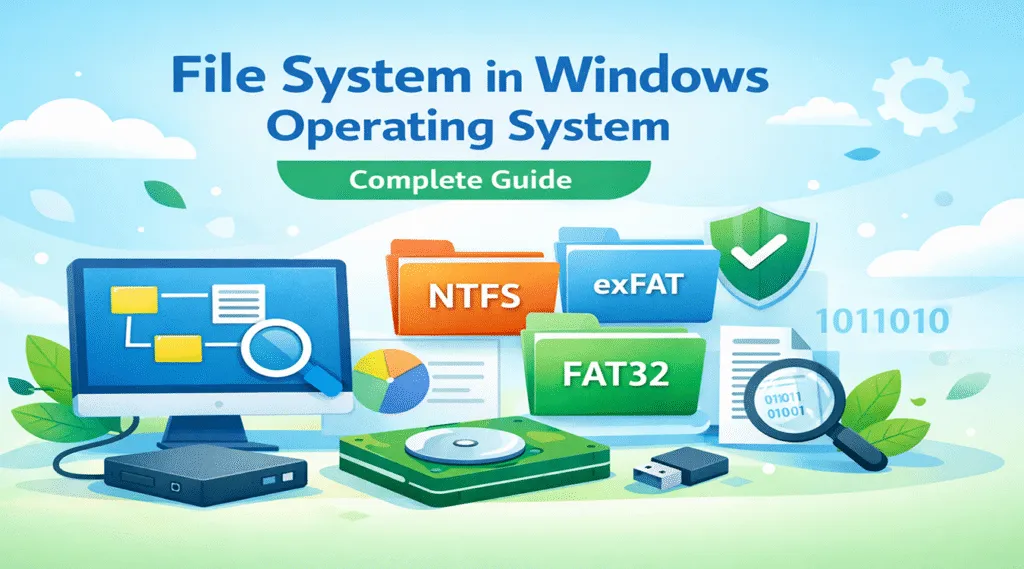
The file system in Windows operating system determines how data is stored, organized, and accessed on a computer. At first glance, it may seem like a purely technical detail. However, in everyday use, it directly affects system stability, file security, and even data recovery success.
In reality, most users only notice the file system when problems appear. For example, a USB drive may suddenly ask for formatting, files may disappear after a system crash, or a disk may become inaccessible. In many cases, these issues are closely related to the windows os file system currently in use.
Therefore, this guide explains how Windows file systems work, compares the main types, and shows how to handle common problems safely—especially when data recovery becomes necessary.
Table of Contents
What Is a File System in Windows Operating System?
A file system in Windows operating system is a structured method that Windows uses to manage data on storage devices such as hard drives, SSDs, and USB flash drives.
Specifically, it defines:
- How files are created and named
- How folders organize data logically
- How file locations are recorded on disk
- How access permissions are enforced
Without this structure, the operating system would not know where files are stored or how to retrieve them efficiently. As a result, even simple tasks like opening a document would become impossible.
How the Windows OS File System Works
The windows os file system relies on a hierarchical directory structure. In simple terms, files are placed inside folders, and folders belong to parent directories, forming a tree-like layout.
For example, a path such as C:\Users\Public tells Windows exactly where a file is located.
Key components include:
- File paths, which define location
- Metadata, such as size, timestamps, and attributes
- Indexing structures, which enable fast access
However, when metadata becomes corrupted, files may appear missing even though the data still exists on the disk. Because of this, careful handling is essential.
Main File System in Windows Operating System
Modern Windows versions support several file systems.
Although they serve the same basic purpose, each one is designed for different usage scenarios.
FAT32 and exFAT File Systems
FAT32 and exFAT are commonly used on removable storage devices.
First, FAT32 offers excellent compatibility across systems. However, it limits individual file sizes to 4 GB, which can be restrictive.
exFAT, on the other hand:
- Supports large files
- Works well on modern external drives
- Maintains cross-platform compatibility
Nevertheless, neither option provides advanced security or journaling features.
NTFS – The Default File System in Windows Operating System
NTFS is the most widely used file system in Windows operating system and the default choice for system drives. Most importantly, NTFS offers:
- File-level permissions
- Journaling for crash recovery
- Encryption and compression support
- High reliability for daily use
For instance, after an unexpected shutdown, NTFS can often restore file consistency automatically. Because of this, it remains the preferred Windows file system for most users.
ReFS – A Modern Windows OS File System for Advanced Use
ReFS was designed with data integrity in mind.
In particular, it provides:
- Automatic corruption detection
- Improved resilience for large data volumes
- Better scalability in enterprise environments
However, ReFS has limited compatibility with many consumer features. As a result, NTFS continues to dominate everyday Windows usage.
File System in Windows Operating System Comparison
To make the differences clearer, the table below summarizes the main characteristics:
Feature | NTFS | exFAT | FAT32 | ReFS |
Max File Size | Very large | Very large | 4 GB | Very large |
Security | Yes | No | No | Yes |
Journaling | Yes | No | No | Yes |
Best Use Case | System drives | External storage | Legacy devices | Servers |
Overall, this comparison explains why NTFS remains the most practical windows os file system for general users.
Which File System in Windows Operating System Should You Choose?
Choosing the right file system in Windows operating system depends on how the storage device will be used.
In most cases:
- System drives: NTFS offers the best balance
- External drives shared across platforms: exFAT is more flexible
- Older hardware: FAT32 may still be required
- Enterprise storage: ReFS fits large-scale needs
By making the right choice, users can avoid many preventable file system issues.
Common Problems Related to Windows File Systems
Even with modern designs, file system problems still occur. For example, users may experience:
- Accidental file deletion
- Corrupted file systems after power failures
- Drives appearing as RAW
- External devices requesting formatting
Although formatting may seem convenient, it often reduces the chances of successful data recovery. Therefore, caution is strongly recommended.
How to Recover Data from File System in Windows Operating System
When a windows os file system becomes damaged, data usually remains on the disk until overwritten. Because of this, acting carefully is crucial. Instead of using risky manual fixes, a dedicated recovery tool provides a safer option.
Why Magic Data Recovery Is a Practical Solution
Magic Data Recovery is designed to work with the file system in Windows operating system, including FAT32, exFAT and NTFS.
In practice, it helps users to:
- Recover files from corrupted partitions
- Restore data after accidental deletion
- Access formatted or unreadable drives
- Preview recoverable files before restoring
For instance, when an NTFS drive becomes inaccessible after a crash, the software can scan the disk and rebuild file records without altering the original structure.

Conclusion
The file system in Windows operating system plays a vital role in data safety, performance, and long-term reliability. Although multiple options exist, NTFS remains the most practical windows os file system for everyday use.
When file system problems occur, careful action makes a difference. Rather than relying on risky manual repairs, using a reliable recovery tool can protect valuable data. For this reason, Magic Data Recovery provides a trustworthy and efficient solution.
Supports Windows 7/8/10/11 and Windows Server
FAQs About File System in Windows Operating System
Which is better, FAT32 or NTFS?
What is the most common file system in Windows?
What are the 4 file types in OS?
Does Windows use NTFS or EXT4?
Should I format my USB to exFAT or NTFS?
Does Windows still use NTFS?
Which file system is best for Windows?
What are the three types of file systems?

Vasilii is a data recovery specialist with around 10 years of hands-on experience in the field. Throughout his career, he has successfully solved thousands of complex cases involving deleted files, formatted drives, lost partitions, and RAW file systems. His expertise covers both manual recovery methods using professional tools like hex editors and advanced automated solutions with recovery software. Vasilii's mission is to make reliable data recovery knowledge accessible to both IT professionals and everyday users, helping them safeguard their valuable digital assets.