
SSD (Solid State Drive) Solutions
SSD is one of the fastest and most reliable storage device technologies used today for saving important files, applications, system data, and multimedia content. Whether your computer uses an internal solid-state drive or you depend on an external SSD for portable storage, SSDs provide high performance for both everyday and professional use.
If you need to restore lost files, Magic Data Recovery can help you scan and recover SSD data efficiently.
What Is an SSD?
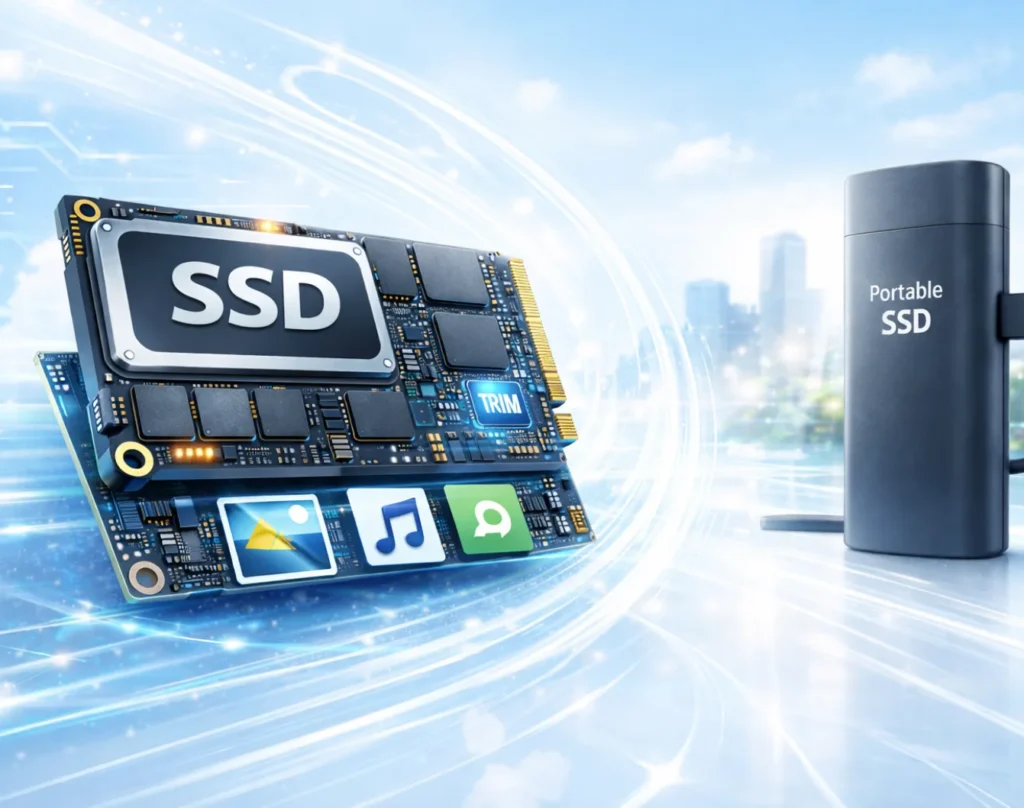
An SSD (Solid State Drive) is a modern storage device that saves digital data using flash memory instead of spinning disks, offering faster speed and improved durability.
SSDs are widely used in:
- Desktop and laptop computers
- Portable external drives
- Gaming systems and creative workstations
- High-performance servers
- Backup and data storage environments
There are two main types of SSDs:
- Internal SSDs – installed inside a computer for primary storage
- External SSDs – portable SSD connected via USB or other
Common SSD Data Loss Scenarios
SSD data loss may happen unexpectedly due to accidental mistakes, software issues, or hardware-related problems. Below are some of the most frequent situations.

Accidental File Removal
Files may be deleted unintentionally and can often still be recovered if the drive has not been heavily used afterward.

SSD Formatting Issues
Formatting an SSD can instantly remove access to stored data, even though files may remain recoverable under certain conditions.

File System Errors
Corruption in the file system may cause the SSD to become unreadable or appear as RAW, blocking access to important content.

System Failures or Crashes
Operating system crashes can result in missing partitions, inaccessible drives, or sudden file loss on SSD storage.

Malware or Ransomware Damage
Viruses and ransomware attacks may encrypt, delete, or destroy SSD data, leading to unexpected file disappearance.

Power Interruptions
Sudden shutdowns or unstable power supply can disrupt SSD operations and cause corrupted or missing files.
Can Data Be Recovered from an SSD?
Yes — in many cases, SSD data can still be recovered. When files are deleted or an SSD is formatted, the information may remain until it is replaced or cleared by drive-level functions such as TRIM.
Recovery success depends on factors such as:
- How quickly recovery is attempted
- Whether TRIM has removed the deleted blocks
- If new data has been written to the SSD
- The type of issue (logical vs. hardware failure)
- The overall condition of the SSD and controller
- Whether the drive is still detected by the system
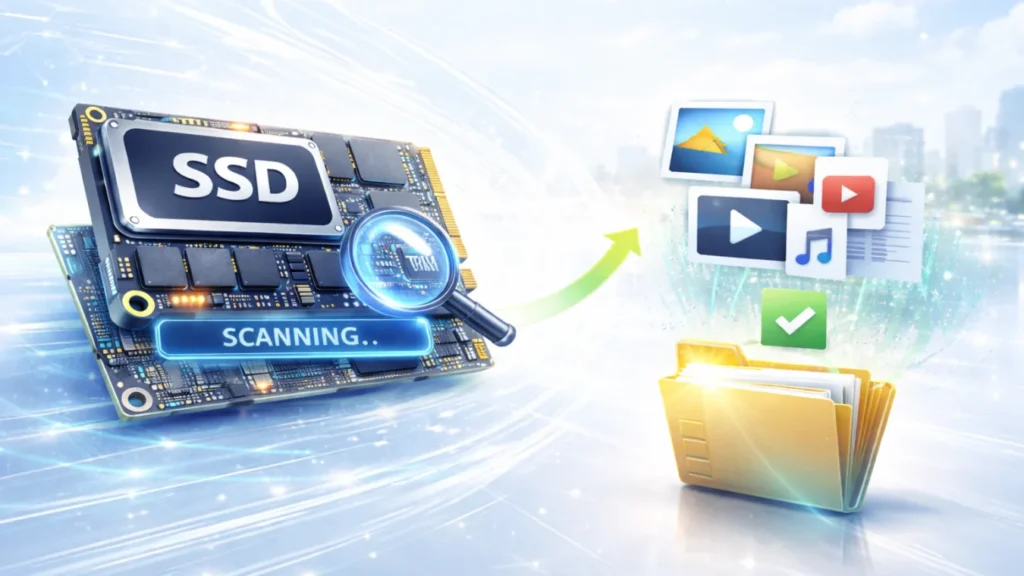
Recover SSD Data with Magic Data Recovery
Magic Data Recovery is built to help users restore lost files from both internal and external solid-state drives. It supports recovery in situations such as:
- Deleted files and folders
- Formatted SSD storage
- Corrupted or inaccessible partitions
- SSDs showing errors or missing data
How to Recover Files from an SSD
Recovering lost files from an SSD doesn’t have to be complicated. With Magic Data Recovery, you can restore deleted or missing data in just a few steps:
Step 1: Download and Install Magic Data Recovery
Download Magic Data Recovery from the official website and install it on a separate healthy storage device. Avoid installing it on the SSD where data was lost.
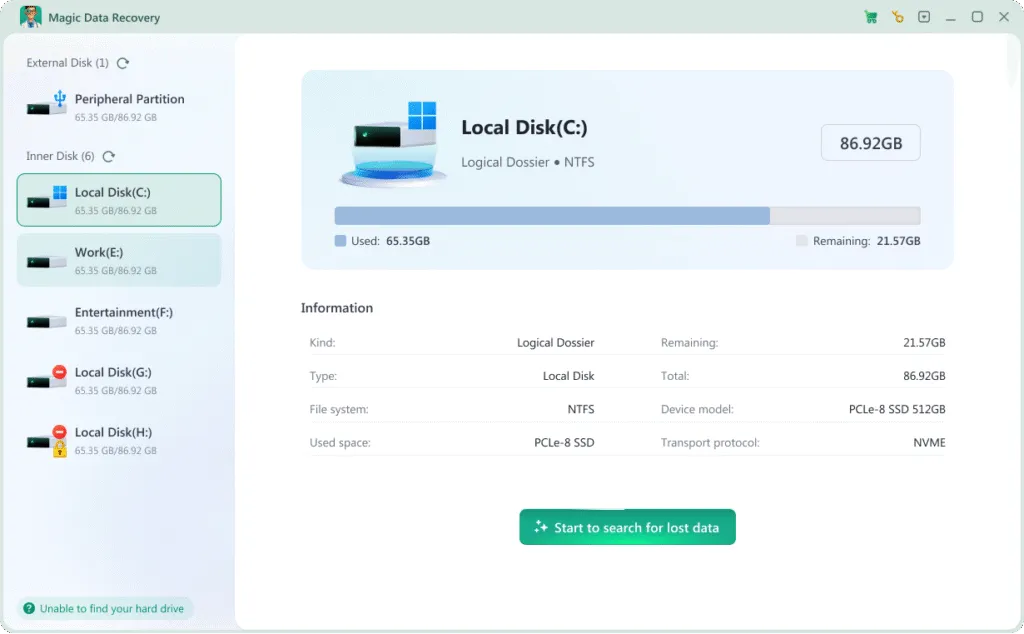
Step 2: Select the SSD to Scan
Launch the program and choose the affected internal or external SSD. Start scanning to locate deleted, formatted, or inaccessible files.

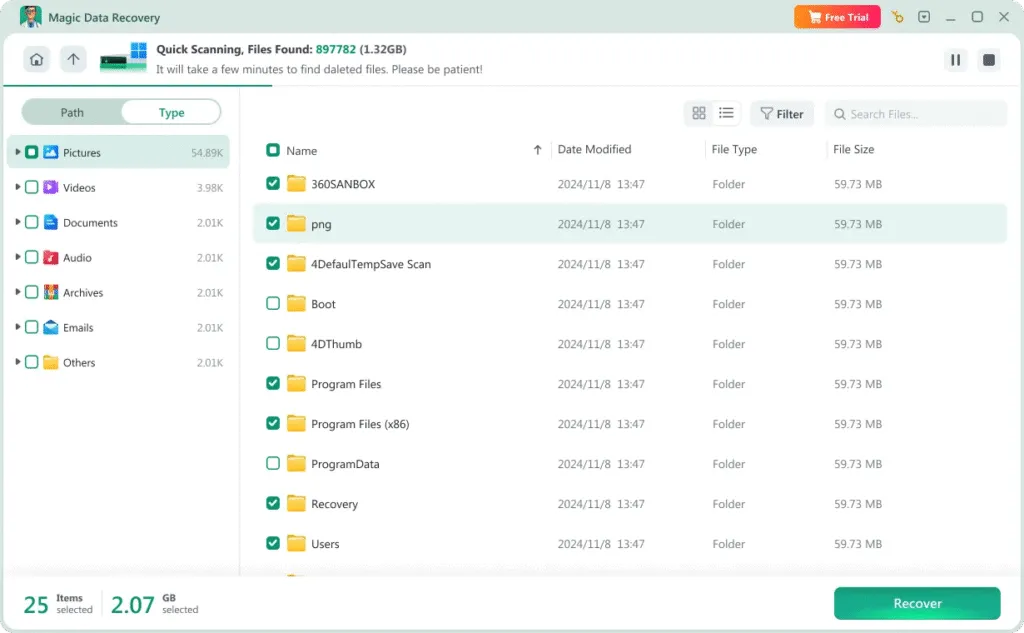
Step 3: Preview Recoverable Files
After scanning completes, browse the results and preview files to ensure they can be restored correctly before recovery.
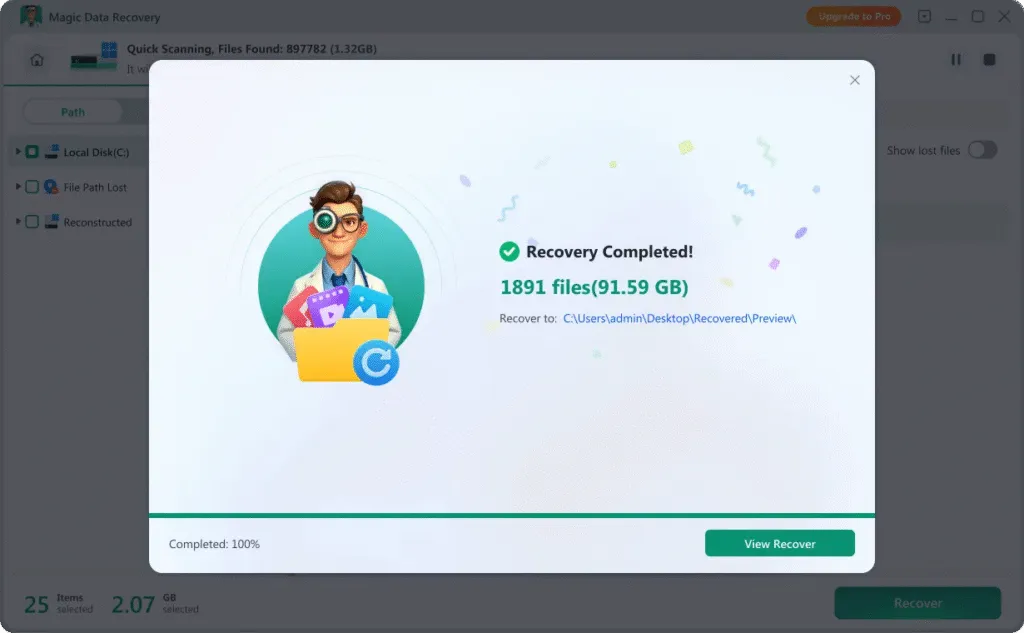
Step 4: Recover Files to a Safe Location
Select the files you want to restore and save them to another drive or external device to avoid overwriting remaining SSD data.
Tips to Improve SSD Recovery Success
To increase the chances of successful SSD data recovery, it is important to act quickly after file loss or formatting.
Stop Using the SSD Immediately
Avoid writing new files to the SSD, since continued use may reduce recovery chances, especially with TRIM enabled.
Disable Unnecessary Disk Operations
Background system tasks may trigger SSD cleanup processes. Minimizing activity helps preserve recoverable data.
Avoid Reformatting Multiple Times
Repeated formatting may make recovery more difficult and reduce the amount of data that can be restored.
Protect Against File System Corruption
Keeping your operating system secure and free of malware helps prevent SSD partitions from becoming inaccessible.
Handle External SSDs Carefully
Always eject external SSDs safely to prevent sudden corruption or drive errors.
Complete Disk Processes Properly
Interruptions during file transfers or updates can lead to severe data loss. Always allow operations to finish completely.
Frequently Asked Questions
Find answers to common questions about SSD data recovery, including recovery possibilities, safety concerns, and what to do when files are lost or inaccessible.
Yes. In many cases, formatted SSDs may still contain recoverable data until TRIM clears the deleted blocks. Recovery should be attempted as soon as possible.
Recovery time depends on SSD size, scan depth, and the amount of lost data. Smaller scans may take minutes, while deep scans on large SSDs may take longer.
Most professional tools perform read-only scans and do not modify the original SSD data. Always recover files to another storage location.
Yes. External SSDs function similarly to internal ones, and recovery software like Magic Data Recovery can restore deleted or lost files.
Stop using the drive immediately. Check cables, ports, or try another computer. If the SSD remains inaccessible, recovery software may help retrieve data.
SSD recovery tools can restore many file formats, including documents, photos, videos, audio files, emails, and compressed archives.

Magic Data Recovery
Secure and efficient recovery solution
Magic Data Recovery is built to restore SSD files with confidence. Continuous upgrades help keep recovery fast, safe, and dependable.
Related Guides
Explore our collection of helpful guides, tutorials, and troubleshooting tips to help you manage, fix, and recover data from SSD drives more easily and safely.
Learn how to choose the best SSD data recovery software, compare key features, and recover lost or deleted …
SSD Data Recovery is more complex than HDD recovery due to the TRIM command. Learn what can be recovered …
Learn how to format SSD safely. Recover unreadable SSD data with Magic Data Recovery before formatting to avoid …
Learn why an SSD drive not recognized issue happens and how to fix it. Step-by-step solutions plus reliable SSD data …
Learn how to recover deleted files from SSD and SSD drives. This guide explains TRIM, recovery chances, and how to …