
Magoshare Data Recovery: Best Fix Guide
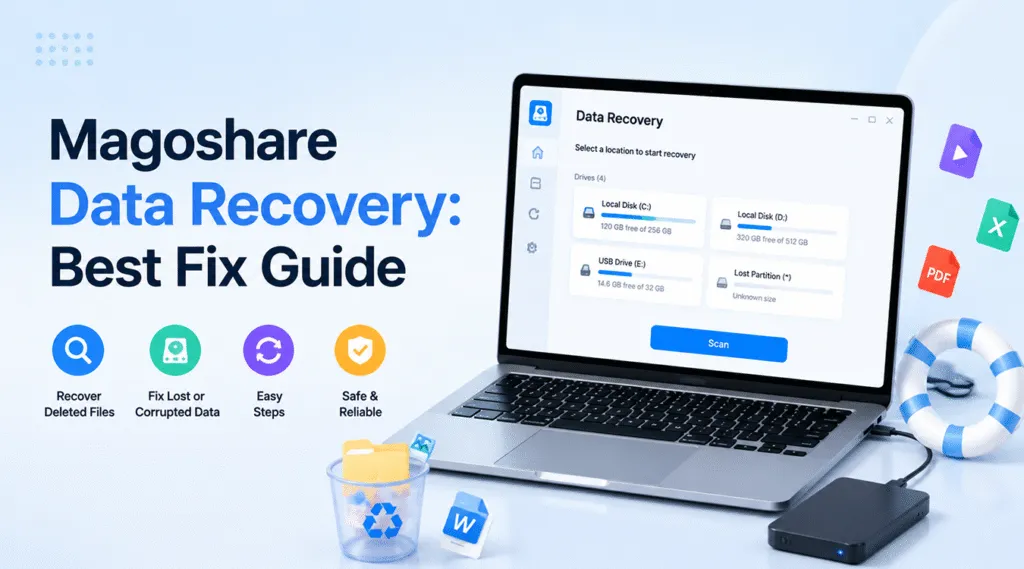
Have you ever experienced that heart-stopping moment when you accidentally empty your computer Recycle Bin or format a local drive partition containing months of crucial work? Data loss happens to almost everyone, creating urgent panic and a frantic search for an effective solution. In your quest to salvage these missing files, you have likely come across Magoshare Data Recovery.
This specialized tool aims to solve your storage disasters by scanning deep into your system sectors. However, is magoshare truly the best option for your specific emergency, or should you look for a more robust data rescue tool? This comprehensive review covers everything you need to know about Magoshare Data Recovery and introduces Magic Data Recovery, a powerful alternative specifically engineered to achieve a much higher hard drive recovery success rate when standard methods fail.
Supports Windows 7/8/10/11 and Windows Server
Table of Contents
What is Magoshare Data Recovery and How Does It Work?
To understand how Magoshare Data Recovery rescues your files, you must first grasp the technical reality of how computer storage systems handle deletion. Whether you use a Windows PC running the NTFS file system or a flash drive formatted to exFAT, deleting a file does not instantly destroy the data payload.
Instead, your operating system simply removes the file’s index pointer and marks that specific storage space as “free.” Consequently, the actual data blocks remain completely intact on the physical storage blocks until new data overwrites them. Therefore, the golden rule of data rescue is to stop using the affected drive immediately to prevent fatal data overwriting.
This is exactly where Magoshare steps into the process. The software employs an advanced deep scan engine that bypasses the broken file system index. By reading the raw sectors of your storage device, Magoshare Data Recovery can identify, reconstruct, and display these hidden files. Additionally, the software offers a 200MB free recovery allowance, allowing users to test its scanning capabilities before purchasing a full commercial license.
Key Features of Magoshare Data Recovery
When assessing Magoshare, evaluating its core features helps you determine if it fits your specific data loss scenario. The software offers several functionalities tailored for standard desktop users.
- Comprehensive Scenario Coverage: It effectively handles common data disasters, including accidental deletion, partition loss, unexpected system crashes, and virus infections.
- Diverse Media Compatibility: Users can deploy Magoshare Data Recovery across standard laptop hard drives, desktop PCs, solid-state drives, USB flash drives, and camera memory cards.
- Multiple File Type Support: The scanning algorithm successfully recognizes hundreds of file formats, including images (JPEG, PNG), documents (Word, Excel, PDF), videos, and archives.
Why You Might Need a More Reliable Alternative to Magoshare
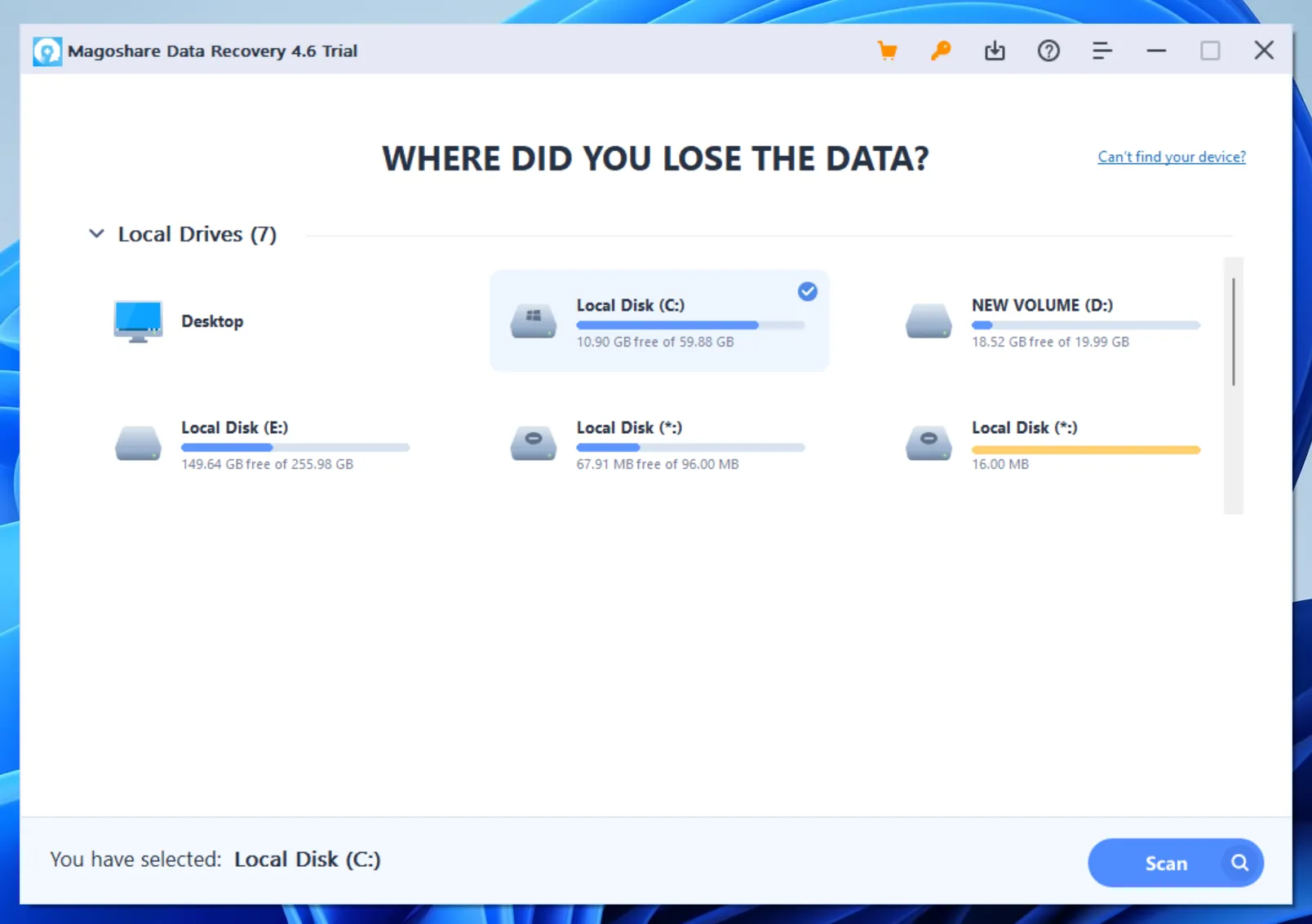
While Magoshare Data Recovery performs decently during simple deletion mishaps, it frequently encounters significant bottlenecks during complex data loss situations. For example, when dealing with highly fragmented files, severely corrupted partitions, or massive multi-terabyte internal local disks, the Magoshare scanning engine may freeze or fail to reconstruct the original folder structure properly.
If you are dealing with a complex data loss emergency on your computer or local media, you need a solution that offers superior stability and deeper scanning algorithms. If you are looking for a more efficient solution, you can try Magic Data Recovery instead of relying solely on Magoshare Data Recovery.
The Ultimate Recommendation: Magic Data Recovery
When standard software falls short during critical data crises, professionals turn to more advanced engineering. We highly recommend Magic Data Recovery as the definitive upgrade to your data rescue strategy. Developed by Amagicsoft, this powerhouse software addresses the specific limitations found in traditional tools like Magoshare Data Recovery.
Core Pain Points It Solves
Traditional scanning tools often fail when a drive partition becomes “RAW” or when the partition table gets corrupted. Magic Data Recovery solves this by featuring an advanced sector-level deep scan engine. It successfully reads deeply buried data fragments even when the host operating system refuses to recognize the drive file system.
Key Features
- Advanced Reconstruction Algorithms: It reconstructs heavily fragmented files by analyzing raw data signatures, ensuring a much higher success rate for large videos and complex databases.
- Rock-Solid Stability: The software is optimized to scan massive local storage arrays without crashing, saving you hours of repeated scanning time.
- Precise Directory Tree Preview: Unlike tools that display found files in a chaotic mess, it preserves the original folder structures and provides real-time, high-fidelity previews.
Practical Usage Scenarios
Imagine a professional photographer whose SD card suddenly displays a “Card Error” message right after an important shoot. While basic software might show empty results, Magic Data Recovery pierces through the corrupted file allocation table to extract the raw images safely. Similarly, if an office worker formats a local drive containing crucial historical archives, this tool systematically pieces the file fragments back together perfectly. Therefore, it serves as the ultimate alternative to Magoshare.
Step-by-Step Guide: How to Safely Recover Your Data
Recovering your lost data does not require advanced technical skills. Follow this proven, safe workflow using Magic Data Recovery to bring your valuable files back to life.
Step 1: Download and Install Magic Data Recovery
First, download the official setup file of Magic Data Recovery and install it on a drive partition completely separate from the one where you lost your files. This crucial approach prevents accidental overwriting and protects the integrity of your remaining data.
Supports Windows 7/8/10/11 and Windows Server
Step 2: Select the Specific Drive Partition to Scan
Launch the program to access the main user interface. Next, choose the specific local disk partition or storage media where your files were deleted and initiate the scanning process.

Step 3: Scan the Chosen Location for Deleted Files
The software automatically performs an Advanced Scan to pierce through the corrupted file system layers. Meanwhile, it systematically lists all recoverable files in real-time as the deep sector scan progresses.

Step 4: Preview Deleted Files Before Recovery
Once the scan uncovers your data, use the built-in high-fidelity preview function to confirm the actual file content. This practical step ensures you recover only the specific documents, photos, or videos you actually need.

Step 5: Recover Files to a Safe Location
Finally, select the target files you wish to rescue and save them to a completely different healthy drive or storage device. Never restore data to the same original partition, because doing so risks permanent data corruption and overwriting.

Conclusion and Summary of Magoshare Data Recovery
To summarize our evaluation, Magoshare Data Recovery provides a straightforward approach for basic file retrieval and quick deletion scenarios. However, its performance often wavers when faced with complex partition corruption, massive storage volumes, or highly fragmented data blocks.
If you want a dependable tool built on robust technical architecture, Magic Data Recovery offers a far more stable, powerful, and successful hard drive recovery experience. Protecting your valuable digital assets requires absolute precision, making Amagicsoft the smarter choice for your data recovery needs.
Supports Windows 7/8/10/11 and Windows Server
FAQs About Magoshare Data Recovery
Is Magoshare Data Recovery completely free to use?
No, Magoshare Data Recovery is not completely free. Although the software allows you to download and scan your drive for missing files, it only provides a limited 200MB free recovery trial. Consequently, you must purchase a premium commercial license to recover larger data volumes or un-delete substantial file folders.
Can Magoshare recover data from a formatted partition?
Yes, Magoshare can recover files from a formatted partition under standard conditions. Because formatting typically resets the file index system without wiping the actual data sectors, the software can still find the files. However, if you perform a full overwrite scan, the data disappears permanently.
Why can't Magoshare Data Recovery find my deleted files?
Your files might be missing because new data has overwritten those specific sectors. If you continue using the computer or save new files onto the affected partition after data loss occurs, you destroy the old data fragments. Therefore, tools like Magoshare Data Recovery cannot reconstruct them anymore.
Can I directly recover deleted photos from my smartphone?
No, you cannot recover live data directly from smartphone hardware using PC-based tools like Magoshare. Modern mobile operating systems employ strict encryption protocols that block direct sector access. Nevertheless, you can use Magic Data Recovery to easily extract smartphone backup files stored on your local computer hard drive.
How long does a deep scan take to complete?
The duration of a deep scan depends entirely on the size and physical condition of your storage drive. For instance, a small USB flash drive takes only a few minutes. Conversely, a massive local disk can take several hours because the advanced algorithms analyze every individual storage sector thoroughly.

Vasilii is a data recovery specialist with around 10 years of hands-on experience in the field. Throughout his career, he has successfully solved thousands of complex cases involving deleted files, formatted drives, lost partitions, and RAW file systems. His expertise covers both manual recovery methods using professional tools like hex editors and advanced automated solutions with recovery software. Vasilii's mission is to make reliable data recovery knowledge accessible to both IT professionals and everyday users, helping them safeguard their valuable digital assets.