Many Lenovo users are surprised when their computer suddenly asks for a BitLocker recovery key after a restart or system update. This situation is especially common on Lenovo BitLocker–enabled devices running Windows 10, including popular models like Lenovo Yoga. For users who did not manually enable encryption—or who can no longer find the recovery key—this […]

How to Find Your Dell BitLocker Recovery Key
If your Dell laptop suddenly asks for a 48-digit recovery key, Dell BitLocker has entered recovery mode. This commonly happens after a BIOS or TPM change, hardware maintenance, a change in the startup environment, or another security event that Windows does not recognize. Fortunately, a BitLocker recovery screen does not automatically mean your files are […]
Windows 11 Home BitLocker: How to Disable It Safely
Windows 11 Home BitLocker can be confusing because Windows 11 Home does not include the full BitLocker management interface found in Windows 11 Pro, Enterprise, or Education. However, many Windows 11 Home devices still use Device Encryption, which may protect the system drive and trigger BitLocker recovery key prompts. If you want to disable encryption, […]
How to Find Youtube to MP3 Software Keys
In the digital age, YouTube to MP3 converters have become indispensable tools for numerous users. Whether you wish to extract audio from your favorite YouTube videos for offline listening or for alternative purposes, these converters play a pivotal role. Popular software like Video Converter Fox, Wondershare UniConverter, VideoProc Converter, ClipGrab, and 4K YouTube to MP3 […]
How to Recover Your BitLocker Recovery Key
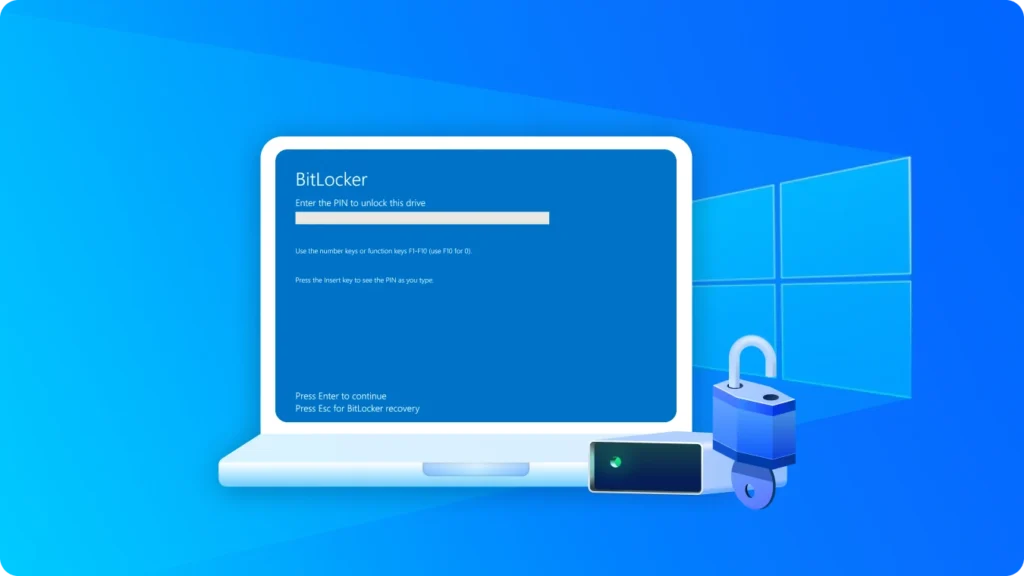
Locked out of your computer by Windows BitLocker? Seeing a blue screen demanding a 48-digit password can be incredibly stressful, especially when you don’t remember ever setting it up. When Windows asks for the recovery key, many users suddenly realize they don’t know how to recover BitLocker recovery key or even where to find my […]
Unlock BitLocker on Windows 10 – Step-by-Step Guide
BitLocker is a powerful encryption tool built into Windows 10 that helps protect your data from unauthorized access. However, sometimes you may need to find the BitLocker recovery key to access your encrypted drive, either because you forgot your password or your system requires a recovery key. This guide will walk you through every method, […]
How to Use BitLocker Command Line to Unlock, Encrypt and Decrypt Drives
The BitLocker command line lets you check encryption status, unlock a protected drive, enable BitLocker, or decrypt a drive using the built-in manage-bde tool. For example, run manage-bde -status to check a drive or manage-bde -unlock D: -RecoveryPassword YOUR-48-DIGIT-KEY to unlock it. This guide explains the essential BitLocker commands for Windows 11 and Windows 10. […]
How to Find Bitlocker Recovery Key in Active Directory
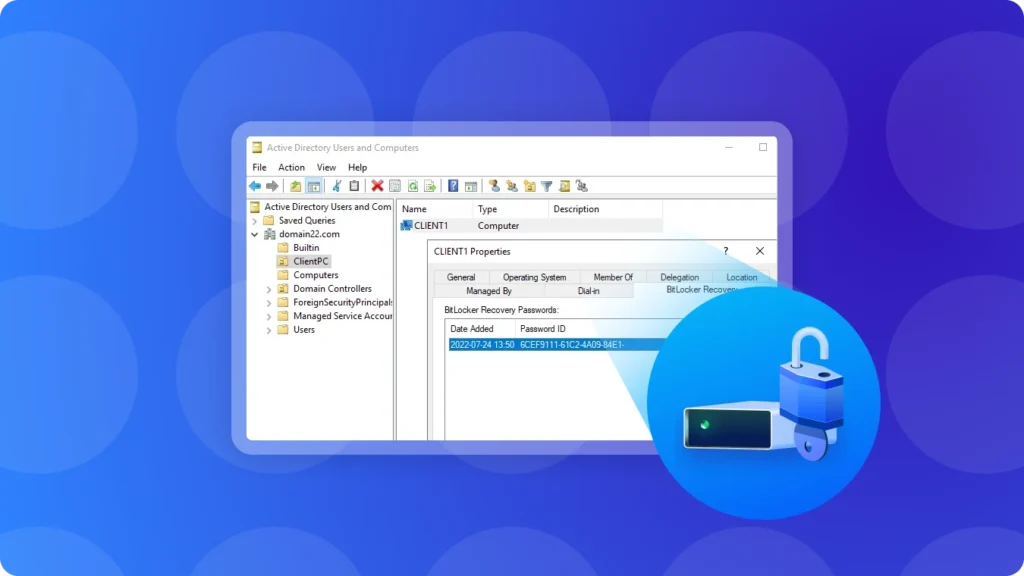
If you are trying to learn how to find BitLocker key in AD, Active Directory Users and Computers is usually the first place to check in a domain environment. When a BitLocker recovery password has been backed up to Active Directory Domain Services (AD DS), an authorized administrator can locate the computer object and retrieve […]
What Is BitLocker? Is It Safe or Should You Worry?
What is BitLocker? BitLocker is a Windows security feature that encrypts entire volumes, mitigating the risks of data theft or exposure due to lost, stolen, or improperly decommissioned devices. The BitLocker feature was first introduced during the Windows Vista period. BitLocker represents a comprehensive full-disk encryption functionality furnished by Microsoft’s Windows operating system, with the […]