In the digital age, safeguarding our data is of utmost importance, especially when it comes to portable storage devices. BitLocker To Go, a feature integrated within Microsoft Windows, offers a reliable solution for encrypting external drives, such as USB flash drives and external hard drives. This not only protects your sensitive information from unauthorized access […]
What Is TPM? TPM 2.0, Windows 11, BitLocker & How to Check It
What is TPM on a computer? TPM, or Trusted Platform Module, is a hardware-based security technology used to protect encryption keys, verify system integrity, and support Windows security features such as BitLocker, Windows Hello, Secure Boot, and device encryption. On modern PCs, TPM may be a physical chip on the motherboard or a firmware-based feature […]
BitLocker Key Recovery: Find Your 48-Digit Recovery Key Fast
Need to retrieve your BitLocker key? If your computer is asking for a BitLocker recovery key, you’re not alone. Thousands of Windows users encounter this issue after hardware upgrades, BIOS changes, Windows updates, or security verification checks. A BitLocker recovery key is a unique 48-digit code used to unlock an encrypted drive when normal authentication […]
How to Find Bitlocker Recovery Key with Recovery Key ID
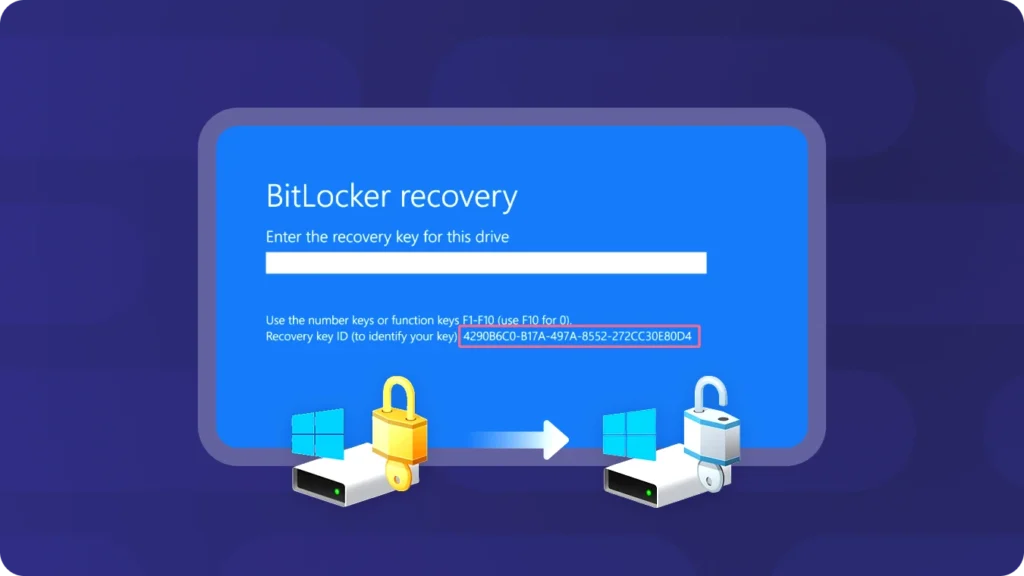
Users may encounter BitLocker issues and pose questions on the Microsoft Community. For example: “My Dell Inspiron laptop suddenly crashed. After restarting it, it indicates that the hard drive is not installed. It prompts me to enter the BitLocker Recovery key and shows an 8-digit Key ID below it. I’ve never heard of BitLocker before. […]
Removing BitLocker Encryption on Windows 10 – Full Guide
Removing BitLocker encryption is a common requirement for many Windows users. You might want to decrypt a drive before selling your PC, reinstalling Windows, improving performance, or reusing an external disk. In other cases, BitLocker becomes a problem when the recovery key is lost and access to important files is blocked. This guide explains how […]
How to Disable BitLocker on Windows 11 and Windows 10 Safely
If you want to disable BitLocker on Windows 11 or Windows 10, you need to turn off BitLocker protection and allow Windows to decrypt the drive. This is different from simply unlocking a drive or suspending BitLocker temporarily. Once BitLocker is fully disabled, the selected drive is no longer encrypted. The fastest way is to […]
How to turn off BitLocker in Windows 11
BitLocker is a built-in Windows encryption feature designed to protect your data from unauthorized access. While it provides an extra layer of security, there are situations where you may need to turn off BitLocker, such as upgrading hardware, troubleshooting system issues, transferring a drive to another computer, or removing encryption permanently. Fortunately, Windows 11 allows […]
Can You Bypass BitLocker Without a Recovery Key? What Actually Works
If you are locked out of a BitLocker-encrypted drive, you may search for terms like bypassing BitLocker, remove BitLocker without password, or unlock BitLocker without recovery key. But here is the truth: In normal situations, you cannot truly bypass BitLocker encryption without valid authentication. What you can do is: find your BitLocker recovery key unlock […]
How to Enable BitLocker Using Group Policy (GPO)
In modern organizations, protecting sensitive data is no longer optional—it is a necessity. Lost laptops, stolen devices, and unauthorized access remain common risks for IT administrators and businesses of all sizes. That is why many organizations now adopt BitLocker GPO to enforce disk encryption across Windows environments. However, while BitLocker Group Policy makes encryption management […]