
Disk Drill Recovery Review: Does It Work?
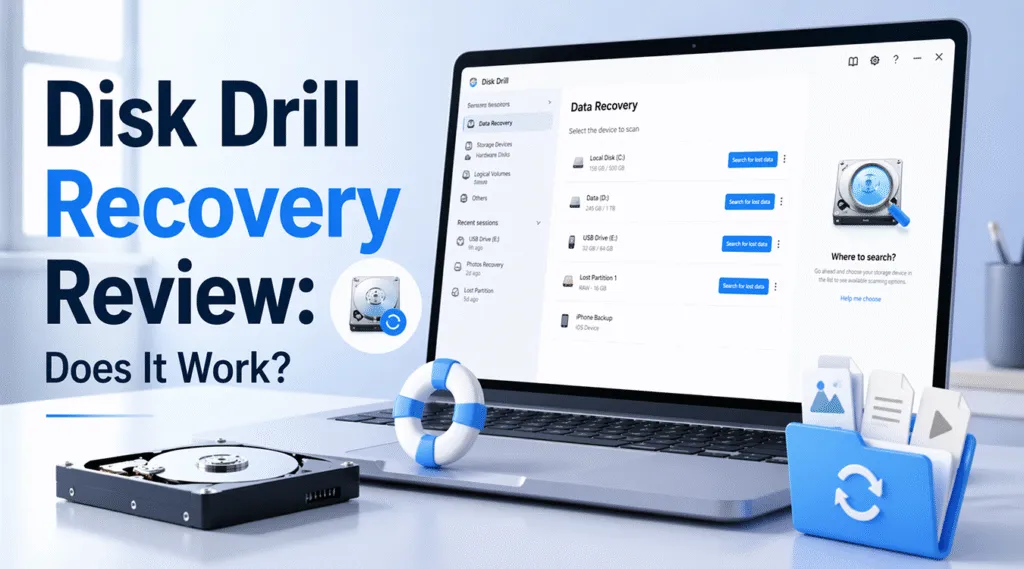
When files disappear, many users search for disk drill recovery as a quick hard drive recovery solution. It promises to restore deleted data, recover photos, and scan damaged drives. At first glance, it seems like an easy fix.
However, data recovery is not always simple. Some tools perform well in basic situations but struggle in complex ones. Therefore, before relying on any recovery software, you need to understand its real performance. More importantly, you should know what to do if it fails—and in such cases, using a more reliable solution like Magic Data Recovery can help improve your chances of successful recovery.
Supports Windows 7/8/10/11 and Windows Server
Table of Contents
What Is disk drill recovery and How It Works
In simple terms, disk drill recovery refers to retrieving lost files using Disk Drill software. The tool scans storage devices and attempts to rebuild deleted or missing data.
How the process works
First, the software reads the file system. Next, it analyzes disk sectors. Then, it reconstructs files from available fragments. As a result, users can preview recoverable data before restoring it.
Supported scenarios
- Deleted files
- Formatted drives
- disk drill win recovery cases
- disk drill photo recovery tasks
Although these features cover common needs, success depends heavily on how the data was lost.
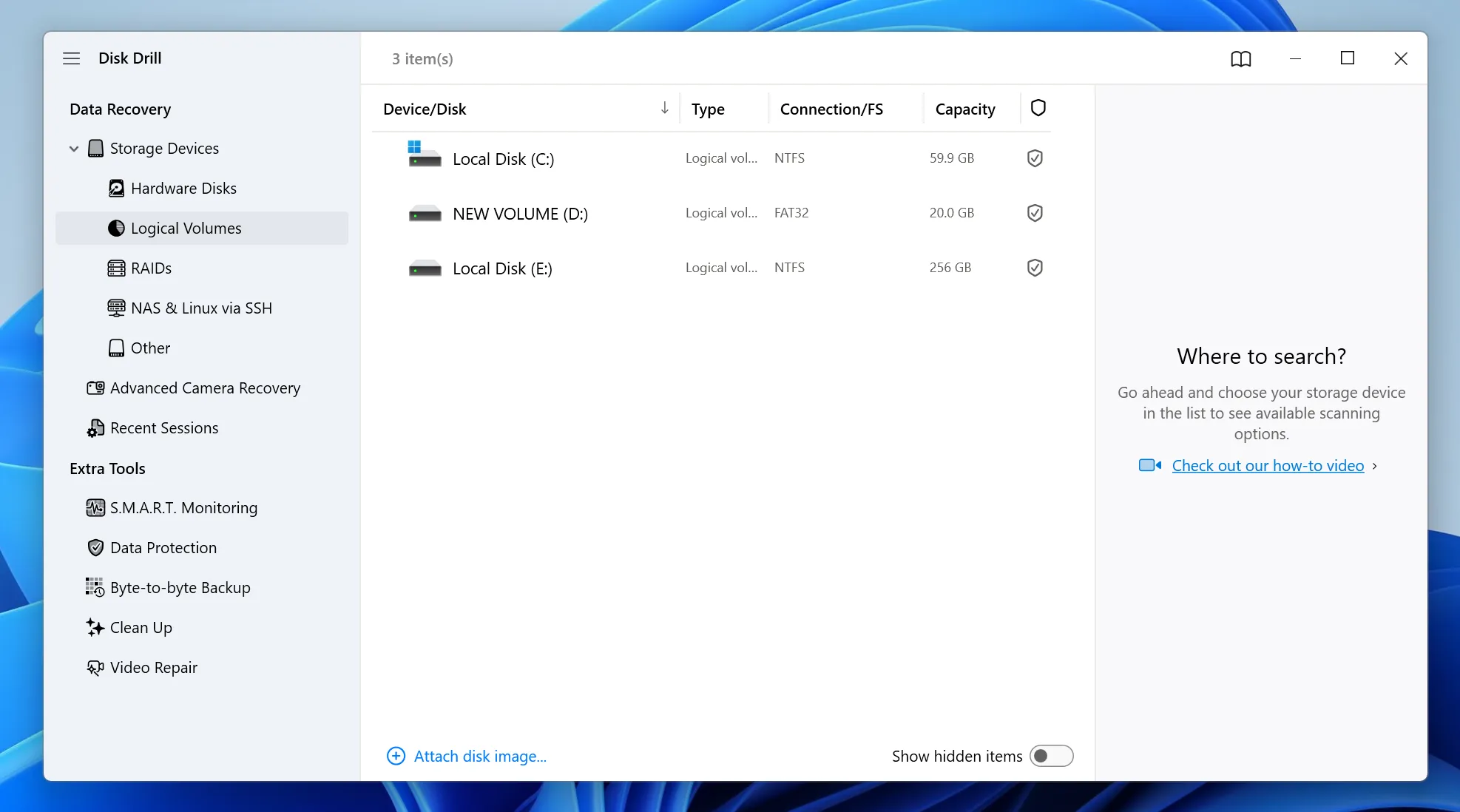
Disk Drill Versions Compared (3 vs 4 vs 5)
Version upgrades influence overall recovery performance. Therefore, understanding changes helps you set realistic expectations.
Disk Drill 3
Earlier versions focused on basic Disk Drill recovery. However, they struggled with fragmented files and large disks. As a result, deep recovery often produced incomplete results.
Disk Drill 4
This version improved scan speed and file preview. In addition, it supported more file types. Even so, it still relied on file system structures, which limits recovery on damaged drives.
Disk Drill 5
The latest version offers a cleaner interface and improved detection, especially for disk drill recovery. However, it still cannot reliably recover overwritten data or handle severe corruption.
Real Performance for Disk Drill Recovery in Everyday Use
In real-world situations, recovery tools behave differently depending on conditions. On the one hand, users appreciate the simple interface. On the other hand, recovery results vary.
Where it performs well
- Recently deleted files
- Light file system errors
- Basic disk drill photo recovery
Where it struggles
- Deep corruption
- RAW partitions
- Overwritten data
Therefore, results often depend on timing and device condition.
When This Recovery Tool Works (and When It Does Not)
Understanding limitations helps you avoid wasted time.
Works best when:
- Data was deleted recently
- The drive is still accessible
- No overwrite has occurred
May fail when:
- Files were overwritten
- The disk is heavily damaged
- The file system is missing
In these cases, standard recovery methods may not be enough.
SD Card and Photo Recovery Explained
Many users rely on disk drill sd card and disk drill photo recovery features.
SD card recovery
The tool can detect deleted files from memory cards. However, recovery success drops if the card becomes corrupted.
Photo recovery
It uses file signatures to rebuild images. This approach works well for common formats. However, fragmented files may not recover completely.
Pricing and Free Version Limits
Cost plays an important role when choosing a recovery solution.
Free version
- Limited recovery capacity
- Some features restricted
Paid version
- Unlocks full functionality
- Required for large recoveries
Although pricing is competitive, value depends on actual results.
A More Reliable Alternative for Complex Data Loss
At this point, many users encounter situations where standard tools fail. Therefore, choosing a more advanced solution becomes critical.
Why Magic Data Recovery stands out
Magic Data Recovery focuses on deeper and more accurate scanning.
It helps solve key problems:
- Detects data even on damaged file systems
- Performs raw sector-level scans
- Identifies previous file versions
- Works on RAW or corrupted drives
Practical examples
For instance:
- An SD card becomes unreadable → data still recoverable
- A USB drive shows RAW format → files can still be scanned
- Previous recovery attempts fail → deeper scan finds more data
Why it is more reliable
Unlike typical tools, Magic Data Recovery does not depend only on file system records. Instead, it analyzes disk structure more thoroughly. As a result, it improves recovery success in difficult cases.
How to Recover Files Safely
To avoid further data loss, you should follow a structured and cautious recovery process. Acting carefully not only protects your data but also improves the success rate.
Step 1: Install Magic Data Recovery on a Separate Location
First, download Magic Data Recovery and install it on a different partition or disk. This step is important because installing it on the same location as the lost data may overwrite recoverable files.
Supports Windows 7/8/10/11 and Windows Server
Step 2: Choose the Target Drive for Scanning
Next, open the software and select the drive where your files were lost. Then, start the scanning process from the main interface.

Step 3: Run a Deep Scan to Locate Lost Files
After that, the program will automatically perform an advanced scan. During this process, it gradually displays recoverable files, allowing you to monitor progress in real time.

Step 4: Preview Files Before Recovery
Before restoring anything, use the preview feature to check file content. This step helps ensure that the selected files are complete and usable.

Step 5: Recover Files to a Different Location
Finally, select the files you need and save them to a separate location. Avoid restoring them to the original drive, because this may overwrite other recoverable data and reduce success rates.

Conclusion
Overall, disk drill recovery works well for simple data loss scenarios. It offers ease of use and quick results for basic HDD recovery tasks.
However, it shows clear limitations in more complex situations. When data is overwritten or the drive is damaged, recovery success decreases significantly.
Therefore, while it remains a useful tool, it is not always the best choice. Magic Data Recovery provides deeper scanning and more reliable results. For critical data, it is often the safer option.
Supports Windows 7/8/10/11 and Windows Server
FAQ About Disk Drill Recovery
Is disk drill recovery really free?
The free version allows limited recovery, but it often restricts the amount of data you can restore. In many cases, users need a paid version for full functionality. Therefore, it is important to check limitations before relying on it.
Can it recover files from an SD card?
Yes, recovery from SD cards is supported. However, success depends on the condition of the card. If corruption is severe, recovery results may be incomplete. In such cases, deeper scanning tools usually perform better.
Does it work on Windows systems?
Yes, it supports Windows and works in many common recovery scenarios. However, performance varies depending on disk condition and data loss type. Therefore, results are not always consistent across different situations.
Can overwritten files be restored?
In most cases, overwritten files cannot be fully recovered. Once new data replaces old sectors, recovery becomes very difficult. Therefore, acting quickly after data loss increases the chance of success.
Why does recovery sometimes fail?
Failure usually occurs due to overwritten data, severe corruption, or hardware damage. In these situations, the software cannot rebuild complete files. Therefore, more advanced recovery solutions may be required.
What makes a better recovery tool?
A better recovery tool should scan deeply, support damaged drives, and detect more file types. In addition, it should allow preview before recovery. These features improve both usability and success rates.
What is the best alternative?
Magic Data Recovery is a strong alternative. It offers deeper scanning and better handling of complex data loss. Therefore, it is often recommended when standard recovery tools cannot achieve reliable results.

Vasilii is a data recovery specialist with around 10 years of hands-on experience in the field. Throughout his career, he has successfully solved thousands of complex cases involving deleted files, formatted drives, lost partitions, and RAW file systems. His expertise covers both manual recovery methods using professional tools like hex editors and advanced automated solutions with recovery software. Vasilii's mission is to make reliable data recovery knowledge accessible to both IT professionals and everyday users, helping them safeguard their valuable digital assets.