Many Windows 11 users suddenly encounter a locked screen asking for a Win 11 BitLocker recovery key. This often happens after a system update, BIOS change, or hardware modification. The issue becomes more confusing when the device is running Windows 11 Home, where traditional BitLocker is not supposed to exist. In reality, Windows 11 includes […]
How to Recover BitLocker Key: Free Methods & Recovery Tool
Losing your BitLocker recovery key can prevent you from unlocking a BitLocker-encrypted drive after a Windows update, hardware change, TPM reset, or password issue. The fastest way to recover a BitLocker key is to check the saved 48-digit recovery key in your Microsoft account, work or school account, USB drive, printed copy, or saved text […]
BitLocker for USB Drive: How to Encrypt, Unlock, and Recover the Key
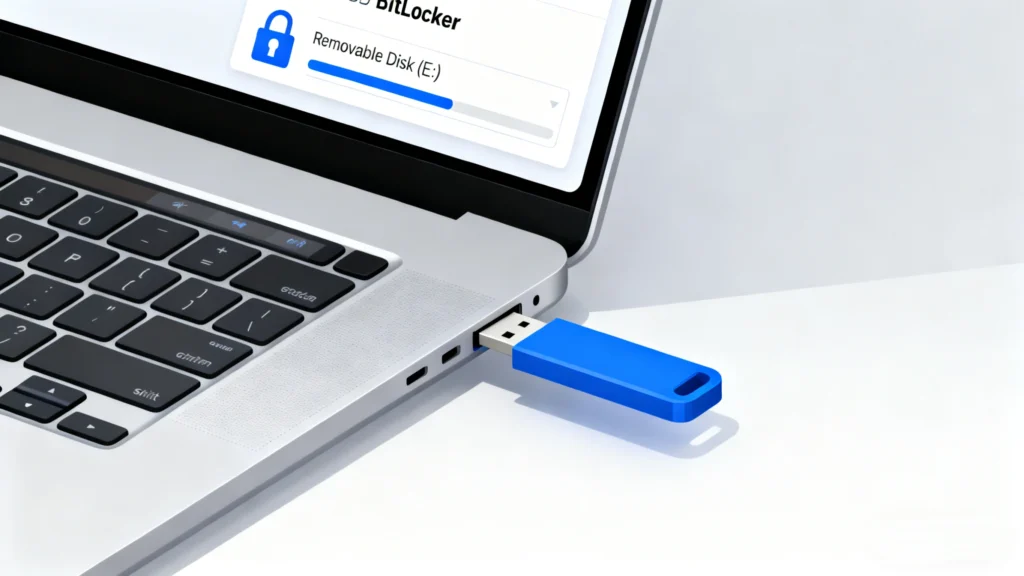
BitLocker for USB is a practical way to protect files stored on a USB flash drive, external hard drive, portable SSD, or other removable storage device. After you enable BitLocker for USB, Windows requires the correct password or BitLocker recovery key before anyone can open the USB drive. This is especially useful when you use […]
Enable BitLocker in Windows 10: A Complete Security Guide
If you want to enable BitLocker in Windows 10, data security is likely your main concern. Whether you store personal files, business documents, or sensitive client information, disk encryption is no longer optional—it is essential. BitLocker is Microsoft’s built-in encryption feature that protects your entire drive from unauthorized access. However, enabling encryption without understanding recovery […]
How to Use manage-bde to Manage BitLocker
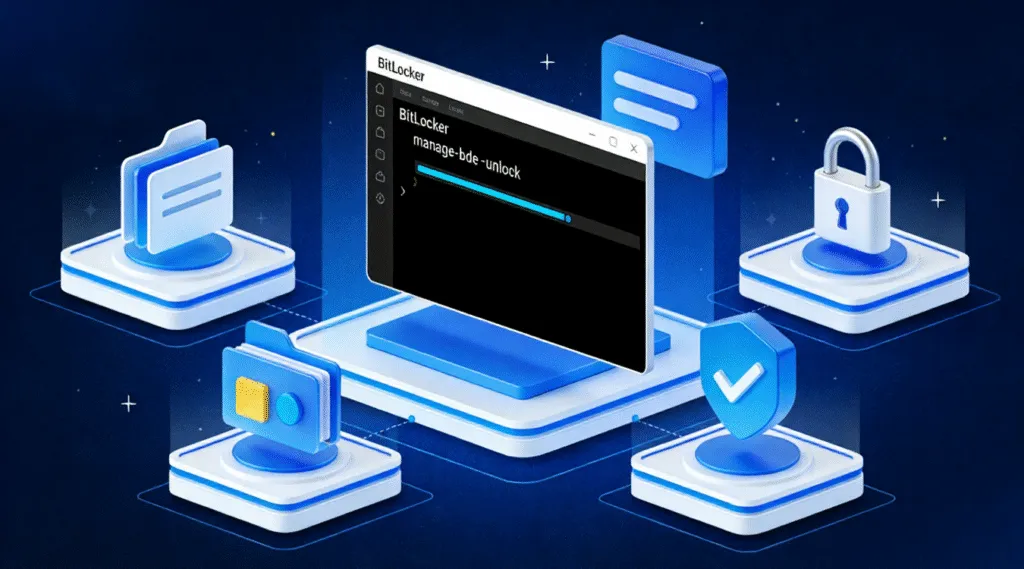
When BitLocker suddenly asks for a recovery key, or when Windows becomes unbootable, many users struggle to regain access to their data. Although Windows offers graphical tools, situations involving system errors, command-line recovery, or TPM issues often require the official BitLocker command-line utility: manage-bde command. This guide provides a complete walkthrough of how manage-bde works, […]
How to Find Recovery Key BitLocker: Complete Guide to Fix Missing Keys
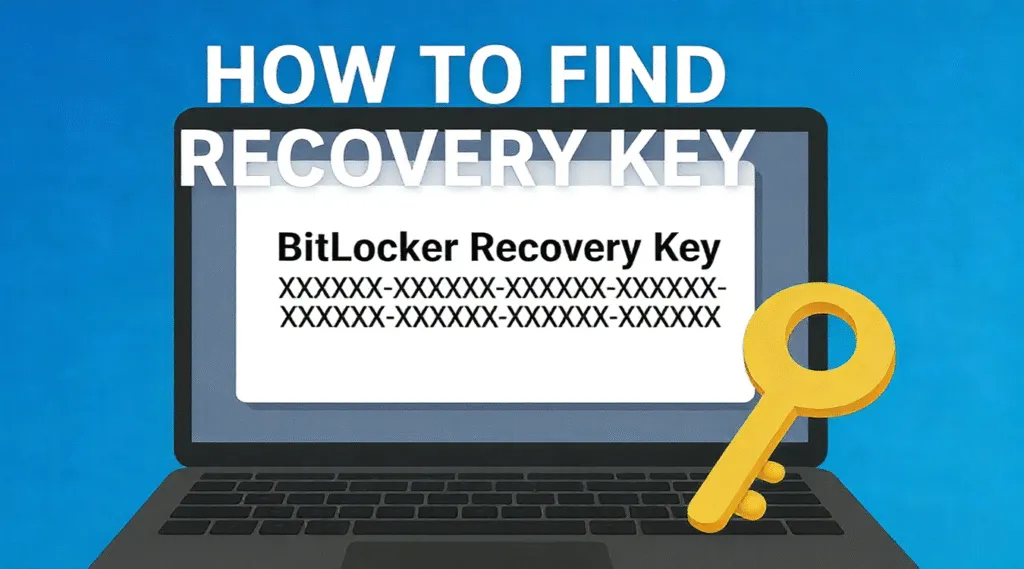
Being unexpectedly locked out of your PC and seeing the BitLocker recovery screen is one of the most stressful Windows experiences. Many users search for ways to find recovery key BitLocker, only to discover that the key is not in their Microsoft account, not saved on their drive, or simply missing. This guide offers a […]
BitLocker Windows 11 Guide
BitLocker Windows 11 protection helps keep files unreadable if a laptop, SSD, or external drive falls into the wrong hands. However, a BIOS update, TPM change, hardware repair, or security check can suddenly trigger the BitLocker recovery screen and request a 48-digit key. This BitLocker Windows 11 guide explains how the feature works, how to […]
48 Digit Recovery Key for BitLocker: Complete Guide
If Windows asks you to enter a 48 digit recovery key, it is requesting BitLocker’s emergency unlock code—not the Recovery Key ID displayed on the blue recovery screen. First, note the first eight characters of the Key ID, then check your Microsoft account, work or school account, USB drive, printed copy, or saved text file […]
Forgot My BitLocker Password? Recover & Unlock Without Data Loss
If you are thinking, “I forgot my BitLocker password—how can I unlock my drive?”, do not panic and do not format the drive yet. Forgetting a BitLocker password does not necessarily mean your files are gone. In many cases, you can still regain access with the 48-digit BitLocker recovery key. The key may have been […]