
Media Recovery

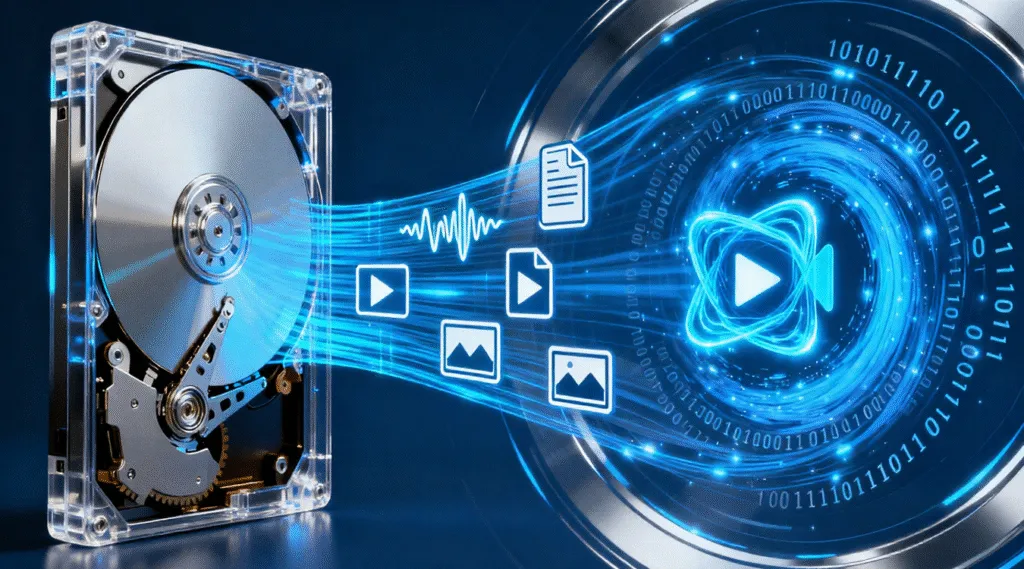
Media Recovery refers to the process of restoring inaccessible, deleted, or formatted files from storage media such as hard drives, SSDs, USB flash drives, SD cards, digital cameras, smartphones, DVRs, and external drives. Video recovery is widely used when physical storage works normally but the data stored on it becomes unreadable due to accidental deletion, formatting, file system corruption, partition loss, malware attacks, or hardware aging.
Although media failure can appear catastrophic, the good news is that data is rarely destroyed immediately. In most cases, the original information still exists on the storage device until it is overwritten, which means timely and correct recovery steps significantly increase the success rate.
Supports Windows 7/8/10/11 and Windows Server
How Media Recovery Works
Modern storage devices do not permanently erase files when deleted. Instead:
- The file record is marked as removable
- The occupied sectors are flagged as “available”
- The raw data remains on the drive until overwritten
Data recovery tools like Magic Data Recovery scan these sectors, identify recoverable files based on file headers and metadata, and restore them to a safe location.
Common Causes of Media Data Loss
Issue | Result |
Accidental deletion or formatting | File records removed, raw data still exists |
File system corruption (RAW/NTFS/FAT/exFAT) | Media recognized but inaccessible |
Virus or ransomware infection | Files hidden or encrypted |
Partition table damage | Entire drive appears unallocated |
Bad sectors or aging hardware | Read errors and missing files |
Step-by-Step Media Recovery Guide
If a storage device becomes unreadable, do not reformat, reinstall, or write new files. Follow safe recovery procedure:
1. Stop using the affected storage device
This prevents overwriting existing recoverable data.
2. Connect the media to a working computer
Use a USB card reader or SATA/USB adapter if needed.
3. Run a professional data recovery tool
A read-only scanning tool ensures the original data remains intact.
4. Select the drive and run a deep scan
The software will reconstruct lost folders and file headers.
5. Preview recoverable files
Focus on documents, images, videos, and project files.
6 Restore files to a different drive
Never recover back to the same device during the rescue stage.
Why Professional Tools Matter
Operating systems cannot access raw sectors after deletion or corruption. Manual repairs using CHKDSK or disk management can even reduce recovery success if metadata is changed. A specialized tool designed for damaged file systems is the safest and most efficient solution.
Magic Data Recovery is commonly recommended because it uses a read-only engine, supports NTFS, FAT, exFAT, ReFS, HFS+, and can recover from:
- Deleted or lost partitions
- RAW drives
- Formatted media
- Memory cards with file system damage
- Cameras and recorders storing fragmented video
Its preview-before-restore feature allows users to confirm file integrity before saving.
When Media Recovery Might Fail
Recovery becomes difficult only when:
- New data overwrites old sectors
- The storage chip is physically dead
- Firmware is damaged beyond controller access
If the drive is clicking, overheating, or not detected by BIOS, it is recommended to stop DIY attempts and consider a clean-room service. For all other cases—including file disappearance, formatting, RAW format, and partitions becoming unallocated—software-based media recovery is typically sufficient.
Conclusion
Supports Windows 7/8/10/11 and Windows Server
Media Recovery FAQ
Can media recovery retrieve files after formatting?
Can media file be recovered from RAW or unrecognized drives?
Is it safe for the original storage device when recovering media files?
Can media recovery restore large video files or fragmented recordings?
Where should recovered files be saved?

Vasilii is a data recovery specialist with around 10 years of hands-on experience in the field. Throughout his career, he has successfully solved thousands of complex cases involving deleted files, formatted drives, lost partitions, and RAW file systems. His expertise covers both manual recovery methods using professional tools like hex editors and advanced automated solutions with recovery software. Vasilii's mission is to make reliable data recovery knowledge accessible to both IT professionals and everyday users, helping them safeguard their valuable digital assets.