
Memory Card Reader Compact Flash Guide & Data Recovery
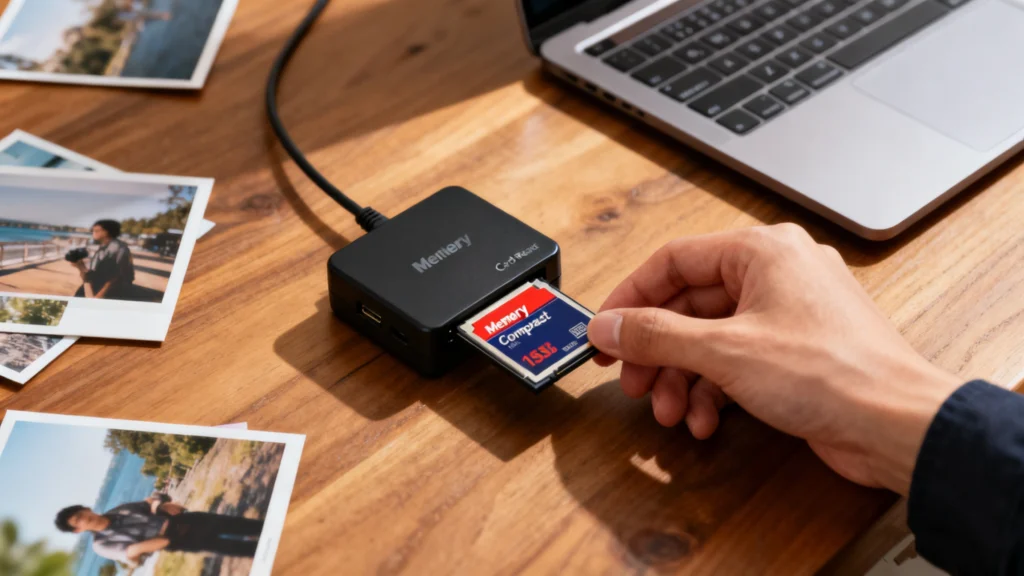
A memory card reader compact flash is still an essential tool for photographers, videographers, and industrial users who rely on CompactFlash (CF) cards for high-speed and stable data storage. However, many users struggle with compatibility issues, unreadable cards, or even unexpected data loss when using a CompactFlash reader.
In this guide, you will learn what a memory card reader compact flash is, how it works, when you need one, and how to choose the right reader for your workflow. More importantly, we will also explain how to recover lost data from memory cards safely when files are deleted, formatted, or become inaccessible.
Table of Contents
What Is a Memory Card Reader Compact Flash?
A memory card reader compact flash is a dedicated hardware device designed to read and transfer data from CompactFlash (CF) memory cards to computers or other systems. Unlike SD cards, CompactFlash cards use a different interface and pin structure, which requires a compatible reader.
CompactFlash cards are commonly used in:
- Professional DSLR and mirrorless cameras
- Broadcast and cinema video equipment
- Industrial and embedded systems
- Medical and scientific imaging devices
Because of their durability and stable performance, CF cards remain widely used despite newer formats.
How Does a Compact Flash Card Reader Work?
A CompactFlash reader acts as a bridge between the CF card and your computer. Once inserted, the reader translates the CF card’s interface into a standard USB protocol that operating systems can recognize.
Typical Workflow
- Insert the CF card into the memory card reader compact flash
- Connect the reader to your computer via USB
- The system mounts the card as removable storage
- You can copy, edit, or back up files safely
High-quality readers support faster transfer speeds and reduce the risk of data corruption.
Common Types of Memory Card Reader Compact Flash
USB CompactFlash Readers
- Most common and widely compatible
- Plug-and-play on Windows and macOS
- Ideal for photographers and everyday users
Multi-Card Readers with CF Support
- Support CF, SD, microSD, and more
- Useful for mixed camera workflows
- Cost-effective and versatile
Professional High-Speed CF Readers
- Designed for large RAW photo or video files
- Support UDMA and faster transfer modes
- Often used in studio and production environments
Why Use a CompactFlash Card Instead of Other Formats?
Despite newer storage technologies, CompactFlash cards still offer several advantages:
- Durability: Built for harsh environments
- Stable performance: Lower risk of sudden failure
- High capacity options for professional use
- Better compatibility with legacy professional equipment
As a result, a reliable memory card reader compact flash remains a necessary accessory.
Common Problems When Using a CompactFlash Reader
Even with quality hardware, users may encounter issues such as:
- CF card not recognized by the computer
- Files missing after transfer
- Card asking to be formatted
- Slow or interrupted data transfer
- File system errors after improper ejection
These problems often lead to data loss, especially if users format the card without backups.
Is Data Loss from CompactFlash Cards Recoverable?
In most cases, yes. CompactFlash cards store data using flash memory, which means deleted or formatted files often remain recoverable until overwritten.
You may recover data if:
- Files were accidentally deleted
- The CF card was formatted
- The file system became corrupted
- The card shows as RAW or unreadable
- The reader disconnected unexpectedly
However, continued use of the card reduces recovery success.
How to Recover Data from a CompactFlash Card Safely
Step 1: Stop Using the CF Card Immediately
Avoid taking new photos or videos. This prevents overwriting recoverable data.
Step 2: Use a Reliable Memory Card Reader Compact Flash
A stable reader ensures accurate detection of the card and prevents further damage.
Step 3: Choose Professional Recovery Software
This is where a dedicated solution becomes critical.
Recommended Solution: Magic Data Recovery

What Problems Can Magic Data Recovery Solve?
- Accidental deletion of photos or videos
- Formatted CompactFlash cards
- Corrupted file systems
- CF cards not opening or showing RAW
- Data loss caused by reader or system errors
Key Advantages of Magic Data Recovery
- Supports CompactFlash and other memory cards
- Recovers photos, videos, documents, and RAW files
- Works with deletion, formatting, and corruption scenarios
- Read-only scanning to avoid further data damage
- User-friendly interface suitable for non-technical users
Real-World Use Case
A photographer removes a CF card from a camera without safe ejection. The card becomes unreadable on the next insert. Using a memory card reader compact flash together with Magic Data Recovery, the card can be scanned and most RAW images restored without formatting.
Compared with generic tools, Magic Data Recovery focuses on data integrity and recovery accuracy, making it more reliable for professional workflows.
If you are looking for an efficient and safer solution, Magic Data Recovery is worth considering.
Supports Windows 7/8/10/11 and Windows Server
Best Practices to Prevent CompactFlash Data Loss
- Always safely eject the CF card
- Avoid removing the card during data transfer
- Use high-quality readers and cables
- Format cards only in the camera when possible
- Keep regular backups of important files
These practices significantly reduce recovery risks.
How to Choose the Best Memory Card Reader Compact Flash
When selecting a reader, consider:
- Compatibility with your CF card type
- USB 3.0 or higher support for speed
- Build quality and stable connection
- Brand reputation and user reviews
A reliable reader protects both performance and data safety.
Conclusion
A memory card reader compact flash remains an essential tool for anyone using CompactFlash cards in photography, video production, or professional environments. While these cards are durable, data loss can still happen due to human error or technical issues.
Using a dependable reader combined with a proven recovery solution like Magic Data Recovery gives you a safer, more reliable way for memory cards recovery. Instead of risking permanent file deletion, you gain a practical path to recovery when it matters most.
Supports Windows 7/8/10/11 and Windows Server
FAQs
What is a compact flash card reader?
How to get pictures off a compact flash card?
Why won’t my computer read my compact flash card?
How to use a compact flash card reader?
Is it worth getting a card reader?
How to get pictures from an SD card reader?
What is the difference between an SD card and a compact flash card?

Jason is a data recovery and technical support specialist with over 15 years of hands-on experience. He has worked extensively with frontline users, troubleshooting difficult data loss cases and providing practical recovery solutions for accidental deletion, formatted drives, damaged file systems, lost partitions, system failures, and other recovery emergencies. His expertise also includes backup and restoration, file repair, and disaster recovery, with a strong emphasis on safe, reliable, and technically accurate guidance.