
CF Flash Memory
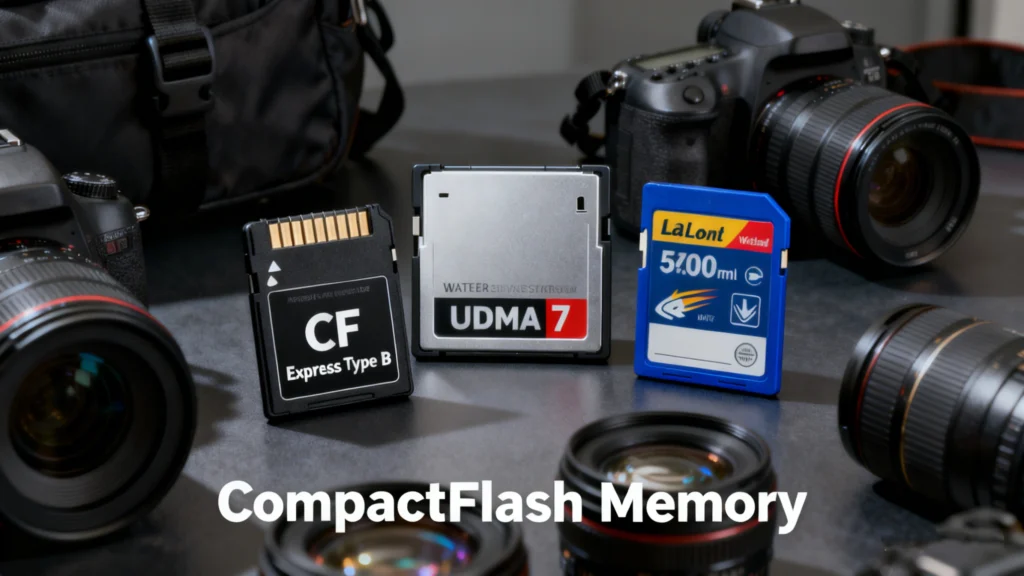
Table of Contents
Why CF Flash Memory Still Matters Today
In professional photography, industrial systems, and embedded devices, reliability matters more than trends. While SD and NVMe-based storage dominate consumer markets, cf flash memory (CompactFlash memory) continues to play a critical role in environments where stability, durability, and predictable performance are essential.
However, long-term use of CF cards often leads to real-world problems: accidental deletion, formatting errors, RAW partitions, or unreadable cards. When valuable data is at stake, understanding both the technology and recovery options becomes crucial.
This guide explains cf flash memory in plain terms, covers real usage scenarios, highlights common risks, and shows how data recovery tools such as Magic Data Recovery can help resolve CF-related data loss without guesswork.
What Is CF Flash Memory?
CF flash drive refers to CompactFlash storage cards, a non-volatile flash-based memory format introduced by SanDisk in 1994. Unlike smaller consumer cards, CompactFlash was designed for high-capacity storage and direct interfacing with hardware through an ATA (Advanced Technology Attachment) interface.
Key Characteristics of CF Flash Memory
- Uses NAND flash memory
- Employs a parallel ATA interface
- Appears as a removable disk to most systems
- Designed for durability and long write cycles
Because of this architecture, CF flash drive behaves more like a miniature hard drive than a typical memory card, which explains both its strengths and its failure modes.
How CF Flash Drive Works
At a technical level, CF flash drive stores data in NAND flash cells grouped into blocks and pages. A controller manages:
- Logical-to-physical address mapping
- Wear leveling
- Error correction (ECC)
- Bad block management
When data is deleted or a card is formatted, the controller usually removes file system references instead of erasing data immediately. This behavior is the reason data recovery is often possible after deletion or quick formatting.
Common Use Cases for CF Flash Drive
Despite being an older format, cf flash memory remains widely used in specific industries.
Professional Photography and Videography
- DSLR and cinema cameras
- Continuous burst shooting
- High-bitrate RAW video recording
Industrial and Embedded Systems
- CNC machines
- Medical imaging equipment
- Industrial controllers and HMIs
Aviation and Defense Systems
- Avionics data storage
- Ruggedized field devices
These environments favor CF flash drive because of its mechanical strength and predictable performance under stress.
Advantages of CF Flash Drive
CF flash memory offers several benefits that explain its longevity.
High Durability
CompactFlash cards use thicker PCBs and stronger connectors, reducing failure from physical stress.
Stable Performance
Unlike some consumer-grade storage, CF cards deliver consistent write speeds, which is critical for real-time recording.
Broad Compatibility
Many legacy and professional devices are built specifically around CF flash drive, making replacements straightforward.
Limitations and Disadvantages
Despite its strengths, CF flash drive is not without drawbacks.
- Larger physical size
- Slower than modern NVMe or CFast standards
- Limited capacity compared to newer formats
- Higher cost per gigabyte
Additionally, aging CF cards are more likely to experience file system corruption, especially after years of intensive use.
Common CF Flash Memory Problems in Real-World Use
Based on professional usage patterns, the following issues occur most frequently with cf flash memory:
Accidental Deletion
Files removed directly from a camera or via a computer.
Formatting Errors
- Quick format in camera
- Formatting on the wrong device
- Incompatible file system initialization
RAW Partition Issues
The card shows as RAW instead of FAT32 or exFAT, often after unsafe ejection or power interruption.
Card Not Recognized
- “Please insert disk” errors
- Card detected with incorrect capacity
- Access denied messages
Each of these scenarios can result in data loss if handled incorrectly.
Can Data Be Recovered from CF Flash Drive?
In many cases, yes. CF flash memory data recovery is possible when:
- The card is not physically destroyed
- Data blocks are not overwritten
- The controller is still functioning
However, repeated write attempts or repair utilities can permanently reduce recovery chances.
Best Practices Before Attempting CF Data Recovery
If data loss occurs on cf flash memory, follow these steps immediately:
- Stop using the card
- Do not reformat again
- Avoid running disk repair tools
- Remove the card safely
- Use read-only access when possible
These precautions preserve recoverable data and prevent further damage.
Why Generic Fixes Often Fail for CF Flash Memory
Many users attempt solutions such as:
- CHKDSK
- Disk Management reformatting
- Camera-based repair prompts
While these methods may restore access, they often overwrite metadata or file tables. For cf flash memory, this can significantly reduce recovery success, especially for RAW files and video footage.
Recovering Lost Data from CF Flash Drive
When conventional fixes are risky or ineffective, a dedicated recovery tool is the safer choice. Magic Data Recovery is designed to handle complex CF flash drive data loss scenarios without relying on file system repair shortcuts.
Core Problems It Solves
- Deleted photos and videos
- Formatted CF cards
- RAW or inaccessible partitions
- File system corruption
- Logical card errors
Key Advantages of Magic Data Recovery
Magic Data Recovery stands out because it focuses on accuracy rather than speed alone.
Intelligent Scan Engine
It analyzes cf flash memory at the sector level, allowing recovery even when file systems are missing.
Broad File Type Support
- RAW camera formats
- JPEG, MP4, MOV
- Project files from professional tools
Safe Read-Only Operation
The software does not write data back to the card during scanning, preserving original content.
User-Friendly Workflow
Clear steps make recovery accessible even for non-technical users.
Real Usage Scenarios
Scenario 1: Photographer Formats CF Card in Camera
A wedding photographer accidentally formats a cf flash memory card before backup. Magic Data Recovery scans the card and reconstructs RAW image files successfully.
Scenario 2: Industrial CF Card Shows RAW Partition
An embedded system fails during operation. The CF card becomes unreadable. Magic Data Recovery identifies lost partitions and restores critical configuration data.
Scenario 3: Video Files Missing After Transfer
Large video files disappear during copy. A deep scan recovers fragmented footage that generic tools cannot detect.
Why Magic Data Recovery Is More Reliable Than Alternatives
Compared with generic recovery or repair utilities, Magic Data Recovery:
- Avoids destructive repair operations
- Supports professional CF workflows
- Handles complex fragmentation better
- Provides preview before recovery
These factors make it a safer solution for high-value cf flash memory data.
Tips to Extend the Life of CF Flash Drive
To reduce future risks:
- Format cards only in the original device
- Use high-quality card readers
- Avoid removing cards during write operations
- Replace aging cf flash drive proactively
These practices improve reliability and reduce recovery dependency.
Conclusion
CF flash memory remains a trusted storage solution in professional and industrial environments. Its durability and consistency make it valuable, but aging hardware and human error still cause data loss.
When problems occur, acting carefully and choosing the right recovery method matters. Magic Data Recovery provides a dependable, non-destructive way to retrieve lost data from CF flash drive in scenarios involving deletion, formatting, RAW partitions, and logical errors.
If you are looking for a reliable solution that prioritizes data integrity over risky fixes, Magic Data Recovery is a practical option worth considering.
Supports Windows 7/8/10/11 and Windows Server
CF Flash Memory FAQs
Is CF better than SD?
Does CF stand for CompactFlash?
Is a CF card the same as a SD card?
What is the difference between CF and CFexpress?
Are CF cards outdated?
Can an iPhone read a CF card?
What cameras still use CF cards?

Erin Smith is recognized as one of the most professional writers at Amagicsoft. She has continually honed her writing skills over the past 10 years and helped millions of readers solve their tech problems.