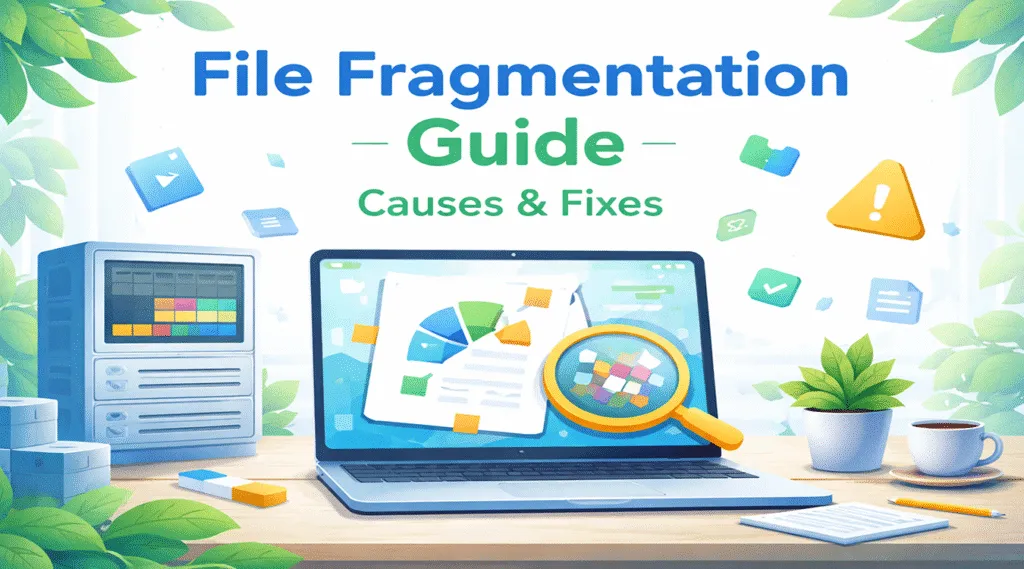
If your computer feels slower than it used to, you might assume the hardware is outdated. However, the real reason is often simpler. On many Windows PCs—especially those still using traditional hard drives—the hidden cause is file fragmentation. When data gets stored in scattered pieces, your system must work harder to open the same files. […]
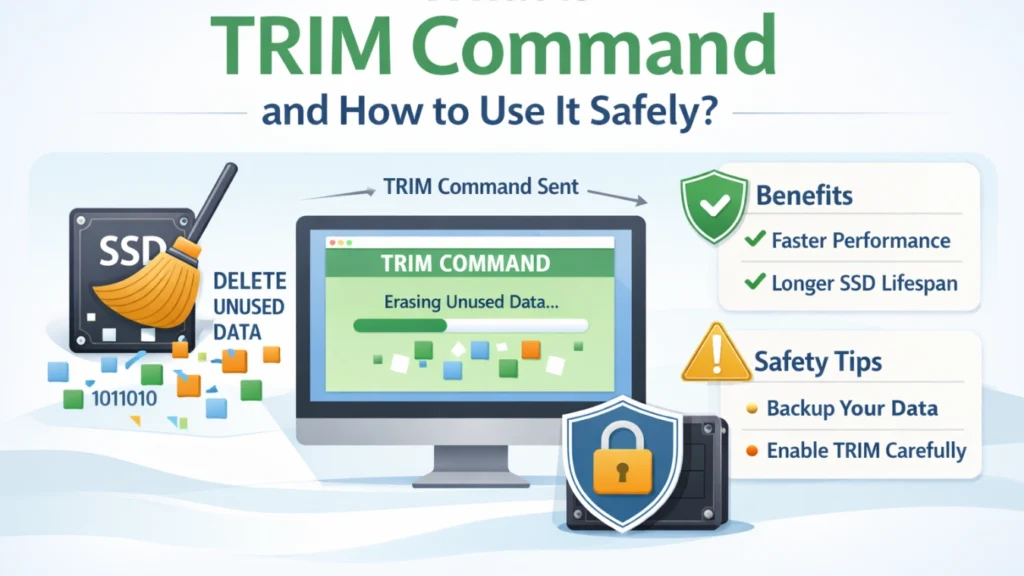
What Is the TRIM Command and How to Use It Safely
The TRIM command is an SSD management feature that allows the operating system to tell a solid-state drive which data blocks are no longer in use. This helps the SSD manage free space efficiently and maintain consistent write performance over time. In Windows 11 and Windows 10, TRIM is normally managed automatically, but you can […]
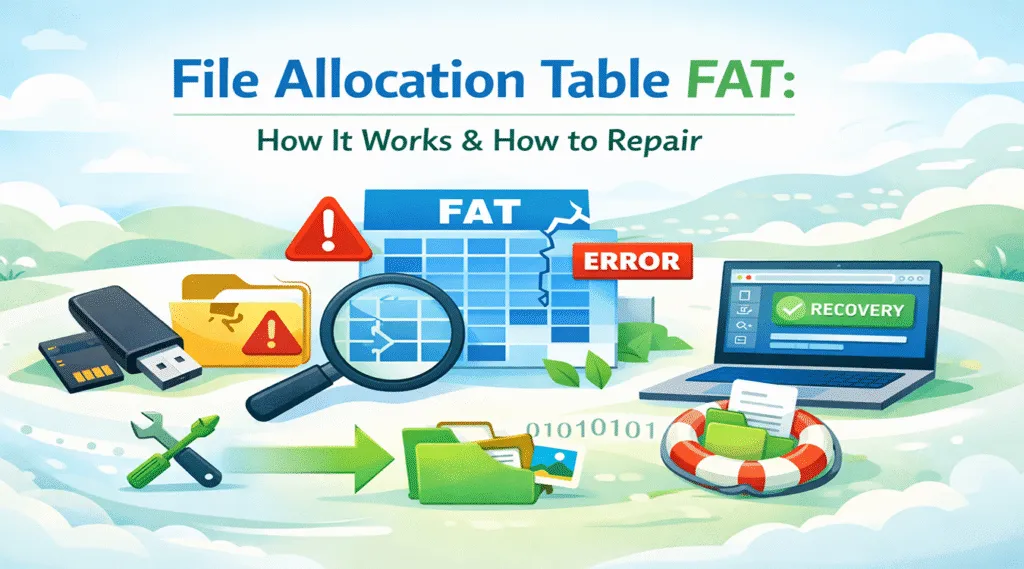
File Allocation Table FAT: How It Works and How to Repair It
The File Allocation Table (FAT) is a core file system structure used to track how files occupy storage clusters. If a USB flash drive, SD card, or external drive suddenly becomes inaccessible, shows as RAW, or asks to be formatted, damage to the FAT metadata may be one possible cause. Fortunately, file system corruption does […]
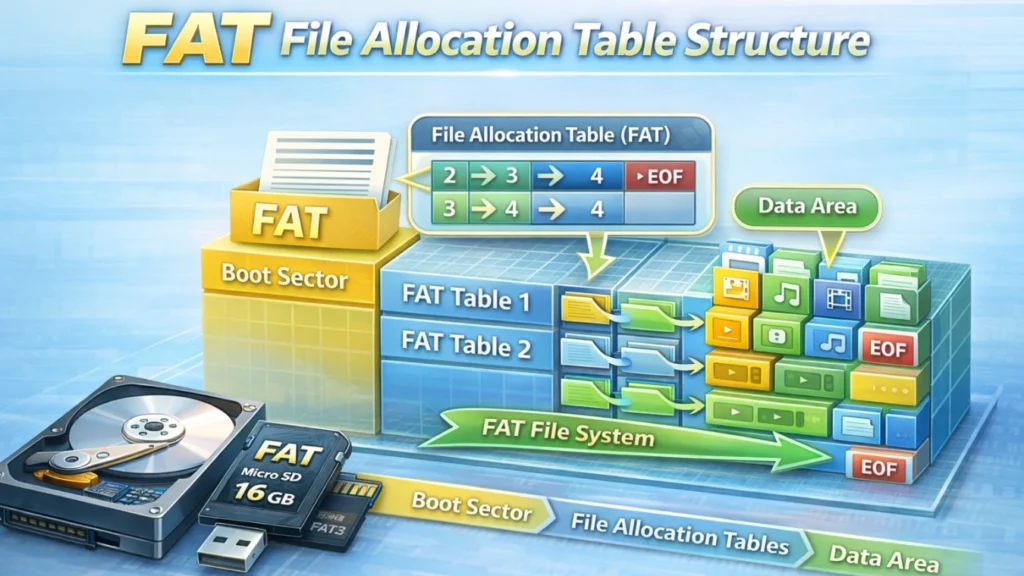
FAT File Allocation Table Structure Explained: A Practical Guide
The fat file allocation table structure plays a critical role in how data is stored, linked, and accessed on many common storage devices. USB flash drives, SD cards, digital cameras, and embedded systems still rely on FAT-based file systems because of their simplicity and wide compatibility. When these devices suddenly become unreadable or files go […]
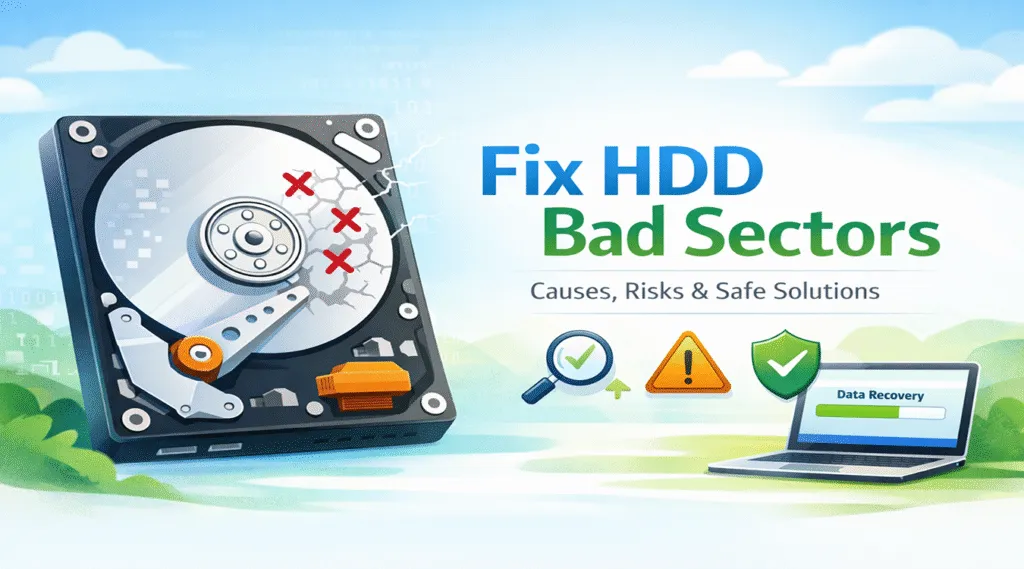
Fix HDD Bad Sectors Safely and Effectively
Hard disk drives are still widely used to store system files, work documents, and personal data. However, when hard disk drive errors appear, many users immediately search for ways to fix HDD bad sectors. At the same time, repairing bad sectors without preparation can significantly increase the risk of data loss. For this reason, understanding […]
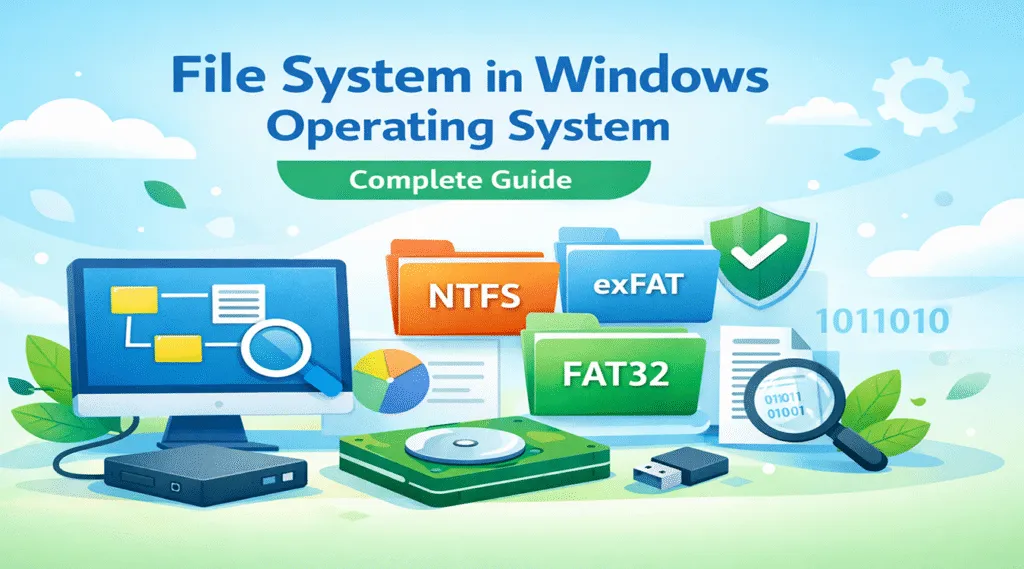
File System in Windows Operating System: Complete Guide
The file system in Windows operating system determines how data is stored, organized, and accessed on a computer. At first glance, it may seem like a purely technical detail. However, in everyday use, it directly affects system stability, file security, and even data recovery success. In reality, most users only notice the file system when […]
Backup Offer Strategy: A Practical Guide to Reducing Risk
Data loss rarely arrives politely. A drive can fail mid-project, a file can be deleted in seconds, or an update can break access to important folders. Even if you back up regularly, gaps still happen. That is why a backup offer strategy matters in the data backup and recovery space. In this guide, you will […]
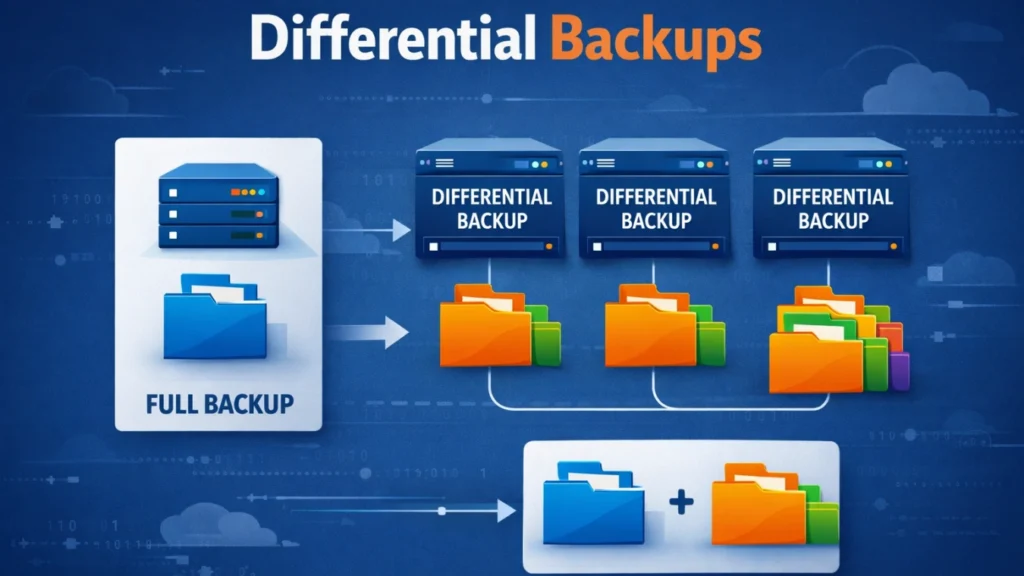
Differential Backups Explained: How They Work, Use Cases, and Best Practices
Backups only matter when data can be restored. In practice, however, many recovery plans fail due to long restore chains, corrupted images, or overly complex schedules. For this reason, many teams look for a backup method that balances efficiency with reliable recovery. Differential backups are often chosen because they reduce daily workload while keeping the […]
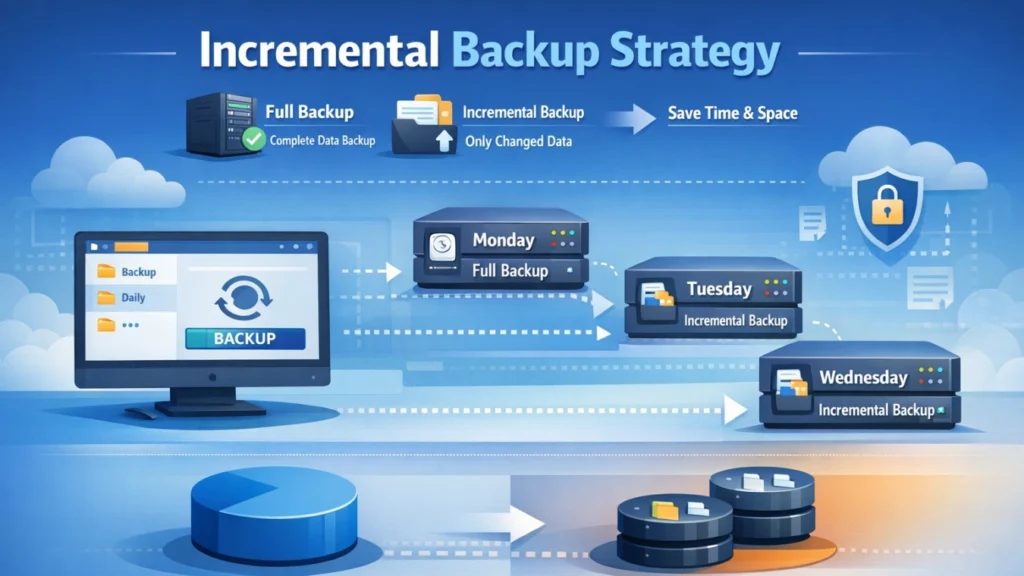
Incremental Backup Strategy: Complete Guide & Best Practices
An incremental backup strategy is widely used to reduce backup time and storage usage, yet many users still experience unexpected data loss. Missed backup schedules, corrupted backup images, and broken backup chains often go unnoticed until recovery is urgently needed. When that happens, relying on backups alone may no longer be enough. That is why […]