
Data Migration
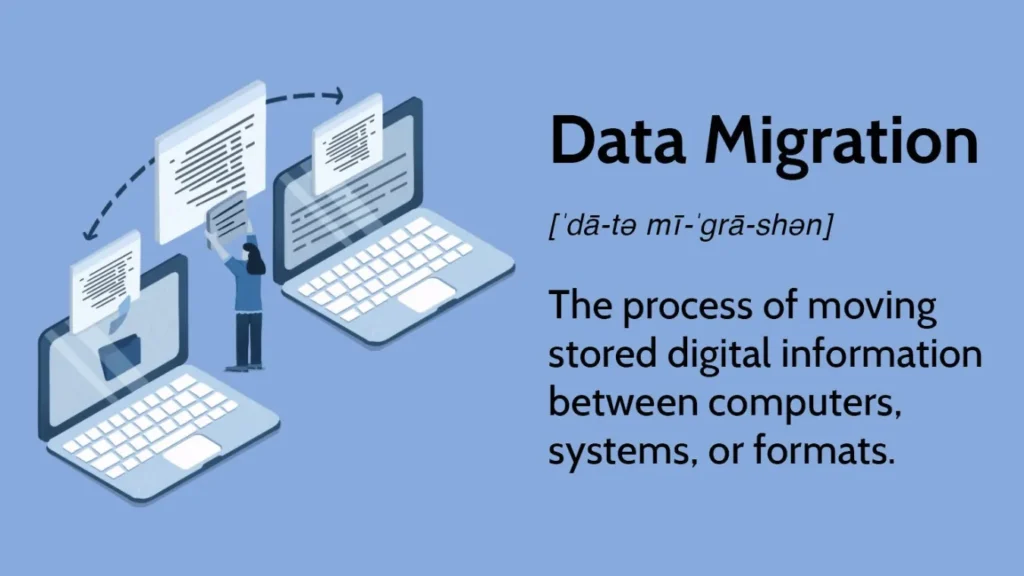
Data Migration as a Planned Change, Not a File Copy
Organizations rarely move data just once.
New storage, new SaaS platforms, and system upgrades all push information from one place to another.
Data migration handles that change as a controlled project, not a simple copy. The goal is to move data between systems or formats while preserving integrity, relationships, and usability.
Because migration can expose storage failures, accidental deletion, missing recovery information, and software activation problems, a complete plan should also include file recovery and license-key backup procedures.
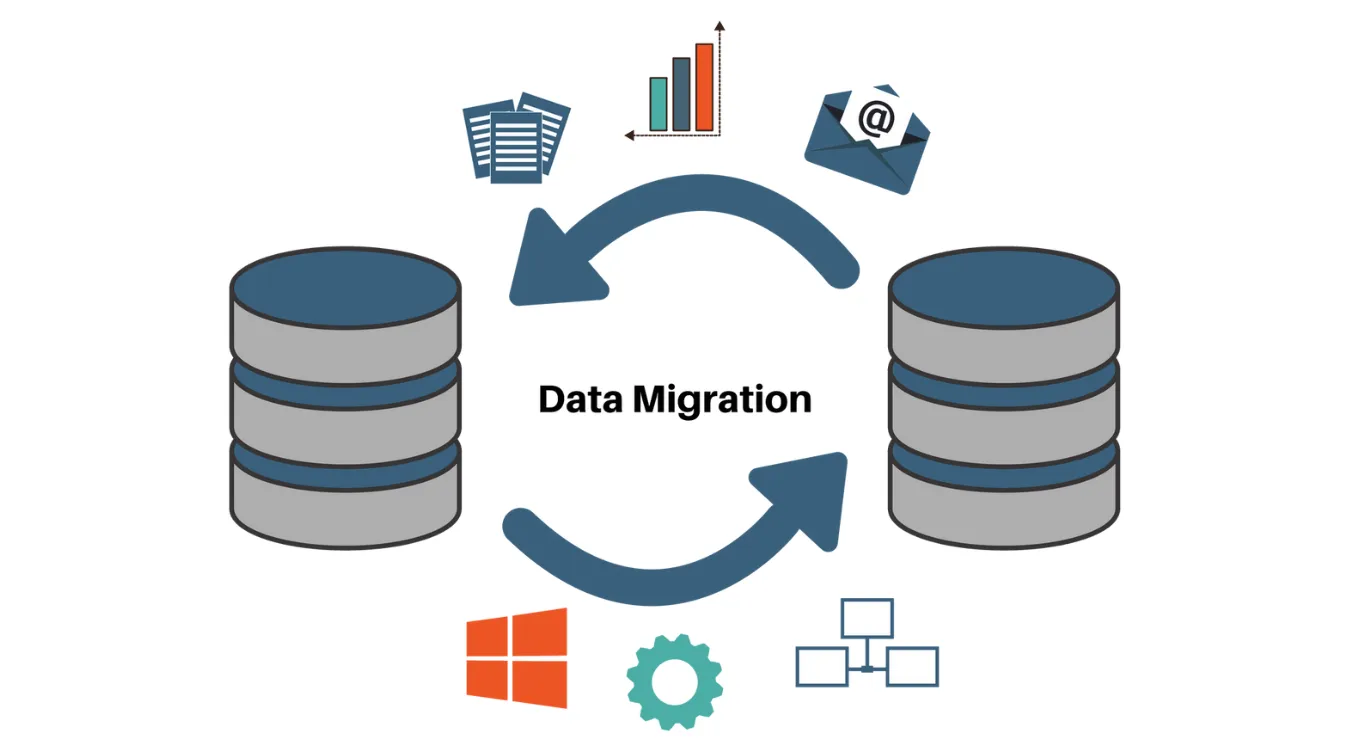
Drivers, Constraints, and Risks
Most migrations start for clear reasons:
Replacing aging storage or servers
Consolidating multiple systems into one platform
Moving from on-premises databases to cloud services
Changing application vendors or architectures
At the same time, teams must manage:
Downtime windows and cutover plans
Schema differences and missing fields
Data quality issues that appear once you inspect the source
Compliance requirements for retention and masking
Ignoring these constraints often leads to broken reports, failed integrations, or partial cutovers that require urgent rollback.
Common Categories of Data Migration
Data migration comes in several patterns.
Different projects often blend more than one.
| Category | Focus | Typical Scenario |
|---|---|---|
| Storage migration | Same app, new storage platform | Moving from local disks to SAN or NAS |
| Database migration | New database engine or version | From SQL Server to PostgreSQL |
| Application migration | New application or SaaS platform | CRM replacement or ERP upgrade |
| Cloud migration | To, from, or between cloud providers | On-premises DB to managed cloud database |
Each pattern handles structure, volume, and compatibility in a different way, but the core principles stay similar.
Mapping, Transformation, and Validation
Successful migration treats data models as first-class design artifacts.
You do not just move bytes; you move meaning.
Key activities:
Profiling: understand actual values, ranges, and null patterns in source data.
Mapping: define how each source field maps to target structures and formats.
Transformation: adjust types, units, encodings, and reference codes.
Validation: confirm that counts, sums, and relationships still match expectations after the move.
Documented mappings and repeatable validation queries matter more than one-off scripts.
Backup and Recovery as a Safety Net
Every migration plan needs a clear escape route.
Even strong designs can fail when unexpected data patterns or performance constraints appear.
Before you start heavy moves:
Create backups or snapshots of critical volumes and databases.
Test restoration on a non-production system.
Protect those backups from accidental overwrite during the migration window.
If a storage migration is interrupted or causes accidental deletion, formatting, partition loss, or file-system damage, Magic Data Recovery can scan the affected source or destination drive for recoverable files. It supports hard drives, SSDs, USB drives, memory cards, and other storage devices commonly involved in migration projects.
Before retiring or reinstalling a Windows computer, Magic Recovery Key can help inventory and back up existing Windows, Microsoft Office, and other software license keys. It can also locate accessible BitLocker recovery information, helping administrators preserve the records they may need after the migration.
These tools do not replace verified backups, migration testing, or a rollback plan. Instead, they provide an additional recovery layer when files or critical activation information cannot be found through the normal migration process.
