
A Complete Guide to NAND Flash Storage

If you have ever used an SSD, USB flash drive, memory card, or smartphone, you have relied on NAND flash storage—even if you did not realize it. When data suddenly disappears due to accidental deletion, formatting, or device failure, understanding how NAND-based storage works can make the difference between panic and confident recovery.
The good news is that data stored on NAND flash is often recoverable when the right steps and tools are used. This guide explains what is NAND flash storage, how it differs from other technologies, where it is used, and what its real-world limitations are. Along the way, we also explain how professional recovery tools fit naturally into common NAND-related data loss scenarios.
Table of Contents
What Is NAND Flash Storage?
It is a type of non-volatile memory that stores data even when power is removed. Unlike traditional hard disk drives (HDDs), NAND flash has no moving parts. Data is stored electronically inside memory cells, making it faster, quieter, and more resistant to physical shock.
To answer the common question, what is NAND flash storage, it is best described as the foundational storage technology behind modern solid-state devices. NAND flash organizes data into pages and blocks, allowing high-density storage at relatively low cost compared to other non-volatile memory types.
According to industry documentation and storage architecture standards, NAND flash is optimized for sequential access patterns and bulk data storage rather than byte-level random writes.
How It Works
At a technical level, this storage technology stores data using floating-gate transistors. Each memory cell holds an electrical charge that represents binary data.
Key Structural Components
- Cells: The smallest storage units that hold bits.
- Pages: Groups of cells, typically 4 KB to 16 KB.
- Blocks: Groups of pages, often 128–512 pages per block.
Data can be read or written at the page level, but it must be erased at the block level. This erase-before-write behavior directly influences performance, endurance, and data recovery complexity.
Why This Matters for Data Recovery
When files are deleted from NAND-based storage, the data is not immediately erased. Instead, the logical references are removed. Until blocks are overwritten or cleaned by background processes like garbage collection or TRIM, recovery is often possible using read-only scanning tools.
Types of NAND Flash Storage
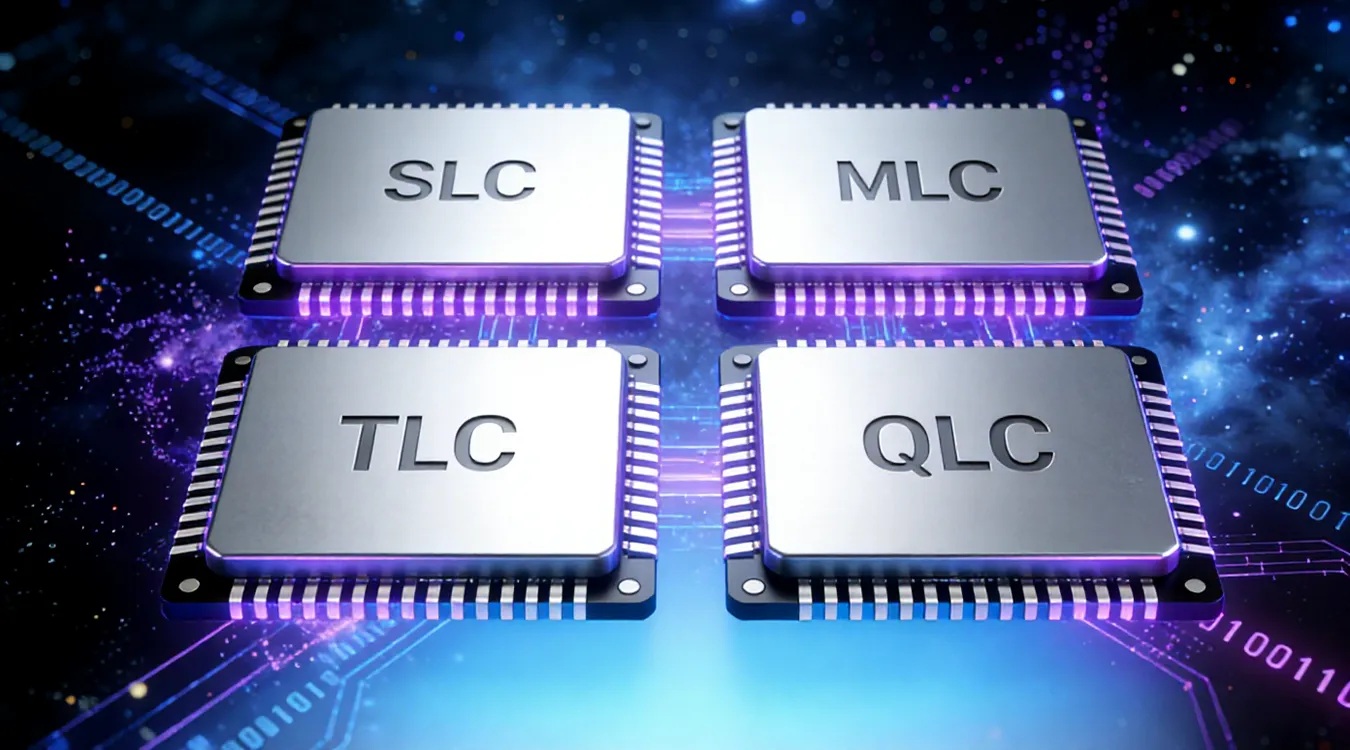
Different NAND types balance cost, speed, and endurance:
SLC (Single-Level Cell)
- Holds 1 bit per cell
- Highest endurance and reliability
- Used in enterprise and industrial systems
MLC (Multi-Level Cell)
- Supports 2 bits per cell
- Balanced performance and lifespan
- Common in older SSDs
TLC (Triple-Level Cell)
- Allows 3 bits per cell
- Most common in consumer SSDs
- Lower endurance but cost-effective
QLC (Quad-Level Cell)
- Stores 4 bits per cell
- Highest capacity at lowest cost
- Reduced write endurance
Understanding these differences helps explain why data loss behavior and recovery success rates vary across devices.
Where NAND Flash Storage Is Used
This storage technology powers most modern digital devices:
- Solid State Drives (SSDs)
- USB flash drives
- SD and microSD cards
- Smartphones and tablets
- Embedded systems
Each use case introduces different risks, from accidental deletion on SD cards to corruption on SSDs.
NAND Flash Storage vs Other Storage Technologies
Comparison with Traditional HDDs
- No moving parts
- Faster access times
- Lower power consumption
- Limited write cycles
Differences Between NAND and NOR Flash
- NAND: High density, optimized for storage
- NOR: Faster random access, used for firmware
NAND Flash vs RAM
- NAND is non-volatile
- RAM is volatile and much faster
These distinctions explain why NAND flash is used for storage rather than system memory.
Common Problems
Despite its advantages, this storage technology has limitations:
- Limited program/erase cycles
- Performance degradation over time
- Susceptibility to firmware corruption
- Complex wear-leveling algorithms
These characteristics explain why sudden data loss can occur even without physical damage.
Can Data Be Recovered from NAND Flash Storage?
In many cases, yes. Deleted, formatted, or inaccessible data stored on NAND flash is often recoverable if:
- The device is no longer written to
- TRIM has not permanently erased blocks
- The storage controller remains functional
Professional-grade software like Magic Data Recovery scans NAND-based storage in read-only mode, reconstructing files based on file system metadata and raw data patterns.
This approach is significantly safer than manual attempts or unreliable free tools that may overwrite recoverable data.
Best Practices to Protect Data on NAND-Based Storage
- Stop using the device immediately after data loss
- Avoid reformatting or initializing storage
- Disable automatic write operations when possible
- Use professional recovery tools instead of trial-and-error
These steps dramatically improve recovery success rates.
Conclusion
Understanding NAND flash storage helps users make informed decisions when data loss occurs. This knowledge removes uncertainty and restores control. For real-world recovery scenarios involving SSDs, USB flash drives, or memory cards, Magic Data Recovery provides a safe and professional solution designed specifically for NAND-based storage architectures.
If you are facing unexpected data loss, choosing a tool like Magic Data Recovery that respects the technical realities of NAND flash can make all the difference.
Supports Windows 7/8/10/11 and Windows Server
FAQ
Is NAND better than SSD?
What is a NAND flash memory?
Does SSD have NAND flash?
Is NAND the same as eMMC?
What are the disadvantages of NAND?
Does NAND memory last forever?
Do SD cards use NAND flash?
What does NAND stand for?

Vasilii is a data recovery specialist with around 10 years of hands-on experience in the field. Throughout his career, he has successfully solved thousands of complex cases involving deleted files, formatted drives, lost partitions, and RAW file systems. His expertise covers both manual recovery methods using professional tools like hex editors and advanced automated solutions with recovery software. Vasilii's mission is to make reliable data recovery knowledge accessible to both IT professionals and everyday users, helping them safeguard their valuable digital assets.