Accidentally deleting important files from a hard drive is one of the most common and stressful data‑loss scenarios. Many users assume that once files are deleted, or even permanently deleted, the data is gone forever. In reality, hard drive deleted files recovery is often possible if the right steps are taken early. This guide explains […]
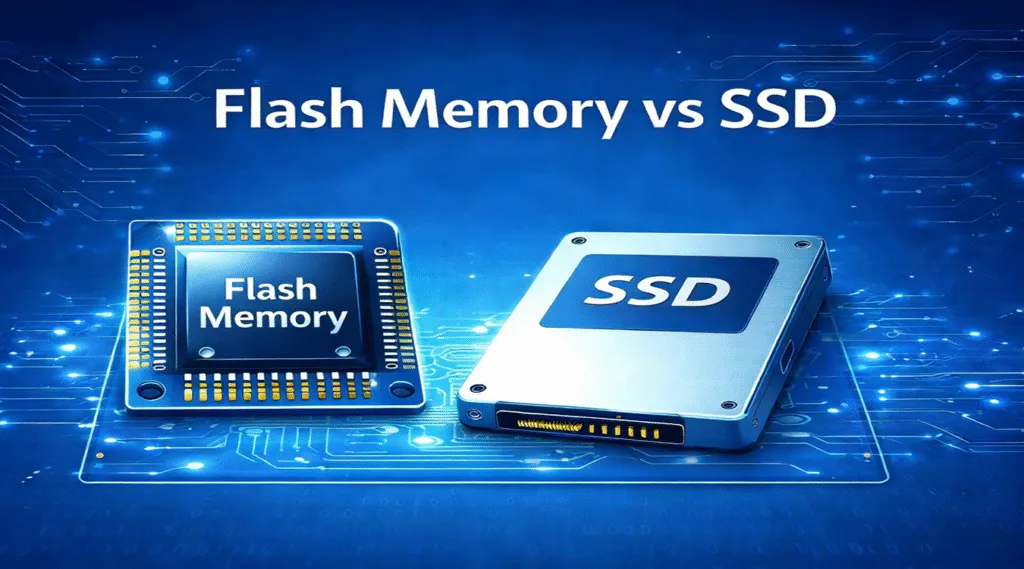
Flash Memory vs SSD: A Detailed Comparison
Flash memory and SSDs are closely related, but they are not the same thing. flash memory vs SSD is not a simple comparison between two equal storage products. Flash memory is a type of non-volatile storage technology, while an SSD, or solid-state drive, is a complete storage device that usually uses NAND flash memory inside […]
What Is NAND Flash Memory? Definition, Types, and Uses
NAND flash memory is a type of non-volatile semiconductor memory that stores digital data without continuous power. It provides the storage inside SSDs, USB flash drives, SD cards, and many smartphones. NAND flash storage commonly refers to storage based on this technology. NAND is the memory medium inside a device. A complete storage device also […]
A Complete Guide to Format Data Recovery
Accidentally formatting your drive can be a stressful experience, especially when valuable files are lost. Fortunately, format data recovery is possible, and with the right tools, you can recover your files and prevent data loss from becoming permanent. This article provides a comprehensive guide to understanding format data recovery and how to recover data after […]
How to Unformat a Drive
Accidentally formatting a drive or device can lead to significant data loss, leaving you in a panic. Whether it’s an SD card, USB drive, or external hard drive, this situation can be frustrating. Luckily, it is a possible solution to unformat your device, provided you take the right steps. In this guide, we’ll walk you […]
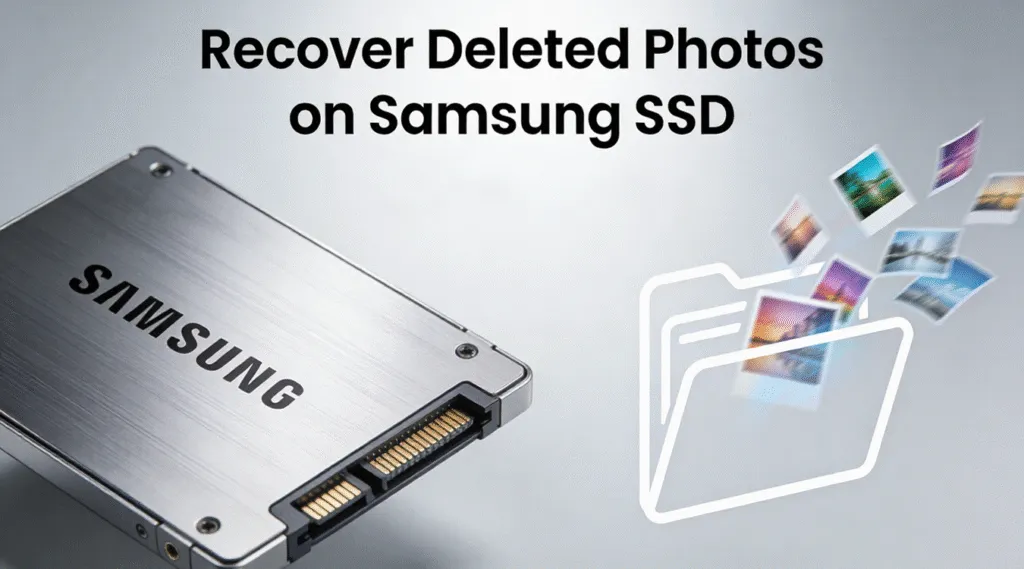
How to Recover Deleted Photos on Samsung SSD?
Accidentally deleting photos from a Samsung SSD can be stressful—especially when those images are work-related, personal memories, or irreplaceable files. Many users only realize the problem after emptying the Recycle Bin or disconnecting a Samsung portable SSD, believing the photos are gone forever. Fortunately, the good news is that it is sometimes still possible to […]
Check Disk for Errors: Detect and Fix Drive Problems
“Check disk for errors” refers to the process of scanning a storage device—such as a hard disk drive (HDD), solid-state drive (SSD), USB flash drive, or external hard drive—to detect and correct logical file system inconsistencies. On Windows systems, this function is most commonly performed using CHKDSK (Check Disk), a built-in diagnostic utility provided by […]
Recover Deleted Recycle Bin Files: Complete Windows Guide
Accidentally deleted files from the Recycle Bin? Whether the files are still in the bin or you have already emptied it, there are several ways to recover deleted Recycle Bin files in Windows. In most cases, deleted files are not permanently erased immediately. Instead, Windows only marks the storage space as available, meaning recovery is still possible […]
Fix Non-System Disk or Disk Error: Boot Issues Explained
“Non-System Disk or Disk Error” is a BIOS/UEFI boot error message that appears when the computer cannot locate a valid bootable operating system on the selected startup device. The error usually appears immediately after power-on, before Windows or any other operating system starts loading. It most often results from an incorrect boot order, missing or […]