NAND flash memory is a type of non-volatile semiconductor memory that stores digital data without continuous power. It provides the storage inside SSDs, USB flash drives, SD cards, and many smartphones. NAND flash storage commonly refers to storage based on this technology. NAND is the memory medium inside a device. A complete storage device also […]

Flash USB Memory: Complete Guide, Uses & Recovery
Table of Contents Why Flash USB Memory Still Matters Today Flash USB memory remains one of the most widely used portable storage solutions despite the growth of cloud storage and SSDs. From transferring work files and backing up photos to updating firmware or installing operating systems, USB flash drives are still essential in everyday digital […]
CF Flash Memory
Table of Contents Why CF Flash Memory Still Matters Today In professional photography, industrial systems, and embedded devices, reliability matters more than trends. While SD and NVMe-based storage dominate consumer markets, cf flash memory (CompactFlash memory) continues to play a critical role in environments where stability, durability, and predictable performance are essential. However, long-term use […]
Check Disk for Errors: Detect and Fix Drive Problems
“Check disk for errors” refers to the process of scanning a storage device—such as a hard disk drive (HDD), solid-state drive (SSD), USB flash drive, or external hard drive—to detect and correct logical file system inconsistencies. On Windows systems, this function is most commonly performed using CHKDSK (Check Disk), a built-in diagnostic utility provided by […]
Fix Non-System Disk or Disk Error: Boot Issues Explained
“Non-System Disk or Disk Error” is a BIOS/UEFI boot error message that appears when the computer cannot locate a valid bootable operating system on the selected startup device. The error usually appears immediately after power-on, before Windows or any other operating system starts loading. It most often results from an incorrect boot order, missing or […]
Disk Write Error: Causes and Fixes
A disk write error occurs when an operating system or application fails to save data to a storage device. This error indicates that the system attempted to write data but was blocked by hardware issues, file system corruption, permission restrictions, or logical inconsistencies within the storage structure. Disk write errors can appear on HDDs, SSDs, […]
CHKDSK RAW Drive: How to Fix a Corrupted Drive
Seeing the message “The type of the file system is RAW. CHKDSK is not available for RAW drives” can be alarming, especially when the affected device is an external hard drive containing important files. The failure of running CHKDSK on a RAW drive indicates that Windows can no longer recognize the file system on the drive, […]
CHKDSK Bad Sectors: How to Check and Repair Disk Errors Safely
Table of Contents When Bad Sectors Make Your Data Suddenly Inaccessible Hard drive errors often appear without warning. One day your system works normally, and the next day Windows refuses to open files, freezes during startup, or reports disk read errors. In many cases, CHKDSK bad sectors are the hidden cause behind these issues. Microsoft […]
CHKDSK /f Explained: How to Safely Repair Disk Errors
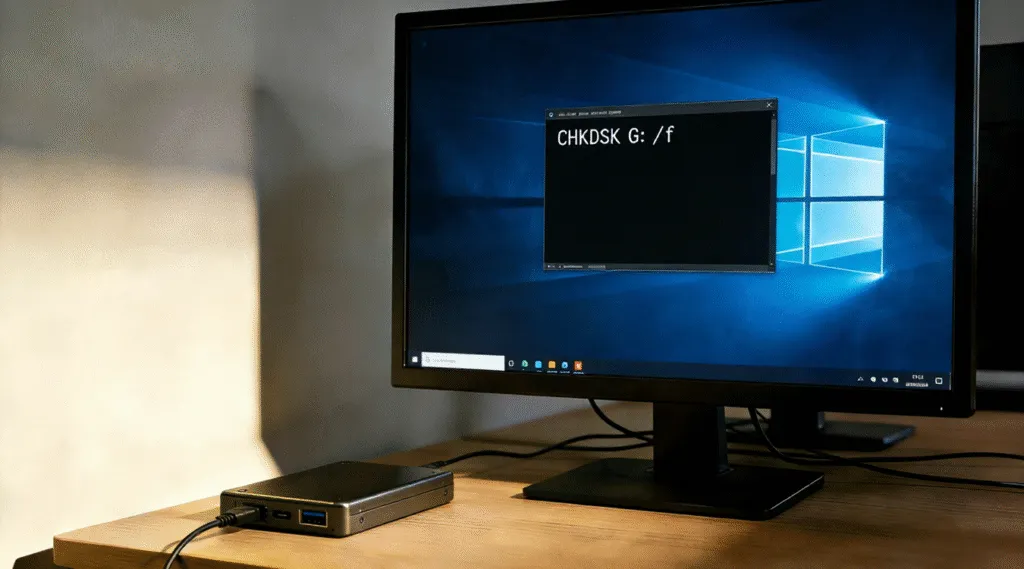
“CHKDSK /f” is a Windows Command Prompt parameter used with the Check Disk (CHKDSK) utility to automatically detect and repair logical file system errors on a storage volume. The /f switch instructs Windows to fix inconsistencies such as corrupted file records, incorrect directory entries, and cross-linked files. It is commonly used when a drive shows […]