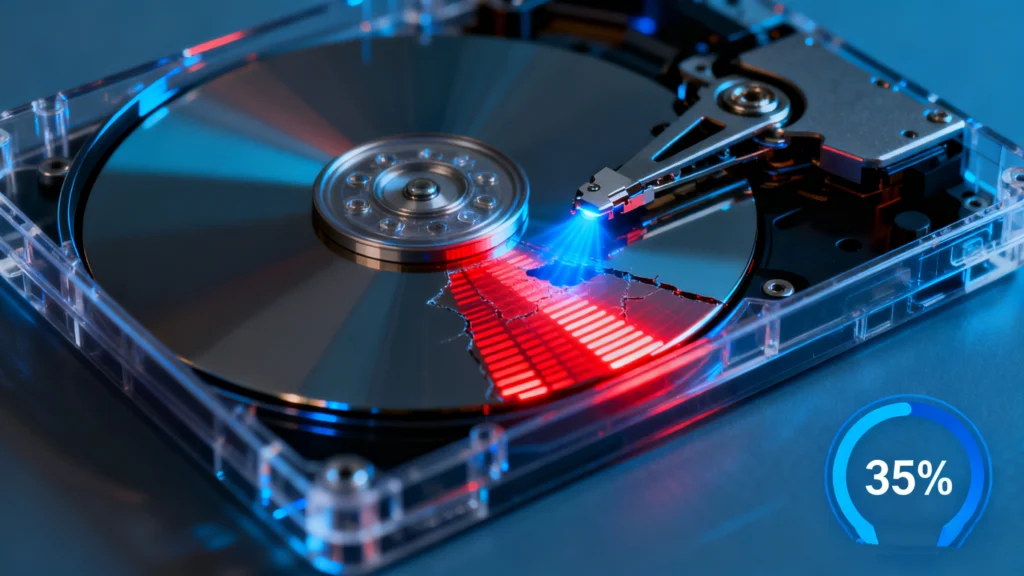
Table of Contents What is HDD – Definition What is HDD (Hard Disk Drive)? An HDD is a magnetic storage device that holds data on spinning platters. It has been used for decades due to its large capacity, stable performance, and affordability. Even though modern systems increasingly adopt solid-state drives, this traditional storage option remains […]
HDD Bad Sector: What It Means and How to Handle It Safely
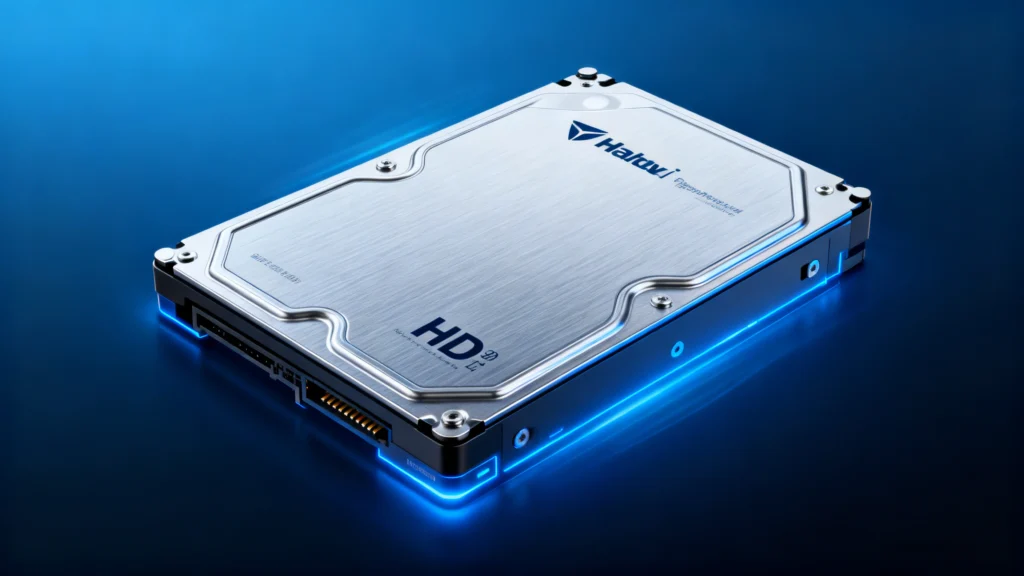
An HDD bad sector is a damaged or unreadable area on a hard disk drive. When bad sectors appear, files may become corrupted, Windows may slow down, and the drive may fail to read or write data correctly. Some bad sectors are logical and may be repaired with disk tools, while physical bad sectors usually […]
HDD Recovery Software: Restore Lost Files Safely
Losing important files from a hard drive can cause stress, but modern HDD Recovery Software makes restoration safe and achievable. With the right tool and correct hdd solutions, most deleted or inaccessible data can be recovered efficiently without damaging the drive. Table of Contents What Is HDD Recovery Software? HDD recovery software is a specialized […]
Full Backup vs Incremental and Differential Backup
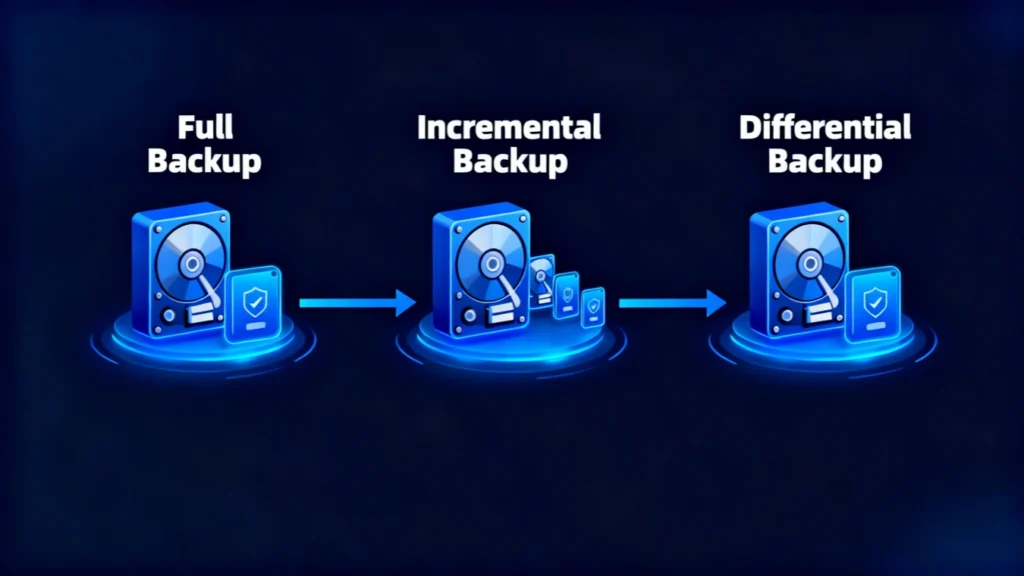
Data loss rarely happens at a convenient time. A hard drive can fail, an important folder can be deleted, ransomware can damage accessible files, or a backup set may turn out to be incomplete just when you need it most. For this reason, understanding how a full backup works is one of the most important […]
How to Fix Index Corruption for NTFS Drives
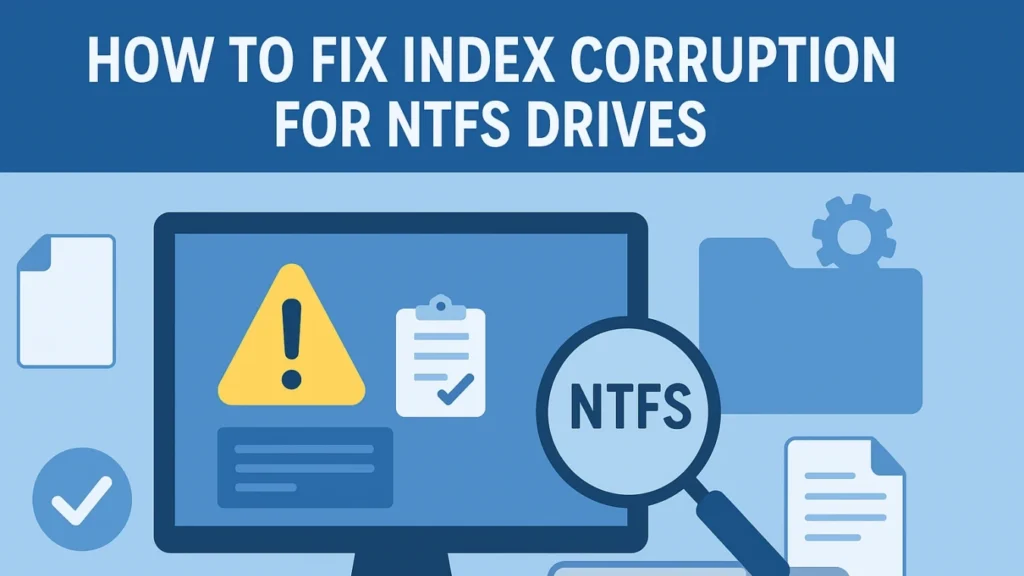
Index Corruption occurs when the internal file index structure of an NTFS partition becomes damaged or unreadable. This index (also known as the directory index) keeps track of file names and locations. When corrupted, Windows may show errors like “The file or directory is corrupt and unreadable” or “Cannot access drive.” The corruption usually affects […]
Initialize Disk Error and Safe Fix Guide
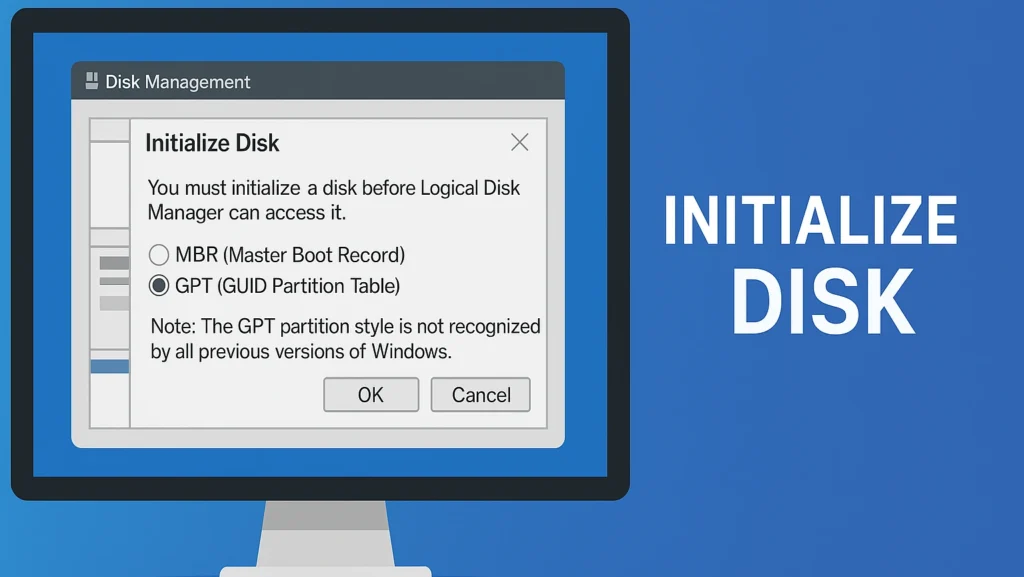
“Initialize Disk” refers to the process of preparing a new or corrupted hard drive for use by assigning a partition table—either MBR (Master Boot Record) or GPT (GUID Partition Table). This process helps your operating system recognize the drive, allowing you to create volumes and store data. When a system displays an error “no initialized”, it […]
GPT (GUID Partition Table)
GPT (GUID Partition Table) is a modern disk partitioning standard that replaces the legacy MBR (Master Boot Record) system. It defines how partitions and data are structured on a storage device—such as SSDs or HDDs—providing greater reliability and flexibility for today’s operating systems. Unlike MBR, which typically supports disks up to about 2TB when using […]
Folder Access Denied Error Solutions
A Folder Access Denied error occurs when Windows or other operating systems prevent you from opening, modifying, or deleting a folder due to permission issues, encryption settings, or system restrictions. This is common in NTFS-formatted drives and shared network folders. It is not a sign of permanent data loss. Table of Contents How the Folder […]
Device Manager: How to Open, Use, and Fix Hardware Issues in Windows
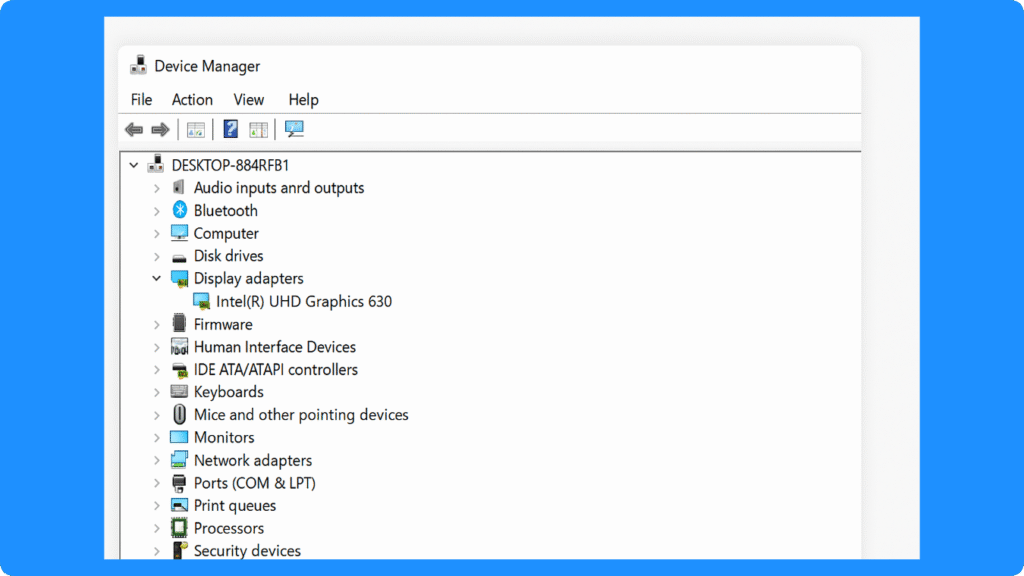
What is Device Manager? Device Manager is a built-in Windows tool that lets you view hardware devices, check device status, update drivers, roll back drivers, uninstall devices, enable or disable hardware, and troubleshoot driver or hardware problems. It is commonly used when a device is not working, a driver is missing, or Windows shows a […]