
Data Recovery Software Free Download for Windows 10
Losing important files on your computer feels like a digital nightmare. Whether you accidentally emptied the Recycle Bin, experienced a sudden system crash during a Windows 10 update, or formatted the wrong drive, the panic is real. Fortunately, modern technology offers a way back. If you are searching for a data recovery software free download for windows 10 and looking for a HDD recovery method, you have come to the right place.
In this comprehensive guide, we will explore the most effective tools to rescue your lost photos, documents, and videos. While many options exist, finding a balance between scanning power and ease of use is essential. This is exactly where professional-grade solutions like Magic Data Recovery come into play. It offers a bridge between complex data forensics and simple home recovery.
Supports Windows 7/8/10/11 and Windows Server
Wondering if your files can be recovered? Find out in seconds with our quick check below.
Data Recovery Assessment
Answer 3 quick questions to estimate your recovery chances
Table of Contents
Why You Need a Reliable Data Recovery Software Free Download for Windows 10
Windows 10 remains one of the most popular operating systems worldwide. However, its complex file systems, such as NTFS and FAT32, require specific handling when data goes missing. When you delete a file, Windows does not immediately erase the actual data from your hard drive. Instead, it marks the space as “available.”
To successfully retrieve these “invisible” files, you need a high-quality data recovery free download for windows 10. Using specialized software allows you to identify these data fragments before new information overwrites them. Therefore, acting quickly and choosing the right tool makes the difference between a full recovery and permanent data loss. Because of this, we recommend starting the process as soon as possible.
Best Data Recovery Software for Windows 10 (Pros & Cons)
To help you make an informed decision, we have analyzed the most popular tools currently available. Each of these programs offers a free download data recovery software for windows 10 option. Nevertheless, their capabilities vary significantly.
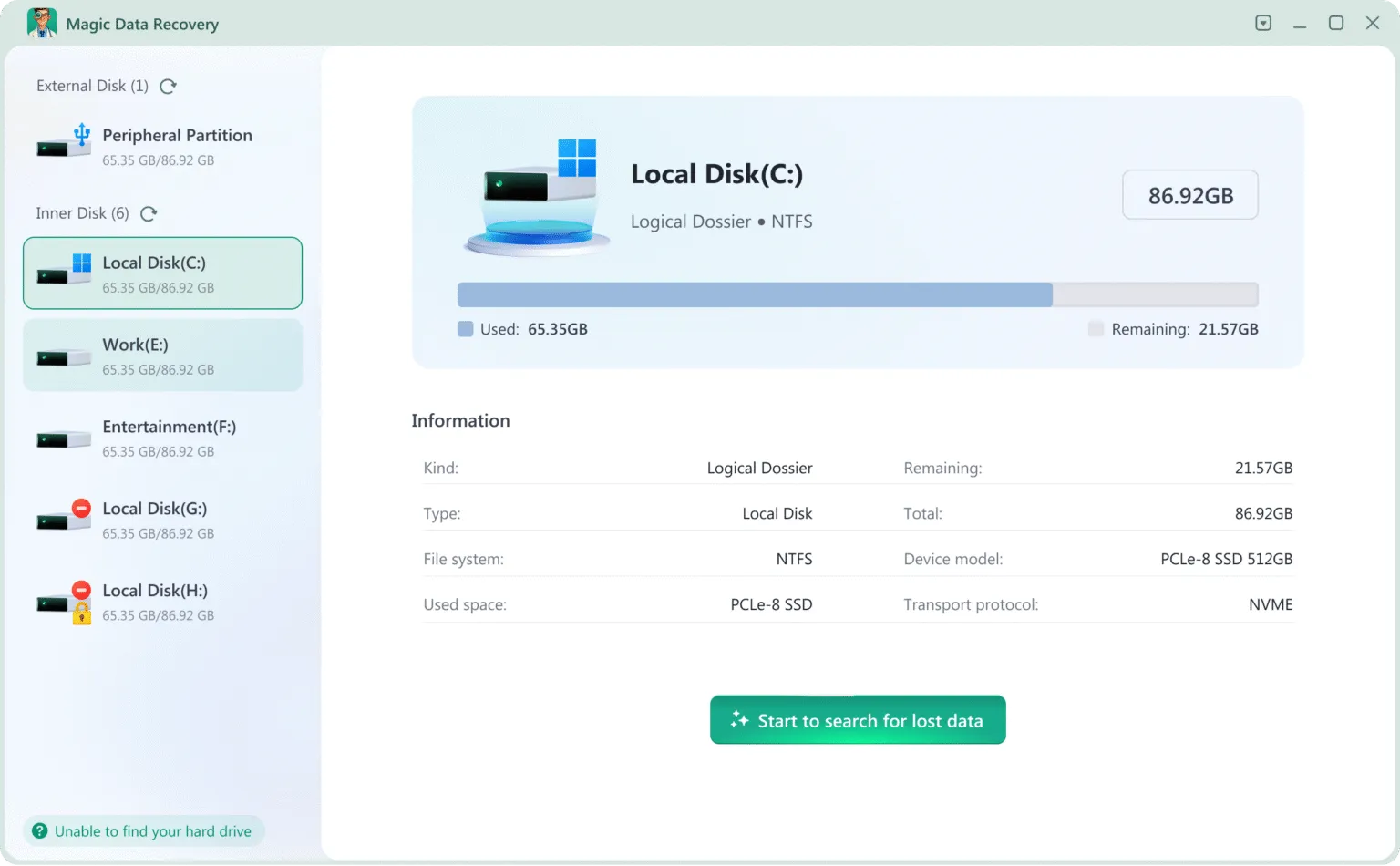
1. Magic Data Recovery (Top Recommendation)
Magic Data Recovery stands out as a robust, professional-tier solution designed for everyday users. It excels in scenarios where other tools fail, such as formatted partitions or corrupted file systems.
- Pros: Exceptional recovery success rate for NTFS, FAT32 and exFAT; powerful advanced scan technology; allows a full preview of files before saving; lightweight installation.
- Cons: The advanced scan mode takes longer for high-capacity drives
- Best For: Users who need a reliable, professional-grade tool that handles everything from accidental deletion to partition loss.
2. Recuva
Recuva is a household name in the world of free utilities. It is famous for its simplicity and “Wizard” mode.
- Pros: The basic version is free; incredibly fast scanning for recently deleted files.
- Cons: Development has slowed down; it often struggles with severely corrupted drives or complex file types.
- Best For: Users looking for a quick fix for files deleted just a few minutes ago.

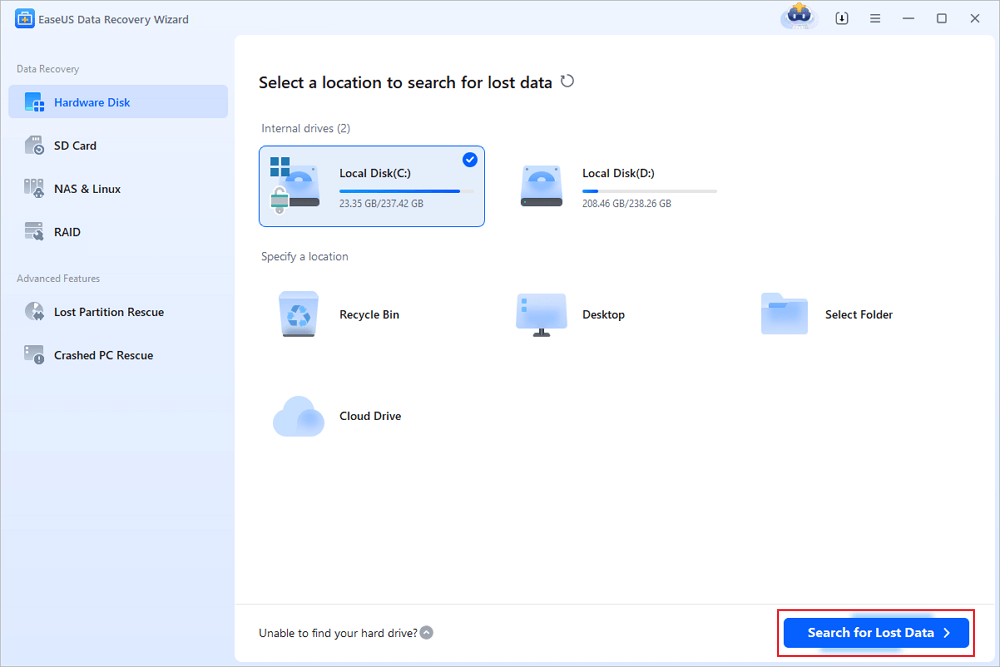
3. EaseUS Data Recovery Wizard
EaseUS offers a very polished experience and a high level of brand recognition.
- Pros: Intuitive user interface; excellent at organizing found files by type.
- Cons: The “free” version is strictly limited up to 2GB of data; the full license is more expensive than many competitors.
- Best For: Beginners who only need to recover a few small documents or photos.
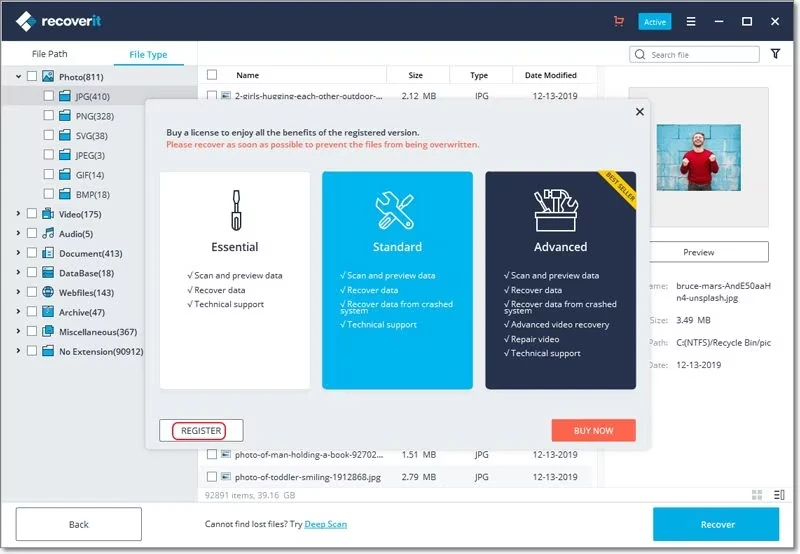
4. Wondershare Recoverit
Recoverit is a heavy-duty program often used for multimedia recovery.
- Pros: Advanced algorithms for video repair; supports a massive range of storage devices.
- Cons: High system resource usage; the installation package is quite large.
- Best For: Creative professionals dealing with large video files and external media.
Why Magic Data Recovery is the Best Free Data Recovery Software in Windows 10
When we compare Recuva vs Magic Data Recovery or EaseUS vs Magic Data Recovery, the latter often provides a more balanced value proposition. Unlike some tools that limit you to a tiny data cap, Magic Data Recovery focuses on giving you the full picture of what is recoverable.
One major advantage is its deep integration with Windows 10 architecture. It can navigate hidden system partitions and handle the specific way Windows 10 manages the Recycle Bin. Furthermore, the software ensures a “Safety First” approach. It operates in a read-only mode during the scan. Consequently, it will never overwrite your precious data while trying to find it. If you are looking for a best free data recovery software windows 10 candidate, this tool offers the precision needed for modern drives.
How to Use Magic Data Recovery on Windows 10 (Step-by-Step)
If you are ready to get your files back, follow these simple steps. We designed this process to be user-friendly, even if you have never used recovery software before.
1. Download & Install: Visit the Official Download Link to get the latest version. Remember to install the software on a different drive or partition from where the lost data was located.
Supports Windows 7/8/10/11 and Windows Server
2. Select the Location: Launch the program and select the specific drive you wish to scan, and start searching for lost files.

3. Wait till the Scan Completes: It runs Advanced Scan automatically to find all the possible files. You will see all the files on the drive when the scan completes.

4. Preview Files: Once the scan finishes, browse the results. Use the preview feature to verify the file contents. This features helps you check the file integrity and avoid selecting unnecessary files.

5. Recover Files: After you select the data you need, click Recover button and save them to another drive. DO NOT save the files back to the original drive as it risks overwriting the lost files.

Comparison Summary Table: Windows 10 Data Recovery Tools
Feature | Magic Data Recovery | Recuva | EaseUS | Recoverit |
Win 10 Compatibility | Excellent | Good | Excellent | Excellent |
Recovery Rate | Very High | Medium | High | High |
Scan Speed | Very Fast | Very Fast | Fast | Moderate |
User Interface | Simple/Professional | Basic/Dated | Modern | Modern |
Deep Scan Power | Powerful | Limited | Strong | Strong |
Critical Tips to Increase Data Recovery Success Rate
Finding the right data recovery software free download for windows 10 is only half the battle. In addition, you must follow industry best practices to ensure the data remains recoverable:
- Cease All Activity: As soon as you realize data is missing, stop using that drive. Every new file saved or web page browsed creates temporary data that could overwrite your lost files.
- Avoid the “C” Drive Install: If you lost data on your primary C: drive, install your recovery software on a USB flash drive or an external hard drive.
- Prioritize Healthy Drives: If your hard drive is making clicking noises, it may be physically failing. In such cases, software recovery might not be enough. Therefore, you should consult a specialist.
Conclusion
Data loss is undoubtedly stressful, but it doesn’t have to be permanent. By choosing a reliable data recovery software free download for windows 10, you give yourself the best chance of a successful rescue. While tools like Recuva or EaseUS have their merits, Magic Data Recovery provides a unique combination of professional-grade scanning power and an interface that anyone can navigate.
If you are looking for a solution that is safe, effective, and optimized for Windows environments, we highly recommend starting your journey here. Don’t wait until your files are overwritten. Download Magic Data Recovery and see what you can recover data from hard drives as soon as possible.
Supports Windows 7/8/10/11 and Windows Server
FAQ: Data Recovery Software Free Download for Windows 10
Is it safe to use a free download data recovery software for windows 10?
Can I recover files after a Windows 10 Factory Reset?
Does Windows 10 have a built-in recovery tool?
How long does a deep scan usually take?
Can I recover data from an external USB or SD Card?
Why are some files found but cannot be opened?
Is there a way to prevent future data loss on Windows 10?

Vasilii is a data recovery specialist with around 10 years of hands-on experience in the field. Throughout his career, he has successfully solved thousands of complex cases involving deleted files, formatted drives, lost partitions, and RAW file systems. His expertise covers both manual recovery methods using professional tools like hex editors and advanced automated solutions with recovery software. Vasilii's mission is to make reliable data recovery knowledge accessible to both IT professionals and everyday users, helping them safeguard their valuable digital assets.